 ProMapRanker
AI Upscaling Software: Best Picks of 2026

Desktop video enhancement with a lifetime choice · Pricing starts at: $39.95/month
Direct answer
This list puts AVCLabs Video Enhancer AI first for desktop video enhancement with a lifetime choice. Listed starting prices: AVCLabs Video Enhancer AI from $39.95/month, Topaz Photo AI from $39/month and VanceAI from $15/month. Nero AI fits free everyday AI image tools; Remini fits fast mobile enhancement and old photo restoration. The remaining 4 options are covered below with prices and limits.
If you are comparing AI upscaling software, this page covers 7 tools in one place: what each is best for, what it costs to start, whether it has a free plan, and the main limit to know about.
Key takeaways
- AVCLabs Video Enhancer AI is the opening pick, best for desktop video enhancement with a lifetime choice.
- A free plan is available from 4 of the 7 tools: Nero AI, Remini, VanceAI, Let's Enhance.
- Let's Enhance fits print shops, photographers and ecommerce teams.
- Check the limits for Nero AI before you commit: premium plan details are thin on the site.
Quick comparison
| Pick | Great for | Pricing starts at | Free tier | |
|---|---|---|---|---|
| AVCLabs Video Enhancer AI | Desktop video enhancement with a lifetime choice | $39.95/month | Free trial | Visit |
 Nero AI | Free everyday AI image tools | See website | Yes | Visit |
 Remini | Fast mobile enhancement and old photo restoration | See website | Yes | Visit |
 Topaz Photo AI | Photographers who want maximum quality | $39/month | Free trial | Visit |
 VanceAI | Teams wanting numerous enhancement tools in one place | $15/month (billed yearly) | Yes | Visit |
 Magnific | Creative upscaling with fine detail | See website | Not stated | Visit |
 Let's Enhance | Print shops, photographers and ecommerce teams | $9/month | Yes | Visit |
The 7 tools in detail
AVCLabs Video Enhancer AI
Great for: Desktop video enhancement with a lifetime choice
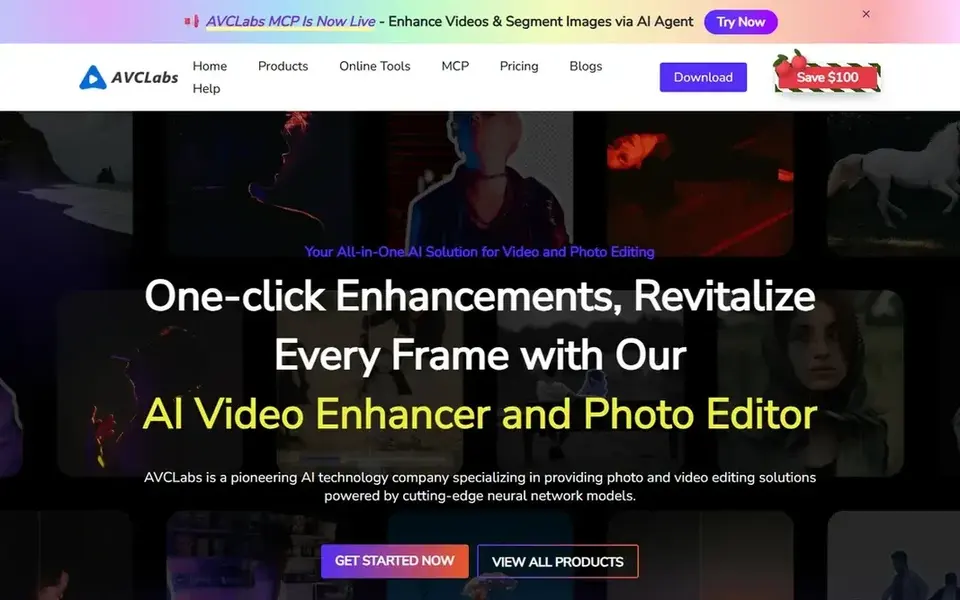
AVCLabs Video Enhancer AI is built with desktop video enhancement with a lifetime choice in mind. AVCLabs takes the classic software approach to video enhancement: a desktop app with a free trial, subscriptions at $39.95 a month or $119.95 a year, and a $299.99 lifetime license for buyers who hate subscriptions.
In practice, expect long render times without a capable GPU. The starting price for AVCLabs Video Enhancer AI: $39.95/month. As for free access: Free trial.
What to check first: Windows and Mac desktop only.
- Lifetime purchase choice at $299.99
- Free trial to test on your footage
- Processing speed depends heavily on your GPU
Nero AI was built for free everyday AI image tools. Premium levels exist but are not prominently priced, so this is best treated as a free utility instead of a professional system.
What users get: Image upscaler.
Downsides: premium plan details are thin on the site.
As for the details, for fast social images, old scans and casual enhancement it does the job. No starting price is listed for Nero AI here; confirm pricing on the vendor site. Nero AI has a free plan.
- Enhancer and sharpener in one place
- Free level for core tools
- Geared to casual instead of professional use
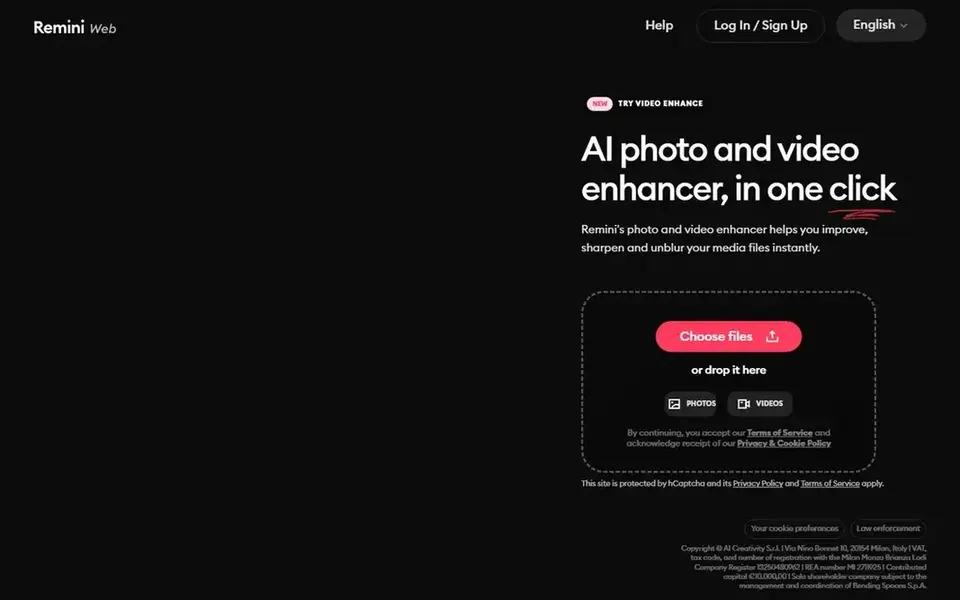
Remini is built with fast mobile enhancement and old photo restoration in mind. Remini is the upscaler most people have already tried: upload a blurry photo, tap once, get a dramatically cleaner result. From a buyer's view, Upscaling tops out around 2x, and the processing is automatic instead of tunable.
Trade-offs to know: Pro pricing lives in app keeps with weekly billing habits.
Beyond that, pricing runs through app subscriptions without a public web pricing page, so check the App Store or Play Store listing for current rates. More specifically, for quick social-ready enhancement it is unmatched; for print work, look elsewhere. No starting price is listed for Remini here; confirm pricing on the vendor site. Free access exists with Remini.
- Massive mobile user base
- Very good face and old-photo restoration
- Upscale factor capped around 2x
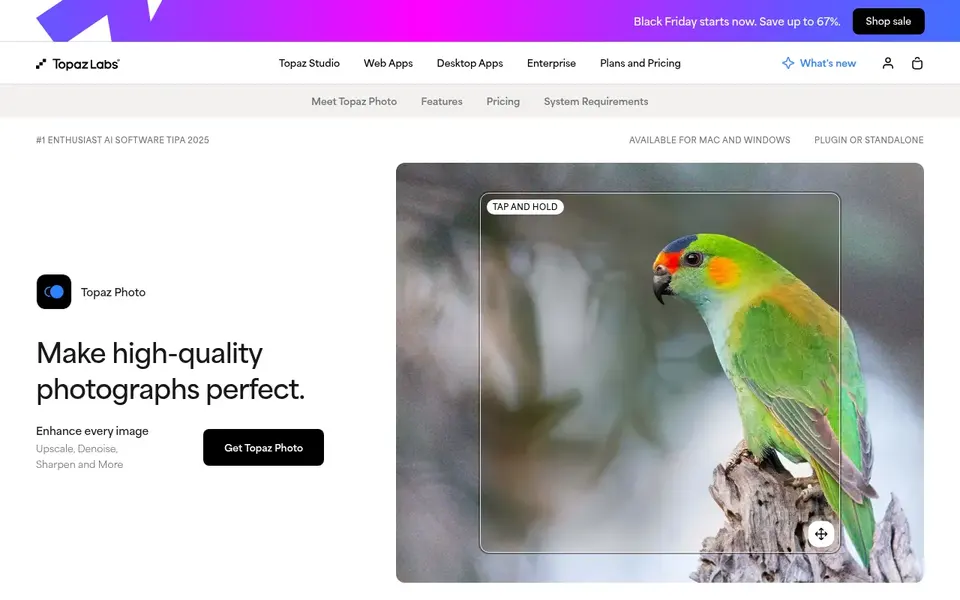
Choose Topaz Photo AI for photographers who want maximum quality. Topaz Photo AI remains the reference point for AI photo enhancement. Also, processing happens on your own machine with unlimited local rendering, so heavy users are not metered.
Points against: Subscription replaced the old one-time license.
Also, the business model changed: Topaz moved from perpetual licenses to subscriptions, with Photo at $39 a month, Gigapixel at $29. An all-apps Studio bundle at $69 a month or $399 a year. Beyond that, commercial use is included for organizations under $1M annual revenue. As for the details, if your work relies on image quality, the cost is simple to justify. Casual users should look at the less expensive choices below. Price to start with Topaz Photo AI: $39/month. Free options: Free trial.
- Runs locally with unlimited rendering
- Lightroom and Photoshop integration
- Demands a solid GPU for quick processing
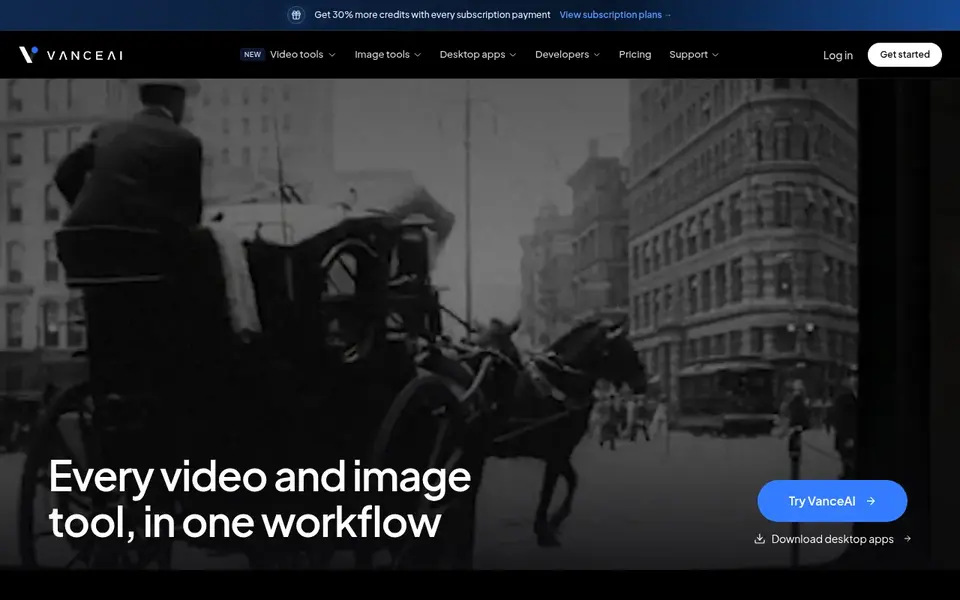
In short, VanceAI is for teams wanting numerous enhancement tools in one place. VanceAI bundles dozens of AI tools, image upscaling, sharpening, denoising, background removal, portrait retouching, plus an expanding video section with upscale, denoise and colorize. A free level exists for light use.
Desktop apps process locally on Windows, and an API lets developers embed the tools in their own products. More specifically, the range is the appeal and the complication; map your actual monthly volume to credits before choosing a level. On cost, VanceAI starts like this: $15/month. VanceAI offers a free plan.
Limits to weigh: Credit math takes study.
- API for developers
- Colorize and video
- Video tools are newer than the image suite
Magnific is designed for creative upscaling with fine detail. The upscale capability continues there alongside generation, editing and video tools in one workspace. Magnific made its name as the upscaler that adds startling detail to low-resolution images.
The brand now lives inside Magnific, the AI creative product formerly known as Freepik. On top of that, due to the rebrand, pricing and plan structure have shifted to the product model, so check the current site for the latest levels. Magnific shows no starting price here, so confirm the cost on the vendor site. As for free access: Not stated.
Honest limits: Can over-embellish documentary images.
- Now part of a broader AI creative system
- Famous for hallucinating convincing fine detail
- Rebrand from standalone upscaler to system complicates pricing
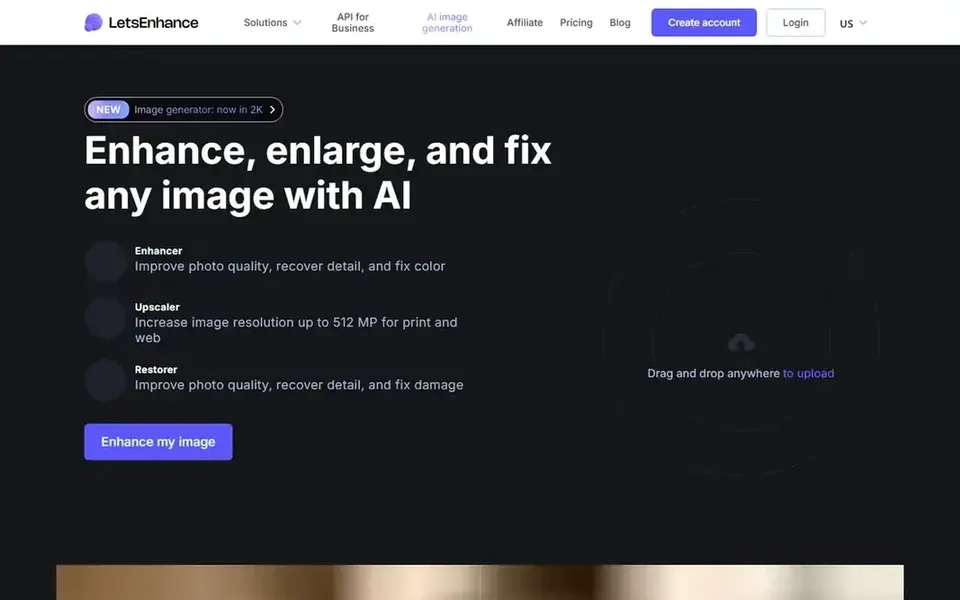
Let's Enhance is a good fit for print shops, photographers and ecommerce teams. Let's Enhance is made for people who print. One credit equals one image.
Upscaling to 16x with output up to 512 megapixels means a thumbnail can become a poster at 300 DPI. The batch mode processes 20 images at once for catalog work. On top of that, the free level watermarks results, so treat it as a trial. Starting cost for Let's Enhance: $9/month. Free access exists with Let's Enhance.
Honest limits: Credit system punishes heavy months.
- Up to 16x upscaling and 512 megapixel output
- Credits roll over whereas subscribed
- Free level watermarks output
How these tools were picked
We compared the tools on published pricing, free plan or trial availability, feature coverage for AI upscaling software, and the limits each vendor documents. Figures are shown as the vendors publish them. Billing terms, seat minimums and add-ons can change the real cost. The sequence is a judgement call: typical use case first, then pricing transparency, then free access. Use the profiles to check fit.
Pre-purchase checklist
- Ask Nero AI, Remini and Magnific for a written quote, since no starting price is shown.
- Check what the free option really includes: Nero AI, Remini, VanceAI and Let's Enhance offer a free plan, and usage caps differ.
- Use real work to test the free trial from AVCLabs Video Enhancer AI and Topaz Photo AI, rather than a demo project.
- Read the limits listed for AVCLabs Video Enhancer AI first: Windows and Mac desktop only.
- Ask Topaz Photo AI about contract length, onboarding fees and user minimums before you sign.
- Find out whether the entry plan of Let's Enhance covers your must-haves or only a trimmed-down version.
Frequently asked questions
Do these tools publish their prices?
Not all of them. Nero AI, Remini and Magnific publish no starting price, so expect a quote request for those. The rest, AVCLabs Video Enhancer AI included, show a starting price, though seats and billing terms still change the final cost.
What is the cheapest option for AI upscaling software in this list?
On published monthly entry prices, Let's Enhance is the lowest here at $9/month. Entry price is only part of the cost, because seats, add-ons and billing terms can change the total.
Can I try these options before paying?
Often, yes. Nero AI, Remini, VanceAI and Let's Enhance have a free plan and AVCLabs Video Enhancer AI and Topaz Photo AI offer a free trial. Use your own data and a real task during the test, and check what the free tier or trial limits before you rely on it.
Is AI-upscaled content okay for commercial use?
Usually yes on premium plans, but read the terms. Topaz includes commercial use for organizations under $1M annual revenue. Some free levels restrict commercial use or watermark output.
Which options for AI upscaling software have a free plan?
On this list, Nero AI, Remini, VanceAI and Let's Enhance include a free plan. Caps on seats, usage or features are common, so test the free plan against your real workload. Several others offer a trial instead.
Sources
See where you really rank - block by block
ProMapRanker scans Google Maps across a grid of your service area. Simple monthly plans from $19, white-label on every plan.
Start freeBrowse all guides
← AI Tool for Designing School Worksheets: Best Picks of 20262026 Guide to the Best AI Art Generation Tools →
 best ai text effects app for designers
AI Text Effects App for Designers in 2026: Top 6 Compared
Best AI text effects app for designers: 6 tools compared on price, free plans and fit. The weak spots sit next to the strengths. Built for quick decisions.
Read → best ai photo editing and culling software
AI Photo Editing and Culling Software: Best Picks of 2026
Weighing the best AI photo editing and culling software? We lined up 6 products by cost, free access and fit. Pros and cons for every tool. Details below.
Read → best ai tools to animate still photos
Best AI Tools to Animate Still Photos (2026)
Shortlisting the best AI tools to animate still photos? 5 products compared on cost, free access and ideal buyer. Each profile ends with a plain caveat.
Read → best design apps
Best Design Apps in 2026: 10 Apps Compared
Discover the best design apps in 2026 for interface work, marketing graphics and illustration, with free plans and starting prices compared side by side.
Read → best apps for identifying birds
Best Apps for Identifying Birds in 2026
Best apps for identifying birds, compared for photo ID, sound ID, offline use and price. We cover Merlin, BirdNET, Picture Bird and trusted field guides.
Read → best free background remover tools
Best Free Background Remover Tools in 2026
Find the best free background remover tools, from Adobe Express and remove.bg to PhotoRoom and Pixlr. Compare free limits, watermarks and quality here.
Read →More in Design & Creative · All guides A to Z by date · Latest guides