 ProMapRanker
Best AI Text Effects App for Designers in 2026

Key takeaways
- Adobe Express has the strongest dedicated AI text effects tool in this group, generating styled lettering from a text prompt with Firefly.
- Canva is the easiest all-round design tool for text effects, with a large Effects panel and Magic Morph on Pro for AI-styled text.
- Kittl suits typography-heavy merch and print work, with vector exports and commercial licensing on paid plans.
- For client work, check export format, resolution and commercial license before choosing, since free plans often limit all three.
Quick comparison
| Pick | Great for | Pricing starts at | Free tier | |
|---|---|---|---|---|
 Adobe Express | Dedicated AI text effects | $9.99 per month | Yes | Visit |
 Canva | Easy all-round text effects | $15 per month | Yes | Visit |
 Kittl | Typography for merch and print | $14 per editor per month | Yes | Visit |
 Adobe Firefly | Generative text and image AI | See website | Yes | Visit |
 Microsoft Designer | Quick AI social graphics | Free | Yes | Visit |
 Ideogram | Text-accurate AI images | See website | Yes | Visit |
 Recraft | Vector AI design | See website | Yes | Visit |
 Freepik | AI assets and text designs | See website | Yes | Visit |
 Placeit | Mockups with styled text | See website | No | Visit |
The best ai text effects app for designers
AI text effects cover two different jobs, and this list keeps both in view. The first is styled lettering, where a word is rendered in a texture such as neon, wood, moss or brushed metal. The second is text inside AI-generated images, where a headline must spell correctly in the picture itself. We compared tools that designers actually use for one or both jobs, checking free plans, export options and commercial licensing. Only legitimate creative design tools are listed here.
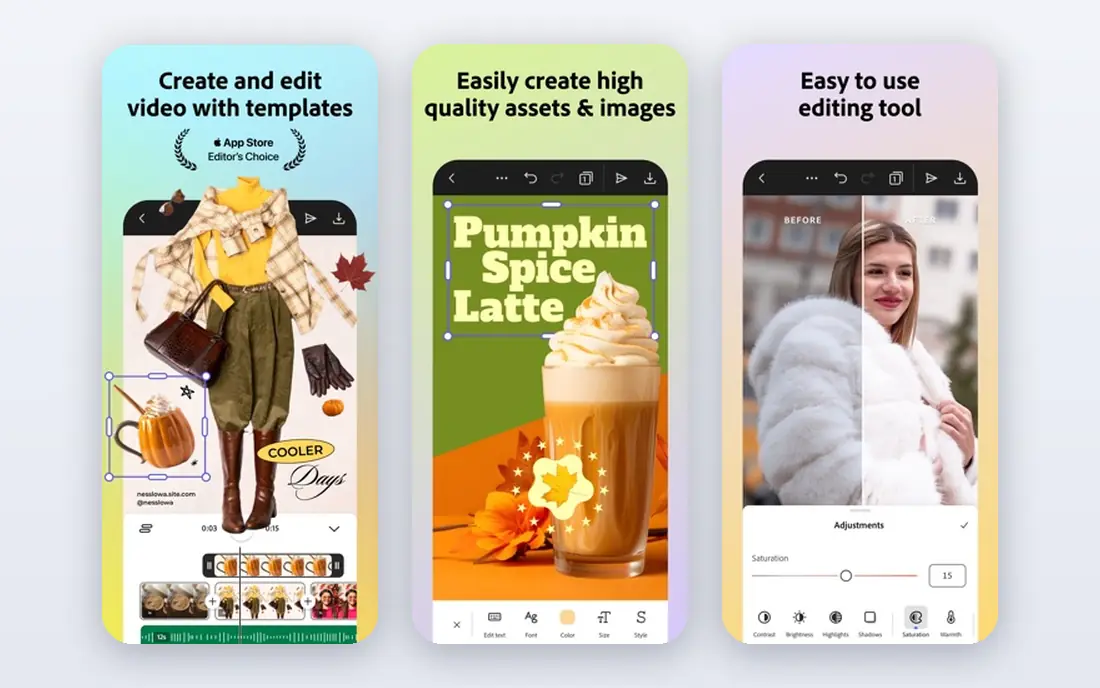
Adobe Express is the clearest pick for AI text effects, because it has a dedicated tool for the job. From the Express canvas, select text, open Text Effects, and either pick a ready-made effect or write a prompt describing a texture, such as green leaves or brushed copper. The Firefly-powered tool then renders the lettering in that style, and you can change fonts and adjust colour and brightness.
The catch is credits and hardware. The free plan includes a limited monthly generative credit allowance, with Premium at $9.99 per month or $99 per year, and Express can feel heavy on older machines with complex canvases. For designers who need styled headlines often, it is still the most direct tool in this list.
- Dedicated Text Effects tool powered by Firefly
- Ready-made effects plus custom prompts
- Adobe Fonts and Stock access
- Free plan limits generative credits
- Heavier on older machines
- Premium features need a paid plan
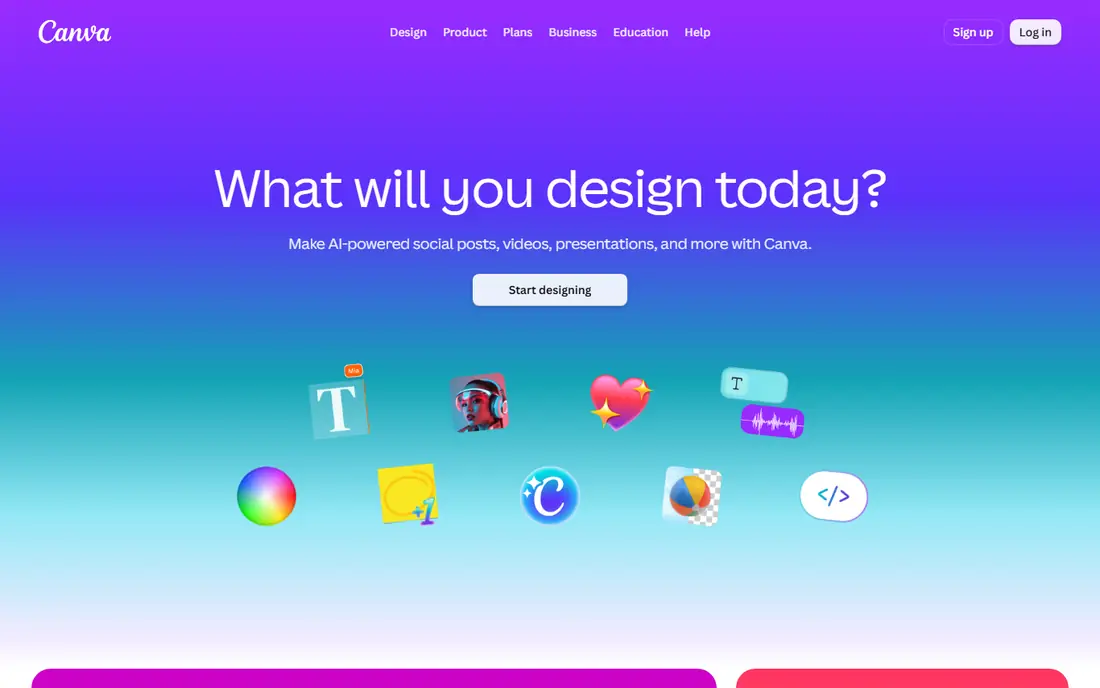
Canva is the easiest all-round design tool for text effects, with an Effects panel covering shadows, outlines, lifts, curves and glows, plus animations for video and social posts. For AI-styled text, Canva Pro users can use the Magic Morph app, which applies AI-generated styles to lettering, though reviewers note it is less direct than Adobe Express text effects.
The trade-off is depth versus ease. Canva is faster to learn and has a far larger template library, but its free text effects are standard rather than AI-generated, and Pro pricing starts at about $15 per month. For social graphics and quick client work, Canva remains the most practical all-round choice.
- Large Effects panel with shadows, outlines and curves
- Magic Morph on Pro for AI-styled text
- Huge template library
- Built-in text effects are standard, not AI-generated, on free plans
- Magic Morph needs Pro
- Brand controls sit on higher plans
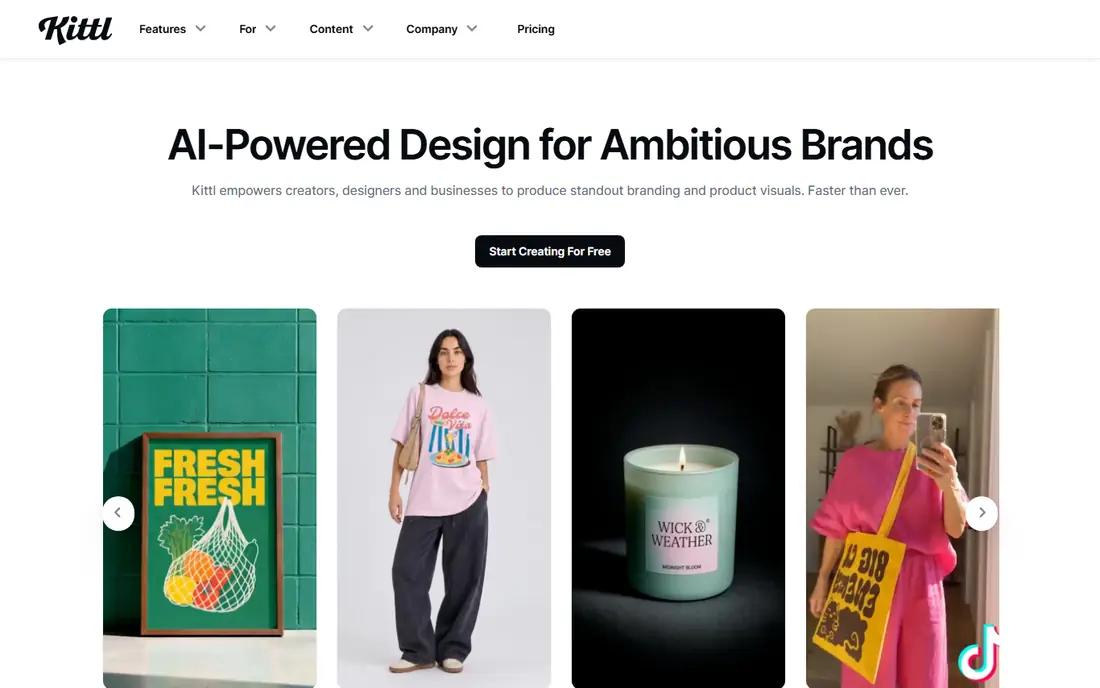
Kittl is a browser-based design tool built for typography-heavy work, merch, branding and print layouts, with AI image and vector generation inside the same editor. Text effects, mockups and font handling suit designers who sell shirts, labels and posters, and paid plans add PDF and SVG exports at production quality.
The catch is licensing and tokens. The free plan covers 5 projects and a one-time token allowance, but designs are for personal use only, with exports capped at 800 pixels. Pro costs $14 per editor per month billed annually, or $19 billed monthly, and allows commercial use. Check the current token allowance before starting a large project.
- Typography-heavy editor
- Vector and high-resolution exports on paid plans
- Commercial licensing for client work
- Free plan is personal use only with 800 pixel exports
- AI use runs on tokens
- No native mobile app in listings
Adobe Firefly is the generative AI engine behind Adobe Express text effects, and it is worth listing on its own for designers who generate styled text and imagery before finishing work elsewhere. Firefly models are trained on licensed content, which Adobe positions as commercially safe, a real advantage for client work compared with models of unclear training data.
The limitation is workflow. Firefly is a generator, not a full layout editor, so most designers will generate in Firefly and finish in Express, Photoshop or Illustrator. Free use is credit-limited, and paid access is bundled with Adobe plans. Use Firefly when generation quality and licensing matter most.
- Commercially safe generative models
- Text effects heritage now in Express
- Image generation with strong text handling
- Firefly alone is not a full design editor
- Credits limit free use
- Best paired with Express, Photoshop or Illustrator
Microsoft Designer is a free AI design tool for quick social graphics, invitations and marketing images, with prompt-based generation and templates. Designers can generate imagery and add styled text for social posts without opening a full desktop editor, which suits fast turnaround work.
The trade-off is specialisation. Text effects in Designer are less dedicated than in Adobe Express, and the tool is not built for print production or complex brand systems. For quick social graphics at no cost, it is a useful companion, but production typography still belongs in Express, Canva or Kittl.
- Free AI design tool
- Prompt-based image and graphic generation
- Templates for social posts
- Text effects are less specialised than Express
- Brand controls are limited
- Best for quick graphics, not print production
Ideogram stands out for AI image generation where text must spell correctly inside the picture, a weakness for many image models. Designers use it for posters, headlines and product imagery where the words are part of the image itself, then finish layout, colour and export in a dedicated editor.
The limitation is scope. Ideogram generates images, it does not replace a design editor, and the free plan is limited, with paid plans listed on the vendor site. Pair it with Express or Canva when the headline must be both accurate and beautifully styled.
- Strong text rendering inside AI images
- Typography-focused generation
- Useful for posters and headlines in images
- Image generator, not a layout editor
- Free plan is limited
- Exports need finishing in a design tool
Recraft is a vector-first AI design tool, which matters for text effects because vector output stays editable and scales cleanly for print. Designers can generate vector illustrations, icons and styled elements, then adjust shapes and lettering without the pixelation of raster images.
The catch is maturity. Recraft is newer than Adobe or Canva, with a smaller template library, and pricing is listed on the vendor site with a free tier for testing. For logo, icon and vector-heavy work, it is a strong specialist pick, but general social design still belongs in a broader editor.
- Vector-first AI generation
- Editable vector output
- Useful for logos, icons and styled lettering
- Newer tool with a smaller template library
- Pricing sits on the vendor site
- Learning curve for vector workflows
Freepik combines a large stock asset library with AI generation tools, including text effect templates and graphics that designers can adapt for client work. For fast mockups and social graphics, starting from a template or generated asset saves time compared with building every effect from scratch.
The limitation is licensing detail. Free use often carries attribution or download limits, and AI credits limit generation, so check the license for each asset before commercial use. Paid plans, listed on the vendor site, remove many of those limits. Use Freepik for speed, and verify rights before delivery.
- Large asset library plus AI generation
- Text effect templates and graphics
- Useful for fast client mockups
- Free use has attribution and download limits in many cases
- AI credits limit generation
- License terms need checking per asset
Placeit is a mockup and template platform where designers can place styled text onto product mockups, social templates and branding presentations. It is useful for showing a client how a headline will look on a shirt, mug or social post, without building the mockup from scratch.
The trade-off is that Placeit is a presentation and template tool first, not a dedicated AI text effects generator, and full downloads generally need a subscription. Check current pricing on the vendor site before committing. For client presentations, it pairs well with Express or Kittl, where the text effect itself is created.
- Huge mockup and template library
- Easy text customisation on mockups
- Useful for presenting designs to clients
- No permanent free plan in most listings
- Subscription needed for full downloads
- Less of a pure AI text effects tool
How we picked these
We compared official product pages, pricing and licensing information for design tools that offer AI text effects, styled lettering or text-accurate image generation, and we excluded tools that only generate plain text or copy. We checked free plan limits, export formats, commercial licensing and whether the tool is a full editor or a generator that needs finishing elsewhere. We did not run paid design projects ourselves, so credit limits and prices should be confirmed on vendor sites.
How to choose the right text effects tool
Start with the job. If the headline itself must carry a texture, Adobe Express is the most direct tool. If you need fast social graphics with standard effects and templates, Canva is easier. If the work is merch or print, Kittl vector exports and commercial licensing matter more than either.
Next, check the commercial terms. Free plans often limit resolution, exports or commercial use, so a tool that looks free can become unusable for client delivery. Test one real project end to end, from prompt to export to print or post, before committing to a paid plan, and keep a second tool in reserve for text-accurate images.
Frequently asked questions
What is the best ai text effects app for designers?
Adobe Express is the strongest dedicated choice, thanks to its Firefly-powered Text Effects tool. Canva is the easiest all-round alternative, and Kittl suits typography-heavy merch and print work.
Can AI text effects be used for commercial client work?
Yes, but check the license for each tool and plan. Free plans often limit commercial use, resolution or exports, so paid plans are usually needed for client delivery.
Does Canva have AI text effects?
Canva offers standard text effects on all plans, and Pro users can use the Magic Morph app for AI-styled text. Adobe Express offers a more dedicated AI text effects tool.
What is the difference between styled lettering and text in AI images?
Styled lettering renders a word itself in a texture such as neon or wood, while text in AI images means words spelled correctly inside a generated picture. Adobe Express covers the first, and Ideogram is strong on the second.
Are AI-generated text effects editable after generation?
It depends on the tool. Vector tools such as Recraft and Kittl on paid plans offer editable output, while raster text effects from some generators need to be regenerated to change the style.
Do free plans include enough credits for real projects?
Free plans suit testing and small projects, but regular client work usually needs a paid plan for credits, resolution and commercial licensing. Test a full project before relying on a free tier.
Sources
See where you really rank - block by block
ProMapRanker scans Google Maps across a grid of your service area. Simple monthly plans from $19, white-label on every plan.
Start freeKeep reading
 zoro.to alternatives
Best Zoro.to Alternatives in 2026
We compare the best zoro.to alternatives in 2026, listing only legal licensed anime streaming services, from Crunchyroll to free options for fans today.
Read → zip alternatives
Best Zip Alternatives in 2026
We compare the best zip alternatives for buy now, pay later in 2026, covering pay-in-4 plans, fees, spending limits, and credit reporting options today.
Read → yesware alternatives
Best Yesware Alternatives in 2026
Compare the best yesware alternatives for sales email tracking, templates, and sequences, with current pricing and honest tradeoffs for small sales teams.
Read →