 ProMapRanker
Best Design Apps in 2026: 10 Apps Compared

Key takeaways
- Figma is the default pick for interface and product design, while Canva and Adobe Express lead for fast marketing graphics and social content.
- Most leading design apps have a genuinely useful free plan, but premium features such as brand kits, background removal and extra AI credits sit behind paid tiers.
- Procreate and Inkscape break the subscription pattern: Procreate is a one-time purchase for iPad, and Inkscape is free and open source.
- Sketch remains Mac-only, so Windows and Linux users should start with Figma, Penpot or Lunacy instead.
- Pick by the work you do most: interface design, marketing graphics, illustration and website publishing each have a different best tool.
Quick comparison
| Pick | Great for | Pricing starts at | Free tier | |
|---|---|---|---|---|
 Figma Figma | Interface and product design | $16 per editor per month | Yes | Visit |
 Canva Canva | Everyday marketing graphics | $15 per month | Yes | Visit |
 Adobe Express Adobe Express | Quick branded content | $9.99 per month | Yes | Visit |
 Sketch Sketch | Mac-based interface design | $12 per editor per month | No | Visit |
 Framer Framer | Designing and publishing websites | $5 per month | Yes | Visit |
 Adobe Illustrator Adobe Illustrator | Professional vector illustration | $22.99 per month | Free trial | Visit |
 Procreate Procreate | iPad illustration | $12.99 one-time | No | Visit |
 Penpot Penpot | Free open source interface design | Free | Yes | Visit |
 Lunacy Lunacy | Free desktop design on Windows | Free | Yes | Visit |
 Inkscape Inkscape | Free vector illustration | Free | Yes | Visit |
The best design apps
We compared interface tools, template-based editors, illustration apps and website builders on free plan limits, paid pricing, platform support and the kind of work each one handles best. The list mixes household names with strong free options, so there is a sensible pick at every budget.
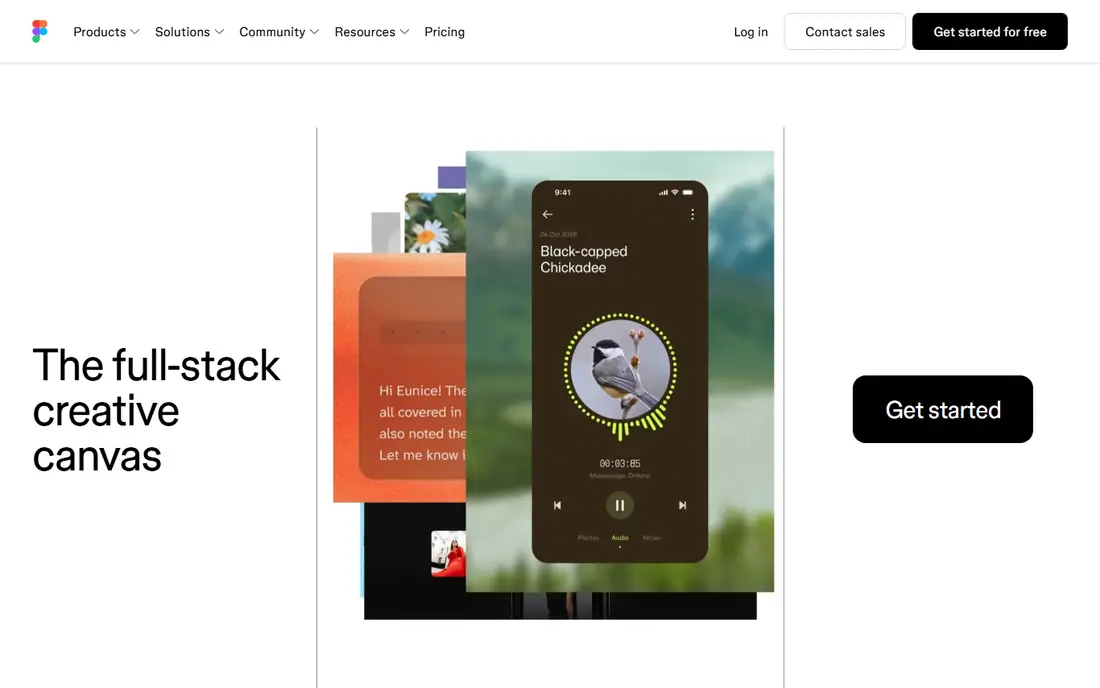
Figma is the tool most product teams reach for first, and for good reason. It runs in the browser, so a designer on a Mac, a developer on Windows and a product manager on a Chromebook can all open the same file and comment in real time.
The free Starter plan covers learning and small projects, with a limited number of files, while the Professional plan at $16 per editor per month billed annually adds unlimited files, branching and advanced prototyping.
- Browser-based live collaboration
- Strong component and design system tools
- Large community library of templates and plugins
- Paid plan needed for unlimited files and advanced team features
- Weak for print layout and photo editing
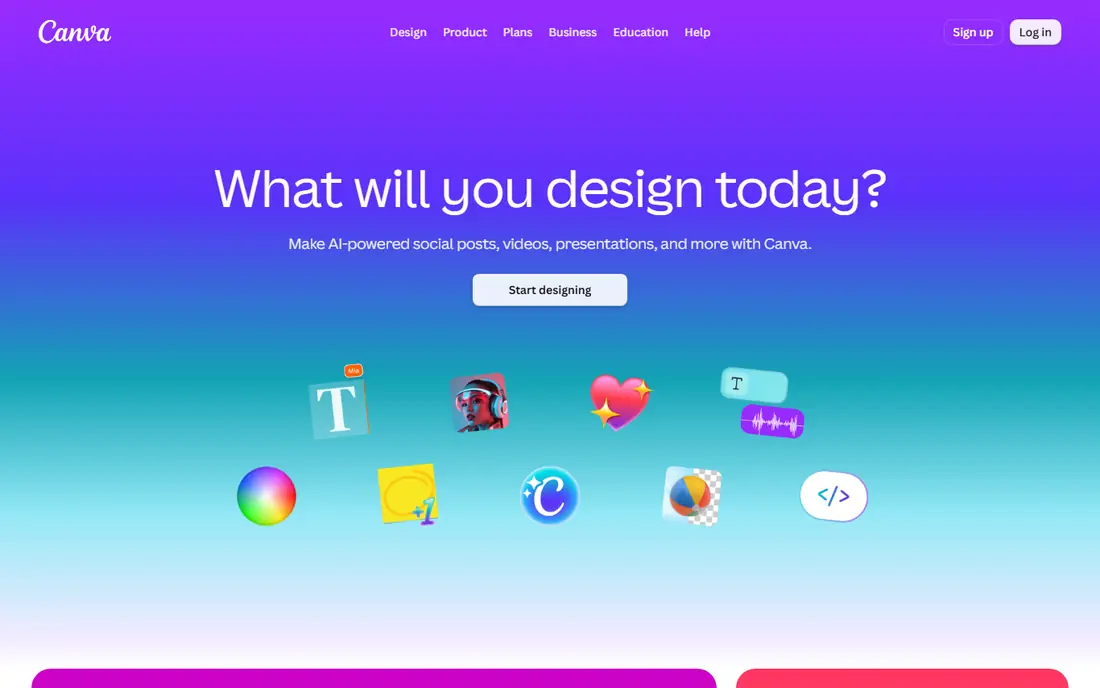
Canva is our pick for most people who need good-looking graphics fast and do not call themselves designers. The template library covers social posts, presentations, flyers, videos and documents, and the editor is simple enough that a small business owner can produce a usable post in minutes.
The free plan is genuinely useful, with thousands of templates and stock items, but the best assets, the background remover and the full brand kit need Pro at $15 per month, or $144 per year. If you publish branded content every week, Pro pays for itself quickly. If you only make an occasional poster, the free plan will probably do.
- Huge template and stock library
- Easy brand kit and team sharing
- Video, presentations and documents in one editor
- Premium assets and background remover sit behind Pro
- Designs can look templated without custom work
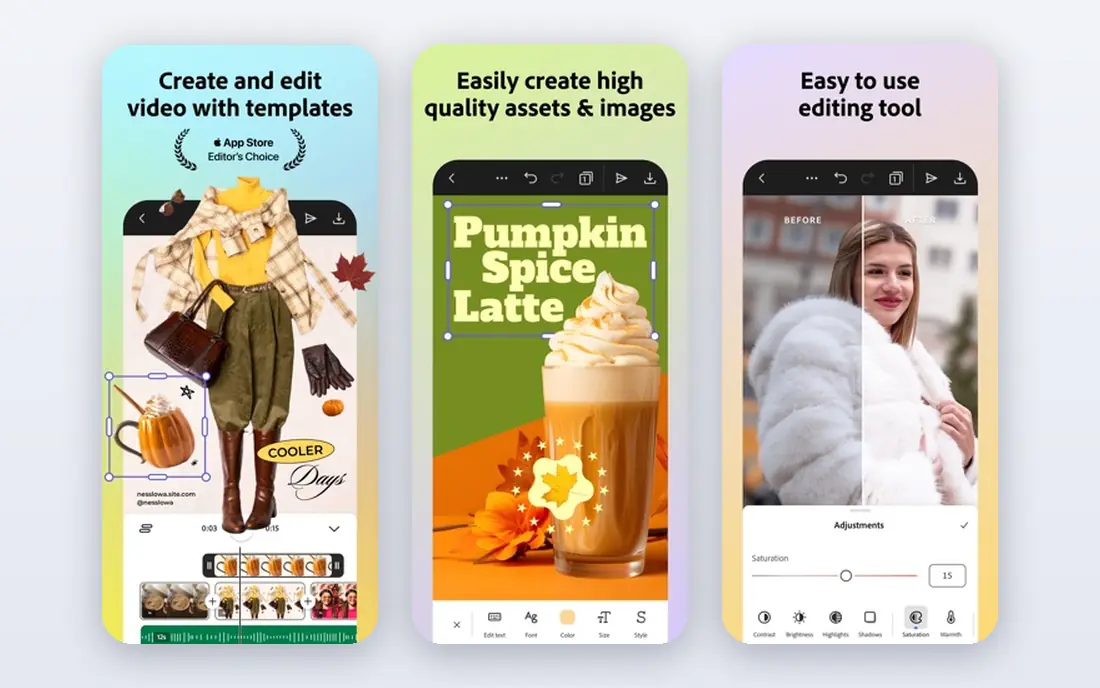
Adobe Express is the best value premium plan in this list for social and marketing content. Premium costs $9.99 per month and adds brand kits, one-click resize across social formats, premium templates and Adobe Stock assets. The free plan needs no card and covers basic designs, which makes it easy to try before paying.
The trade-off is depth. Express is built for speed, not for the fine control of Illustrator or Photoshop, so complex illustration or multi-page print layout will push you toward those apps. For a small team producing daily social content, Express undercuts Canva Pro while keeping a direct link into the Adobe world.
- Cheapest premium plan from a major vendor
- Adobe Stock assets and Firefly AI image tools
- Resize and brand tools for social teams
- Less flexible than full Adobe apps for detailed design work
- Some templates and brand features need Premium
Sketch was the interface design standard before Figma, and it still has loyal fans for good reasons. The Mac app is fast with large files, the plugin ecosystem is deep, and its component and library system handles serious design systems well. Teams that already work on Macs and value offline files often see no reason to move.
The problem is the platform wall. There is no Windows or Linux editor, and while files can be viewed on the web, editing stays on Mac. At $12 per editor per month billed annually, it is cheaper than Figma Professional, but that saving only matters if your whole team is on Mac hardware.
- Native Mac performance and large plugin ecosystem
- Mature component and library system
- Offline-first document handling
- Mac-only editor, which excludes Windows and Linux designers
- Collaboration is weaker than Figma
Framer is the pick if your design work ends as a website rather than a handoff file. You design pages on a canvas, add interactions and animations, then publish to a live site from the same tool, which removes the usual gap between a mockup and a working page. The free plan covers a small site, and paid plans start at $5 per month.
That strength is also its limit. Framer is a website builder with strong design tools, not a general interface design tool, so mobile app screens and design systems still belong in Figma or Sketch. If you are a freelancer or small business building marketing sites, though, the ability to design, publish and update in one place is hard to beat.
- Design directly to a live published website with no developer handoff
- AI layout tools
- Free plan for hobby sites
- Less suited to complex app interfaces than Figma
- Advanced site features need higher tiers
Illustrator remains the professional standard for vector work, and nothing else in this list matches its precision for logos, icons, packaging and print artwork. Paths, gradients and colour management are built for production output, and files move cleanly into Photoshop, InDesign and print workflows.
The cost and learning curve are real. At $22.99 per month billed annually, it is the most expensive single app here, and beginners can spend weeks getting comfortable with its toolset. Hobbyists and small teams should try Inkscape or Affinity-style free tools first, but working illustrators and brand designers will find Illustrator worth the price.
- Industry standard vector tools for logos, icons and print
- Precise path, type and colour controls
- Deep integration with other Adobe apps
- Subscription cost adds up
- Steep learning curve for beginners
Procreate is the best value in professional illustration, full stop. A single $12.99 purchase for iPad buys the full app with all brushes, unlimited layers within device memory limits, animation assist and lifetime updates, with no subscription and no feature tiers. Illustrators, comic artists and concept artists use it daily, and its brush engine with Apple Pencil feels closer to drawing on paper than any rival.
The catch is the hardware wall. You need an iPad, and serious work really needs an Apple Pencil, so the true starting cost is higher than $12.99 if you do not already own one. Print designers should also note that Procreate works in RGB rather than CMYK, so colours may shift when converted for print. For digital illustration on iPad, nothing else comes close at this price.
- One-time purchase with no subscription
- Superb brush engine and Apple Pencil support
- Time-lapse recording of every canvas
- IPad only, so no Windows, Android or web version
- Works in RGB, which complicates print colour work
Penpot is our pick for teams that want Figma-style collaboration without a subscription. It runs in the browser on Mac, Windows and Linux, supports live multiplayer editing, components and design tokens, and speaks web standards natively, so developers can read CSS layout properties straight from the design. You can use the hosted version free or self-host it for full control of your files.
The ecosystem is the gap. Penpot has fewer plugins, templates and community files than Figma, and its performance on exceptionally large files can lag behind a native app. For startups, schools, open source projects and privacy-conscious teams, those limits are a fair trade for a genuinely free tool with no per-seat pricing.
- Free and open source with no seat limits on self-hosted use
- Browser-based on any operating system
- Native CSS layout concepts such as Flexbox and Grid
- Smaller plugin and template ecosystem than Figma
- Very large files can strain browser memory
Lunacy fills a gap that Figma and Sketch leave open: a free desktop design app that works well on Windows. It opens Sketch files, handles interface layouts and vector editing, and bundles a library of icons, photos and illustrations from Icons8, which speeds up everyday work. The app runs offline, which suits designers with unreliable connections or strict file-control rules.
Collaboration is where Lunacy falls behind. Real-time multiplayer editing and the plugin depth of Figma are not here, so it suits solo designers and small teams better than large product organisations. If you design alone on Windows and want a capable free tool without a browser tab, Lunacy is the first one to try.
- Free desktop app for Windows, Mac and Linux
- Opens Sketch files
- Built-in icons, photos and illustrations from Icons8
- Collaboration and plugin support are thinner than Figma
- Advanced team features are limited
Inkscape is the free answer to Illustrator, and it is far more capable than its price suggests. It handles SVG natively, offers solid path editing, node tools, gradients and text on a path, and it runs on every major desktop system. Students, hobbyists and small studios use it for logos, diagrams, laser cutting files and web graphics without paying a cent.
The interface feels less polished than Illustrator, and very complex documents can slow down. Still, if you need vector design and cannot justify a subscription, Inkscape is the tool to learn first.
- Free and open source vector editor
- Strong SVG support and path tools
- Runs on Windows, Mac and Linux
- Interface feels dated next to commercial rivals
- Performance can slow on very complex files
How we picked these
We compared official pricing pages, free plan limits, platform support and public reviews current in October 2026, and we favoured apps that are actively maintained and clearly fit one of the main design jobs: interface design, marketing graphics, illustration or website publishing. We left out tools that are discontinued, tools with no published pricing, and tools that only handle one narrow task such as photo filters. Where sources disagreed on a price, we used the vendor's own pricing page figure or marked the price as a starting point rather than a promise.
How to choose the right design app
Start with the output, not the app. A social post, an app screen, a logo and a website each reward a different tool, and picking one app for all four usually means compromises everywhere. Shortlist by output first, then check the free plan against a real project before paying.
Match the tool to the job
Interface and product design belongs in Figma, Sketch or Penpot, where components and prototyping are core features. Marketing graphics and social content belong in Canva or Adobe Express, where templates and brand kits do the heavy lifting. Logos and illustration belong in Illustrator, Procreate or Inkscape, depending on budget and platform. Website publishing belongs in Framer when you want the design to become the live site.
Check the free plan against a real project
Free plans differ more than they first appear. Figma limits file count, Canva locks premium assets and background removal, and Adobe Express locks brand kits and resize behind Premium. Before paying, build one real project end to end: import your brand colours, invite a collaborator, export in the format you need, and check whether anything you used carries a paid lock. That one test tells you more than any feature list.
Watch the long-term cost
Subscriptions add up quietly. A $15 or $23 monthly plan costs $180 or $276 per year, so a one-time purchase such as Procreate or a free tool such as Inkscape or Penpot can save hundreds over a few years. Weigh the yearly total against the time it saves, and check whether education, nonprofit or team pricing applies to you.
Frequently asked questions
What is the best app design tool for beginners?
Canva is the easiest starting point for general design, because templates, drag-and-drop editing and a free plan remove most of the learning curve. For interface design specifically, Figma is the beginner-friendly choice, since its free plan, community templates and browser access mean you can start without installing anything. Pick Canva for marketing graphics and Figma for app screens.
What are the best design tools for professional work?
Figma leads for interface and product design, Adobe Illustrator leads for vector illustration and print, and Sketch remains strong for Mac-based product teams. Professionals often use two or three tools together, such as Figma for screens and Illustrator for brand assets. The professional pick is the one your clients and collaborators already use, because file compatibility matters as much as features.
Which design app has the best free plan?
It depends on the job. Canva has the broadest free plan for marketing graphics, Figma has the best free plan for interface design, and Penpot and Inkscape are free without the usual limits, since they are open source. Procreate has no free plan, but its one-time price is lower than two months of most subscriptions. Test the free plan on a real project before deciding.
What is the best graphic design app for iPad?
Procreate is the best graphic design app for iPad illustration, thanks to its brush engine, Apple Pencil support and one-time $12.99 price. Canva and Adobe Express also run well on iPad for marketing graphics, and Figma runs in the iPad browser for interface work. If drawing and painting are the main job, Procreate wins. If layout and templates matter more, Canva or Adobe Express fit better.
What are the best design system platforms for teams?
Figma is the leading design system platform for most teams, with components, variants, variables and shared libraries built in. Sketch offers a mature library system for Mac teams, and Penpot provides a free open source alternative with components and tokens. The right choice depends on your team's operating systems, budget and whether developers need to read code properties directly from designs.
Do I need more than one design app?
Most working designers use at least two: one for screens or layouts and one for illustration or photo work. A marketer might pair Canva with a simple photo editor, while a product designer might pair Figma with Illustrator. Start with one app that covers your main job, and add a second only when you hit a clear limit, such as print colour control or advanced vector editing.
Sources
- https://www.anygen.io/showcase/alternative-to-canva/index.html
- https://aialleyway.com/canva-alternatives/
- https://rankite.com/blog/top-creative-design-software-for-beginners
- https://www.guideflow.com/blog/graphic-design-software
- https://hedrick.io/post/sketch-alternatives
- https://toolradar.com/tools/procreate
See where you really rank - block by block
ProMapRanker scans Google Maps across a grid of your service area. Simple monthly plans from $19, white-label on every plan.
Start freeKeep reading
 zendesk alternatives
Best Zendesk Alternatives in 2026
Compare the best Zendesk alternatives in 2026, from budget help desks to AI-first support tools, with current pricing, free plans, and honest trade-offs.
Read → wordpress alternatives
Best WordPress Alternatives in 2026
Looking for the best WordPress alternatives? We compare 8 free and paid options for blogs, business sites, stores, and developer-led projects in 2026.
Read → which real estate company has the best training
Best Real Estate Company Training in 2026
Compare which real estate company has the best training, from Keller Williams and eXp to Compass and Coldwell Banker, by program, mentor, and fit in 2026.
Read →