 ProMapRanker
Best Free Background Remover Tools in 2026

Key takeaways
- Adobe Express is the strongest free option for most users, with background removal on its free plan and no watermark on free exports in recent comparisons.
- remove.bg gives excellent edge quality, but full resolution downloads need credits or a paid plan.
- PhotoRoom, Pixlr and Fotor all offer free removal, with watermarks, ads or export limits on their free tiers.
- Photopea and Pixelcut suit users who want manual control or mobile editing alongside automatic removal.
- Test each tool with hair, fur or glass before you pay, since tricky edges separate the leaders from the rest.
Quick comparison
| Pick | Great for | Pricing starts at | Free tier | |
|---|---|---|---|---|
 Adobe Express | Best overall free removal | Free | Yes | Visit |
 remove.bg | Tricky edges and hair | Free | Yes | Visit |
 PhotoRoom | Product photos | Free | Yes | Visit |
 Pixlr | Quick browser edits | Free | Yes | Visit |
 Fotor | All in one photo editing | Free | Yes | Visit |
 Canva | Design workflow | Free | Yes | Visit |
 Slazzer | Batch and API work | Free | Yes | Visit |
 Clipdrop | Clean AI removal | Free | Yes | Visit |
 Photopea | Manual control for free | Free | Yes | Visit |
 Pixelcut | Mobile product photos | Free | Yes | Visit |
The best free background remover tools
Free here means a genuinely usable free tier, not just a trial. The tools below differ in what that free tier actually lets you download, so check the limits before you rely on one for work.

Adobe Express is our pick for most free users. Its background remover works on the free plan, and recent comparisons note no watermark on free exports, which is rare among free tools. Once the background is gone, you can place the cutout into a social post, flyer or presentation without switching apps.
An Adobe account is needed, and Premium at about $9.99 per month adds more templates, assets and features. For a single cutout, the free plan is enough. For regular design work, the free tools around removal are a bonus that most rivals do not match.
- Free background removal
- No watermark on free exports in recent comparisons
- Design tools included
- Needs an Adobe account
- Premium features need a paid plan
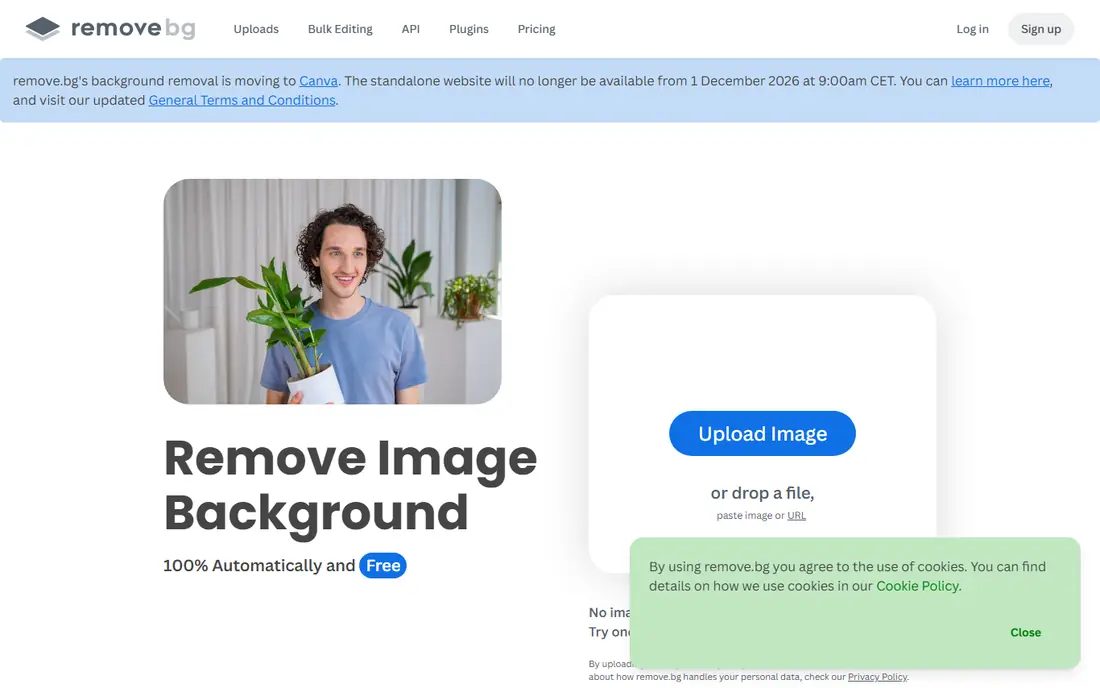
remove.bg has built its name on edge quality, especially for hair, fur and complex outlines. Upload a photo, and the background disappears in seconds, with a clean cutout that often needs little fixing. That quality is why many professionals still start here, even when they finish a design elsewhere.
The free tier is limited. A free preview is low resolution, and full resolution downloads need credits or a paid plan, so it is not a truly unlimited free tool. For a one off high quality cutout where you can pay for a credit, it is excellent. For unlimited free use, Adobe Express is a better fit.
- Excellent edge quality
- Fast automatic removal
- Desktop app and API options
- Full resolution downloads need credits
- Free preview is low resolution
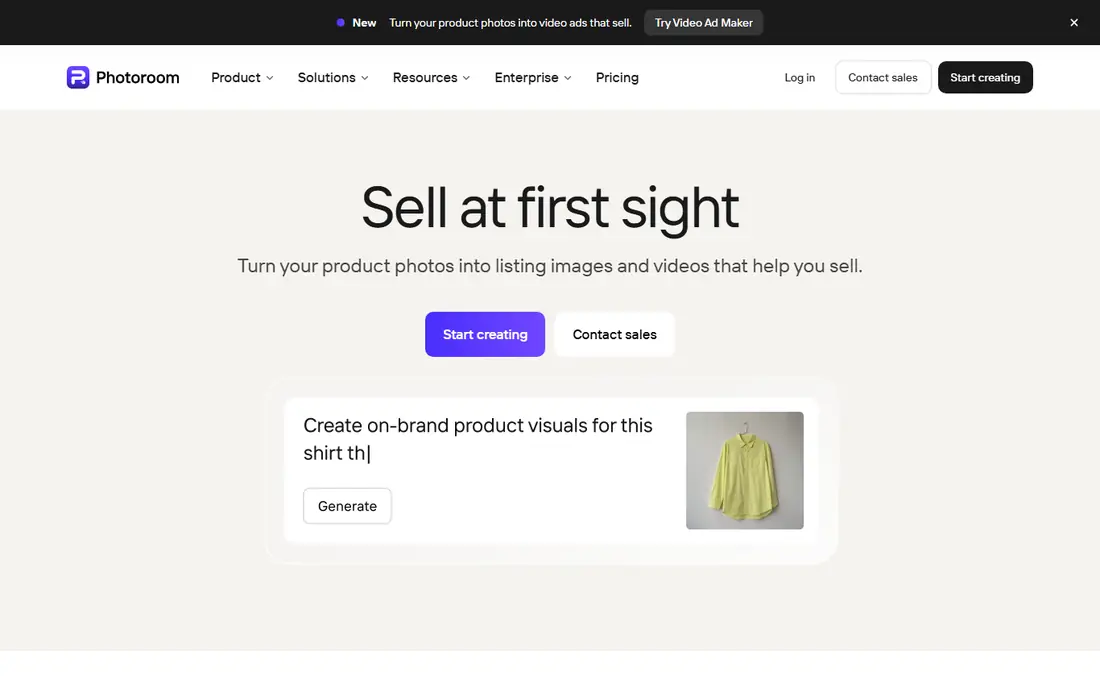
PhotoRoom is built for sellers who need clean product photos at scale. It removes backgrounds, places products on white or branded backgrounds, and keeps sizes consistent across a catalog. The mobile app makes it easy to shoot, cut out and list from a phone, which suits small shops.
Free exports carry a watermark, and Pro, listed at about $9.99 to $19.99 per month in recent comparisons, removes it and adds batch processing. If you sell products and need many clean images, the paid plan can save hours. If you need one free cutout, pick a tool without a watermark instead.
- Product focused templates
- Batch mode on paid plans
- Mobile app
- Free exports carry a watermark
- Clean high resolution exports need Pro
Pixlr combines a browser photo editor with a background remover, so you can cut out a subject and keep editing in the same tab. It is fast, needs no install, and suits quick social posts or school projects. The free tier covers basic removal, with ads and limits that vary by plan.
Recent listings put paid plans from about $4.90 to $14.99 per month, which remove ads and raise limits. For a quick free cutout with a bit of editing afterward, Pixlr is a practical choice. For high volume work, check the monthly limits before you commit.
- Free browser editing
- Fast removal
- No install needed
- Free tier is ad supported
- Monthly limits and export limits apply
Fotor offers background removal inside a wider photo editor, with filters, retouching and design templates alongside the cutout tool. That breadth suits users who want to remove a background and then finish a post or flyer in one place. The interface is easy to learn, even for new editors.
The free Basic tier watermarks HD downloads in recent comparisons, and paid plans from about $8.99 to $19.99 per month remove that limit. For a low resolution social image, the free tier may be enough. For print or client work, budget for a paid plan or use Adobe Express for the free export.
- Background removal plus editing and design
- Easy interface
- Free Basic tier watermarks HD downloads
- Paid plans needed for full exports
Canva is the best design workflow on this list, but its background remover is mainly a Pro feature. If you already pay for Canva Pro, listed at about $12.99 per month in recent comparisons, removal sits naturally inside posters, presentations and social designs. That integration is hard to beat for regular design work.
If you do not pay for Pro, Canva is not a free background remover in practice, since the remover is locked behind the paid plan. Free users should start with Adobe Express instead, then move a cutout into Canva if needed. We include Canva here because many readers already have Pro, not because it is free for removal.
- Huge design library
- Background remover inside the editor
- Team tools
- Background remover needs Pro for most users
- Free tier does not include it
Slazzer suits users who need to process many images or build removal into another system. A desktop app handles batches, and an API lets developers send images for automatic removal. Edge quality is strong for product and portrait photos, which is why it appears in many professional comparisons.
Free credits are limited, and regular or high volume use needs a paid plan, with pricing listed on the vendor site. For a single free cutout, a simpler tool is easier. For a catalog or a workflow that needs an API, Slazzer is a serious option to test.
- Batch desktop app
- API for developers
- Good edge quality
- Free credits are limited
- Full use needs a paid plan
Clipdrop, from Stability AI, offers background removal alongside other AI image tools in a clean interface. Upload an image, remove the background, and download a transparent PNG without learning a full editor. That simplicity suits creators who want a quick cutout and nothing else.
Free use has limits, and Pro at about $9.99 per month in recent comparisons removes them and adds more AI tools. For occasional use, the free tier is enough to test quality. For daily use, compare Clipdrop Pro with Adobe Express Premium before you pay.
- Clean AI removal
- Other AI image tools included
- Simple interface
- Free tier limits apply
- Pro needed for full use
Photopea is a free browser editor that works like a desktop photo editor, with layers, masks and selection tools. It does not offer the same one click AI removal as the tools above, but it gives full manual control for tricky edges, glass and fine detail. That control matters when automatic tools fail on a hard image.
The learning curve is steeper, and a manual cutout takes longer than an automatic one. For users who already edit photos, Photopea is a free and powerful companion to an AI remover. For a five second cutout, start with Adobe Express or remove.bg instead.
- Free browser editor
- Manual selection and mask tools
- No install needed
- No one click AI removal by default
- Learning curve for new users
Pixelcut is a mobile first tool for product and portrait photos, with background removal, templates and background options in one app. It suits sellers and creators who shoot on a phone and need a clean image for a listing or a post within minutes. Sharing to social platforms is built in.
Paid plans, listed from about $7.99 to $29.99 per month in recent comparisons, open up full features and remove limits. The free tier is enough to test quality and try a few images. For mobile product work, Pixelcut is a strong alternative to PhotoRoom, especially if you prefer its templates.
- Mobile first product tools
- Templates and backgrounds
- Easy sharing
- Full features need a paid plan
- Free tier limits apply
How we picked these
We compared official feature pages, pricing pages and recent background remover comparisons, and kept only tools that exist and work in October 2026 and that offer a genuinely usable free tier or a free trial for removal. We noted honestly where free use is limited by watermarks, resolution, ads or monthly credits, and we included Canva with a clear warning that its remover needs Pro for most users.
What to check before you rely on a free tier
Check the export, not just the preview
A tool can show a perfect preview and then watermark or shrink the download. Always download a test image and check resolution, watermark and transparency before you use a tool for work. A low resolution preview is fine for a social post, but not for print or a client file.
Test tricky edges before you pay
Hair, fur, glass and thin straps separate good removers from average ones. Upload a hard image from your own work before you buy, since a tool that handles a plain product shot may fail on a portrait. Manual tools like Photopea can fix edges that AI tools miss.
Watch for watermarks and ads
Free tiers often add watermarks, ads or monthly limits that only appear at export. Adobe Express stands out for free exports without a watermark in recent comparisons, while PhotoRoom and Fotor watermark some free exports. Factor that into your choice, since removing a watermark later is not always possible.
Keep the original image
Always keep the original photo before you remove a background. If a cutout looks wrong at a larger size, you can try another tool or fix the edge by hand. A transparent PNG also needs a background check, since a cutout that looks clean on white may show flaws on a dark background.
Frequently asked questions
What is the best free background remover tool?
For most users, Adobe Express is the best free option, with background removal on its free plan and no watermark on free exports in recent comparisons. remove.bg gives better edge quality for tricky images, but full resolution downloads need credits. PhotoRoom is best for product photos, while Pixlr suits quick browser edits.
Is remove.bg really free?
remove.bg offers a free preview, but full resolution downloads need credits or a paid plan. That makes it excellent for testing quality, but not an unlimited free tool. For unlimited free exports, Adobe Express is a better starting point, with Pixlr and Photopea as backups.
Will a free background remover watermark my image?
Some do, and some do not. Adobe Express does not watermark free background removals in recent comparisons, while PhotoRoom's free plan adds a watermark to exports and Fotor's free Basic tier watermarks HD downloads. Always check a test download before you use a tool for client work.
Can I remove backgrounds in bulk for free?
Bulk removal is usually a paid feature. PhotoRoom offers batch mode on Pro, Slazzer offers a batch desktop app, and remove.bg offers batch through its API, all behind paid plans. Free tiers generally handle one image at a time, so budget for a paid plan if you process catalogs.
What is the best background remover app for phone?
Adobe Express, PhotoRoom and Pixelcut all offer mobile apps with background removal, and they suit different needs. Adobe Express is best for free use, PhotoRoom is best for product photos, and Pixelcut is best for mobile templates. On iPhone, the Photos app can also lift a subject with a long press for a quick cutout.
Sources
See where you really rank - block by block
ProMapRanker scans Google Maps across a grid of your service area. Simple monthly plans from $19, white-label on every plan.
Start freeKeep reading
 best resource management software
Best Resource Management Software in 2026
We compared the best resource management software for scheduling, capacity and utilization, with current pricing and free trials, to help teams choose well.
Read → best reporting tools
Best Reporting Tools in 2026
Compare the best reporting tools for dashboards, scheduled reports, and business insights, from Power BI and Tableau to Looker Studio for every team size.
Read → best remote support software
Best Remote Support Software in 2026
Looking for the best remote support software? We compare 9 tools on price, security, session controls, and fit for helpdesks, MSPs, and small teams in 2026.
Read →