 ProMapRanker
Best Remote Support Software in 2026


All-round support and access · Pricing starts at: $24.90 per user per month
Key takeaways
- TeamViewer and AnyDesk suit general support across many devices, with strong free personal options.
- Zoho Assist and Splashtop SOS give small support teams good value per technician.
- ConnectWise ScreenConnect and BeyondTrust suit managed service providers and regulated teams.
- Remote support tools must only be used with the device owner's permission, and sessions should be logged.
Quick comparison
| Pick | Great for | Pricing starts at | Free tier | |
|---|---|---|---|---|
| TeamViewer | All-round support and access | $24.90 per user per month | Yes | Visit |
 AnyDesk | Fast low-latency sessions | $28.90 per month | Yes | Visit |
 Splashtop | Value support for technicians | $22 per month | Free trial | Visit |
 ConnectWise ScreenConnect | MSPs and IT departments | $30 per month | Yes | Visit |
 Zoho Assist | Small support teams | $12 per technician per month | Yes | Visit |
 BeyondTrust Remote Support | Regulated enterprise support | See website | Free trial | Visit |
 LogMeIn Rescue | Enterprise customer support | $109 per month | Free trial | Visit |
 GoTo Resolve | Support plus device management | $40 per month | Yes | Visit |
 RealVNC Connect | Cross-platform lightweight access | $8.25 per month | Free trial | Visit |
The best remote support software
Remote support differs from simple remote access. Support tools let a technician join a customer's device for one session, with consent, chat, file transfer, and session records. The best choice depends on team size, device mix, and compliance needs. Tools in this list must only be used with the device owner's permission, and the owner should stay able to end the session at any time.
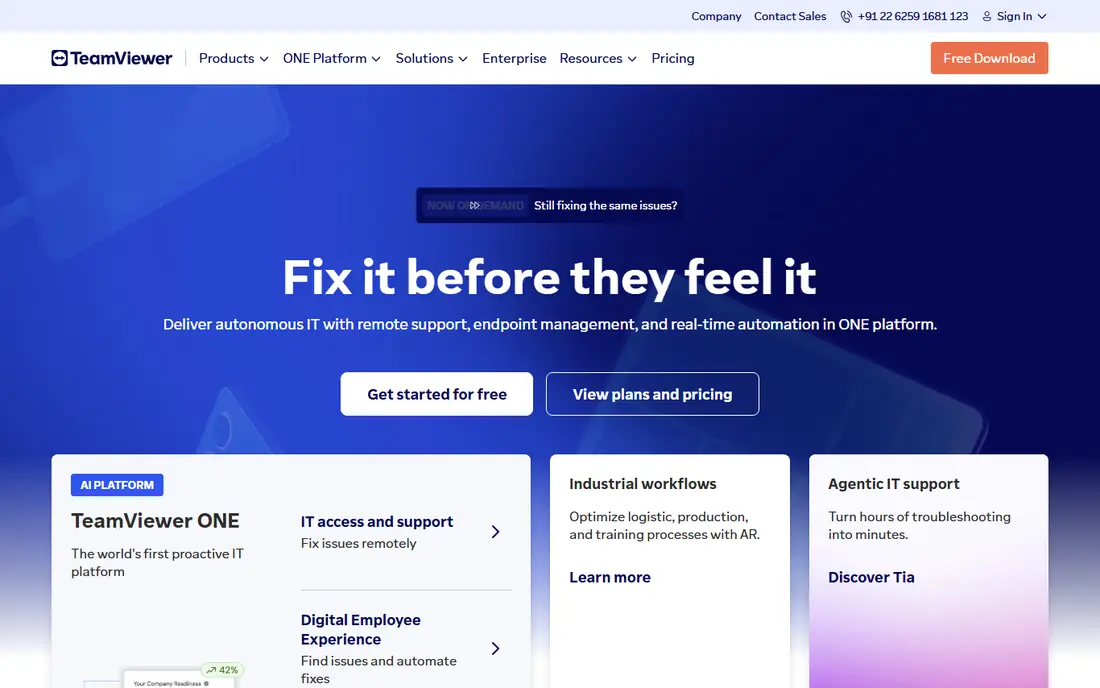
TeamViewer is the best-known name in remote support, and that familiarity helps when a customer needs to install a quick support module. It covers Windows, Mac, Linux, mobile, and many IoT devices, and it supports both one-off support sessions and unattended access to managed machines. Session controls, chat, and file transfer cover standard helpdesk work.
The free version covers personal use only, and commercial users need a paid license, which costs more than budget rivals. Teams that support many outside customers should price the plan that matches their technician count. For broad device coverage and a name customers trust, TeamViewer remains a safe pick.
- Wide device coverage including mobile and IoT
- Attended and unattended access
- Strong security and compliance options
- Commercial pricing is premium
- Free version is for personal use only
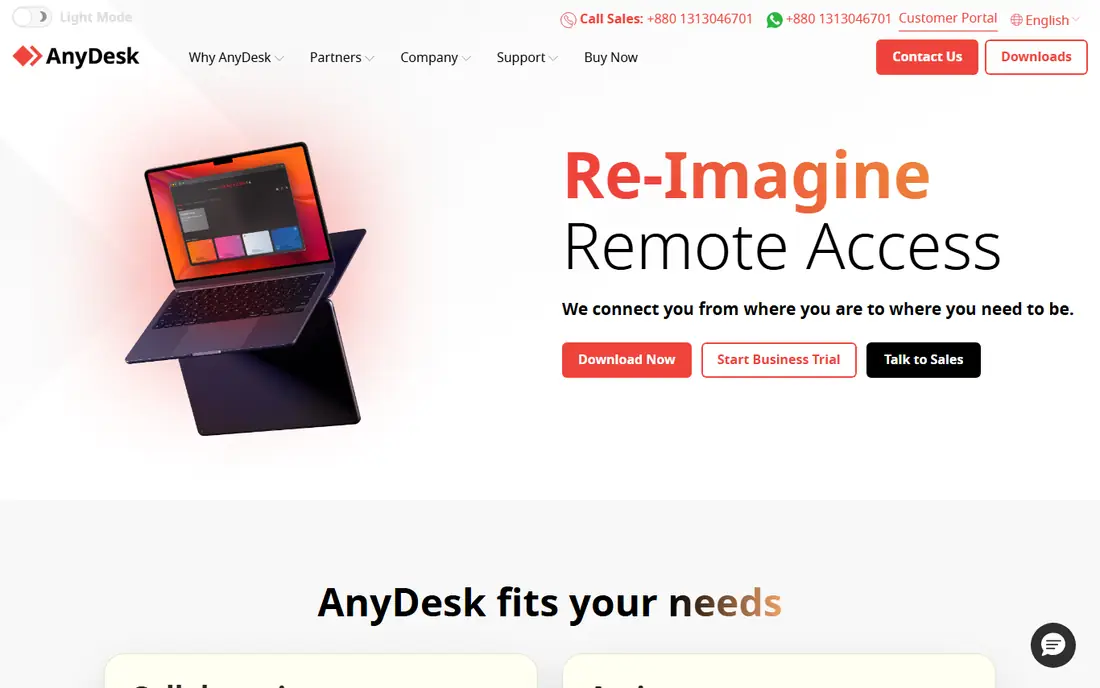
AnyDesk wins on speed. Its codec keeps sessions responsive on slower connections, which matters when a support call involves a remote worker on poor Wi-Fi or a customer machine under load. The app is lightweight, starts quickly, and works across desktop and mobile platforms.
Paid pricing starts above the cheapest support tools, and team management features sit on higher plans. The free version covers personal use. For technicians who support users on varied connections and need a session that feels local, AnyDesk is worth the price.
- Low-latency performance on weak connections
- Lightweight app
- Attended and unattended modes
- Paid plans start higher than some rivals
- Advanced management needs higher tiers
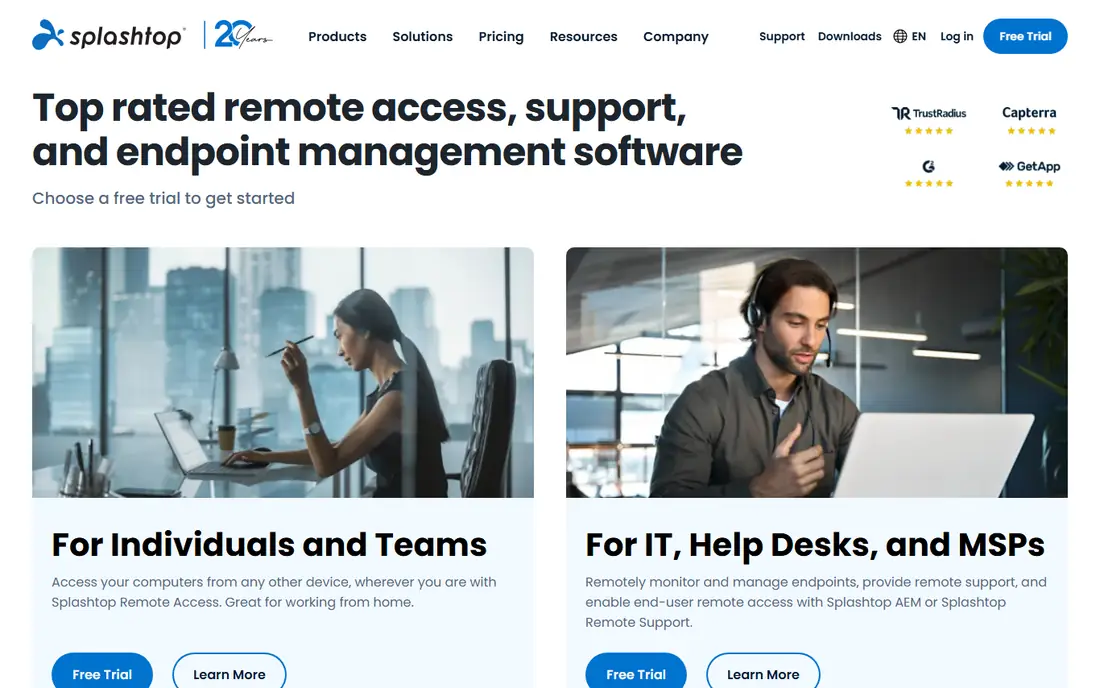
Splashtop SOS gives technicians attended support sessions at a price below TeamViewer and LogMeIn Rescue, while Splashtop Business Access covers unattended access to a team's own machines. Streaming quality is strong for the price, which helps when a session involves graphics-heavy work or a remote desktop that must feel responsive.
Buyers should check which product they need, since SOS and Business Access solve different problems and are priced separately. Enterprise controls and integrations sit on higher tiers. For small and midsize support teams watching cost, Splashtop is a strong value pick.
- Good streaming quality at a lower price
- SOS support for attended sessions
- Business access for own machines
- Support and access plans are separate products
- Enterprise features need higher tiers
ConnectWise ScreenConnect, formerly ScreenConnect, is a favorite among managed service providers. It supports attended support, unattended access, and self-hosting for teams that want full control over their server. Integrations with ConnectWise PSA and other service tools help MSPs tie sessions to tickets and billing.
The interface takes a little learning, and pricing depends on plan and hosting, so get a quote for your exact setup. A free single-technician option helps very small teams start. For MSPs and IT departments that support many clients, ScreenConnect is built for the job.
- Self-hosting option
- Single-technician free option
- Strong MSP and PSA integrations
- Interface takes learning
- Pricing varies by plan and hosting choice
Zoho Assist suits small support teams that need attended and unattended support without enterprise pricing. Per-technician pricing keeps costs predictable as a team grows by one or two people, and a free plan covers a single technician with a small set of unattended computers. Teams already using Zoho Desk or Zoho CRM get shared contacts and ticket context.
Larger or regulated teams may miss the deeper audit and access controls of BeyondTrust or ScreenConnect. For a small helpdesk, a startup, or a Zoho-based business, Zoho Assist gives the core support workflow at a fair price.
- Low per-technician price
- Free plan for one technician
- Attended and unattended support
- Fewer enterprise controls than BeyondTrust
- Best value inside the Zoho ecosystem
BeyondTrust Remote Support is built for enterprises where security and audit trails are not optional. It offers granular access controls, session recording, vaulted credentials so technicians never see customer passwords, and compliance support for regulated industries. Support teams in finance, health care, and government use it where a session must be fully logged and controlled.
Pricing is quote-based and sits at the enterprise end, and setup takes more planning than a small-team tool. Smaller teams will find it more than they need. For regulated support at scale, BeyondTrust is the standard to compare against.
- Strong security, audit, and access controls
- Vaulted credentials
- Enterprise compliance options
- Quote-based pricing
- More setup than small-team tools
LogMeIn Rescue, now part of GoTo, is designed for customer support centers rather than general remote access. Technicians join customer devices through a simple link, with chat, diagnostics, file transfer, and session reporting built for support workflows. Large support teams value its queueing, routing, and reporting features.
The price reflects that enterprise focus, starting well above small-team tools. A solo technician or a two-person team will get better value from Zoho Assist or Splashtop. For a support center handling high volumes of customer sessions, Rescue is purpose-built.
- Purpose-built for customer support
- Strong session tools and reporting
- Large enterprise customer base
- High starting price
- Overkill for a one-person helpdesk
GoTo Resolve combines remote support with IT management, including patching, device monitoring, and ticketing on higher plans. That combination suits small and midsize IT teams that want one console for support and upkeep, rather than separate tools for each job. A free plan covers a few agents and devices for very small teams.
Support-only teams may pay more than they need for management features they will not use. The paid remote support plan starts above Zoho Assist and Splashtop SOS. For IT teams that want support and device care together, Resolve is a tidy bundle.
- Remote support plus patching and device management
- Free plan for small teams
- GoTo ecosystem fit
- Full device management needs paid plans
- Higher price than support-only rivals
RealVNC Connect is the lightweight cross-platform choice, with support for Windows, Mac, Linux, mobile, and Raspberry Pi devices. It uses strong encryption and a simple pricing model, which suits mixed-device fleets and hobbyist or small business setups. The app stays small and fast, even on older hardware.
Its attended support workflow is thinner than purpose-built support tools, with fewer queueing and reporting features. The free Lite tier covers personal use with device limits. For mixed fleets and lightweight access, RealVNC Connect is a reliable, low-cost option.
- Lightweight and cross-platform, including Raspberry Pi
- Strong encryption
- Simple pricing
- Support workflow is thinner than Rescue or ScreenConnect
- Free plan is limited
How we picked these
We compared official feature pages, pricing pages, and public user reviews, and kept only tools that still work in October 2026 and truly fit remote support. We included all-round tools, budget options, MSP tools, and enterprise tools, and we favored tools with clear consent controls, session logging, and encryption. Prices reflect published starting figures at the time of writing, and vendors change them, so check the pricing page before you buy. Remote support tools must only be used with the device owner's permission.
How to choose and use support software safely
Start with consent and control. The device owner should approve every session, see what the technician is doing, and be able to end the session instantly. Choose a tool that shows a clear on-screen notice during a session and logs who connected, when, and for how long.
Next, match the tool to your support model. Attended support for outside customers needs a simple join link and chat, while unattended access for managed machines needs strong authentication and access controls. Do not use an unattended tool for customer support without explicit permission and a clear agreement.
Security checks that matter
Require multi-factor authentication for technician accounts, use role-based access so technicians only reach the machines they should, and turn on session recording where your policy allows it. Review logs regularly, and remove access promptly when staff leave. Never ask a customer for their password, and never connect to a device without the owner's clear permission.
Test with a real customer flow
Run a trial session with an outside guest, not just a colleague. Check how long joining takes, whether chat and file transfer work, and what the guest sees on screen. A tool that confuses customers will cost support time on every call.
Frequently asked questions
What is the best remote support software for small business?
Zoho Assist and Splashtop SOS are our top small business picks. Zoho Assist offers the lowest per-technician price, while Splashtop SOS offers strong streaming quality at a modest price. Both cover attended support well.
What is the best remote IT support software for MSPs?
ConnectWise ScreenConnect suits MSPs because of self-hosting, ticket integrations, and multi-client support. BeyondTrust Remote Support suits MSPs serving regulated clients who need deeper audit controls.
What is the best remote pc access software for personal use?
TeamViewer and AnyDesk both offer free personal use tiers, and RealVNC Connect offers a limited free tier. Personal use means your own devices or helping family with their permission, not commercial support work.
Is remote support software safe?
It is safe when used properly: with the device owner's permission, multi-factor authentication, session logging, and the ability for the owner to end the session. It becomes unsafe when used without consent, which is why permission and visible session controls matter.
What is the difference between remote support and remote access software?
Remote support focuses on one-off attended sessions where a technician helps another person, usually with consent and a join link. Remote access focuses on reaching your own machines unattended. Many tools here do both, but check which mode your plan covers.
Sources
See where you really rank - block by block
ProMapRanker scans Google Maps across a grid of your service area. Simple monthly plans from $19, white-label on every plan.
Start freeKeep reading
 best resource management software
Best Resource Management Software in 2026
We compared the best resource management software for scheduling, capacity and utilization, with current pricing and free trials, to help teams choose well.
Read → best reporting tools
Best Reporting Tools in 2026
Compare the best reporting tools for dashboards, scheduled reports, and business insights, from Power BI and Tableau to Looker Studio for every team size.
Read → best real estate investing software
Best Real Estate Investing Software in 2026
We compared the best real estate investing software on minimums, fees, and liquidity, so investors can pick a platform that fits their budget and goals.
Read →