 ProMapRanker
AI Photo Editing and Culling Software: Best Picks of 2026

Quick assisted culling for wedding photographers · Pricing starts at: $10 per user/month (billed yearly)
Direct answer
Our first pick is Narrative Select, best for fast assisted culling for wedding photographers. Listed starting prices: Narrative Select from $10 per user/month, AfterShoot from $10 per user/month and Imagen AI from $0.05 per photo plus $7 monthly base fee. Look at AfterShoot for high volume culling, editing, and retouching in one app, and at Imagen AI for per photo AI editing that learns your own style. Prices, free plans and limits for all 6 tools follow.
Short on time? The summary and table above give the quick view of 6 tools for AI photo editing and culling software, and the profiles that follow give the detail behind each entry.
Key takeaways
- Narrative Select takes the first slot, best suited to quick assisted culling for wedding photographers.
- Starting prices begin at $0.05 per photo plus $7 monthly base fee with Imagen AI.
- Topaz Photo is the one to check for rescue and enhance noisy, soft, or low resolution images.
- Neither Narrative Select nor Topaz Photo, nor any of the other 4 tools, has a permanent free plan; trials and quotes are the norm.
- One limit worth knowing about Imagen AI: per photo costs grow quick at high volume.
Quick comparison
| Pick | Great for | Pricing starts at | Free tier | |
|---|---|---|---|---|
| Narrative Select | Quick assisted culling for wedding photographers | $10 per user/month (billed yearly) | Free trial | Visit |
 AfterShoot | High volume culling, editing, and retouching in one app | $10 per user/month (billed yearly) | Free trial (30 days) | Visit |
 Imagen AI | Per photo AI editing that learns your own style | $0.05 per photo plus $7 monthly base fee | Free trial | Visit |
 Adobe Lightroom | All round AI editing, catalog, and cloud sync | $11.99 per user/month (billed yearly) | Free trial (7 days) | Visit |
 Luminar Neo | One time purchase AI editing without a subscription | $119 one-time | Free trial (7 days) | Visit |
 Topaz Photo | Rescue and enhance noisy, soft, or low resolution images | $39 per user/month | Free trial (30 days) | Visit |
Every option for AI photo editing and culling software explained
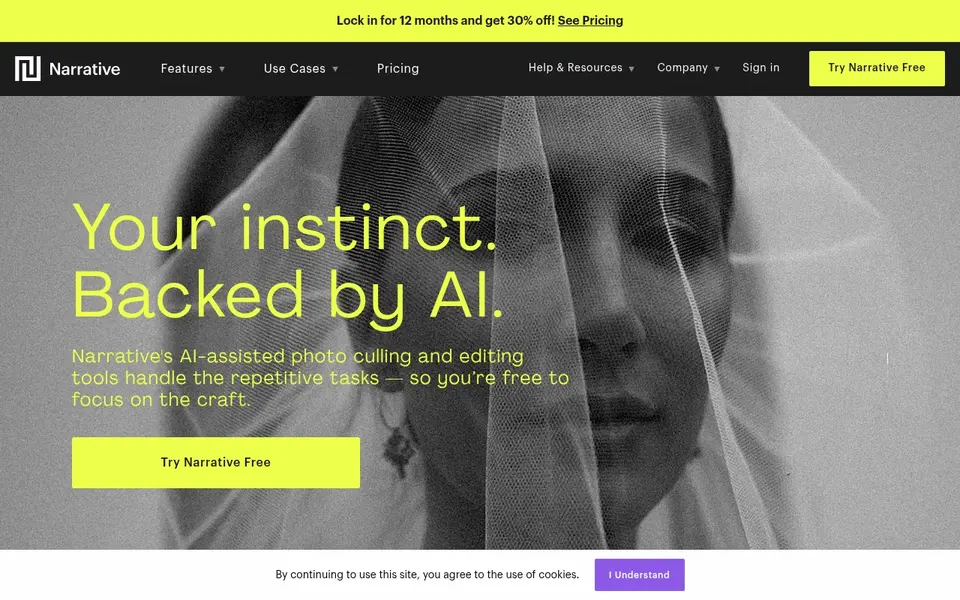
Narrative Select is designed for quick assisted culling for wedding photographers. Narrative Select is a focused culling tool built by wedding photographers, and it presents in the details. It ranks and explains its reasoning, leaves the final choice to you, and ships the picks to Lightroom with an AI preset applied.
Where it falls short: Advanced culling features start on Standard, not Lite.
Beyond that, Lite begins at $10 a month on annual billing and handles the core culling, but Scenes View, AI First Pass. The Close-Ups Panel need Standard at $ The starting price for Narrative Select: $10 per user/month. Free plan details: Free trial.
- Eye and focus assessments plus Scenes View accelerate the first pass
- Sends picks to Lightroom with an AI preset applied
- Personal AI Presets need the Premium or Ultra level
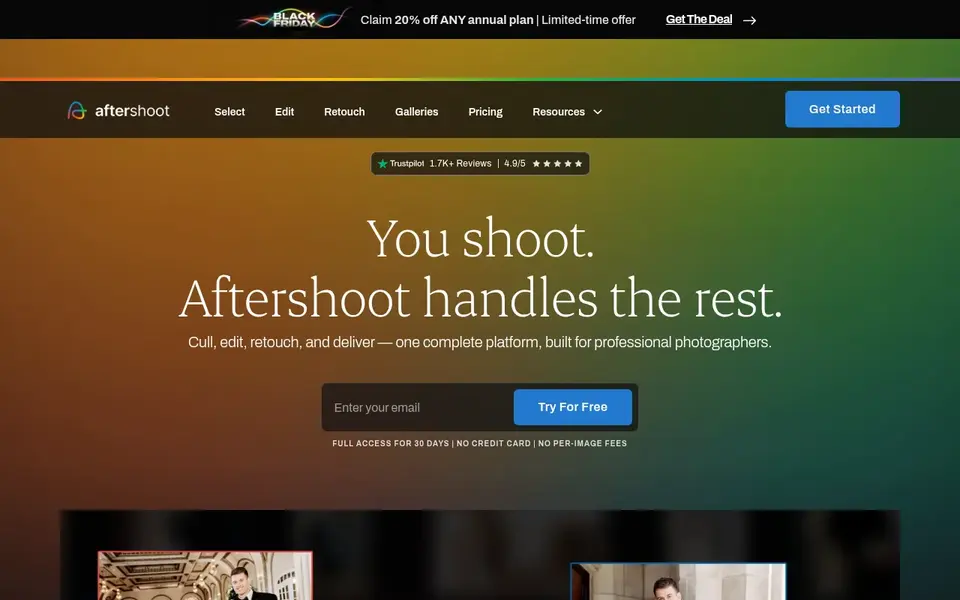
AfterShoot was built for high volume culling, editing, and retouching in one app. AfterShoot includes the entire post shoot loop in one desktop app: culling, editing, and retouching.
Honest limits: only a 30 day trial.
For everyday use, every module is a flat monthly fee with unlimited images, so a 3,000 image wedding costs the same as a 300 image portrait session. The pricing model is the central attraction for high volume photographers. What you pay to start with AfterShoot: $10 per user/month. On free options: Free trial (30 days).
- On device culling with unlimited images at a flat fee
- AI editing profiles learn from your own past work
- No free plan
Choose Imagen AI for per photo AI editing that learns your own style. Imagen AI trains a Personal AI Profile on your own edited photos, then applies your style across new galleries with consistent color, exposure, and cropping.
What to check first: Per photo costs grow quick at high volume.
In practice, the 1,000 free edits at signup provide you a real test on your own work before you spend anything. Imagen AI pricing: $0.05 per photo plus $7 monthly base fee. Free access: Free trial.
- Pay as you go pricing suits uneven shooting schedules
- Personal AI Profiles learn from your past edits
- Culling is a separate add on for the pay as you go plan
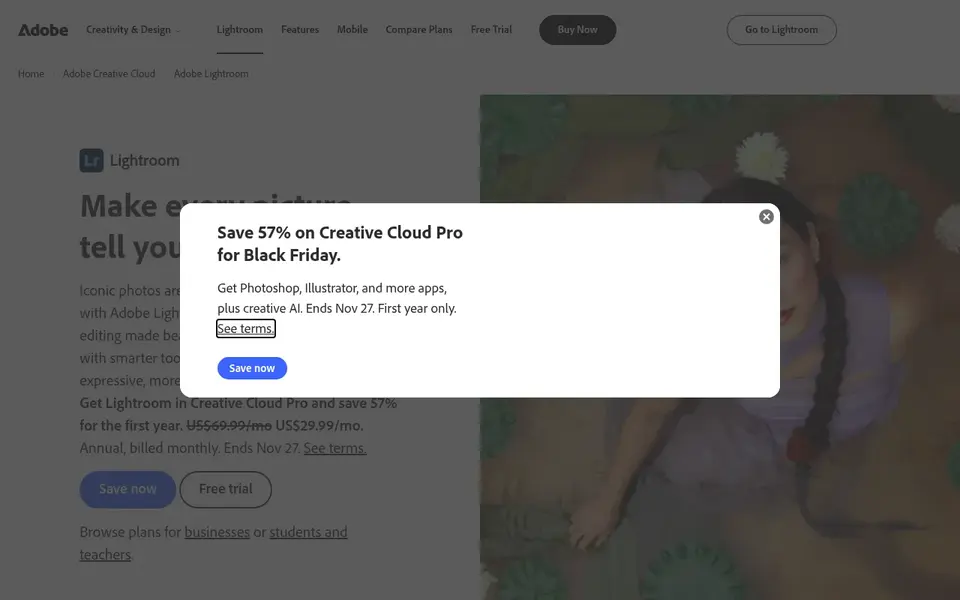
Adobe Lightroom makes the most sense for all round AI editing, catalog, and cloud sync. Lightroom remains the default workspace for most working photographers. Its AI tools now handle the jobs that used to eat the most time.
On top of that, the trade off is the subscription model and the way Adobe splits features across plans, so check that the level you buy bundles the desktop apps you n AI Masking selects subjects, skies, and backgrounds in one click, AI Denoise cleans high ISO files without smearing detail, and Generative Remove takes out distractions with a brush stroke. As for the details, Lightroom Classic deals with large libraries, flags, ratings, and collections, whereas the cloud version keeps edits in sync across desktop, tablet, and ph The starting price for Adobe Lightroom: $11.99 per user/month. Free options: Free trial (7 days).
What to check first: Full desktop access needs a higher level than the entry-level mobile plan.
- Mobile sync in one system
- AI Denoise
- Subscription only with no perpetual license

Where Luminar Neo fits: One time purchase AI editing without a subscription. The AI toolset is geared toward the edits photographers repeat most, including sky replacement, skin retouching, relighting a scene, and erasing objects with GenErase.
From a buyer's view, the catch sits in the fine print. Luminar Neo cost at the entry level: $119 one-time. Trial and free access: Free trial (7 days).
Downsides: Generative tools are included for only 1 year on a perpetual license.
- Sky AI, GenErase
- Relight AI handle typical fixes quick
- No catalog system as deep as Lightroom Classic
Topaz Photo is aimed squarely at rescue and enhance noisy, soft, or low resolution images. Treat it as a specialist that sits beside your central editor, not as a replacement for one. In daily use, the annual plan lowers the cost to $169 in the first year, billed yearly.
Downsides: Demands a capable GPU for comfortable batch work.
Worth adding: Topaz Photo does one job very well: it fixes images that would otherwise be unusable. Its AI models remove noise, sharpen soft focus, recover faces, and upscale low resolution files, with an autopilot mode that picks settings per image and manual controls when you want to override it. Topaz Photo cost at the entry level: $39 per user/month. On free options: Free trial (30 days).
- Upscale models trained for real photo problems
- Works as a plugin inside Lightroom and Photoshop
- Not a full editor or catalog, so it cannot replace Lightroom
How we compared the tools
ProMapRanker looked at what each vendor publishes: pricing, plan limits, feature coverage for AI photo editing and culling software and stated drawbacks. No hands-on testing is claimed. Where a price is missing, the vendor does not list one publicly or ties it to a quote. Always confirm before budgeting. Order on the page follows fit for the typical buyer first, then price transparency and free access. Your own requirements should decide the final pick.
What to check before you buy
- Prices are a starting point; Imagen AI shows $0.05 per photo plus $7 monthly base fee to start, so verify what your seat count would cost.
- Run a trial of Narrative Select, AfterShoot, Imagen AI and others with real work before paying for a year; your own workflow is the best test.
- Before choosing Narrative Select, weigh its main limit: advanced culling features start on Standard, not Lite.
- Ask Luminar Neo how an export works before you move any records in; an easy exit lowers the risk.
- Look at the renewal terms for Adobe Lightroom: auto-renewal, notice periods and price changes can matter more than the first-year price.
Frequently asked questions
Do these tools publish their prices?
Yes. Every tool from Narrative Select to Topaz Photo shows a starting price, though seats, add-ons and billing terms still change the final cost. All 6 picks in this AI photo editing and Culling software comparison list a starting price, free plan details and the main limits on their cards above.
Does Lightroom have AI culling?
It does have AI Masking, AI Denoise, and Generative Remove for editing, plus flags, ratings, and collections for organizing picks. Most photographers who want AI culling pair Lightroom with a dedicated culling app and send the picks back into Lightroom.
Can I try these options before paying?
Often, yes. Narrative Select, AfterShoot, Imagen AI and others offer a free trial. Use your own data and a real task during the test, and check what the free tier or trial limits before you rely on it.
Is there a free AI photo culling tool?
There is no full featured free culling tool among the leading choices, but the trials are ample. Imagen AI hands 1,000 free edits at signup with no card, AfterShoot hands a 30 day trial with no card, and Narrative Select provides a trial of its top Ultra plan.
What is the best AI photo editing and culling software for wedding photographers?
Start with Narrative Select if you need quick assisted culling for wedding photographers. AfterShoot is the better match for high volume culling, editing, and retouching in one app, and Imagen AI for per photo AI editing that learns your own style. The best choice depends on budget, team size and workflow.
What is the cheapest option for AI photo editing and culling software in this list?
On published monthly entry prices, Imagen AI is the lowest here at $0.05 per photo plus $7 monthly base fee. Entry price is only part of the cost, because seats, add-ons and billing terms can change the total.
Sources
See where you really rank - block by block
ProMapRanker scans Google Maps across a grid of your service area. Simple monthly plans from $19, white-label on every plan.
Start freeBrowse all guides
← Best AI Tools to Animate Still Photos (2026)AI Text Effects App for Designers in 2026: Top 6 Compared →
 best software for ai photo culling and retouching
Best Software for AI Photo Culling and Retouching in 2026
Weighing the best software for AI photo culling and retouching? We lined up 6 products by cost, free access and fit. Prices and drawbacks included. Facts only.
Read → best ai photo upscaling software
Best AI Photo Upscaling Software in 2026
Best AI photo upscaling software, compared. 5 tools with published prices, free plans and limits. Honest caveats for every entry. Updated November 2026.
Read → best ai image generator for ecommerce
2026 Guide to the Best AI Image Generator for Ecommerce
Best AI image generator for ecommerce in 2026: 7 contenders with entry costs and free tiers. Each profile ends with a plain caveat. Reviewed this month.
Read → best app to create ai images for free
Best App to Create AI Images for Free in 2026
Find the best app to create ai images for free in 2026, from Microsoft Designer to Ideogram, with free tiers, limits and honest trade-offs compared today.
Read → best ai apps for creating images
Best AI Apps for Creating Images in 2026
We compared the best ai apps for creating images in 2026 today, from artistic generators to text-perfect posters, with current pricing and honest limits.
Read → best heart rate monitor app
Best Heart Rate Monitor App in 2026
Looking for the best heart rate monitor app? We compared 9 apps for camera checks, wearables, trends, alerts, and privacy to help you track safely every day.
Read →More in Design & Creative · All guides A to Z by date · Latest guides