 ProMapRanker
Best Software for AI Photo Culling and Retouching in 2026

Face and scene culling for weddings · Pricing starts at: $10 per month (billed yearly)
Direct answer
Our first pick is Narrative Select, best for face and scene culling for weddings. Listed starting prices: Narrative Select from $10 per month, AfterShoot from $10 a month and Luminar Neo from $119 one-time (Desktop). AfterShoot is the stronger choice for all-in-one culling, editing, and retouching, while Luminar Neo suits one-time AI editing for Mac and Windows. The full list of 6 tools follows, with prices and free plan facts.
ProMapRanker compared 6 tools for software for AI photo culling and retouching. The goal is a practical shortlist: published prices, free plan facts, best-fit use cases and honest limits for every entry.
Key takeaways
- Number one here is Narrative Select, a fit for face and scene culling for weddings.
- Before buying AfterShoot, weigh this: complete bundle is $45 a month, so the full workflow costs more than culling alone.
- For rescue of noisy, soft, or small images, Topaz Photo is worth a look.
- Narrative Select has the lowest monthly starting price in this list: $10 per month.
Quick comparison
| Pick | Great for | Pricing starts at | Free tier | |
|---|---|---|---|---|
| Narrative Select | Face and scene culling for weddings | $10 per month (billed yearly) | Free trial | Visit |
 AfterShoot | All-in-one culling, editing, and retouching | $10 a month (billed yearly) | Free trial (30 days) | Visit |
 Luminar Neo | One-time AI editing for Mac and Windows | $119 one-time (Desktop) | Free trial (14 days) | Visit |
 Evoto | Credit-based portrait retouching | $89 per year (800 credits) | Free trial (7 days) | Visit |
 Imagen AI | Variable volume with per-photo billing | $0.05 per photo (pay-as-you-go) | Yes | Visit |
 Topaz Photo | Rescue of noisy, soft, or small images | $39 per month | Free trial | Visit |
6 options for software for AI photo culling and retouching in detail
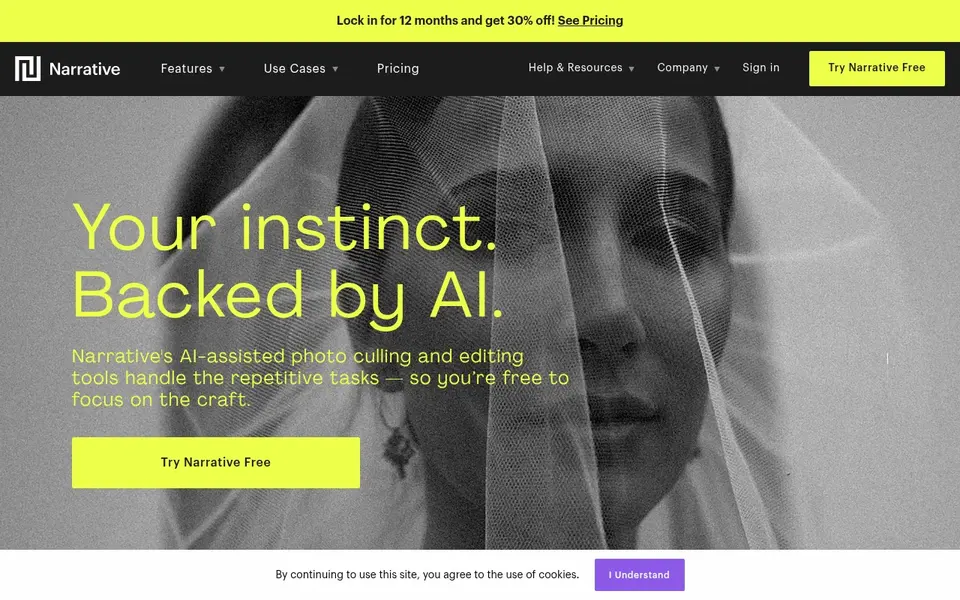
Where Narrative Select fits: face and scene culling for weddings. Premium is $40 a month billed yearly, or $59 monthly, with up to two users.
Standard is $20 a month billed annually, or $29 monthly. What you pay to start with Narrative Select: $10 per month. As for free access: Free trial.
Where it falls short: The handy culling features sit in Standard at $20 a month, not in Lite.
- Scenes grouping and face Close-ups display every subject at a glance
- Unlimited images and projects on every plan
- Some features are Mac-only
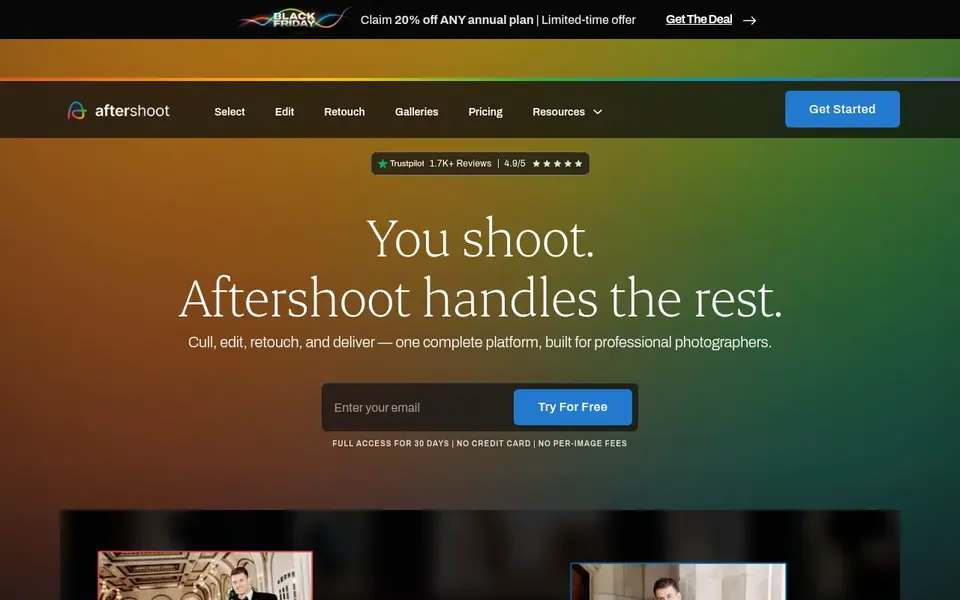
AfterShoot is built with all-in-one culling, editing, and retouching in mind. Complete, which bundles all three, is $45 a month billed yearly, or $55 monthly, a 25 percent saving.
As for the details, AfterShoot sells three modules at flat monthly fees with unlimited images. Also, Select for AI culling is $10 a month billed yearly, or $15 monthly. Starting cost for AfterShoot: $10 per month. Free access: Free trial (30 days).
Trade-offs to know: Complete bundle is $45 a month, so the full workflow costs more than culling alone.
- Flat pricing with unlimited images on every plan
- All processing runs locally on your computer
- No per-photo choice for very low volume

In short, Luminar Neo is for one-time AI editing for Mac and Windows. Each license comes with one year of generative AI tool access, then a Prime renewal of $33 to $59 a year keeps those tools working.
On cost, Luminar Neo starts like this: $119 one-time. As for free access: Free trial (14 days).
Drawbacks to consider: price trackers list $99.
- AI sky replacement
- One-time perpetual license with no monthly subscription for the app itself
- Against $119 on the vendor page
Choose Evoto for credit-based portrait retouching. Credit packs can also be bought as pay-as-you-go, with credits valid for two years.
Drawbacks to consider: sale prices change frequently, so the checkout price can differ from the list price.
Evoto is a portrait retouching editor with AI skin retouching, background replacement, colour matching, and batch processing across a full gallery. On cost, Evoto starts like this: $89 per year. Free options: Free trial (7 days).
- Works on desktop, mobile, iPad, online
- Most exports cost one credit per photo, so costs are simple to forecast
- Credits are the billing unit, so heavy generative tools can cost more than one credit
Imagen AI works best for variable volume with per-photo billing. Imagen AI begins at $0.05 per edited photo on pay-as-you-go, with a $7 monthly minimum that rolls over as export credit, based on search text quoting its official pricing page.
Honest limits: additional AI tools cost $0.01 per photo each.
Entry price for Imagen AI: $0.05 per photo. You can start on Imagen AI without paying.
- Pay-as-you-go editing from $0.05 per photo with 1,000 free edits
- Personal AI profile learns your style
- Real estate pricing is separate at $0.32 per photo, which confuses the headline rate
Topaz Photo is a good fit for rescue of noisy, soft, or small images. The price model changed on 2025-10-03, when Topaz stopped selling perpetual licenses and moved to subscription only.
A preview-only free trial lets you test the models, but you cannot save the final export without a license. Topaz Photo starts at: $39 per month. As for free access: Free trial.
Downsides: No perpetual license for new buyers since October 2025.
- Local AI models for denoise, sharpen, upscale
- Face recovery
- Processing is slow on older machines without a solid GPU
Pre-purchase checklist
- Confirm the entry price on the vendor page: Narrative Select starts at $10 per month, but seat counts and billing terms change the total.
- Look at the free plan from Imagen AI closely: its caps decide whether it is usable for real work.
- Take the trial from Narrative Select, AfterShoot, Luminar Neo and others and push a live task through it before you pay.
- Before choosing Narrative Select, weigh its main limit: the handy culling features sit in Standard at $20 a month, not in Lite.
- Find out whether the entry plan of Luminar Neo covers your must-haves or only a trimmed-down version.
- Test how quickly Evoto answers a pre-sales question; it hints at how support will feel later.
Frequently asked questions
How are the tools for software for AI photo culling and retouching ordered?
The order follows typical fit for software for AI photo culling and retouching, with Narrative Select first and Topaz Photo last, then price clarity and free access. It is editorial judgement, not a score, so another team could rank the tools differently.
Can I try these tools before paying?
Often, yes. Imagen AI has a free plan and Narrative Select, AfterShoot, Luminar Neo and others offer a free trial. Use your own data and a real task during the test, and check what the free tier or trial limits before you rely on it.
Do these tools publish their prices?
Yes. Every tool from Narrative Select to Topaz Photo shows a starting price, though seats, add-ons and billing terms still change the final cost.
Which tool is a good match for portrait retouching only?
For most readers this guide would start with Narrative Select, built for face and scene culling for weddings. AfterShoot is the alternative for all-in-one culling, editing, and retouching, and Luminar Neo for one-time AI editing for Mac and Windows. The right answer depends on budget and workflow.
Is Narrative Select the right pick for everyone comparing software for AI photo culling and retouching?
No single tool suits every team. Narrative Select comes first because it fits face and scene culling for weddings, while AfterShoot suits all-in-one culling, editing, and retouching and Luminar Neo suits one-time AI editing for Mac and Windows. Match the tool to your own size, budget and workflow before deciding.
Sources
See where you really rank - block by block
ProMapRanker scans Google Maps across a grid of your service area. Simple monthly plans from $19, white-label on every plan.
Start freeBrowse all guides
← Best AI Photo Upscaling Software in 2026Best AI Tools to Animate Still Photos (2026) →
 best ai image generator for ecommerce
2026 Guide to the Best AI Image Generator for Ecommerce
Best AI image generator for ecommerce in 2026: 7 contenders with entry costs and free tiers. Each profile ends with a plain caveat. Reviewed this month.
Read → best ai app for house exterior design
Best AI App for House Exterior Design in 2026
Compare 7 picks for the best AI app for house exterior design, with prices, free plans and who each fits. The catches are listed up front. Quick to scan.
Read → best ai app for exterior home design
AI App for Exterior Home Design: 5 Options Compared in 2026
Weighing the best AI app for exterior home design? We lined up 5 products by cost, free access and fit. Limits and pricing notes included. Read before you buy.
Read → best company logo designers
Best Company Logo Designers in 2026
Compare the best company logo designers in 2026, with 9 services from contests and AI makers to subscription studios and full brand agencies and agencies.
Read → best app to design a room free
Best App to Design a Room Free in 2026
Find the best app to design a room free in 2026, from 2D floor plans to 3D renders, with free plans that let you test furniture layouts before you buy.
Read → best mushroom identification app
Best Mushroom Identification App in 2026
Best mushroom identification app picks for 2026, compared for photo ID, offline use, safety notes and free tiers, so you can learn fungi with care outdoors.
Read →More in Design & Creative · All guides A to Z by date · Latest guides