 ProMapRanker
Best AI Tools to Animate Still Photos in 2026

Key takeaways
- Use only photos you own or are licensed to use, and never animate a real person without their consent.
- Credit-based pricing makes cost per second the real comparison, not just the monthly price.
- Face animation, camera motion and full-scene motion are different strengths, so pick a tool for the effect you actually want.
- Free tiers are useful for testing, but free exports often carry watermarks or lower resolution.
Quick comparison
| Pick | Great for | Pricing starts at | Free tier | |
|---|---|---|---|---|
 Runway | Cinematic photo-to-video work | $12 per month | Yes | Visit |
 Pika | Fast, stylised photo animation | $8 per month | Yes | Visit |
 Kaiber | Artistic and music-led animation | See website | No | Visit |
 Hedra | Talking photo animation | See website | Yes | Visit |
 MyHeritage Deep Nostalgia | Animating old family photos | See website | Yes | Visit |
 Motionleap | Mobile photo animation | See website | No | Visit |
 LeiaPix Converter | Depth and 3D-style photo motion | See website | No | Visit |
 D-ID | Talking photos for business use | $5.90 per month | No | Visit |
 Magic Hour | All-in-one photo and video studio | $10 per month | Yes | Visit |
The best ai tools to animate still photos
AI tools that animate still photos can turn a portrait into a short moving clip, add camera motion to a scenery, or make a product photo shift and turn. The results can be charming for family projects, social posts and creative work, but they also carry a clear responsibility. Use only photos you own or are licensed to use, and never animate a real person without their consent.
That consent rule matters most for faces. Animating a photo of someone else, especially to put words, expressions or actions on them that they did not agree to, can harm that person and can breach platform rules and the law in some places. The tools below are legitimate creative tools for your own photos, licensed stock and fictional or consented subjects. They are not tools for undressing people or creating non-consensual imagery, and we have not listed any such tool.
We compared official product pages, pricing pages and documentation, and we favoured tools with clear photo upload, motion controls and export options. Prices are credit-based for most tools, so check how many seconds a credit buys before you plan a project. Start with a free tier and one photo, and judge motion quality on faces, hands and backgrounds, where errors show first.
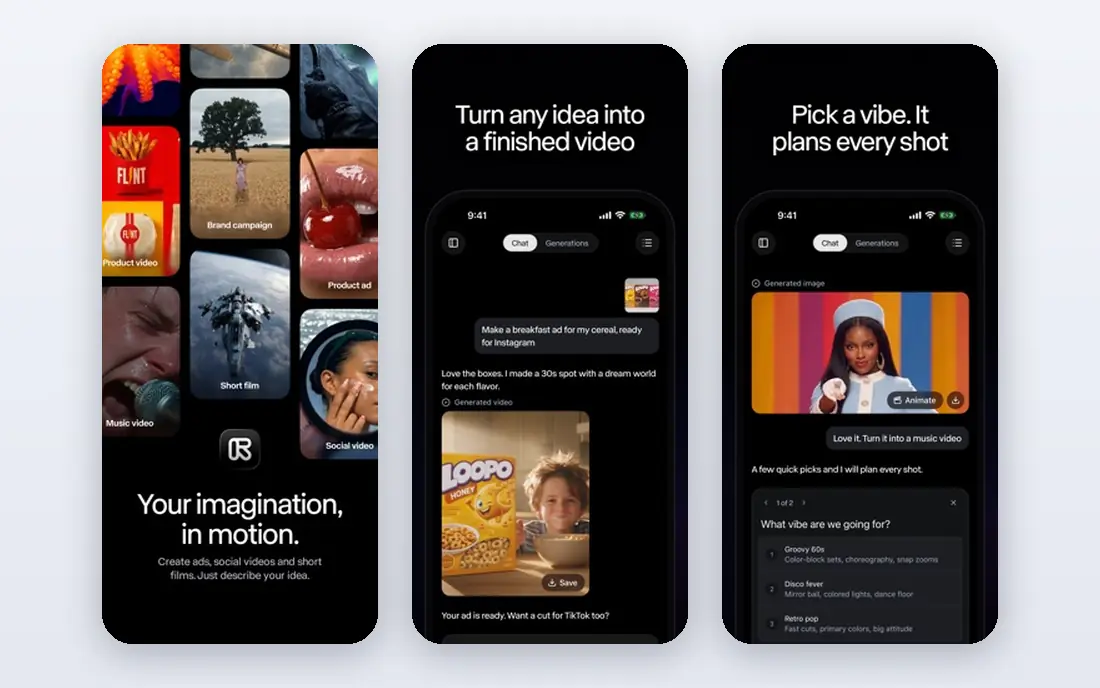
Runway is a strong match for cinematic photo-to-video work. Runway is the quality pick for animating a still photo into a cinematic clip, with models that handle camera moves, subject motion and scene detail well. Its director-style controls let you guide pans, zooms and motion, and the same workspace includes editing tools for trimming and compositing. That combination suits creators who want a polished shot, not just a novelty clip.
The catch is worth stating plainly. The catch is credit cost: the Standard plan from $12 per month includes 625 credits, and top models use credits quickly. Plan short shots, test with cheaper models first, and expect to stitch several clips together for a longer sequence. If that trade-off fits your budget and your team, it earns a place on a shortlist, but check the current plan limits and contract terms on the vendor site before you commit.
- High-quality image-to-video models
- Camera and motion controls
- Editing tools in the same workspace
- Credits burn fast on top models
- Clips are seconds long, so assembly is still your job
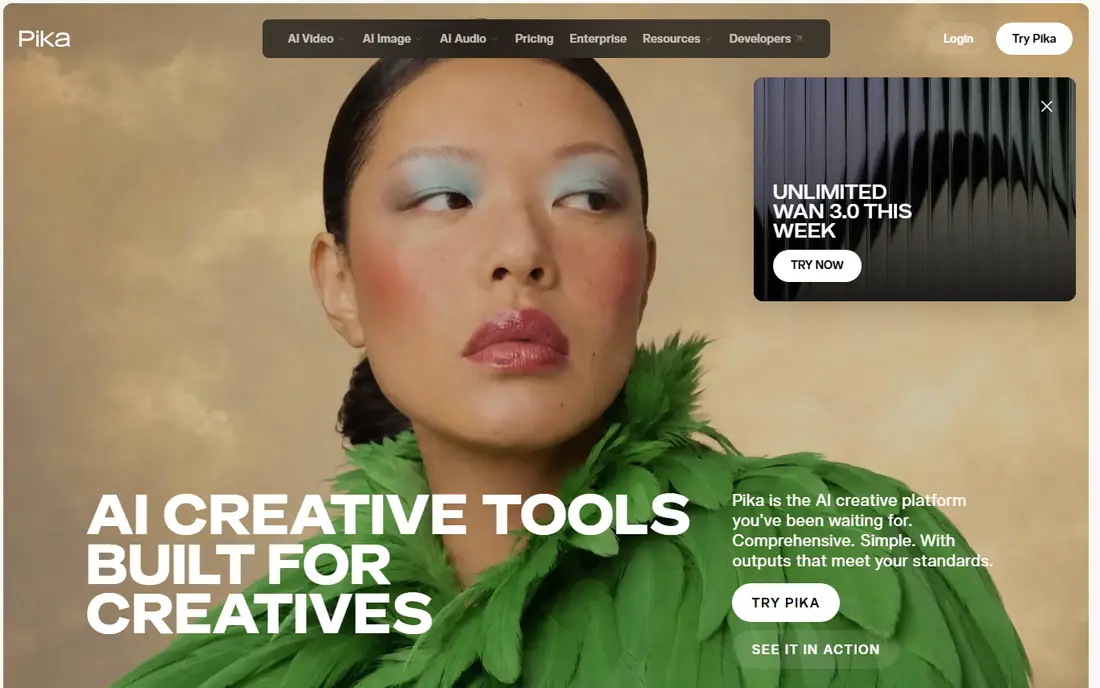
Pika is a strong match for fast, stylised photo animation. Pika suits creators who want fast, stylised animation from a photo, guided by a text prompt that describes the motion. Its effects and prompt control make it easy to try several versions of one photo, which is useful for social content where speed matters more than cinematic polish. The Standard plan from $8 per month is also one of the cheaper entries on this list.
The catch is worth stating plainly. The trade-off is consistency: results vary with the prompt, and commercial use rules differ by tier, so check your plan before publishing client work. It is best for playful, short clips rather than long, photorealistic sequences. If that trade-off fits your budget and your team, it earns a place on a shortlist, but check the current plan limits and contract terms on the vendor site before you commit.
- Prompt-led image-to-video
- Stylised effects
- Fast generation for social clips
- Quality varies by prompt
- Free tier is limited and paid tiers gate commercial use
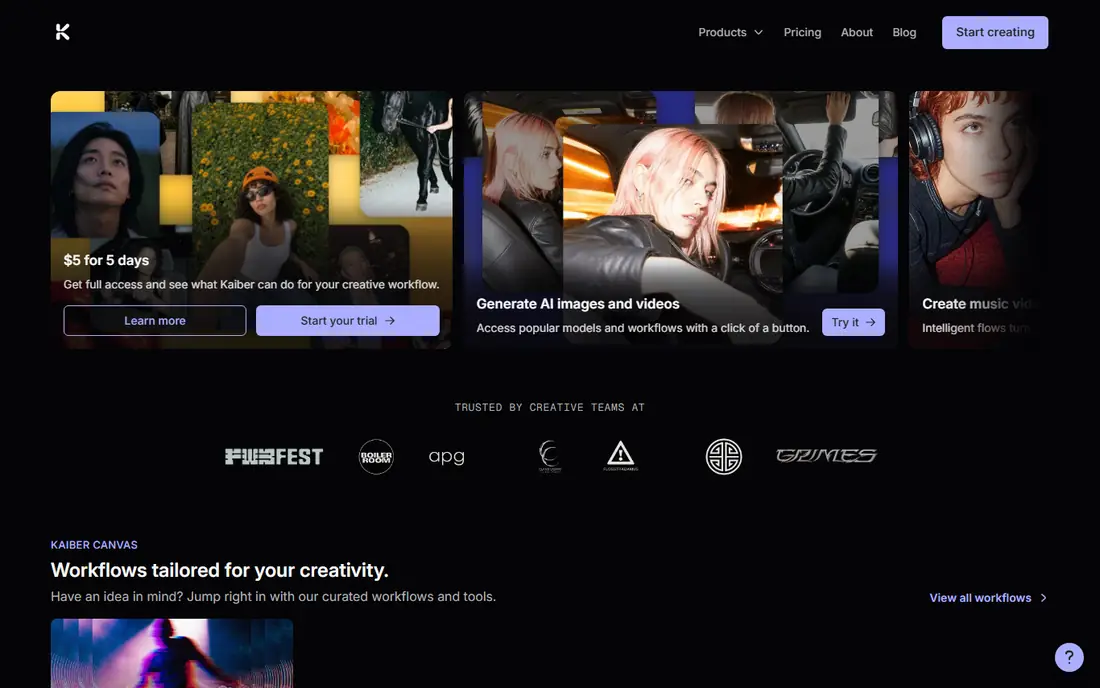
Kaiber is a strong match for artistic and music-led animation. Kaiber is the artistic pick, turning a still photo into stylised motion that suits music videos, album art and creative social posts. Its style options give a photo a painterly or abstract feel that photorealistic tools do not aim for, and audio-led workflows help creators match motion to a track. That creative focus is its main reason to choose it over a general video tool.
The catch is worth stating plainly. The drawback is access: current listings show no free plan, and pricing should be checked on the vendor site before you commit. It also suits stylised work better than realistic face animation, so test it on your own photos first. If that trade-off fits your budget and your team, it earns a place on a shortlist, but check the current plan limits and contract terms on the vendor site before you commit.
- Stylised animation styles
- Music and audio-led workflows
- Multiple model options
- No free plan on current listings
- Credit costs rise with upscaling
Hedra is a strong match for talking photo animation. Hedra is the talking-photo pick, turning a still portrait into a speaking character with audio, lip movement and expression. That makes it useful for creators who want a photo to deliver a script, provided they have consent from the person pictured and rights to the audio. Its workspace is built for character work, so dialogue and performance are first-class features, not add-ons.
The catch is worth stating plainly. Credit costs vary by model, and serious avatar work needs a paid plan, so check the current pricing page before a long project. It is also the tool where the consent rule matters most, because a talking photo can easily imply words a real person never said. If that trade-off fits your budget and your team, it earns a place on a shortlist, but check the current plan limits and contract terms on the vendor site before you commit.
- Expressive talking photos with audio
- Character animation
- Creator-friendly workspace
- Credit pricing varies by model
- Longer avatar work needs a paid plan
MyHeritage Deep Nostalgia is a strong match for animating old family photos. MyHeritage Deep Nostalgia is the family-history pick, animating faces in old portraits with preset movements such as blinking, smiling and head turns. Photos are enhanced before animation, which helps blurry or low-resolution portraits, and results are easy to share with family. A few free animations let you test it before subscribing, which suits a one-off family project.
The catch is worth stating plainly. The catch is bundling: continued use requires a MyHeritage subscription that includes genealogy features you may not need. Animation is also preset rather than prompt-led, so creative control is limited compared with Runway or Pika. If that trade-off fits your budget and your team, it earns a place on a shortlist, but check the current plan limits and contract terms on the vendor site before you commit.
- Preset face animations for old portraits
- Photo enhancement before animation
- Easy sharing
- Full access needs a MyHeritage subscription
- Animation styles are preset, not prompt-led
Motionleap is a strong match for mobile photo animation. Motionleap, from Lightricks, is the mobile pick for animating parts of a photo, such as skies, water, hair or overlays, without a desktop editor. Its tools let you direct motion in specific areas, add effects and export for social platforms, which suits creators who work on a phone. The Lightricks ecosystem also connects it to other photo and video apps.
The catch is worth stating plainly. The mobile focus is a limit for desktop workflows, and pricing varies by app store listing, so check the current price in your store before buying. It is best for partial motion in a photo, not for full face or character animation. If that trade-off fits your budget and your team, it earns a place on a shortlist, but check the current plan limits and contract terms on the vendor site before you commit.
- Mobile-first animation for skies, water and overlays
- Easy social exports
- Lightricks ecosystem
- Mobile focus limits desktop workflow
- Pricing varies by app store and region
LeiaPix Converter is a strong match for depth and 3d-style photo motion. LeiaPix Converter is the depth pick, turning a still photo into a short clip with 3D-style motion based on estimated depth. That effect suits product photos, scenery and portraits where a gentle parallax move adds life without changing the scene. The web workflow is simple: upload a photo, preview the depth motion, and export the result.
The catch is worth stating plainly. The effect is niche, and it does not generate new scene content the way a video model does. It is a good choice when you want a subtle, believable move, not when you want a photo to act out a new scene. If that trade-off fits your budget and your team, it earns a place on a shortlist, but check the current plan limits and contract terms on the vendor site before you commit.
- Depth-based motion from a still photo
- 3D-style exports
- Simple web workflow
- Niche depth effect, not full video generation
- Output options depend on the current platform
D-ID is a strong match for talking photos for business use. D-ID is the business pick for talking photos and avatar video, with tools for turning a photo and a script into a presenter clip. Its API and business workflows suit training, marketing and customer communication, where a consistent presenter matters. Pricing from $5.90 per month on some listings makes entry cheaper than many video tools, though business tiers cost more.
The catch is worth stating plainly. The main caution is consent and disclosure: a talking photo of a real person must have that person's permission, and viewers should not be misled into thinking a synthetic presenter is real. D-ID also suits scripted business video better than artistic photo animation. If that trade-off fits your budget and your team, it earns a place on a shortlist, but check the current plan limits and contract terms on the vendor site before you commit.
- Talking photo and avatar video
- API and business workflows
- Enterprise options
- No free plan, only a trial on some listings
- Pricing varies by use case
Magic Hour is a strong match for all-in-one photo and video studio. Magic Hour is the all-in-one pick, combining image-to-video, talking photo and other creative tools in one browser studio. A free credit allowance lets creators test photo animation without paying, and the studio workflow lets you generate, upscale and edit in one place. That breadth suits creators who want several effects without learning several tools.
The catch is worth stating plainly. The credit system varies by tool, so check how many credits each generation uses before planning a project. Quality also varies by model, so test the same photo across models and keep the version that handles faces and backgrounds best. If that trade-off fits your budget and your team, it earns a place on a shortlist, but check the current plan limits and contract terms on the vendor site before you commit.
- Image-to-video plus talking photo in one studio
- Free credits to start
- API options
- Credit system needs checking per tool
- Quality varies by model and prompt
How we picked these
We compared vendor product pages, pricing pages and documentation, and we checked photo upload, motion types, export options and pricing transparency. We listed only legitimate creative tools, and we excluded tools for undressing people or non-consensual imagery. Where a vendor does not publish a clear price, we wrote See website rather than repeating a third-party figure as fact.
What to check before you buy
Choose by motion type first. Face animation needs a talking-photo tool such as Hedra or D-ID, full-scene motion needs a video model such as Runway or Pika, and subtle life in a scenery needs a partial-motion tool such as Motionleap or a depth tool such as LeiaPix. The wrong category will disappoint no matter how good the tool is.
Check consent and rights before every generation. Use your own photos, licensed stock, or photos of people who have agreed to be animated, and keep a record of that permission for client work. Label synthetic media where a platform or audience expects it, and never use these tools to create misleading or non-consensual content.
Test cost per second, not just the monthly price. Generate the same photo on two tools, count the credits used, and check watermark and resolution rules on free exports. That short test usually reveals which tool fits your budget for a real project.
Frequently asked questions
What is the best AI tool to animate a still photo?
Runway is the strongest quality pick for cinematic photo-to-video, while Pika is faster and cheaper for stylised social clips. For old family portraits, MyHeritage Deep Nostalgia is the simplest choice. The right pick depends on whether you want face animation, camera motion or full-scene motion.
Can I animate a photo of someone else?
Only with that person's consent, and only for a use they have agreed to. Never animate a real person without their permission, and never use these tools to put words or actions on someone that they did not agree to. Use your own photos or licensed images when in doubt.
Are AI photo animation tools free?
Most offer a free tier or free credits, including Runway, Pika, Hedra and Magic Hour, but free exports often carry watermarks or lower resolution. Paid plans from $5.90 per month for D-ID, $8 per month for Pika, $10 per month for Magic Hour and $12 per month for Runway remove many of those limits.
How long are animated photo clips?
Most clips are a few seconds long, because video models generate short shots rather than full scenes. Plan to stitch several clips together for a longer sequence, and check each tool's maximum clip length before you start.
What is the best AI tool to animate a still photo for free?
Pika and Magic Hour both offer free credits for testing, and Runway offers a one-time free credit allowance. MyHeritage Deep Nostalgia offers a few free family photo animations. Test one photo on each free tier and compare face, hand and background quality before paying.
Sources
See where you really rank - block by block
ProMapRanker scans Google Maps across a grid of your service area. Simple monthly plans from $19, white-label on every plan.
Start freeKeep reading
 wpforms alternatives
Best WPForms Alternatives in 2026
We compare 9 wpforms alternatives for WordPress forms, with free and paid options, current pricing notes, and honest limits for small business sites in 2026.
Read → windows task scheduler alternatives
Best Windows Task Scheduler Alternatives in 2026
Looking for Windows Task Scheduler alternatives? We compare 9 schedulers for Windows and cross-platform work, from free tools to enterprise automation.
Read → which ai video service is best
Which AI Video Service Is Best in 2026
which ai video service is best? We compare 10 legitimate AI video services on price, avatars, editing and output quality to help you pick the right tool.
Read →