 ProMapRanker
Best WPForms Alternatives in 2026


Complex WordPress forms and workflows · Pricing starts at: $59 per year
Key takeaways
- Gravity Forms and Formidable Forms suit complex forms, calculations, and data-driven sites.
- Fluent Forms and Ninja Forms offer strong free versions with paid upgrades for payments and workflows.
- Contact Form 7 remains the free, code-led option for simple forms on a tight budget.
- Jotform and Typeform suit teams that want hosted forms without WordPress plugin management.
- Check renewal prices, not just first-year prices, because several form tools renew at a higher rate.
Quick comparison
| Pick | Great for | Pricing starts at | Free tier | |
|---|---|---|---|---|
| Gravity Forms | Complex WordPress forms and workflows | $59 per year | No | Visit |
 Ninja Forms | Modular WordPress forms with add-ons | See website | Yes | Visit |
 Formidable Forms | Calculators, directories, and data apps | $39.50 per year | Yes | Visit |
 Fluent Forms | Fast WordPress forms with good value | $79 per year | Yes | Visit |
 Contact Form 7 | Simple free WordPress contact forms | Free | Yes | Visit |
 Jotform | Hosted forms with templates and payments | See website | Yes | Visit |
 Typeform | Conversational one-question forms | See website | Free trial | Visit |
 Forminator | Free quizzes, polls, and forms | See website | Yes | Visit |
 WS Form | Developer-friendly WordPress forms | $59 per year | Yes | Visit |
The best WPForms alternatives
WPForms is known for an easy builder, but other form tools offer stronger free versions, better calculations, or deeper workflows. The list below covers native WordPress plugins and hosted form tools that embed into WordPress, so you can pick by form type rather than by brand alone.
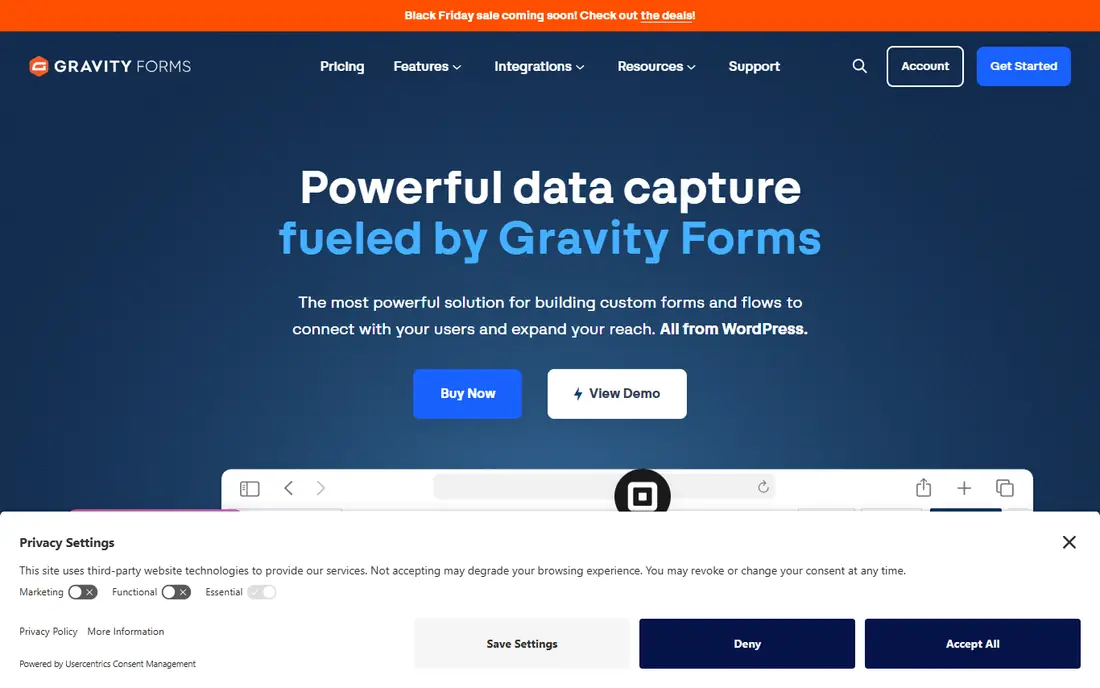
Gravity Forms fits agencies and site owners building complex forms with many integrations. Gravity Forms is a long-running WordPress form tool with a wide add-on library for payments, CRM tools, and workflow steps. That combination is the reason we kept it on this list, and it also explains who should look elsewhere if the fit is not right.
The honest catch is there is no free version, so every site pays from the start, and the plan you need depends on the add-ons you choose. We suggest checking the current pricing page and the plan limits before you sign up, because the cheapest tier may not include the feature you need most. If that feature is included, Gravity Forms is a practical choice that most small teams can set up without a long project.
- Mature add-on library
- Conditional logic
- Strong integrations
- No free version
- Surveys and some features need higher tiers
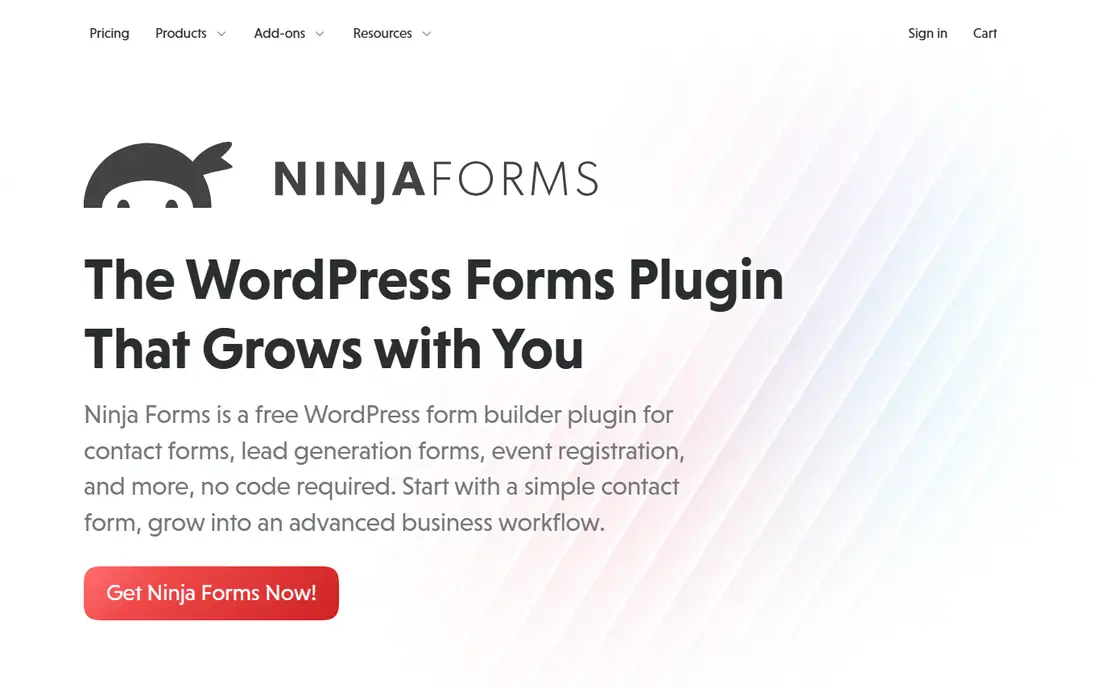
Ninja Forms fits site owners who want a free start and modular paid upgrades. Ninja Forms starts free and lets you add only the pieces you need, which keeps a simple form cheap. That combination is the reason we kept it on this list, and it also explains who should look elsewhere if the fit is not right.
The honest catch is a site that needs many add-ons may end up paying as much as an all-in-one bundle, so price the full set first. We suggest checking the current pricing page and the plan limits before you sign up, because the cheapest tier may not include the feature you need most. If that feature is included, Ninja Forms is a practical choice that most small teams can set up without a long project.
- Free core plugin
- Pay only for add-ons you need
- Drag-and-drop builder
- Costs can rise as add-ons stack up
- Some features need paid bundles
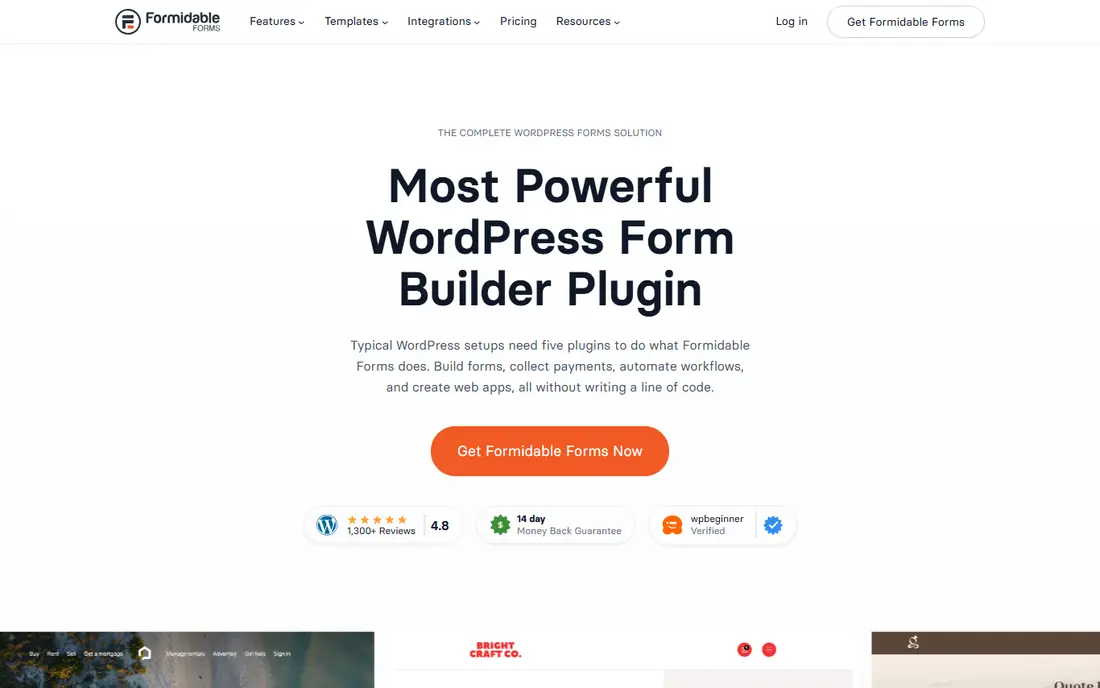
Formidable Forms fits sites that need calculators, listings, or reports built from form data. Formidable Forms turns form entries into calculators, directories, and simple applications, which goes beyond a basic contact form. That combination is the reason we kept it on this list, and it also explains who should look elsewhere if the fit is not right.
The honest catch is building views and calculations takes more setup than a simple form builder, so allow time to learn the data tools. We suggest checking the current pricing page and the plan limits before you sign up, because the cheapest tier may not include the feature you need most. If that feature is included, Formidable Forms is a practical choice that most small teams can set up without a long project.
- Calculations and views
- Form-to-application features
- Free Lite version
- Learning curve is steeper for data views
- Some features need higher tiers
Fluent Forms fits value-focused sites that want speed and a strong free tier. Fluent Forms packs a broad feature set into a fast plugin, with a free version that covers many common forms. That combination is the reason we kept it on this list, and it also explains who should look elsewhere if the fit is not right.
The honest catch is the add-on range is smaller than older rivals, so check for a specific integration before you commit. We suggest checking the current pricing page and the plan limits before you sign up, because the cheapest tier may not include the feature you need most. If that feature is included, Fluent Forms is a practical choice that most small teams can set up without a long project.
- Generous free version
- Conversational forms
- Many native integrations
- Newer than Gravity Forms
- Smaller add-on marketplace
Contact Form 7 fits developers and budget sites that only need simple contact forms. Contact Form 7 does one job with almost no overhead, which suits a simple contact form on a fast site. That combination is the reason we kept it on this list, and it also explains who should look elsewhere if the fit is not right.
The honest catch is you edit forms in markup rather than a visual builder, so non-technical users may need help with layout and logic. We suggest checking the current pricing page and the plan limits before you sign up, because the cheapest tier may not include the feature you need most. If that feature is included, Contact Form 7 is a practical choice that most small teams can set up without a long project.
- Free and open source
- Very light
- Flexible markup
- No drag-and-drop builder
- Conditional logic needs add-ons
Jotform fits teams that need many form types and a hosted workflow. Jotform gives a huge template library and hosted forms that work on any site, with payments, approvals, and reports built in. That combination is the reason we kept it on this list, and it also explains who should look elsewhere if the fit is not right.
The honest catch is teams that want everything inside WordPress may prefer a native plugin, since Jotform forms are embedded from a separate account. We suggest checking the current pricing page and the plan limits before you sign up, because the cheapest tier may not include the feature you need most. If that feature is included, Jotform is a practical choice that most small teams can set up without a long project.
- Large template library
- Hosted forms
- Payments and approvals
- Hosted model adds a separate account
- WordPress use relies on embedding
Typeform fits surveys and lead forms where completion rate matters more than plugin cost. Typeform asks one question at a time in a polished flow, which can lift completion on surveys and lead forms. That combination is the reason we kept it on this list, and it also explains who should look elsewhere if the fit is not right.
The honest catch is the cost per month is higher than a yearly WordPress plugin, and the form lives outside WordPress. We suggest checking the current pricing page and the plan limits before you sign up, because the cheapest tier may not include the feature you need most. If that feature is included, Typeform is a practical choice that most small teams can set up without a long project.
- Polished conversational flow
- Logic and branding
- Strong survey tools
- Monthly pricing is higher than many WordPress plugins
- WordPress use is by embed
Forminator fits small businesses that want quizzes and polls without paying for a form plugin. Forminator covers forms, quizzes, polls, and calculators in a free plugin, which is rare at this price. That combination is the reason we kept it on this list, and it also explains who should look elsewhere if the fit is not right.
The honest catch is paid features come through a wider membership rather than a single plugin licence, so check what that membership includes. We suggest checking the current pricing page and the plan limits before you sign up, because the cheapest tier may not include the feature you need most. If that feature is included, Forminator is a practical choice that most small teams can set up without a long project.
- Free quizzes and polls
- Calculators
- Simple builder
- Pro features sit inside a wider membership
- Some tools need that membership
WS Form fits developers and power users who want precise form control. WS Form gives developers fine control over layout, fields, and logic, with tools for data-driven forms. That combination is the reason we kept it on this list, and it also explains who should look elsewhere if the fit is not right.
The honest catch is beginners may find the depth more than they need for a simple contact form, so it suits confident builders best. We suggest checking the current pricing page and the plan limits before you sign up, because the cheapest tier may not include the feature you need most. If that feature is included, WS Form is a practical choice that most small teams can set up without a long project.
- Deep layout and field control
- Conditional logic
- Data tools
- Steeper learning curve
- Interface is more technical than beginner tools
How we picked these
We compared official pricing pages, WordPress plugin listings, and public documentation for form tools that are live in October 2026. We kept only tools that build real forms for WordPress sites or that embed cleanly into WordPress pages, and we noted where a price was a first-year offer rather than a renewal price. We did not claim hands-on testing, and we left out tools that had shut down or that no longer publish a working product.
How to choose a WPForms alternative
Start with the form you actually build most. A contact form needs far less than a payment form, a calculator, or a multi-step application. Then check where entries go, because a tool that only emails entries is a poor fit if you need CRM records, spreadsheets, or payment receipts. Compare renewal prices, entry limits, and spam protection, and test a form on mobile before you publish it. If you need surveys or quizzes, check which plan includes them, since those features often sit in higher tiers.
Frequently asked questions
What are the best WPForms alternatives?
Gravity Forms, Formidable Forms, Fluent Forms, and Ninja Forms are the most common best WPForms alternatives for WordPress, with Jotform and Typeform as hosted options. The best pick depends on whether you need complex workflows, calculations, or a simple contact form.
Is there a free alternative to WPForms?
Yes. Ninja Forms, Formidable Forms, Fluent Forms, Contact Form 7, Forminator, and WS Form all offer a free version, with paid plans for payments, logic, and integrations. Contact Form 7 is free throughout, while other free versions limit some features.
Which alternative is best for complex forms?
Gravity Forms and Formidable Forms lead for complex forms, with conditional logic, calculations, and integrations. Formidable Forms is the stronger pick when form entries need to become calculators or directories.
Can I use Jotform or Typeform on WordPress?
Yes, both can be embedded into WordPress pages, though the form itself is hosted outside WordPress. That model suits teams that want a shared form across several sites, while a native plugin suits teams that want everything inside WordPress.
What does WPForms Lite miss compared with paid form tools?
The free Lite version covers basic contact forms but leaves payments, surveys, conditional logic, and many integrations to paid plans. If you need those features, compare the renewal price of a paid plugin before you rebuild a large form set.
Sources
See where you really rank - block by block
ProMapRanker scans Google Maps across a grid of your service area. Simple monthly plans from $19, white-label on every plan.
Start freeKeep reading
 windows task scheduler alternatives
Best Windows Task Scheduler Alternatives in 2026
Looking for Windows Task Scheduler alternatives? We compare 9 schedulers for Windows and cross-platform work, from free tools to enterprise automation.
Read → which ai video service is best
Which AI Video Service Is Best in 2026
which ai video service is best? We compare 10 legitimate AI video services on price, avatars, editing and output quality to help you pick the right tool.
Read → which ai dubbing service is the best
Which AI Dubbing Service Is the Best in 2026
We compared options for which ai dubbing service is the best by comparing voice, lip sync, and price, so you can pick the right tool for your videos and budget.
Read →