 ProMapRanker
Which AI Video Service Is Best in 2026


Avatar marketing and spokesperson videos · Pricing starts at: $29 per month
Key takeaways
- HeyGen and Synthesia lead for avatar-led training and marketing videos, while Runway and Kling lead for original generated footage.
- Pictory, InVideo and Lumen5 suit teams that turn scripts, articles or long videos into finished social clips.
- Descript suits editors who prefer to edit video by editing text, rather than generating every clip from a prompt.
- Credit and minute pricing makes headline monthly prices hard to compare, so check how much finished video a plan actually yields.
- Only use a person's likeness or voice with that person's clear consent, and check each tool's rules on avatars and cloning before publishing.
Quick comparison
| Pick | Great for | Pricing starts at | Free tier | |
|---|---|---|---|---|
| HeyGen | Avatar marketing and spokesperson videos | $29 per month | Yes | Visit |
 Synthesia | Enterprise training and onboarding videos | $29 per month | Yes | Visit |
 Runway | Original text-to-video footage | $15 per month | Yes | Visit |
 Pictory | Turning scripts and articles into video | $29 per month | Free trial | Visit |
 InVideo | Fast social and marketing videos | See website | Yes | Visit |
 Descript | Editing video by editing text | $16 per month | Yes | Visit |
 Kling | High-quality generated clips on a budget | See website | Yes | Visit |
 Lumen5 | Social video from text and articles | $19 per month | Yes | Visit |
 Fliki | Voice-led videos in many languages | $28 per month | Yes | Visit |
 OpusClip | Turning long videos into short clips | $15 per month | Yes | Visit |
The best AI video services
These are legitimate creative tools for marketing, training, social content and editing. We compared official pricing pages, feature lists and public reviews, and we focused on output type, ease of use, language support and real cost per finished video. We excluded tools built for non-consensual imagery and tools that no longer operate.

HeyGen is the most practical pick for teams that need many presenter-style videos without filming each one. You can pick a stock avatar, type a script, choose a voice and produce a polished clip for a product update, ad or onboarding message. Translation and voice options help teams reach audiences in several languages from one script, which is a real time saver for global marketing.
The limit is tone and cost. Avatar delivery suits corporate and explainer content better than loose, personality-driven social video, and credit use rises with video length and quality. Teams should test a stock avatar first, check how it handles their brand voice, and confirm the rules for any custom avatar before using a real person's likeness.
- Large avatar library
- Voice cloning controls and translation
- API for bulk video creation
- Avatar videos can feel formal for casual social content
- Credits limit longer output
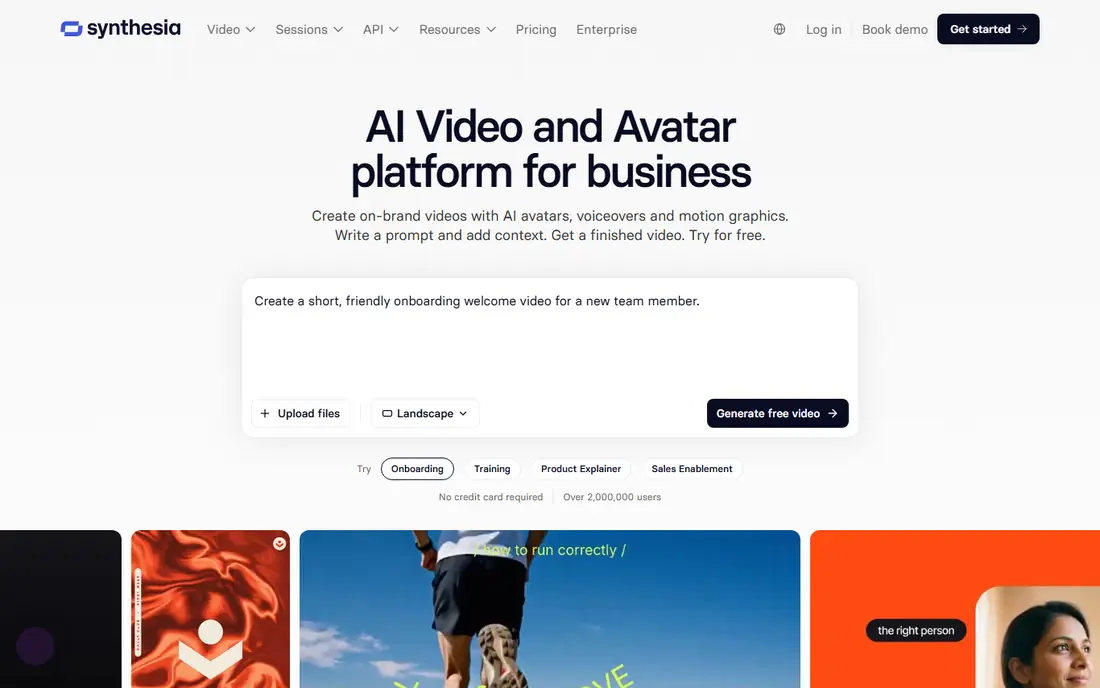
Synthesia is built for learning and development teams that need consistent training videos at scale. A trainer can write a script, choose an avatar and produce the same lesson in many languages, then update the text when a policy changes instead of refilming a whole session. That update workflow is the main reason large firms choose it over a general video generator.
Advertising use needs care, because stock avatar licences carry restrictions, including limits on paid ads in some cases. Teams should read the licence for their plan, confirm whether a custom avatar is needed for marketing, and budget for the minute allowance on their tier. For internal training, though, few tools match its consistency.
- Strong for training, compliance and onboarding
- Many languages and avatars
- Team and enterprise controls
- Stock avatars are restricted for some advertising uses
- Higher tiers needed for larger volumes
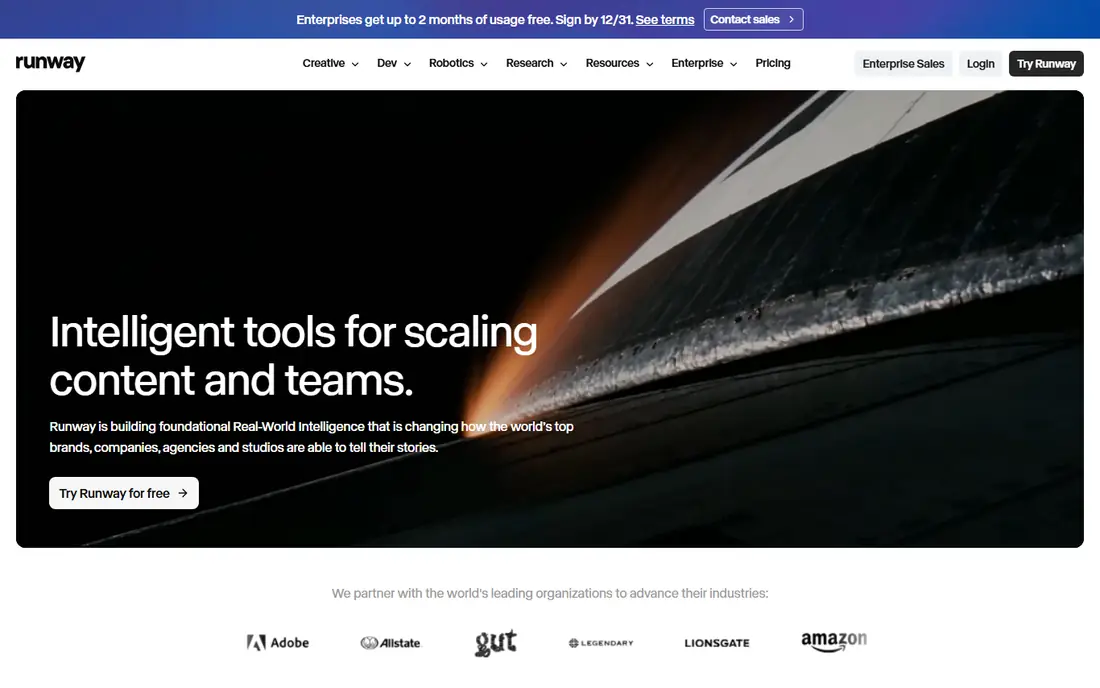
Runway suits creators who want original footage, not a presenter reading a script. Text-to-video and image-to-video tools can produce cinematic clips, B-roll and stylized scenes, and the built-in editor helps refine the result. Filmmakers, agencies and social teams use it to prototype ideas, create visuals that would be costly to shoot, and test concepts before a full production.
Cost and skill are the trade-offs. Credits are spent per second of generation, so long sequences get expensive, and weak prompts produce muddy or inconsistent clips. Beginners should start on the free credits, learn camera and motion controls, and treat Runway as a creative tool that rewards practice rather than a one-click video maker.
- High-quality text and image-to-video generation
- Editing tools beyond generation
- Model choice for creators
- Credits burn quickly on longer clips
- Results depend heavily on prompt skill
Pictory is the fastest route from written content to a finished video. Paste a script or article link, let the tool match stock footage and captions to the text, then edit scenes and voiceover before export. Bloggers, course creators and marketers use it to repurpose posts, webinars and podcasts into social clips without learning a full editor.
The output is assembled rather than truly generated, so it suits explainers and social content better than cinematic storytelling. Teams that need original footage or precise camera control should pair Pictory with Runway or Kling, while teams that need volume from existing writing will find Pictory hard to beat for speed.
- Fast script-to-video and article-to-video workflow
- Stock footage library
- Minute-based plans are easy to plan
- Less control over generated footage
- Voice cloning only on higher tiers
InVideo targets marketers who need many finished videos quickly. A prompt or script can produce a structured video with scenes, voiceover and captions, and templates help keep social formats consistent. The platform routes different shots to different generation models, which gives flexibility for varied content, from product promos to explainers.
Pricing needs attention because credits depend on the model used and expire each month. A team that experiments heavily can burn credits on drafts, so it helps to plan scripts before generating and to check the cost per shot. For volume social production, the speed is worth that discipline, but for a single cinematic clip, Runway may give more control.
- Prompt-to-video workflow
- Large template library
- Model routing for different clip styles
- Credit pricing varies by model
- Monthly credits expire
Descript takes a different angle from the rest of this list. Instead of generating footage from a prompt, it lets you edit a video by editing its transcript, which makes cutting pauses, filler words and mistakes far faster than timeline scrubbing. Podcasters, course creators and marketing teams use it to turn recordings into polished clips, captions and social cuts.
Buyers should not pick Descript expecting Runway-style footage generation. Its strength is editing real footage and audio, with AI tools that support that workflow, such as transcription, studio sound and overdub-style voice features under its own rules. For teams with existing recordings, that focus is a strength, not a weakness.
- Text-based editing is fast for spoken content
- Transcription and caption tools
- Podcast and video in one workflow
- Not a pure text-to-video generator
- AI video generation is a smaller part of the tool
Kling has become a favorite for creators who want high-quality generated video without the highest monthly bill. Short clips look polished, motion holds up well for social and concept work, and the free credit allowance lets new users test quality before paying. It suits creators who produce short-form content, ads and visual experiments on a regular basis.
The catch is plan complexity. Credit allowances, resolution options and pricing can vary, and heavy users will need a paid tier to keep output steady. Creators should test Kling with their own prompts and compare the cost per finished clip against Runway before committing to a monthly plan.
- Strong visual quality for the price
- Free daily credits on some plans
- Good for short-form creative clips
- Pricing and credit terms vary by region and plan
- Longer projects need paid tiers
Lumen5 suits small teams that need social video but have no video editor on staff. Paste an article or script, pick a template, adjust scenes and captions, and export a clip sized for social feeds. The workflow is deliberately simple, which helps a marketing generalist produce consistent content without learning timeline editing.
That simplicity limits creative range. Videos can look similar across brands if templates are used without customization, and advanced editing features sit on higher tiers. Teams that want a distinct visual style should budget time for custom branding, while teams that want fast, decent social clips will find Lumen5 easy to adopt.
- Simple article-to-video workflow
- Templates for social formats
- Easy for non-editors
- Output can look template-driven
- Branding options limited on lower tiers
Fliki is built around voice. A script becomes a narrated video with scenes, captions and a chosen voice, and the language range helps teams produce the same explainer for different audiences. Educators, YouTubers and marketers use it for faceless explainers, tutorials and short-form narration where the voice carries the content.
Visual originality is the limit. Scenes rely heavily on stock footage and images, so the result suits explainers better than cinematic work. Teams should listen to voice samples in their target languages, check minute allowances on their plan, and confirm that any cloned voice is used only with clear consent from the voice owner.
- Many voices and languages
- Script-to-video with voiceover focus
- Good for explainers and narration
- Visuals are largely stock-based
- Pricing rises with minutes and voices
OpusClip solves a narrow job well: turning a long recording into short, shareable clips. Upload a podcast, webinar or interview, and the tool picks moments, adds captions and formats clips for vertical social feeds. Creators who publish weekly long-form content can get a week of social posts from one recording, which is a strong return on time.
Source quality matters. A rambling recording with poor audio yields weaker clips, while a structured talk with clear moments yields strong ones. Teams should review clips before posting, check captions for errors, and treat OpusClip as a repurposing assistant rather than a replacement for good source content.
- Automatic clip selection from long videos
- Captions and hooks for social
- Fast repurposing workflow
- Clip quality depends on the source recording
- Best for talking-head and podcast content
How we picked these
We compared official pricing and feature pages, app store listings and public reviews for legitimate creative tools that operate in October 2026. We kept tools that produce presenter videos, generated footage, script-to-video output or edited clips, and we excluded tools built for non-consensual imagery, tools that only sell a raw API without a usable product, and tools that have closed. We favored tools with a usable free tier or trial where possible, and we marked pricing as See website where the vendor does not publish a single stable starting price.
We also weighed output type over headline price. An avatar tool, a footage generator and a clip repurposer do different jobs, so a direct price ranking would mislead readers. The list therefore groups tools by job, so readers can pick the type first and compare prices within that type.
How to choose the right type first
Start by naming the output you need. If you need a presenter on screen, compare HeyGen and Synthesia. If you need original footage, compare Runway and Kling. If you need to turn writing into video, compare Pictory, InVideo, Lumen5 and Fliki. If you already have recordings, compare Descript for editing and OpusClip for clipping. That single choice narrows the field more than any feature table.
Next, test with your own script or footage, not a demo prompt. Check voice quality, caption accuracy, avatar naturalness and export resolution, then calculate the cost per finished minute on the plan you would actually buy. Finally, read the licence and consent rules for avatars, voices and stock assets, and keep records of consent for any real person whose likeness or voice you use. Never create or share a realistic video of a real person without that person's clear permission, and do not use these tools to mislead viewers about who is speaking.
Frequently asked questions
Which AI video service is best overall?
There is no single winner, because the best tool depends on the job. HeyGen leads for avatar marketing videos, Synthesia leads for training, Runway leads for original footage, and Pictory leads for turning scripts into video quickly.
What is the best AI video service for beginners?
Pictory and Lumen5 are the easiest starting points for script-to-video work, while HeyGen is easy for avatar videos. Runway and Kling reward more practice, so beginners should use free credits there before paying.
Which AI video service is best for training videos?
Synthesia suits training and onboarding because it handles many languages, consistent avatars and easy script updates. HeyGen also works for shorter training clips, especially when translation and marketing polish matter.
How much does AI video cost per month?
Entry plans on this list run from about $15 to $29 per month, with free tiers on many tools. The real cost depends on credits, minutes and model choice, so check how much finished video a plan yields before comparing prices.
Can AI video tools clone a real person's face or voice?
Some tools offer custom avatars and voice cloning, but only with consent and under the vendor's rules. Never clone a real person without clear permission, and check the licence for commercial use before publishing.
Do AI video tools replace a human video editor?
No, not for most professional work. These tools speed up drafts, captions, clips and presenter videos, but human review still matters for story, accuracy, branding and final quality. Treat them as production help, not as a full replacement.
Sources
See where you really rank - block by block
ProMapRanker scans Google Maps across a grid of your service area. Simple monthly plans from $19, white-label on every plan.
Start freeKeep reading
 wpforms alternatives
Best WPForms Alternatives in 2026
We compare 9 wpforms alternatives for WordPress forms, with free and paid options, current pricing notes, and honest limits for small business sites in 2026.
Read → windows task scheduler alternatives
Best Windows Task Scheduler Alternatives in 2026
Looking for Windows Task Scheduler alternatives? We compare 9 schedulers for Windows and cross-platform work, from free tools to enterprise automation.
Read → which ai dubbing service is the best
Which AI Dubbing Service Is the Best in 2026
We compared options for which ai dubbing service is the best by comparing voice, lip sync, and price, so you can pick the right tool for your videos and budget.
Read →