 ProMapRanker
Which AI Dubbing Service Is the Best in 2026


Voice-led dubbing with cloning and API · Pricing starts at: $6 per month
Key takeaways
- ElevenLabs suits voice-led dubbing with cloning and api and stands out in this comparison for its core strengths and limits.
- HeyGen suits video translation with lip sync and avatars and stands out in this comparison for its core strengths and limits.
- Rask AI suits dubbing for teams and longer videos and stands out in this comparison for its core strengths and limits.
- Dubverse suits budget dubbing with south asian language strength and stands out in this comparison for its core strengths and limits.
- Prices and free tiers change often, so confirm the current plan page before ordering, since the checkout total is the figure that matters.
Quick comparison
| Pick | Great for | Pricing starts at | Free tier | |
|---|---|---|---|---|
| ElevenLabs | Voice-led dubbing with cloning and API | $6 per month | Yes | Visit |
 HeyGen | Video translation with lip sync and avatars | $29 per month | Yes | Visit |
 Rask AI | Dubbing for teams and longer videos | See website | No | Visit |
 Dubverse | Budget dubbing with South Asian language strength | $18 per month | Yes | Visit |
 Synthesia | Training video dubbing with avatars | See website | Yes | Visit |
 VEED | Browser editing with dubbing and subtitles | See website | Yes | Visit |
 Kapwing | Dubbing inside a collaborative editor | See website | Yes | Visit |
 Murf AI | Narration-led dubbing and voiceover | See website | Yes | Visit |
The best AI dubbing services
We compared official feature pages, pricing pages, and public documentation for each service below, and we kept only options that fit the topic and are available now. Prices marked See website were not confirmed on a single public pricing page at the time of writing.
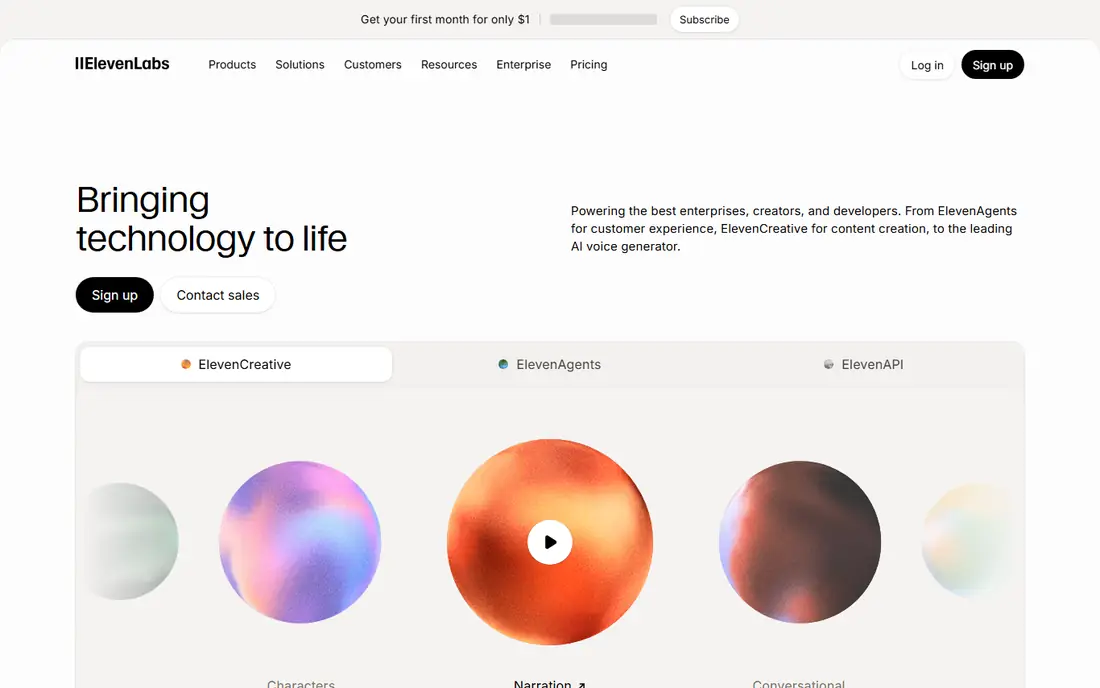
ElevenLabs is the voice-first pick, with dubbing that preserves tone and speaker character better than most rivals. Its studio supports multi-speaker content, and the API suits teams that automate localization. Standard dubbing is audio-led, so buyers who need lip sync must pair it with video tools or choose another platform.
Our pick for voice quality is ElevenLabs, because tone preservation matters when a speaker is the brand. The catch is the lack of lip sync and per-language credit use. Use only voices you own or have licensed, and get consent before cloning any voice.
- Natural voice quality
- Dubbing studio
- Developer API
- Many languages
- No lip sync on standard dubbing
- Credits are spent per target language
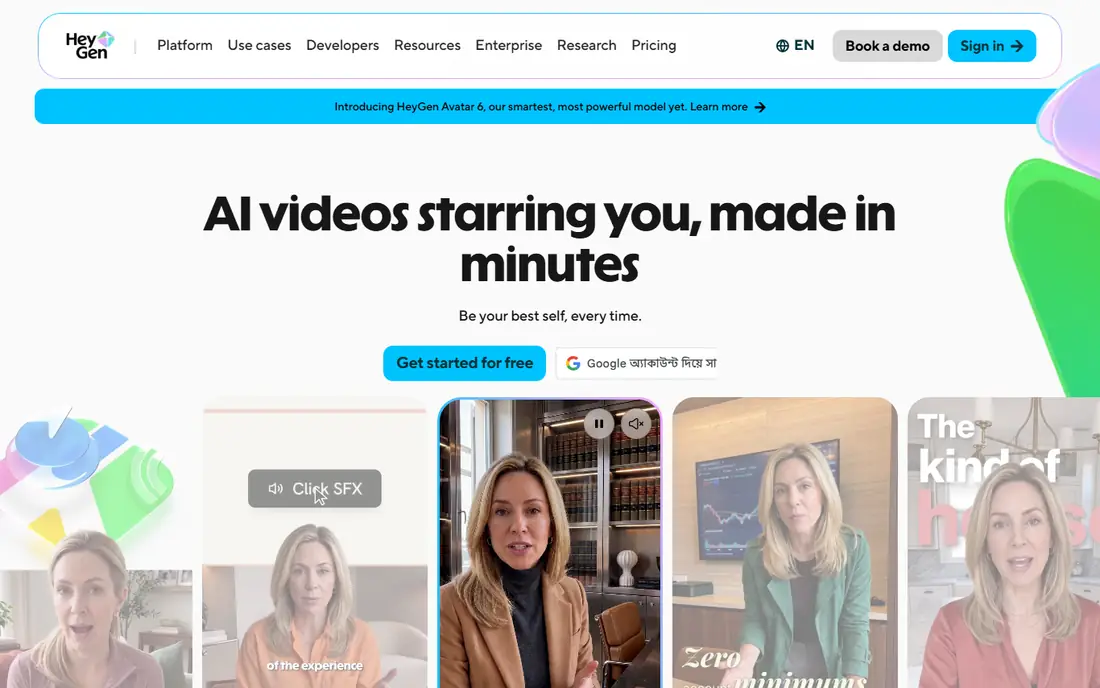
HeyGen is the video-first pick, because translation includes lip sync that matches the new voice to the speaker on screen. It covers a wide range of languages and adds avatar video in the same account. Credits are shared across features, so heavy avatar use will reduce dubbing minutes in the same month.
Our pick for lip-synced video is HeyGen, because the finished video looks natural without extra editing. The catch is shared credits, so track avatar and translation use together. Use only voices you own or have licensed, and get consent before cloning any voice.
- Lip-synced translation
- Many languages
- Avatar video in the same tool
- Credits are shared with avatar work
- Higher tiers needed for some exports
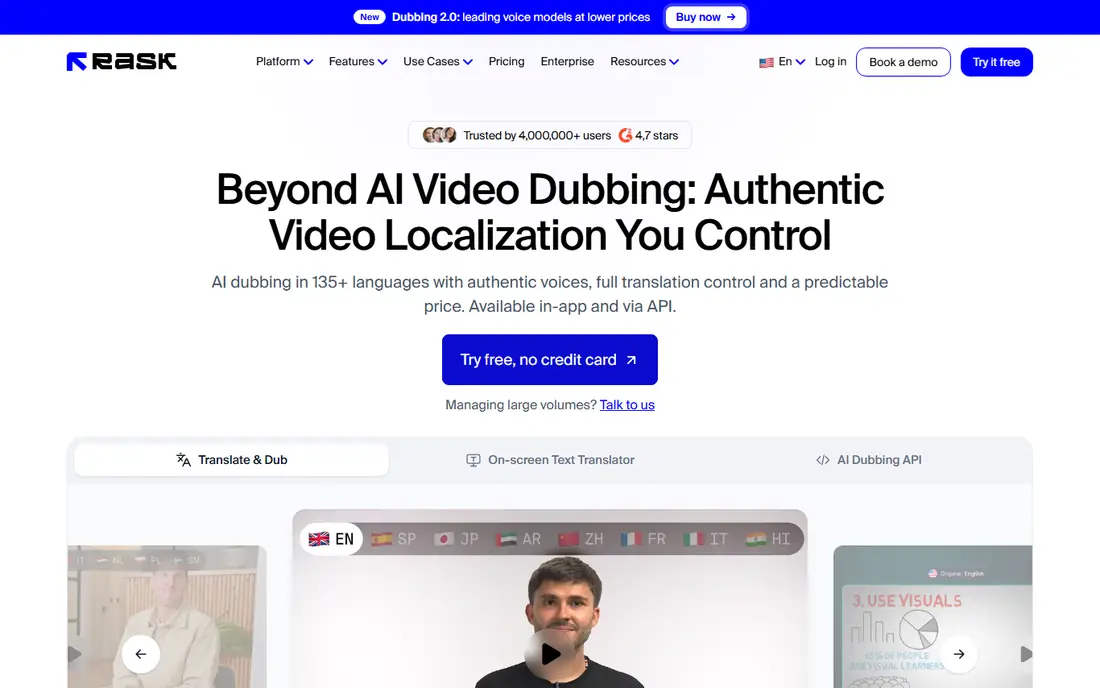
Rask AI suits teams that need review, transcription, and subtitles alongside dubbing. Its workflow helps editors check translations before export, which matters for training and marketing videos. Lip sync requires a higher tier, and per-minute pricing means long videos need a careful budget.
Our pick for team review is Rask AI, because editors can check work before it goes live. The catch is higher-tier lip sync and per-minute costs. Use only voices you own or have licensed, and get consent before cloning any voice.
- Team review tools
- Voice cloning
- Transcription and subtitles
- Lip sync sits on higher tiers
- Per-minute costs add up
Dubverse is a budget-friendly route into dubbing, with a simple flow and support for many languages. It is a good test tool for creators who want to try localization without a large monthly cost. Credit limits mean monthly dubbed minutes are lower than the headline plan price suggests.
Our pick for a low-cost test is Dubverse, because the entry price is easy to try. The catch is limited monthly minutes under credit pricing. Use only voices you own or have licensed, and get consent before cloning any voice.
- Low entry price
- Many languages
- Simple workflow
- Credit math limits monthly minutes
- Lip sync is limited
Synthesia fits learning teams that already make avatar training videos. Dubbing can localize an existing video or a script-based avatar video, and templates keep the format consistent. Credit use per dubbed minute is high, so teams should model a full course catalog before choosing a tier.
Our pick for training teams is Synthesia, because avatar and dubbing tools sit in one workflow. The catch is credit use per minute, so model full catalog costs first. Use only voices you own or have licensed, and get consent before cloning any voice.
- Avatar training videos
- Dubbing in many languages
- Templates
- Credit use per minute is high
- Dubbing depth varies by plan
VEED is the pick for editors who want dubbing inside a browser editor, with subtitles and translation in the same project. It suits short-form and social video, where quick edits matter more than deep voice cloning. Voice control is thinner than voice-first platforms, so check sample voices before committing.
Our pick for browser editors is VEED, because subtitles and dubbing stay in one project. The catch is thinner voice control than voice-first tools. Use only voices you own or have licensed, and get consent before cloning any voice.
- Easy browser editor
- Subtitle translation
- Team editing
- Dubbing is one part of a wider editor
- Voice control is thinner than voice-first tools
Kapwing also puts dubbing inside a collaborative editor, which helps small teams share and review a project. Subtitle tools and translation sit beside trimming and captions, so one tool can finish a short video. Dubbing minute caps mean it is not the best choice for long-form catalogs.
Our pick for collaborative short video is Kapwing, because sharing and review are simple. The catch is dubbing minute caps. Use only voices you own or have licensed, and get consent before cloning any voice.
- Browser editing
- Subtitle and dubbing tools
- Team sharing
- Minute caps on dubbing
- Lip sync is limited
Murf AI started in narration, and that voice library carries over into its dubbing work. Studio editing makes it easy to fix timing and tone, and paid plans include commercial use options. Dubbing depth and lip sync are thinner than video-first rivals, so it fits narration-led projects best.
Our pick for narration-led work is Murf AI, because its voice library is broad and easy to edit. The catch is limited lip sync. Use only voices you own or have licensed, and get consent before cloning any voice.
- Large voice library
- Studio editing
- Commercial use options on paid plans
- Dubbing is newer than its narration core
- Lip sync is limited
How we picked these
We started from the topic and the other keywords for the article, then checked each product against official feature and pricing pages, app store listings where relevant, and public documentation. We kept only products that exist and work now, that truly fit the topic, and that offer a distinct angle for a different buyer. We removed options with unclear ownership, dead pages, or a poor fit, even when the name was familiar. We compared pricing, free tiers, core features, and honest limits, and we wrote See website where a price could not be confirmed from the vendor page. We did not claim hands-on testing, and we did not invent awards, user counts, or ratings. The result is a shortlist that favors clear pricing, real availability, and a useful mix of leaders and smaller options.
How to choose an AI dubbing service
Start with the output you need: audio only, lip-synced video, or an avatar training video. Audio tools cost less and sound more natural, while lip-synced video costs more in credits and needs more review. Next, model the real cost per finished minute, including every target language, since most tools charge per language. Test with a short clip that includes names, numbers, and pauses, and check how the tool handles multi-speaker sections. Finally, confirm consent and rights: use only voices you own or have licensed, get written consent before cloning a voice, and never dub a person saying words they did not approve.
Frequently asked questions
Which AI dubbing service is the best overall?
ElevenLabs leads on voice quality, HeyGen leads on lip-synced video, and Rask AI leads on team review. The best tool depends on whether you need audio, video, or training content. Start with your output type, then compare per-minute costs.
What is the best AI dubbing service for lip sync?
HeyGen is a strong lip sync choice because translation and lip matching sit in one tool. Rask AI adds lip sync on higher tiers, while ElevenLabs focuses on audio dubbing. Compare sample clips with your own footage before buying.
How much does AI dubbing cost per minute?
Costs vary by tool, plan, and whether lip sync is included. Entry plans may include only a small number of dubbed minutes, and each target language counts separately. Model a full project, not just one video, before choosing a tier.
Can I clone my own voice for dubbing?
Yes, most tools allow cloning with a voice sample and consent checks, but rules vary by provider. Use only your own voice or a voice you have licensed, and keep written consent on file. Never clone a voice without permission.
Does AI dubbing work for long videos?
Yes, but long videos need careful budgeting for credits and review time. Split long content into sections, check translations in parts, and confirm subtitle timing. Team review tools help most for training and course catalogs.
Sources
See where you really rank - block by block
ProMapRanker scans Google Maps across a grid of your service area. Simple monthly plans from $19, white-label on every plan.
Start freeKeep reading
 wpforms alternatives
Best WPForms Alternatives in 2026
We compare 9 wpforms alternatives for WordPress forms, with free and paid options, current pricing notes, and honest limits for small business sites in 2026.
Read → windows task scheduler alternatives
Best Windows Task Scheduler Alternatives in 2026
Looking for Windows Task Scheduler alternatives? We compare 9 schedulers for Windows and cross-platform work, from free tools to enterprise automation.
Read → which ai video service is best
Which AI Video Service Is Best in 2026
which ai video service is best? We compare 10 legitimate AI video services on price, avatars, editing and output quality to help you pick the right tool.
Read →