 ProMapRanker
Best Mushroom Identification App in 2026


Focused mushroom identification · Pricing starts at: See website
Key takeaways
- No app guarantees safe identification, so use these tools for learning and always check with an expert before eating any wild mushroom.
- Picture Mushroom is our pick for most people who want a focused mushroom guide with clear species pages and look-alike notes.
- iNaturalist and Seek by iNaturalist are the strongest free options, with community checks on one and a simple camera on the other.
- MushDex and the web tool Mushroom Identification are useful when you want a fast photo check without installing a large app.
- A photo alone is often not enough, so take pictures of the cap, stem, gills or pores, and the place where the mushroom grows.
Quick comparison
| Pick | Great for | Pricing starts at | Free tier | |
|---|---|---|---|---|
| Picture Mushroom | Focused mushroom identification | See website | Yes | Visit |
 iNaturalist | Community-checked identifications | Free | Yes | Visit |
 Seek by iNaturalist | Simple camera identification | Free | Yes | Visit |
 MushDex | Fast free photo checks | Free | Yes | Visit |
 Mushroom Observer | Expert community help | Free | Yes | Visit |
 Shroomify | Offline field reference | See website | Yes | Visit |
 ObsIdentify | European nature identification | Free | Yes | Visit |
 Google Lens | Quick check from a phone you already own | Free | Yes | Visit |
 Mushroom Identification | Browser-based photo ID | Free | Yes | Visit |
The best mushroom identification apps
We compared photo identification, species detail, offline use, and how clearly each tool warns about look-alikes. Our list favors tools that show more than one possible match and explain what else to check.
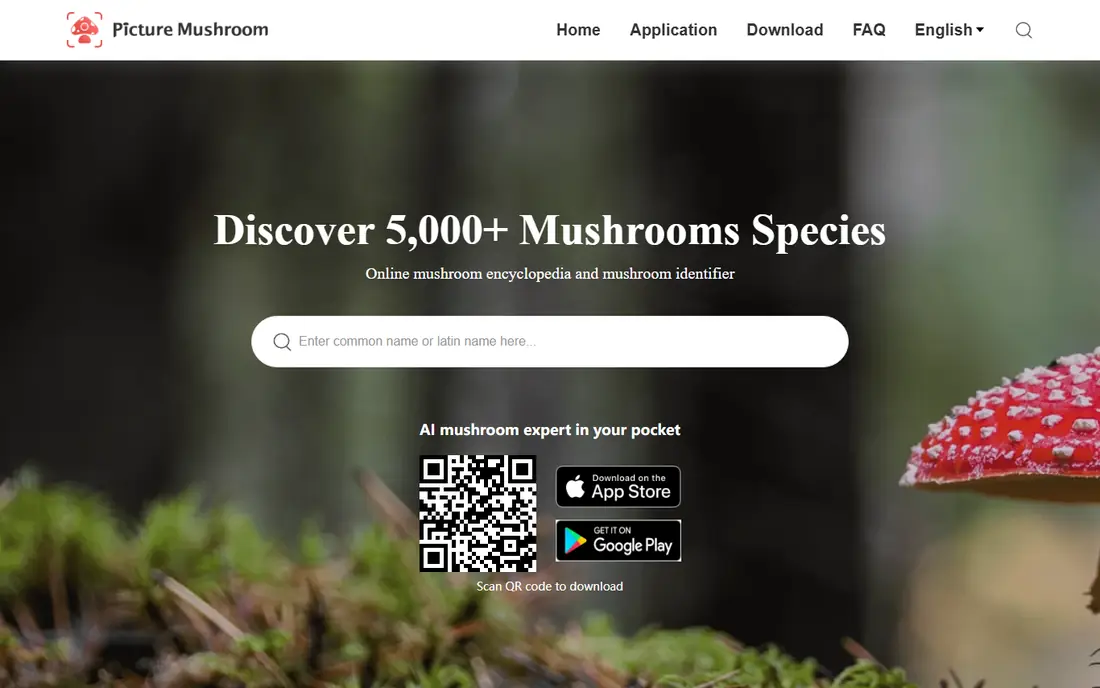
Picture Mushroom stands out because it is built for fungi first, not for all plants and animals. That focus shows in species pages that describe shape, color, habitat, and common look-alikes in plain terms. For a walker who keeps finding the same kinds of fungi, that detail helps learning stick from one walk to the next.
The trade-off is the paywall. Free use gives a taste of the identification flow, while deeper detail and unlimited checks sit behind a subscription. We would still start here for a focused guide, but we would pair it with a free community tool when a find is puzzling.
- Mushroom-focused species pages
- Photo identification with similar species
- Edibility and toxicity notes on many entries
- Full access needs a paid plan
- Identification still needs expert checking before any eating decision
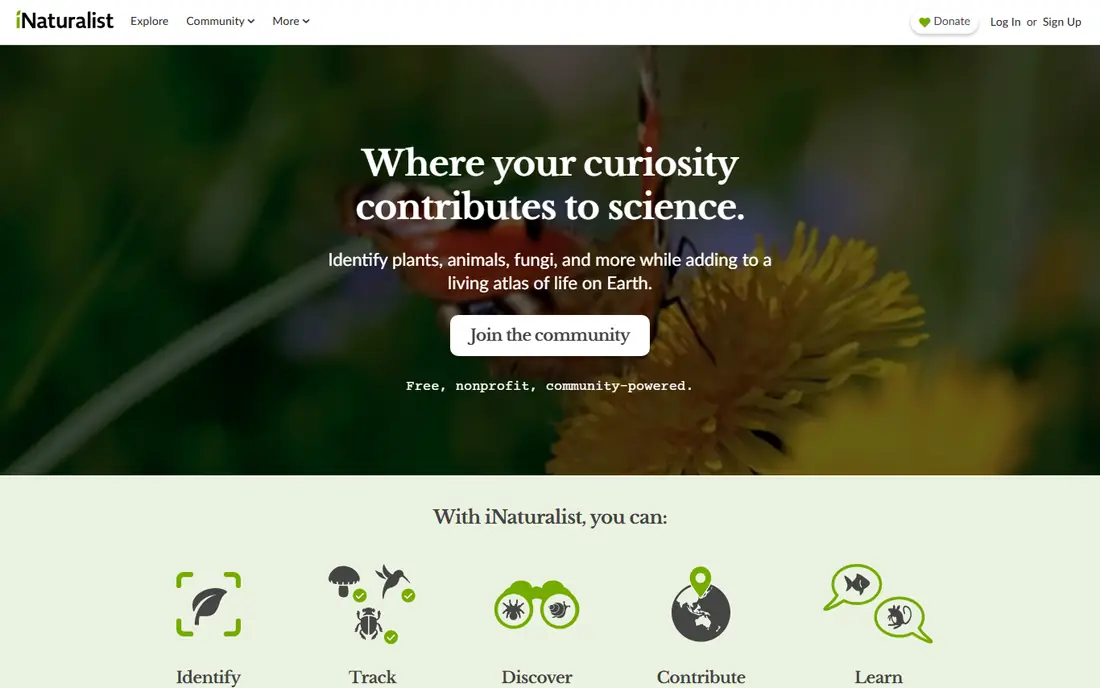
iNaturalist works well when patience is acceptable. You post photos and notes, and other users suggest or confirm an identification. That human step matters for fungi, because a single photo can hide the stem base, the spore color, or the texture that separates two similar species.
The app covers all living things, so it is less of a mushroom field guide than Picture Mushroom. Its strength is the record it builds. Each observation keeps your photos, location, and notes together, which makes it easier to revisit a find later and learn from corrections.
- Large community of identifiers
- Observations can be checked by other people
- Free on web and mobile
- Identification can take time
- Broad scope means less mushroom-only detail
Seek is the easiest tool on this list to hand to a child or a first-time walker. Point the camera at a mushroom and it narrows the match while you hold still, often stopping at genus or family when it is not sure. That restraint is a good thing for fungi, where a confident wrong answer is worse than a broad one.
Seek keeps things light on purpose. It does not try to be a full reference book, and it offers little help with look-alikes or safety. Use it to spark curiosity and to build a list of finds, then open a fuller guide or ask an expert when a species matters.
- Free with no account needed for basic use
- Camera gives live suggestions
- Challenges make walks fun for families
- Limited species detail
- No edibility guidance to rely on
MushDex earns a place here for speed and price. It offers free scans without the heavy subscription wall found in some mushroom apps, which makes it a practical second opinion when another app gives a doubtful answer. Its pages also try to flag toxicity and similar species, a useful habit for any identifier to build.
Because MushDex is newer than the community tools above, we would not treat it as the final word on a tricky find. Cross-check its top match against a guide or a community post, especially when two species look close in color and shape.
- Free photo identification
- Web and mobile access
- Toxicity and look-alike detail in its listings
- Newer tool with a smaller track record
- Photo quality still affects results a lot
Mushroom Observer is the place for finds that photo apps cannot settle. Members ask follow-up questions about substrate, smell, bruising, and spore prints, which are details a photo alone cannot always show. That back-and-forth is slow, but it mirrors how real identification works.
The site feels dated next to modern apps, and it is not built for a quick answer on the trail. We keep it on the list because its archive and its experienced members give depth that a fast scan cannot match.
- Long-running fungi community
- Members ask about spore prints and habitat
- Large archive of past observations
- Web-first and slower than photo apps
- Some finds wait days for an answer
Shroomify suits walkers who plan to be out of signal range. Its value is a reference library you can browse in the field, with species entries that help you compare what you see against known fungi. That offline habit matters, because many good mushroom spots have weak mobile coverage.
Shroomify is not the best pick if you want to point a camera and get a name in seconds. It rewards a slower method: read the entry, compare the cap and stem, check the habitat, and note what does not fit.
- Large species reference for offline walks
- Clear photos and descriptions
- Useful without a signal
- No photo AI identification in the same way as scan-first apps
- Paid upgrade for full content
ObsIdentify suits walkers in Europe who want a free identification tool tied to a research community. Take a photo, get a suggested species, and save the observation so it can support wider biodiversity records. That link to Observation.org gives the app a purpose beyond a single answer.
Its range limit is the main catch for US readers. If you walk outside Europe and the Dutch Caribbean, the recognition model may not cover your local fungi well. For US walks, use the other tools on this list first, and keep ObsIdentify for trips or for learning how citizen science apps present species data.
- Free nature identification
- Observations feed a citizen science platform
- Badges and challenges for regular use
- Recognition focused on Europe and the Dutch Caribbean
- Less useful outside that range
Google Lens is worth listing because it is already in many pockets. A quick Lens search can point you toward a genus or a set of similar images, and that can be a useful first step before opening a dedicated guide. It costs nothing extra and needs no new app for many users.
Its limits are clear. Lens is built for all kinds of images, so it does not give the fungi-specific warnings, look-alike notes, or expert checks that dedicated tools offer. Treat a Lens result as a lead to verify, never as proof of identity.
- Already on many Android phones and in the Google app
- Fast visual search
- No new account for basic use
- General visual search, not a fungi guide
- Results can mix in unrelated images and products
Mushroom Identification is a handy option for people who do not want another app on their phone. Upload photos from a walk, review the suggested matches, and compare them side by side on a larger screen. That larger view helps when you need to study gill detail or cap texture.
It is less useful deep in the woods, where a browser tool needs a connection. We would use it at home after a walk, with notes and extra photos ready, rather than as the only tool in the field.
- Works in any browser without installing an app
- Multi-photo uploads
- Free basic use
- Needs an internet connection
- Less field-friendly than a mobile app
How we picked these
We compared official feature pages, app store listings, pricing pages, and public descriptions of how each tool identifies fungi. We favored tools that exist and work now, show more than one candidate when a match is uncertain, and give plain warnings about look-alikes. We left out tools that only promise an answer without species detail or community checks, and we did not count marketing claims about accuracy as proof.
What to check before you trust an identification
A good photo set matters more than a good app. Photograph the cap from above, the underside, the stem and its base, and the ground or wood where it grows. Note the tree species nearby, the smell, and any color change when the flesh is cut or bruised. If any of those details are missing, say so in a community post so identifiers can ask the right questions.
Compare at least two sources before you settle on a name. When two tools disagree, that disagreement is useful information, not a fault to ignore. Look for the species that fits all of your photos, not the one that fits the prettiest photo best. For eating decisions, none of this is enough on its own. Check with a local expert, a mycological society, or another qualified person who can see the actual specimen.
Safety note: no app guarantees safe identification, and readers must never eat a wild mushroom based on an app alone. Check with an expert first, and if someone eats a wild mushroom and feels ill, seek medical help right away.
Frequently asked questions
Is there a best mushroom id app that is completely free?
Seek by iNaturalist, iNaturalist, MushDex, Mushroom Observer, and Google Lens all offer free use, and each covers a different need. Seek is best for a quick camera check, iNaturalist is best for community confirmation, and Mushroom Observer is best for hard cases. A free tool can still be wrong, so use more than one source for any important find.
Can a mushroom identifier app tell me if a mushroom is safe to eat?
No. An app can suggest a name and show toxicity notes, but it cannot guarantee identification from photos alone. Many edible and poisonous species look alike, and photo quality, lighting, and missing details can change the result. Never eat a wild mushroom based on an app alone, and check with an expert who can examine the specimen.
What is the best mushroom app for offline use?
Shroomify is a strong choice for offline reference, and Seek can work with downloaded models in some cases. Check offline behavior at home before a walk, because installing an app does not always download its full recognition data. Save species pages and photos ahead of time when you expect no signal.
How do I take photos that help an app identify a mushroom?
Take clear photos of the cap, the underside, the stem, the base, and the habitat. Add a note about nearby trees, soil or wood, and any smell or bruising. Avoid blurry close-ups with harsh shadows, and include a coin or hand for scale only when it does not hide key features.
Is Picture Mushroom better than iNaturalist?
Picture Mushroom is better as a focused mushroom guide with ready species pages, while iNaturalist is better when you want people to check your find. Many walkers use both: Picture Mushroom for a fast reference, and iNaturalist for a second opinion on a puzzling specimen.
Sources
See where you really rank - block by block
ProMapRanker scans Google Maps across a grid of your service area. Simple monthly plans from $19, white-label on every plan.
Start freeKeep reading
 zscaler alternatives
Best Zscaler Alternatives in 2026
Looking for zscaler alternatives? We compare 9 SASE and zero trust platforms on architecture, data protection, pricing, and fit for your network and team.
Read → zapier alternatives free
Best Zapier Alternatives Free in 2026
Nine automation tools for zapier alternatives free in 2026, all with genuinely free tiers, plus free plan limits, starting prices and upgrade paths explained.
Read → which platform is best for online reputation
Which Platform Is Best for Online Reputation in 2026
Wondering which platform is best for online reputation? We compare 8 review, listing, and response tools for small and multi-location businesses and agencies.
Read →