 ProMapRanker
Best App to Create AI Images for Free in 2026

Key takeaways
- Microsoft Designer and Google Gemini give the most useful free starting point for casual creators, because both work with a simple account and no card.
- Ideogram and Leonardo AI stand out when text in the image or a repeatable style matters, but their free images are public by default.
- Adobe Firefly and Canva are the safer picks for business use, since their models and licences are built with commercial work in mind.
- Free tiers change often, so check the credit counter shown in the app before you plan a large project around a free allowance.
Quick comparison
| Pick | Great for | Pricing starts at | Free tier | |
|---|---|---|---|---|
 Microsoft Designer | Everyday free images | Free | Yes | Visit |
 Adobe Firefly | Commercially careful work | Free | Yes | Visit |
 Ideogram | Posters and readable text | Free | Yes | Visit |
 Leonardo AI | Game art and styles | Free | Yes | Visit |
 Canva | Finished social graphics | Free | Yes | Visit |
 ChatGPT | Conversational image edits | Free | Yes | Visit |
 Google Gemini | Photo style edits | Free | Yes | Visit |
 Craiyon | Casual fun images | Free | Yes | Visit |
 NightCafe | Trying many models | Free | Yes | Visit |
The best apps to create AI images for free
We compared official feature pages, pricing pages and app store listings for tools that still offer a real free tier in October 2026. Only create images of people with their permission, and do not use any of these tools to make intimate images of a real person without consent. That warning matters for every tool below, even the playful ones.
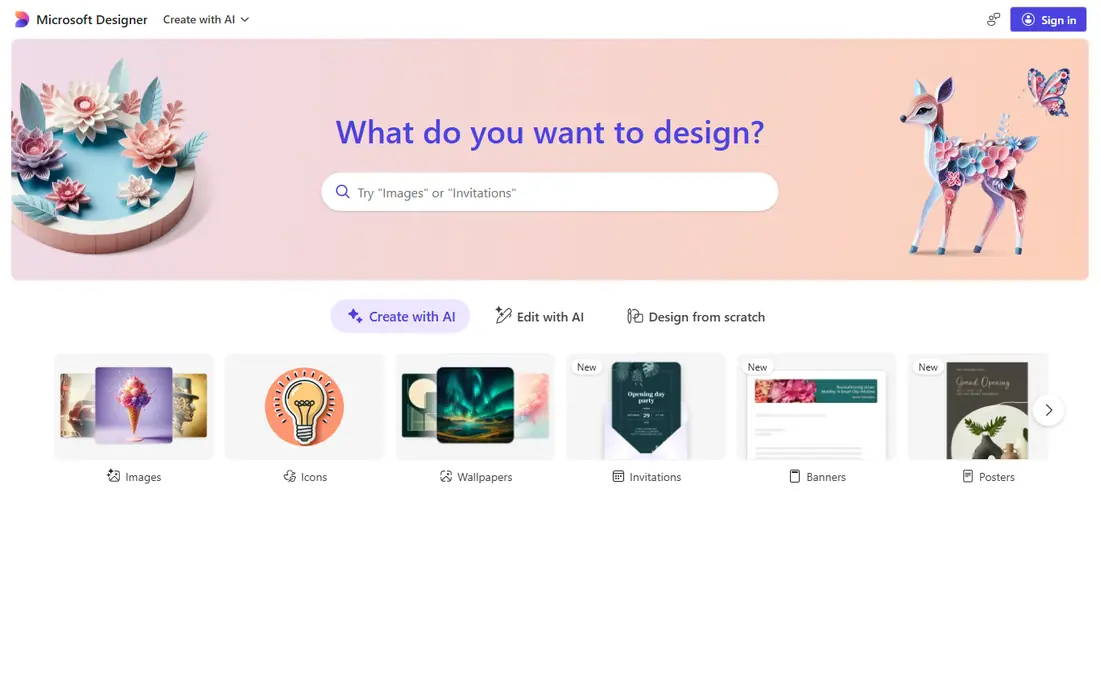
Microsoft Designer is our pick for most people who just want a free image app that works without a learning curve. You sign in with a Microsoft account, type a plain description, and get several variations back. The Image Creator part of Designer is the same family of tools found in Bing, so the results tend to look clean and realistic rather than heavily stylised. For a blog header, a classroom slide or a social post, that plain approach is often enough.
The catch is the credit system. Microsoft shows a counter for faster generations, and once that allowance is used, generation continues at a slower speed. That is still useful for casual use, but it is not a good fit for someone who needs dozens of images in one sitting.
- Free with a Microsoft account
- Simple prompt box
- Built in editing tools for layouts and backgrounds
- Fast generation allowance changes
- Content rules are strict
- No fine model control for advanced users
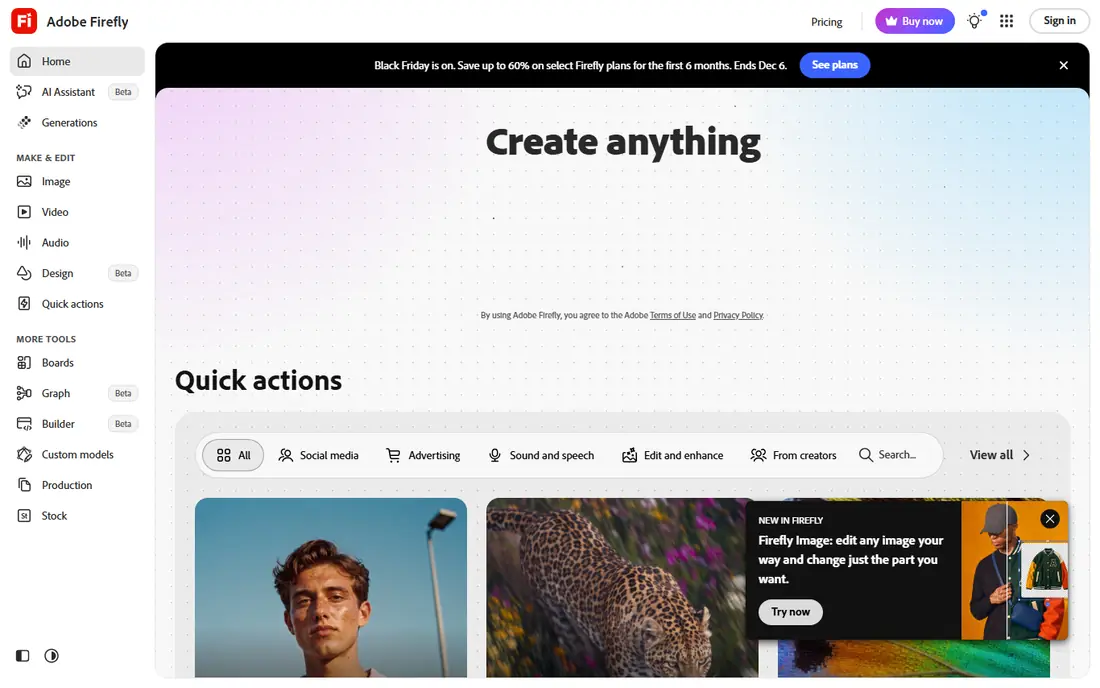
Adobe Firefly is the tool to try first when the image will be used for a client, a product page or a paid campaign. Adobe positions Firefly around licensed and public domain training material, and it offers content credentials that show an image was made or edited with AI. The web app also connects neatly to Photoshop, where Generative Fill can extend or repair a photo.
The free tier gives a limited number of daily generations, and Adobe does not always publish the exact daily count. Paid plans start at $9.99 per month for the Standard plan in the United States, which adds a larger credit pool. If you only need a few images a month, the free tier may be enough. If you need volume, compare the Standard plan with Canva Pro before you commit, because the two tools solve different problems.
- Models trained with commercial use in mind
- Strong integration with Photoshop and Express
- Clear paid upgrade path
- Free tier is limited
- Best features sit behind paid plans
- Credit system takes time to learn
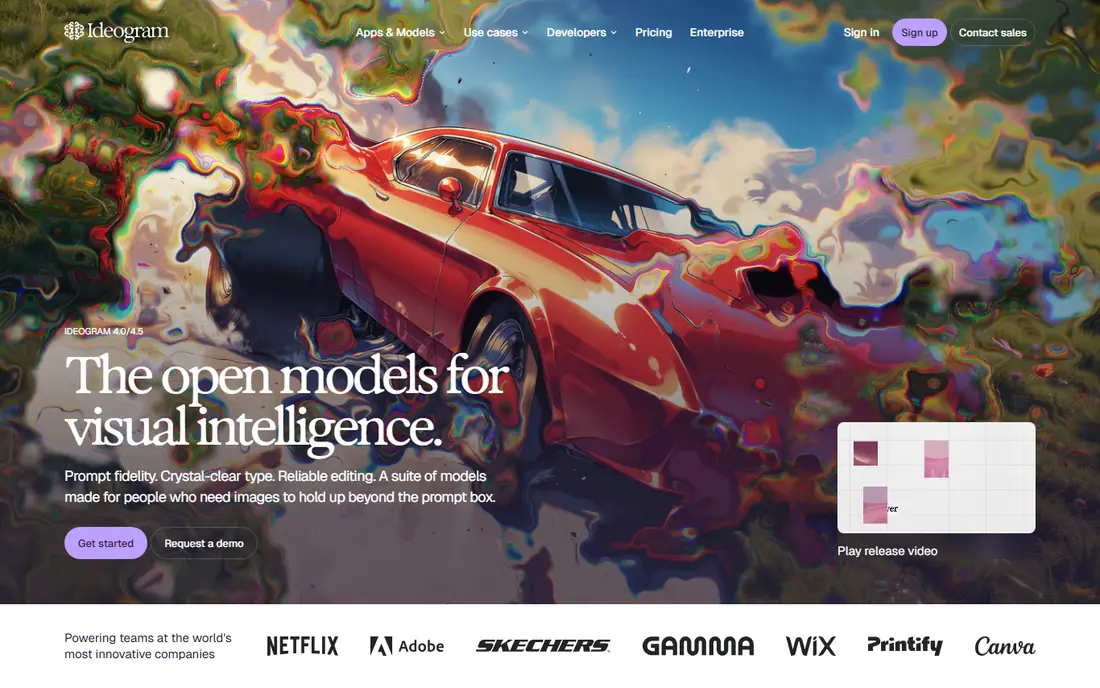
Ideogram earned its place here for one clear reason: it spells words inside images far more reliably than most general tools. If your image needs a headline, a shop sign, a book cover title or a logo wordmark, that accuracy saves real rework. For designers, that focus on lettering is the main selling point.
The trade-off is privacy. Free generations are public in the community gallery, and private generation needs a paid plan. Paid plans start at $20 per month, or $15 per month billed annually, for the Plus plan. Free accounts also receive a weekly grant of slow credits, and the amount can change, so do not build a deadline around an exact weekly number. Use Ideogram free for public-facing practice and early drafts, and pay when a project must stay private.
- Strong text rendering in posters and logos
- Character reference tools
- Full ownership of outputs on the free tier
- Free images are public by default
- Only one job can run at a time on free
- Editing tools need paid credits
Leonardo AI suits creators who want control over style. You can pick from several models, including photorealistic and illustration styles, and you can train a personal model on a paid plan for a consistent character or look. That makes it popular for game art, concept art and character sheets, where the same figure needs to appear again and again. The free plan gives 150 fast tokens per day, which is enough for a handful of images if you keep settings modest.
Tokens are the main thing to learn. A standard image costs fewer tokens than a large or refined one, so the daily allowance does not translate into a fixed number of pictures. Paid plans start at $12 per month for Essential, with 8,500 fast tokens per month and private creation. Beginners should start free, try one model at a time, and watch the token estimate shown before each generation.
- Daily free tokens
- Wide model choice
- Personal model training on paid plans
- Token costs vary by model and size
- Free creations are public
- Interface can feel busy for beginners
Canva is less about raw image generation and more about finishing the job. You generate an image with Magic Media, then drop it into a post, a flyer, a presentation or a video thumbnail without exporting and re-uploading. For small business owners and social managers, that single workflow is the appeal. The free plan includes a limited number of AI uses, and Pro costs about $15 per month, or $120 per year, with a larger monthly AI allowance.
The honest limit is quality. Canva images are good for social graphics, but they rarely match Leonardo AI for game art or Ideogram for exact lettering. Canva also sets rules on how its content can be used on a standalone basis, so read the current licence terms before you sell a single generated image as-is.
- Images land straight into a design
- Huge template library
- Easy editing, text and export in one place
- Generation quality trails dedicated tools
- Free AI uses are limited
- Best AI features need Pro
ChatGPT works well when you want to talk an image into shape. You can ask for a first version, then say what to change, such as the background, the lighting or the colour of an object, and keep refining in the same conversation. That back-and-forth suits people who find sliders and model menus confusing. It also handles short text in images better than older generators did, which helps with simple signs and labels.
The free tier is limited, and heavy image use will push you toward a paid plan, so check the current limits in the app before you rely on it for a series. ChatGPT is also a general assistant, not a design suite, so you will still need another tool for layouts, print sizing or brand kits.
- Edit by describing changes in plain words
- Handles short text well
- Useful for refining one image over several rounds
- Free image use is limited
- No standalone image app workflow
- Results vary with prompt detail
Google Gemini is the easiest free option for people who already use a Google account. You describe a photo style edit or a new scene in the Gemini app, and it returns an image you can refine with follow-up prompts. That conversational style is close to ChatGPT, but Gemini has a particular strength with photo-like edits, such as changing a setting or restyling an existing picture.
The downside is control. Gemini does not offer the model menu, token system or training options found in Leonardo AI, and its free limits can change without a published number. It is also not the best choice when you need exact brand colours, precise text or a repeatable character across many images. Treat Gemini as a quick free sketchbook, and keep a dedicated tool in reserve for work that must look consistent.
- Strong photo style edits from a prompt
- Conversational changes
- No separate app needed for basic use
- Free limits are not fixed in public pricing
- Less control than a dedicated generator
- Output style can be generic
Craiyon is the most casual tool on this list, and that is its charm. You type a prompt, wait a short while, and get a set of playful images without signing up for a paid plan. It is a good fit for party invitations, classroom fun, meme ideas and quick brainstorming when quality does not matter much. The free tier stays free, and paid plans remove the watermark and add faster generation and higher quality downloads.
Do not judge Craiyon by the same standard as Firefly or Leonardo AI. Faces can look rough, hands can look odd, and fine detail often falls apart. If you like the idea but need a cleaner result, use Craiyon to test a concept, then rebuild the winning idea in Microsoft Designer or Canva.
- Free generation with no card
- Simple interface
- Good for jokes, memes and brainstorming
- Lower image quality than paid tools
- Free images carry a watermark
- Slower than rivals at busy times
NightCafe is a studio that brings several image models together, so you can compare how the same prompt looks across different engines without opening five accounts. The free tier gives a small daily credit grant, and you can earn more credits through community activity and daily challenges. Paid plans start from a low monthly price for beginners, with larger credit packs for heavier use.
The credit system needs care. A base model generation costs far less than a premium model, and extra features such as upscaling or face fixing also draw credits. New users should start with base models, learn the cost of each setting, and only spend premium credits on images they actually plan to use. NightCafe is at its best as a learning studio and a community space, rather than as a single-model production tool.
- Many models in one studio
- Daily free credits
- Community challenges that earn extra credits
- Credit costs vary by model
- Premium models burn credits fast
- Interface has a lot going on
How we picked these
We checked official pricing pages, app store listings and vendor feature pages for tools that still offer a free tier in October 2026, and we kept only tools that let a new user generate images without paying first. We favoured a mix of general tools, text specialists, style tools and design suites, so readers with different goals can find a fit. We did not claim hands-on testing, and we treated third-party price roundups as leads to check, not as proof. Where a free allowance was described as changing or unpublished, we said so rather than inventing a fixed number.
What to check before you pick a free image app
Start with the end use, not the tool. A social post needs a finished design, so Canva or Microsoft Designer will feel faster than a raw generator. A poster with a headline needs Ideogram. A character that must look the same in ten pictures needs Leonardo AI on a paid plan, because free images are public and training tools are paid. A client project needs a clear licence, so Firefly deserves a closer look even if its free tier is smaller.
Next, check three practical details in the app itself. First, look at the credit counter and the privacy setting before your first generation, since free images are public on several tools here. Second, read the licence terms for commercial use, because free does not always mean free for business. Third, test the same prompt in two tools and compare text spelling, hands and background detail at full size. A thumbnail can hide flaws that show up in print or on a large screen.
Finally, plan for limits. Free tiers are generous for learning and occasional use, but they are not built for bulk production. If you need images every day, budget for one paid plan rather than juggling five free accounts. Keep your prompts and generation dates with final files, and only create images of people with their permission. That habit protects you and the people in your pictures.
Frequently asked questions
What is the best free app to create AI images?
Microsoft Designer is the best free starting point for most people, because it is free with a Microsoft account and gives clean, realistic results with little setup. Ideogram is better for posters with text, and Canva is better when you need a finished social graphic. Try two tools with the same prompt before you settle on one.
Can I use free AI images for business?
It depends on the tool and its current licence terms. Adobe Firefly and Canva both describe commercial use for their outputs, with conditions that you should read before selling or publishing work. Free images from some tools are public by default, so check privacy and licence settings first. When in doubt, use a paid plan with a clear commercial licence.
Why are my free AI images public?
Several free tiers, including Ideogram and Leonardo AI, make free generations public in a community gallery. That is part of how they offer a free service. Private generation is usually a paid feature. Do not generate private, client or sensitive concepts on a free tier if public exposure would cause a problem.
How many free images can I make each day?
It varies by tool and by the settings you choose. Leonardo AI lists 150 fast tokens per day on its free plan, while other tools describe a changing daily allowance or a weekly credit grant. Always check the counter shown in the app, because a published number from an older article may no longer match the live limit.
Do free AI image apps put a watermark on images?
Some do and some do not. Craiyon adds a watermark on free images, while other tools on this list do not watermark free outputs in the same way. Paid plans usually remove watermarks and add higher quality downloads. Check a test download at full size before you promise a client a clean file.
Are AI images safe to use for pictures of people?
Only create images of people with their permission, and never use these tools to make intimate images of a real person without consent. That rule applies even when a tool would technically allow the prompt. For portraits of real people, use your own photos with permission, or use clearly fictional characters instead.
Sources
See where you really rank - block by block
ProMapRanker scans Google Maps across a grid of your service area. Simple monthly plans from $19, white-label on every plan.
Start freeKeep reading
 zscaler alternatives
Best Zscaler Alternatives in 2026
Looking for zscaler alternatives? We compare 9 SASE and zero trust platforms on architecture, data protection, pricing, and fit for your network and team.
Read → zapier alternatives free
Best Zapier Alternatives Free in 2026
Nine automation tools for zapier alternatives free in 2026, all with genuinely free tiers, plus free plan limits, starting prices and upgrade paths explained.
Read → which platform is best for online reputation
Which Platform Is Best for Online Reputation in 2026
Wondering which platform is best for online reputation? We compare 8 review, listing, and response tools for small and multi-location businesses and agencies.
Read →