 ProMapRanker
Best AI Apps for Creating Images in 2026

Key takeaways
- Midjourney leads on artistic quality, while Ideogram leads when the image must contain readable text.
- Adobe Firefly is the safest pick for client and commercial work, thanks to its licensed training data and Creative Cloud fit.
- ChatGPT image generation is the easiest start for most people, since edits happen in plain conversation.
- Leonardo AI and Canva suit creators who need volume, templates, and finished designs, not just a single image.
Quick comparison
| Pick | Great for | Pricing starts at | Free tier | |
|---|---|---|---|---|
 Midjourney | Artistic and cinematic images | $10 per month | No | Visit |
 ChatGPT | Conversational image creation | $8 per month | Yes | Visit |
 Adobe Firefly | Commercially safe images | $9.99 per month | Yes | Visit |
 Ideogram | Text, logos, and posters | $20 per month | Yes | Visit |
 Leonardo AI | Game assets and custom models | $12 per month | Yes | Visit |
 Canva | Finished designs with AI images | $15 per month | Yes | Visit |
 NightCafe | Easy credits and community styles | See website | Yes | Visit |
 Recraft | Vector graphics and brand art | $12 per month | Yes | Visit |
The best ai apps for creating images
We compared official pricing pages and recent image generator roundups to find apps that create images in October 2026, from chat-based tools to dedicated art platforms. A note on responsible use: do not create images of real people without their consent, and check copyright and platform rules before publishing AI images, especially for commercial work.
Midjourney remains the benchmark for raw image quality, and its images carry a cinematic, polished look that other tools struggle to match. The web app has removed the old Discord-only barrier, so new users can prompt, edit, and organize images in a browser, while style controls and version updates keep the output range wide. For concept art, editorial illustration, mood boards, and campaign hero images, Midjourney is the tool we reach for first.
The limits are price and literalness. There is no free tier, with Basic starting at $10 per month, and Fast GPU time is metered on lower plans. Midjourney is also less literal than ChatGPT image generation when you need an exact layout or exact text. Buy it when the look matters most, and pair it with Ideogram when text accuracy matters more.
- Distinctive artistic quality
- Strong style control
- Web app plus community features
- No free tier
- Less literal than some rivals for exact layouts
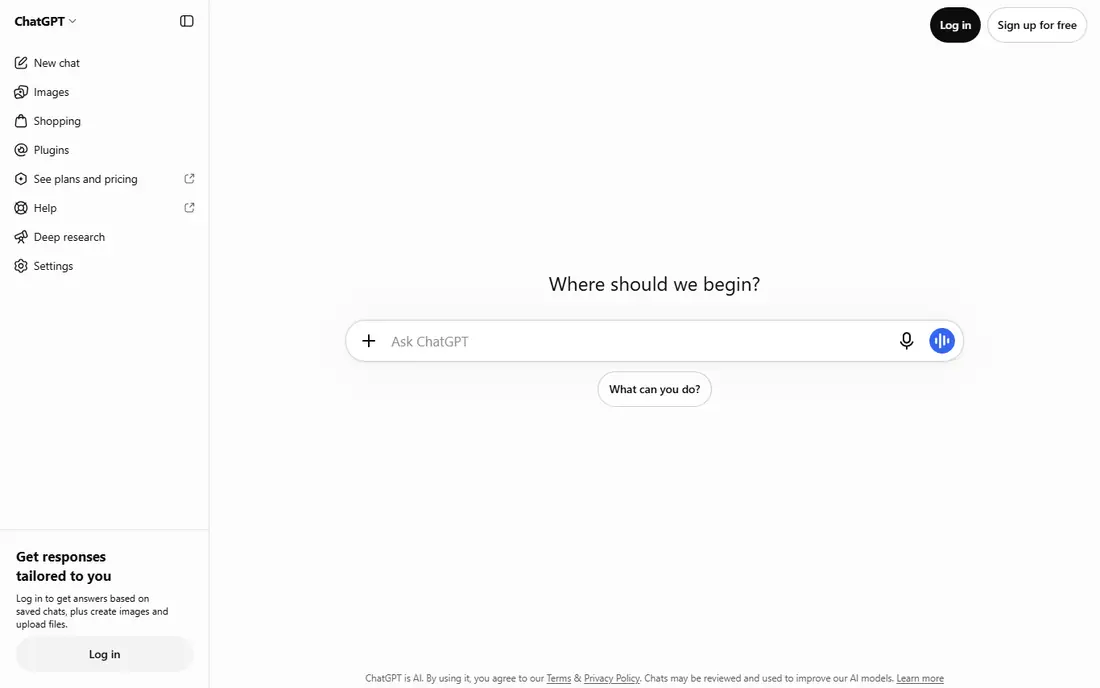
ChatGPT image generation is the easiest way for most people to start creating AI images, because the workflow is a conversation. Describe an image, ask for a change, and refine it in plain language, without learning prompt syntax or a new editor. Text rendering has improved markedly, so posters, social graphics, and simple product visuals come out more accurate than they did in earlier models, and edits keep context across turns.
The catch is control and limits. ChatGPT offers less fine-grained style and model control than Midjourney or Leonardo AI, and image limits vary by plan and demand. The free tier includes limited images, and paid plans start at $8 per month for Go, with Plus at $20 per month. If you already pay for ChatGPT, its image tools may be all you need for everyday visuals.
- Edit images by describing changes in plain language
- Readable text handling
- Part of a chat plan many people already pay for
- Image limits vary with demand and plan
- Less fine control than dedicated art tools
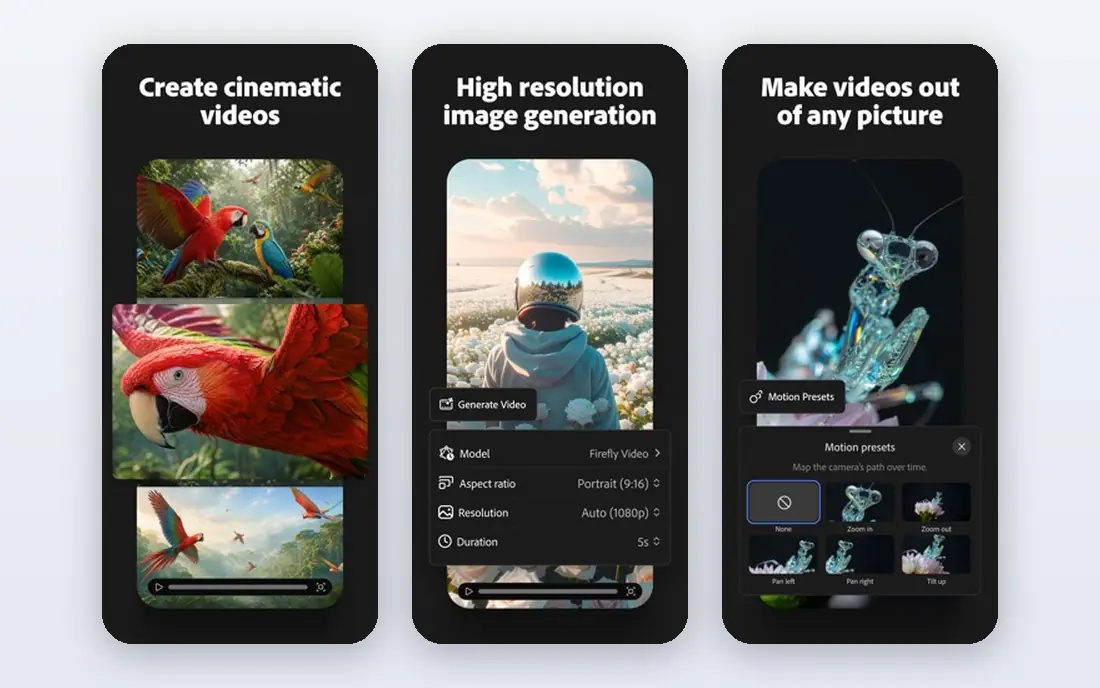
Adobe Firefly is the pick when commercial safety matters, because its models are trained on licensed content, which reduces the copyright risk that worries client-facing teams. It plugs into Photoshop and Express, so designers can generate, extend, and edit images inside tools they already use, and Boards help teams collect and refine visual directions. For brand work, marketing teams, and agencies, that safety and workflow fit outweigh raw artistic flair.
Firefly's artistic range can feel narrower than Midjourney for highly stylized work, and the top plans reach well above the $9.99 per month Standard entry price. The free tier offers limited generations for testing. Choose Firefly when a client, a brand, or a legal review will ask where the training data came from, since that question is easier to answer here than elsewhere.
- Trained on licensed content for safer commercial use
- Built into Photoshop and Express
- Generative fill and boards
- Artistic range feels narrower than Midjourney for some styles
- Higher plans cost much more
Ideogram solves the problem that ruins many AI images, which is text that looks almost right but spells a word wrong. Its typography-focused models render headlines, logos, posters, and thumbnails with readable words, which makes it the best pick when the image must carry a message. Designers use it for social graphics, event posters, and brand concepts where the words are part of the design, not an afterthought.
The price is higher than some rivals, with Plus at $20 per month, or less when billed annually, and credits on some plans expire monthly. The free tier offers limited weekly credits for testing. Ideogram is not the best pure art tool, but when text accuracy decides whether an image is usable, it beats Midjourney and most general generators.
- Best text rendering in images
- Strong for posters, logos, and thumbnails
- Commercial use on paid plans
- Paid plans start higher than some rivals
- Credits expire monthly on some plans
Leonardo AI suits creators who need volume and control, especially for game assets, characters, and product mockups. The free tier gives daily tokens, so regular creators can generate images without paying at first, and paid plans start at $12 per month for Essential. Custom model training lets teams build a consistent style from their own references, which matters for games and brands that need many images in one look.
Token budgeting takes some learning, since different models and sizes cost different amounts, and the wide option set can overwhelm a beginner. Leonardo AI also works best when you invest time in styles and models, rather than expecting a perfect image from one prompt. For creators who generate daily and want control, it offers strong value per dollar.
- Free daily tokens
- Custom model training
- Strong for game art and product mockups
- Token math takes learning
- Interface has more options than beginners need
Canva is the pick when the image is only half the job, and the finished design is the other half. Its AI tools generate images inside the same editor where you add text, brand colors, templates, and sizes for each channel, so a social post, a slide, or a flyer goes from idea to export without switching apps. That workflow suits small businesses, teachers, and marketers who are not designers but still need polished output.
Dedicated generators beat Canva on raw artistic quality, and heavy AI use can run into allowance limits that push you toward higher plans. The free plan includes limited AI uses, and Pro starts at $15 per month when billed annually. Choose Canva when you need finished designs fast, and pair it with Midjourney or Ideogram when a single hero image must look exceptional.
- AI images inside a full design editor
- Templates, brand kits, and resizing
- Easy for non-designers
- AI image quality lags dedicated generators for art
- Heavy AI use needs higher allowances
NightCafe is a friendly starting point for casual creators, because it offers daily free credits and a wide set of models and styles in one studio. Beginners can try different looks without subscribing, and the community feed offers inspiration and prompt ideas. For hobbyists, social posts, and learning how AI images work, NightCafe lowers the barrier more than any paid-only tool here.
The trade is control and licensing. Free images may be public, and commercial use terms vary by tier, so businesses should check the current license before using NightCafe images in client work. It also lacks the deep brand safety story of Firefly. Pick NightCafe for fun, learning, and casual visuals, and pick a dedicated commercial tool for client work.
- Daily free credits
- Many models and styles in one place
- Active community for inspiration
- Free images are public by default on some tiers
- Less suited to strict commercial workflows
Recraft fills a gap most image generators ignore, which is editable vector graphics. Logos, icons, and illustrations come out as vectors you can resize and edit, rather than as flat raster images that blur when scaled. Brand style controls help teams keep a consistent look across many assets, which suits UI work, marketing kits, and product illustration.
The free tier is the catch for businesses, since free images are not licensed for commercial use, so paid plans from $12 per month are needed for client work. Recraft is also less suited to photorealistic art than Midjourney or ChatGPT. Choose Recraft when your output must be a logo, an icon, or an illustration you can edit later, not just a picture.
- Editable vector output for logos and icons
- Brand style controls
- Raster and vector in one tool
- Free tier images are not licensed for commercial use
- Less known for photorealistic art
How we picked these
We compared official pricing pages and recent image generator roundups, and we kept only apps that create images in October 2026 with real, working plans. We favored a mix of artistic generators, text-focused tools, commercial-safe options, and design editors, so different jobs are covered. Where a price could not be confirmed from the vendor, we wrote See website, and we flagged licensing limits where they matter for commercial use.
What to check before you pay
Start with the job the image must do. Artistic hero images need Midjourney, text-heavy posters need Ideogram, commercial client work needs Firefly, and finished social designs need Canva. Buying the prettiest generator for a poster job, or the text tool for concept art, wastes the subscription.
Check licenses and consent rules
Read the commercial use terms for your plan, since free tiers often limit or exclude commercial use, and some free images are public. Do not create images of real people without consent, and do not use AI images to mislead viewers about real events or real people. When in doubt, label AI images clearly and keep the prompt and license record.
Test with your real prompts
Run the same four prompts through two tools before subscribing: a product photo, a hero image, a logo concept, and a poster with exact text. Judge text accuracy, face quality, style consistency, and how many tries a usable image takes. The tool that needs fewer retries is usually the cheaper one, even at a higher monthly price.
Frequently asked questions
Which ai app is best for creating images?
Midjourney is best for artistic quality, Ideogram is best for images with readable text, and Adobe Firefly is best for commercially safe client work. ChatGPT is the best all-round starting point for most people, since image creation happens in conversation. The best app follows your main job, not a single overall ranking.
Which ai platform is best for creating images for a business?
Adobe Firefly suits businesses best when licensing and brand safety matter, while Canva suits businesses that need finished designs fast. Recraft suits businesses that need vector logos and icons. Check the commercial license for your plan before publishing, since free tiers often restrict business use.
What is the best ai app for creating images free?
Leonardo AI offers free daily tokens, NightCafe offers daily free credits, and ChatGPT, Firefly, Ideogram, Canva, and Recraft all offer limited free tiers. Free images may be public or restricted for commercial use, so check the license. For regular free use, Leonardo AI gives the most consistent daily allowance.
Can I use AI images for commercial work?
Often yes, but it depends on the tool and the plan. Paid plans from Midjourney, Firefly, Ideogram, Leonardo AI, and Recraft generally allow commercial use, with conditions that vary by plan and company size. Free tiers often restrict commercial use, so read the license for your exact plan before selling or publishing client work.
How do I get readable text in AI images?
Use a text-focused tool like Ideogram, keep the text short, and spell it exactly in the prompt. ChatGPT image generation also handles short text well. If a headline still comes out wrong, generate the image without text and add the words in Canva or another design editor, which guarantees correct spelling.
Sources
See where you really rank - block by block
ProMapRanker scans Google Maps across a grid of your service area. Simple monthly plans from $19, white-label on every plan.
Start freeKeep reading
 peec ai alternatives
Peec AI Alternatives in 2026
Compare the best peec ai alternatives for tracking brand visibility in AI answers, from Profound and Otterly to Scrunch, AthenaHQ, Goodie and more in 2026.
Read → janitor ai alternatives
Janitor AI Alternatives in 2026
Compare the best Janitor AI alternatives for character chat and roleplay, with pricing, safety notes, moderation practices, and honest trade-offs in 2026.
Read → best tools for seo e-commerce
Best Tools for SEO E-Commerce in 2026
We compared the best tools for SEO e-commerce, from keyword research and audits to product page optimization, with current pricing and store trade-offs.
Read →