 ProMapRanker
Best AI Art Generation Tools in 2026


Painterly concept art and illustration · Pricing starts at: $10 per month
Key takeaways
- Midjourney remains the strongest choice for painterly and concept art, while Adobe Firefly is the safest choice for commercial work with licensed training data.
- Leonardo AI and Ideogram give the best free starting points, with Leonardo ahead on daily tokens and Ideogram ahead on readable text in images.
- DALL-E, DreamStudio, NightCafe, and Recraft cover different needs, from chat-based creation to vector-style output.
- Training-data and rights positions vary widely, and we note plainly where a tool position is unclear, because that matters for client work.
- Consent rule: never generate images that copy the likeness of a real person without their consent, and never use AI art to impersonate or mislead viewers about a real person.
Quick comparison
| Pick | Great for | Pricing starts at | Free tier | |
|---|---|---|---|---|
| Midjourney | Painterly concept art and illustration | $10 per month | No | Visit |
 Adobe Firefly | Commercially safer brand and marketing art | Free | Yes | Visit |
 Leonardo AI | Daily free tokens for regular creators | Free | Yes | Visit |
 Ideogram | Posters and graphics with readable text | Free | Yes | Visit |
 DALL-E | Chat-based image creation | See website | No | Visit |
 DreamStudio | Stable Diffusion in a simple web app | See website | No | Visit |
 NightCafe | Easy community-friendly art creation | See website | Yes | Visit |
 Recraft | Vector-style and brand illustration | See website | Yes | Visit |
The best AI art generation tools
We compared official feature pages, pricing pages, and public documentation for tools that generate original artwork from text prompts, reference images, or both. Prices below are starting prices found in October 2026, and we wrote See website where pricing is credit-based, API-based, or not published as a simple starting price. On rights, read each note carefully: some vendors describe licensed training data, while others do not publish a clear position, and that gap should affect whether you use a tool for paid client work. Consent rule for every tool here: do not use AI art to copy the likeness of a real person without their consent, do not create images that impersonate a real person, and do not present AI art as a real photo of a real event.
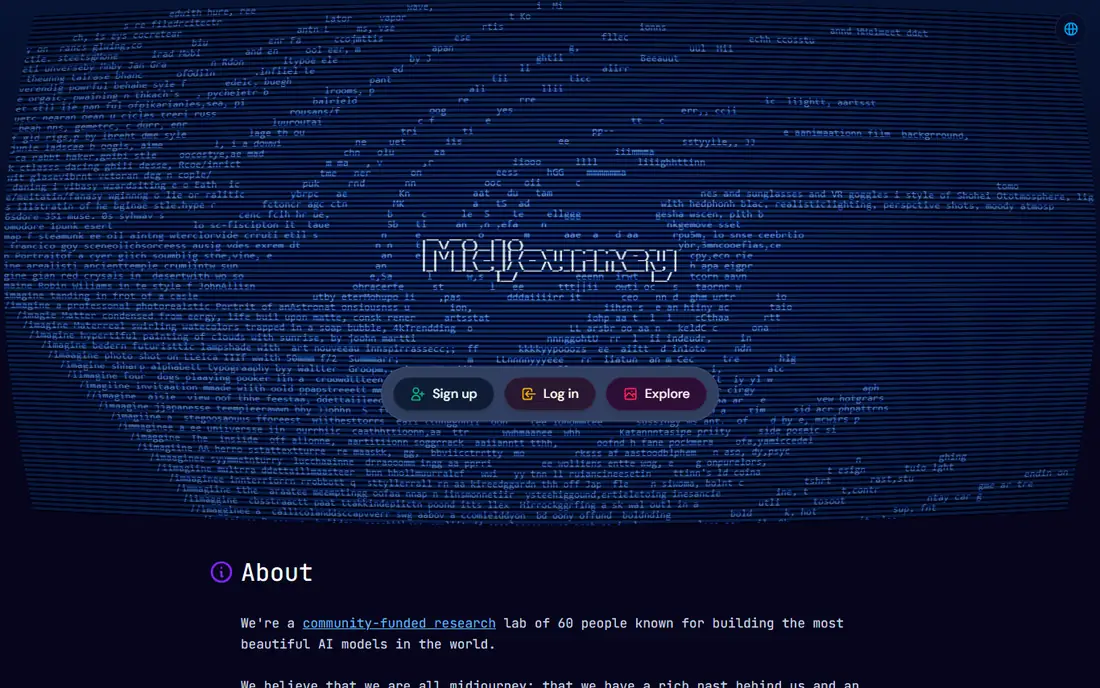
Midjourney is our pick for creators who care most about how an image looks as art. Its models produce painterly, atmospheric, and highly detailed illustrations that suit concept art, book covers, mood boards, and editorial illustration, and its web app now supports editing, variation, and reference tools without needing a chat app. Basic starts at $10 per month with 3.3 hours of Fast GPU time, Standard at $30 per month adds unlimited Relax mode images, and Pro and Mega raise speed, concurrency, and privacy options.
The honest limits are cost structure and rights clarity. There is no free tier, Fast GPU time does not roll over, and extra Fast hours cost $4 per hour, so heavy users should compare Standard against Pro on volume, not only on headline price. Midjourney training-data and commercial rights terms also need careful reading before client work, because its position is less clearly licensed than Adobe approach, and we state that plainly rather than assuming it is settled.
- Distinctive artistic style for concept art
- Web app with strong editing tools
- Relax mode for high volume on higher tiers
- No free tier or free trial
- Training-data and rights position is less clear than Adobe Firefly
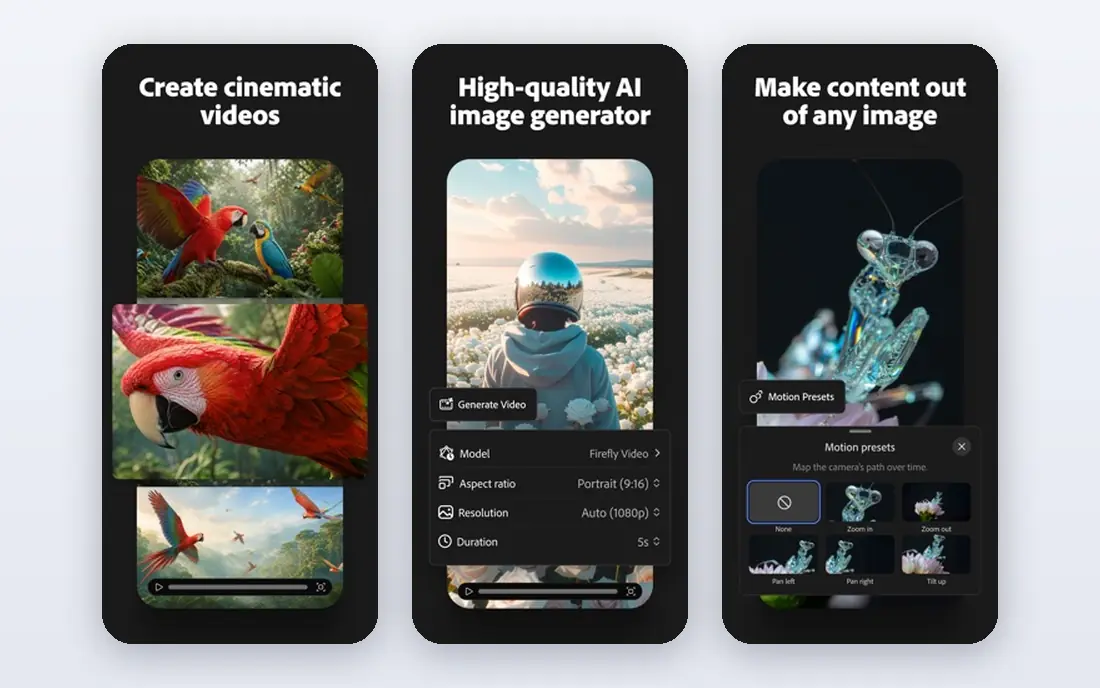
Adobe Firefly is the tool we would pick first for paid brand and marketing work. Adobe states that Firefly models are trained on licensed content such as Adobe Stock and public domain content, and Firefly offers commercial-use terms and indemnification on eligible plans, which gives agencies a clearer rights story than most rivals here. The web app covers image, vector, and video generation, and Firefly features sit inside Photoshop and Adobe Express for editing after generation.
The free tier offers daily generations on a curated model set, while standalone paid plans start at $9.99 per month for Standard with 2,000 generative credits, rising to $19.99 for Pro and higher tiers for heavy video use. Credits only matter for premium features and partner models, while standard image features remain unlimited on paid tiers, so read the plan details before you judge the credit count. Firefly art style is cleaner and more commercial than Midjourney painterly output, which is a trade, not a flaw, for brand work.
- Trained on licensed and public domain content, per Adobe
- Integrates with Photoshop and Express
- Free tier for trying the web app
- Credit system can confuse budgeting
- Premium video and partner models consume credits faster
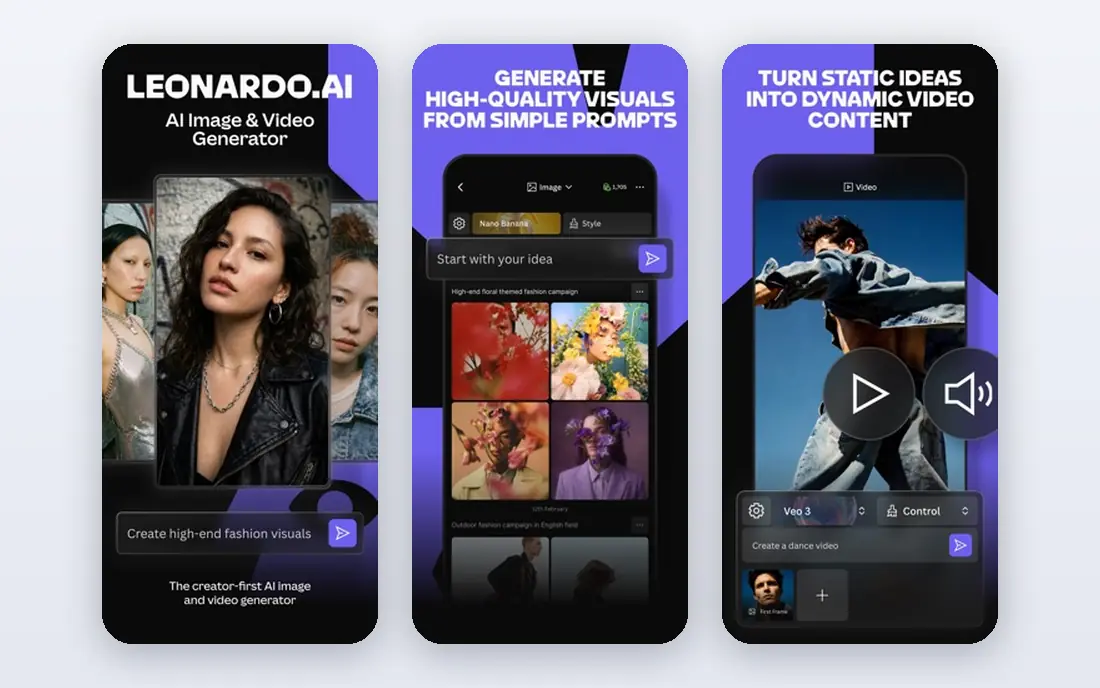
Leonardo AI is the best free starting point for regular creators in this list. The free plan gives 150 fast tokens per day with public creations, and paid plans start at $12 per month for Essential with 8,500 monthly tokens, $30 for Premium, and $60 for Ultimate, with private generations from Essential upward. Its model library, prompt tools, and image-to-image editing cover game art, illustration, product visuals, and social graphics in one workspace.
Token budgeting takes learning, because cost depends on model, resolution, and quality settings, and relaxed generation on selected models only applies on higher tiers. Leonardo also does not publish the same licensed-training position as Adobe, so treat its rights position as unclear for sensitive commercial work and check its current terms before client use.
- Generous daily free tokens
- Many models and style options
- Private generations on paid plans
- Token costs vary by model and setting
- Training-data position is not as clearly licensed as Firefly
Ideogram solves a specific problem better than any tool here: putting correct, readable words inside an image. Posters, social graphics, logos, and book covers with headlines come out with spelling intact far more often than with generalist models, and its canvas editor lets you fix text, extend backgrounds, and remix elements without leaving the app. The free plan gives weekly slow credits for eligible accounts, while Plus starts at $20 per month and Pro at $60 per month, with private generation from Plus upward.
Free tier limits matter for professional work. Free generations are public by default, editing with AI and image references need priority credits, and priority credits expire at the end of each billing cycle. Ideogram also offers open weights for its latest major model, but its overall training-data and rights position for hosted generations is less clearly documented than Adobe, so check terms for client projects.
- Best readable text rendering in images
- Canvas editing for fixes
- Free weekly slow credits
- Free images are public by default
- Photorealism trails some rivals
- Priority credits do not roll over
DALL-E, from OpenAI, suits creators who already work in a chat workflow and want images without learning a separate art app. Describe an image in plain language, ask for variations or edits, and refine through conversation, which makes it accessible for writers, marketers, and small teams who need occasional illustrations. Image generation sits inside OpenAI chat and API products rather than as a standalone free art app, so pricing follows those products and we list it as See website.
The trade-off is control and clarity. DALL-E gives less fine-grained artistic control than Midjourney or Leonardo, and its training-data and rights position for commercial use should be checked in current OpenAI terms before paid work, because it is not presented with the same licensed-data framing as Adobe Firefly.
- Easy creation inside a chat workflow
- Strong prompt understanding
- Useful for quick illustrations and edits
- No standalone free tier
- Image access depends on a wider subscription
- Rights terms need reading for client work
DreamStudio, from Stability AI, offers a straightforward web app for generating images with Stable Diffusion models. You write a prompt, adjust size and style settings, and pay in credits rather than committing to a monthly plan, which suits occasional creators who want Stable Diffusion output without installing software locally. It is a useful bridge between local Stable Diffusion tools and larger art platforms.
Credit costs depend on image size, steps, and model settings, so a first session should include a small test to learn the real cost per image. DreamStudio also carries the wider Stable Diffusion rights question: model licences and training-data positions vary by model version, and Stability terms should be checked before commercial use.
- Simple web interface for Stable Diffusion models
- Credit-based use without a monthly subscription
- Good for testing styles
- Credit pricing varies by settings
- Fewer community features than larger art platforms
NightCafe is the most welcoming art generator in this list for beginners. Sign up, claim daily free credits, choose a model and style, and generate art in minutes, with community challenges and galleries that help new creators learn what prompts and styles work.
Daily free credits run out quickly for heavy use, and paid credit packs or subscriptions raise the ceiling at a cost that should be compared with a monthly plan elsewhere. NightCafe also offers less precise style control than Midjourney or Leonardo, and its training-data and rights position is not presented with Adobe level licensed-data clarity, so check terms for commercial projects.
- Friendly interface for beginners
- Daily free credits
- Community challenges and sharing
- Free credits limit daily volume
- Advanced control is lighter than Midjourney or Leonardo
Recraft stands out for brand illustration because it handles vector-style output, icons, and clean graphic styles better than generalist photo-style generators. A small business that needs a consistent illustration set, an icon family, or a poster style can generate and iterate in Recraft with a visual coherence that photo models often lack. The free tier lets you test those styles before paying, and paid plans raise credits and export options.
Recraft is not the tool for photorealistic portraits or cinematic concept art, where Midjourney or Flux-style models perform better. Its training-data and rights position should also be checked in current terms before client brand work, because it is not framed with the same licensed-data clarity as Adobe Firefly. For vector-style brand art, Recraft earns its place as a specialist, not as a general replacement for other tools here.
- Strong vector and illustration styles for brands
- Clean, editable-looking output
- Free tier for trying styles
- Less suited to photorealistic art
- Pricing and limits depend on credits and plan details
How we picked these
We compared official feature pages, pricing pages, and public documentation, and we kept tools that generate original artwork and are available to ordinary creators in October 2026. We favoured a mix of artistic quality, text handling, brand illustration, and free access, and we noted training-data and rights positions honestly, including where a vendor position is unclear. We excluded tools built for copying real people likenesses without consent, for impersonation, or for explicit generation of real people, and we applied the consent rule in this article to every tool listed.
What to check before you pay
Start with the output you need, not the model name. If you need posters with correct headlines, Ideogram will save more rework than a prettier model with garbled text. If you need a consistent brand illustration set, Recraft or Firefly may beat a generalist. If you need painterly concept art, Midjourney is hard to beat. Run the same three prompts through two shortlisted tools, compare text accuracy, style consistency, and editability, and only then compare monthly prices.
Read rights terms for client work
For personal projects, style and price matter most. For client work, rights terms matter just as much. Check whether the tool allows commercial use on your plan, whether generations are private, whether the vendor claims a licence to use your prompts or images, and whether training data is described as licensed. Adobe Firefly gives the clearest licensed-data story here. For other tools, keep a note of the terms version you relied on, and tell clients plainly when a rights position is unclear rather than promising a clearance you cannot prove.
Keep a human finish in the workflow
AI art works best as a draft, not a finished deliverable. Inspect hands, text, logos, and edges at full size, fix errors in an editor, and keep the original prompt and settings with the file for revisions. Label AI-generated images honestly when they appear in contexts where viewers might mistake them for photos or for human illustration, especially in news, advertising claims, or portfolio work. A transparent workflow protects both you and your clients, and it usually produces better art than accepting the first generation.
Frequently asked questions
Which AI art tool is best for beginners?
Leonardo AI and NightCafe are the easiest free starts, with daily credits and simple interfaces. Ideogram is best if your first projects involve posters with text. Midjourney produces stronger art but has no free tier, so try a free tool first to learn prompting before you pay.
Which AI art tool is safest for commercial client work?
Adobe Firefly is the clearest choice here, because Adobe describes licensed training data and offers commercial-use terms on eligible plans. Other tools may allow commercial use on paid plans, but their training-data positions are less clearly documented, so read current terms for each tool and keep a record for client files.
Can AI art tools spell text correctly in images?
Ideogram is the strongest for readable text, followed by newer Flux models and DALL-E for short phrases. Midjourney and Leonardo have improved, but long or stylised text can still degrade. For posters and logos, generate the artwork first, then add final text in a design editor if spelling must be perfect.
Do I own the images I generate?
Ownership and use rights depend on the tool terms, the plan, and the jurisdiction, and they vary across this list. Most tools allow personal and, on paid plans, commercial use, but some retain a licence to display public generations or restrict certain uses. Read the terms for your plan, keep private generation on for client work, and do not assume ownership from generation alone.
Can I use AI art of a real person?
Do not generate images that copy a real person likeness without their consent, and do not use AI art to impersonate someone or to mislead viewers. That rule applies even when a tool technically allows a likeness upload. Use fictional characters, licensed reference images with permission, or your own photos with consent, and label AI work honestly when context requires it.
Is a free AI art tool enough for regular use?
For learning and occasional projects, yes, especially Leonardo daily tokens and Ideogram weekly slow credits. For daily professional work, a paid plan usually pays for itself through private generations, higher volume, and faster queues. Compare the cost per finished image, not only the monthly price, because credit and token systems make headline prices hard to compare directly.
Sources
See where you really rank - block by block
ProMapRanker scans Google Maps across a grid of your service area. Simple monthly plans from $19, white-label on every plan.
Start freeKeep reading
 zoro.to alternatives
Best Zoro.to Alternatives in 2026
We compare the best zoro.to alternatives in 2026, listing only legal licensed anime streaming services, from Crunchyroll to free options for fans today.
Read → zip alternatives
Best Zip Alternatives in 2026
We compare the best zip alternatives for buy now, pay later in 2026, covering pay-in-4 plans, fees, spending limits, and credit reporting options today.
Read → yesware alternatives
Best Yesware Alternatives in 2026
Compare the best yesware alternatives for sales email tracking, templates, and sequences, with current pricing and honest tradeoffs for small sales teams.
Read →