 ProMapRanker
Team Software for Content Creation: Best Picks of 2026

All-in-one docs, tasks, and chat · Pricing starts at: $9 per user/month (billed yearly)
Direct answer
ClickUp is the first pick on this list for all-in-one docs, tasks, and chat. Listed starting prices: ClickUp from $9 per user/month, Asana from $10.99 per user/month and Figma from $16 per full seat/month. Alternatives: Asana for project plans and deadlines, and Figma for collaborative design and review. The remaining 3 options are covered below with prices and limits.
ProMapRanker put together this guide to team software for content creation for readers who want a clear shortlist without reading every vendor page. It compares 6 tools on starting price, free plans, who each one suits and where each one falls short.
Key takeaways
- The list opens with ClickUp, aimed at all-in-one docs, tasks, and chat.
- 6 out of 6 tools include a free plan, among them ClickUp, Asana, Figma and Canva.
- Starting prices begin at $9 per user/month with ClickUp.
- What to know about ClickUp first: the Free Forever plan caps storage at 60 MB and permits only 1 form, and upgrading upgrades the whole workspace, so every member becomes a billed seat.
- Airtable suits content calendars and approvals.
Quick comparison
| Pick | Great for | Pricing starts at | Free tier | |
|---|---|---|---|---|
| ClickUp | All-in-one docs, tasks, and chat | $9 per user/month (billed yearly) | Yes | Visit |
 Asana | Project plans and deadlines | $10.99 per user/month (billed yearly) | Yes | Visit |
 Figma | Collaborative design and review | $16 per full seat/month (billed yearly) | Yes | Visit |
 Canva | Team design and brand assets | $25 per person/month (billed annually) | Yes | Visit |
 Notion | Docs, wikis, and content databases | $10 per member/month (billed yearly) | Yes | Visit |
 Airtable | Content calendars and approvals | $20 per user/month (billed yearly) | Yes | Visit |
The 6 tools in detail
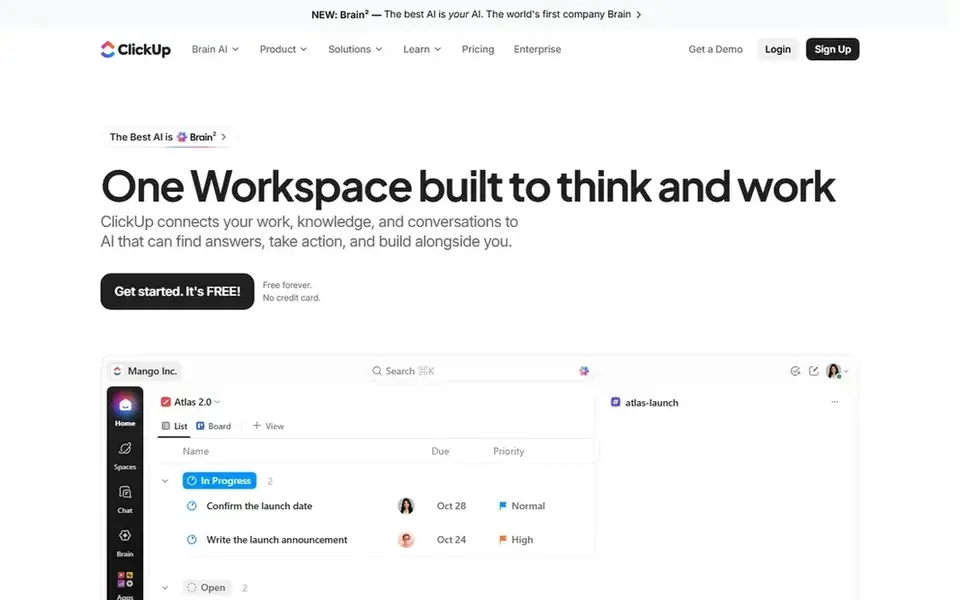
ClickUp is aimed squarely at all-in-one docs, tasks, and chat. The free plan caps storage at 60 MB and lets only 1 form, so a team that keeps plenty of images or runs multiple intake forms will need Core.
Honest limits: The Free Forever plan caps storage at 60 MB and permits only 1 form.
Upgrading upgrades the whole workspace, so every member becomes a billed seat at once, which makes the real cost for a team of ten $90 per month. ClickUp cost at the entry level: $9 per user/month. ClickUp has a free plan.
- Collaborative Docs link straight to tasks, with Kanban, calendar
- Gantt charts
- Upgrading upgrades the whole workspace, so every member becomes a billed seat
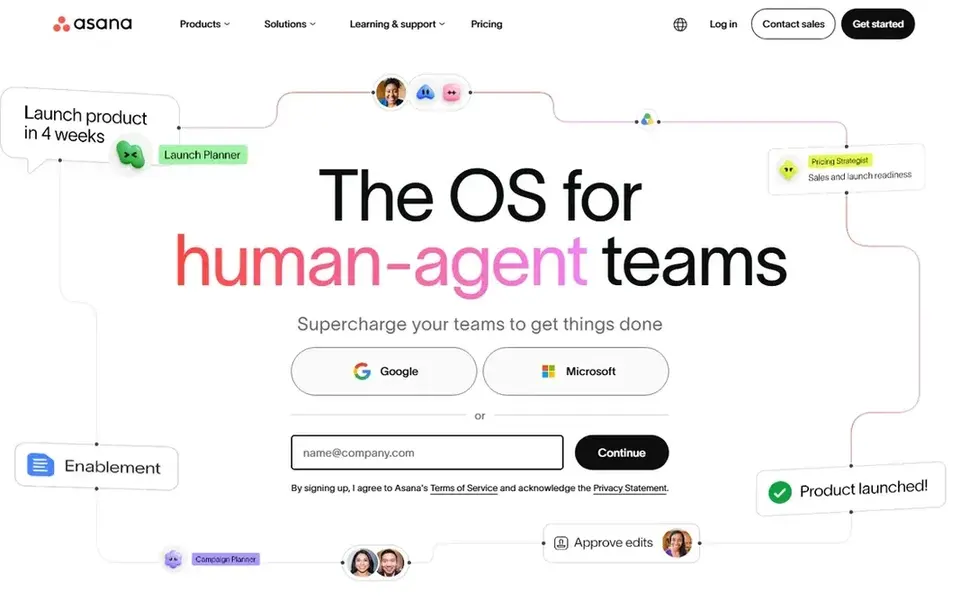
In short, Asana is for project plans and deadlines. Asana fits teams that run content as dated projects with clear owners, deadlines, and approvals, and that value a clean timeline view over a database.
In daily use, the free Personal plan is free forever but capped at 2 users. Asana cost at the entry level: $10.99 per user/month. Asana has a free plan.
Limits to weigh: The free Personal plan is capped at 2 users, so any real team must start at Starter.
What works well: unlimited free guests let clients and contractors collaborate without using a billed seat.
- Starter brings timeline and Gantt views
- Custom fields
- AI requests on Starter are capped at 5 per user a month
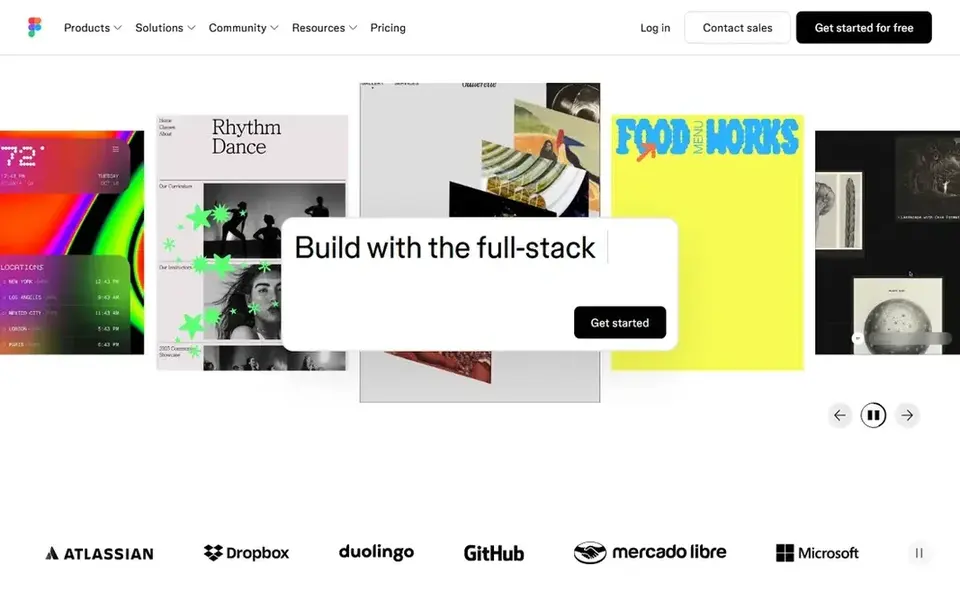
Figma targets collaborative design and review. Viewers can view and comment on files at no cost without a billed seat, and Collab seats handle FigJam and Slides at $3 per month.
Watch-outs: AI credits are capped per seat at 3,000 a month on a Professional Full seat and 500 on other seats.
More specifically, organization and Enterprise plans are billed yearly only. On cost, Figma starts like this: $16 per full seat/month. Figma has a free plan.
- Viewers can view and comment on files at no cost without a billed seat
- Advanced Dev Mode inspection
- Organization and Enterprise plans are billed yearly only
Canva serves team design and brand assets. Pro at $18 per month or $144 per year is a one-person licence. So every teammate needs a Business seat at $25 per person per month, with no published volume discount.
Downsides: Pro is a one-person licence, so every teammate needs a Business seat at $25 per person/month.
Brand Kits keep logo, colours, and fonts consistent, and approvals keep off-brand work from going out. Beyond that, AI use is metered, and additional AI capacity is an add-on. What you pay to start with Canva: $25 per person/month. A free plan is available with Canva.
- 500 GB storage per person and a large premium template and asset library
- Business brings team collaboration
- AI use is metered with additional capacity as an add-on
Think of Notion for docs, wikis, and content databases. The free plan also limits blocks once a workspace has 2 or more members, so an expanding team will have to move to Plus sooner than it expects.
Notion hands a small team one workspace where it can plan, write, and organise content in docs, wikis, and databases. The Plus plan at $10 per member per month on annual billing brings charts, custom forms and sites, and collaborative blocks for team publishing workflows. Entry price for Notion: $10 per member/month. Free access exists with Notion.
Where Notion stands out: custom forms and sites; databases with subtasks, dependencies.
Points against: Full Notion AI is only on the Business plan at $20 per member/month.
- Merges docs, wikis
- Collaborative blocks for team publishing workflows
- The Free plan limits blocks once a workspace has 2 or more members
In short, Airtable is for content calendars and approvals. Airtable charges every user with edit permission on a minimum of one base.
The free plan is enough to build a first calendar and test the views with a small team. From a buyer's view, the Team plan at $20 per user per month on annual billing brings automations, extensions, and sync integrations that move content between tools. The starting price for Airtable: $20 per user/month. You can start on Airtable without paying.
Honest limits: Billing charges every user with edit permission on a minimum of one base.
- Sync integrations to move content between tools
- Team brings automations, extensions
- Once a plan record or attachment limit is hit you cannot add more until you upgrade
What went into this list
Selection started from tools commonly considered for team software for content creation, then narrowed to 6 that have clear pricing information or a clear quote process. Prices and plan limits come from vendor pages and can change, so confirm them on the vendor site before you buy. We ordered the tools by general fit, then by how clearly pricing is shown, then by free access. A buyer with unusual needs may reorder them.
Things to verify first
- Prices are a starting point; ClickUp shows $9 per user/month to start, so verify what your seat count would cost.
- Check what the free option really includes: ClickUp, Asana, Figma and others offer a free plan, and usage caps differ.
- Read the limits listed for ClickUp first: the Free Forever plan caps storage at 60 MB and permits only 1 form, and upgrading upgrades the entire workspace, so every member becomes a billed seat.
- Read the plan comparison for Asana carefully; key features often start on a higher tier.
- Make sure Airtable lets you export your data in a format another tool can read.
Frequently asked questions
Do these tools publish their prices?
Yes. Every tool from ClickUp to Airtable shows a starting price, though seats, add-ons and billing terms still change the final cost.
Is ClickUp the right pick for everyone comparing team software for content creation?
No single tool suits every team. ClickUp comes first because it fits all-in-one docs, tasks, and chat, while Asana suits project plans and deadlines and Figma suits collaborative design and review. Match the tool to your own size, budget and workflow before deciding.
Can I try these tools before paying?
Often, yes. ClickUp, Asana, Figma and others have a free plan. Use your own data and a real task during the test, and check what the free tier or trial limits before you rely on it.
What is the cheapest option for team software for content creation in this list?
On published monthly entry prices, ClickUp is the lowest here at $9 per user/month. Entry price is only part of the cost, because seats, add-ons and billing terms can change the total.
Sources
See where you really rank - block by block
ProMapRanker scans Google Maps across a grid of your service area. Simple monthly plans from $19, white-label on every plan.
Start freeBrowse all guides
← Best Team Content Collaboration Software (2026)6 Best AI Content Generation Platforms for Teams in 2026 →
 best project management software for content teams
6 Best Project Management Software for Content Teams in 2026
6 best project management software for content teams, with entry costs, free tiers and the buyer each one serves. Short verdicts, no fluff. Read the profiles.
Read → top resource management software by user ratings
6 Best Resource Management Software by User Ratings for 2026
Top resource management software by user ratings: 6 contenders ranked by fit, with entry costs and free tiers. Short verdicts, no fluff. Decide faster.
Read → best whiteboard tools for software architecture reviews
Whiteboard Tools for Software Architecture Reviews (2026)
Best Whiteboard tools for software architecture reviews: 5 contenders ranked by fit, with entry costs and free tiers. Prices and drawbacks included. No filler.
Read → snyk alternatives
Snyk Alternatives in 2026: 8 Tools Compared
We compared Snyk alternatives in 2026 for code, dependency, and container security, covering pricing, scanning depth, and CI fit for development teams.
Read → best color analysis app
Best Color Analysis App in 2026
Compare the best color analysis app options in 2026, from selfie season tools to shopping helpers, with prices, methods and honest accuracy limits noted.
Read → best version control tools for devsecops
Best Version Control Tools for DevSecOps in 2026
Compare the best version control tools for devsecops in 2026, from GitHub and GitLab to self-hosted Git, with security, CI and pricing notes included.
Read →More in Project Management & Productivity · All guides A to Z by date · Latest guides