 ProMapRanker
Best Color Analysis App in 2026

Key takeaways
- Dressika suits people who want a long list of clothing, makeup, and hair colours from one selfie.
- Colorwise.me suits people who want draping tools and palette exploration over time rather than a single result.
- TruHue suits shoppers who already know their season and want to check specific products against it.
- Selfie results depend heavily on daylight, a bare face, and no filters, so treat any result as a starting point and test colours in person.
Quick comparison
| Pick | Great for | Pricing starts at | Free tier | |
|---|---|---|---|---|
 Dressika | Largest colour lists | Free | Yes | Visit |
 Colorwise.me | Draping and palette tools | Free | Yes | Visit |
 TruHue | Scoring real products | Free | Yes | Visit |
 AI Color Analysis | One-time report | $9.99 one-time | No | Visit |
 HUE | Quick on-device selfie read | Free | Yes | Visit |
 Hue AI | Korean 12-season analysis | Free | Yes | Visit |
 True Colors | Simple premium report | Free | Yes | Visit |
The best color analysis app
We compared method, price, palette depth, and how useful each result is for shopping. All of these tools use seasonal colour theory, and none can replace holding a real garment near your face in daylight.
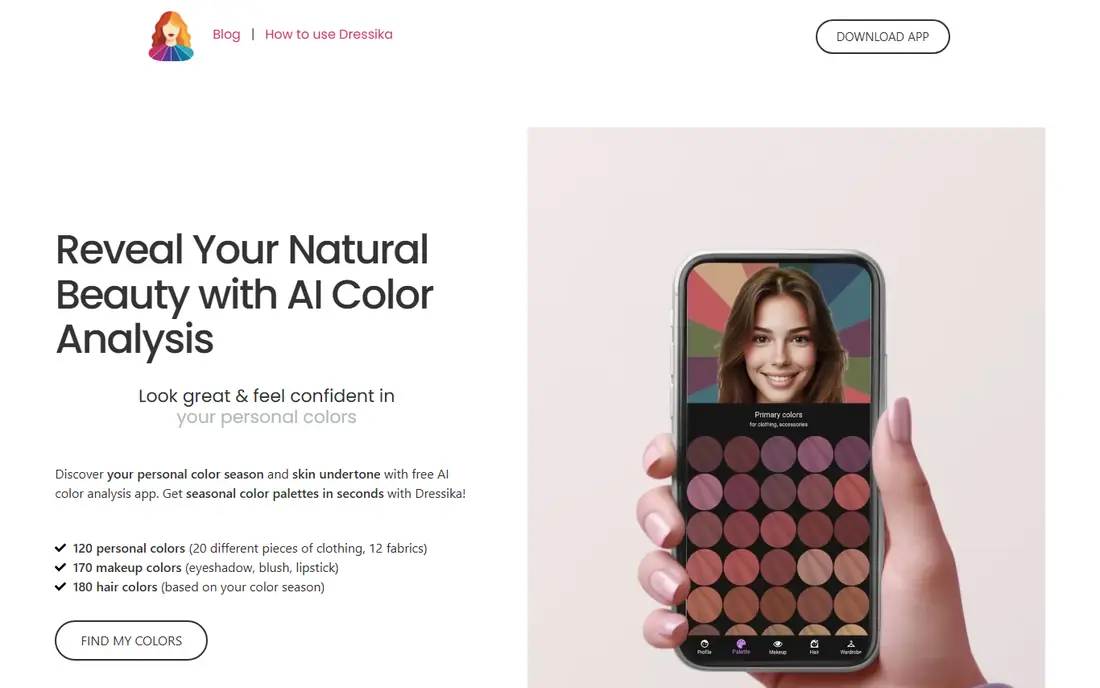
Dressika turns one selfie into a seasonal result plus long lists of suggested colours. Current listings show in-app items from about $0.99 to $39.50, with a full report at the higher end of that range. The app covers clothing, makeup, and hair colours, which helps when you want ideas across a whole look rather than a single palette card. Its large install base shows broad interest in this kind of tool.
Volume is both the strength and the limit. A list of more than 100 clothing colours can feel hard to act on, and the result still depends on a good daylight photo with no filter. Use the lists to shortlist shades, then test garments near your face in daylight before buying. For people who want many options from one photo, Dressika is a strong start.
- One selfie analysis
- Very long clothing, makeup, and hair lists
- Easy to start
- Full lists need paid items
- Accuracy depends on photo lighting
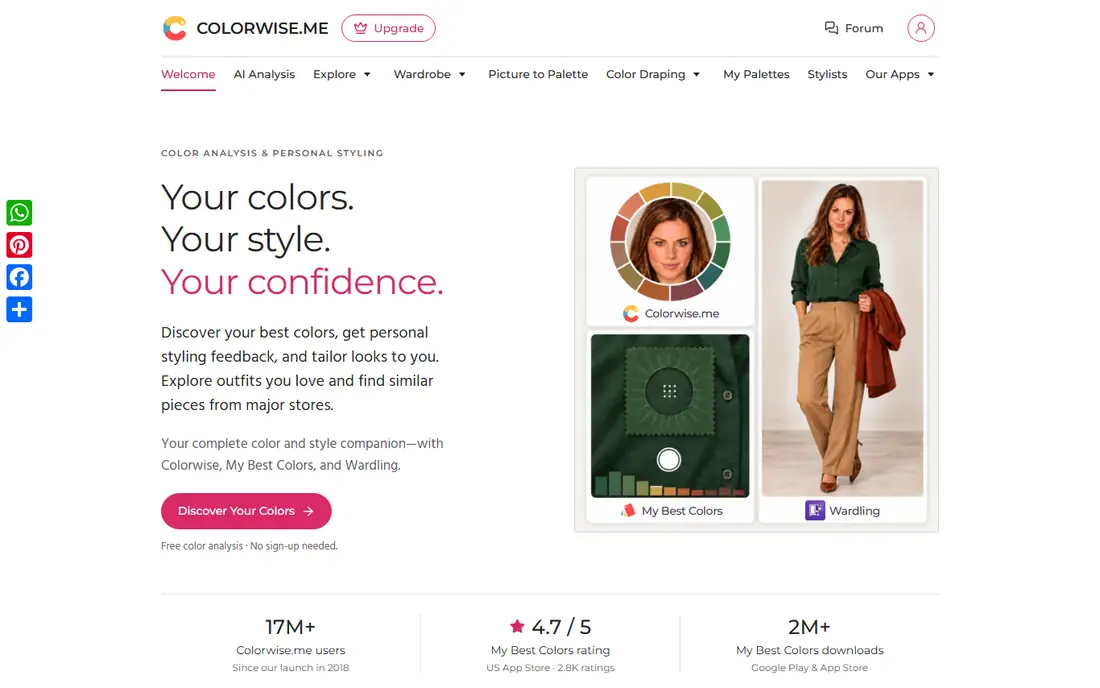
Colorwise.me suits people who want to explore colour over time rather than accept a single label. Its tools include virtual draping, palette saving, and picture-to-palette features, plus companion styling apps. A free starting point lets you test the approach, while a one-time purchase of about $14.99 in current listings adds fuller features. That structure suits patient users who like to compare shades side by side.
The manual approach takes more time than a one-tap selfie app. You will need to spend time draping and reviewing palettes to get value from it. Screens also shift how colours look, so a virtual drape cannot match a real fabric drape exactly. For shoppers who enjoy the process, Colorwise.me offers more depth than a quick quiz.
- Draping and palette tools
- Free starting point
- Shopping support
- Full features need a $14.99 purchase in current listings
- Manual steps take more time
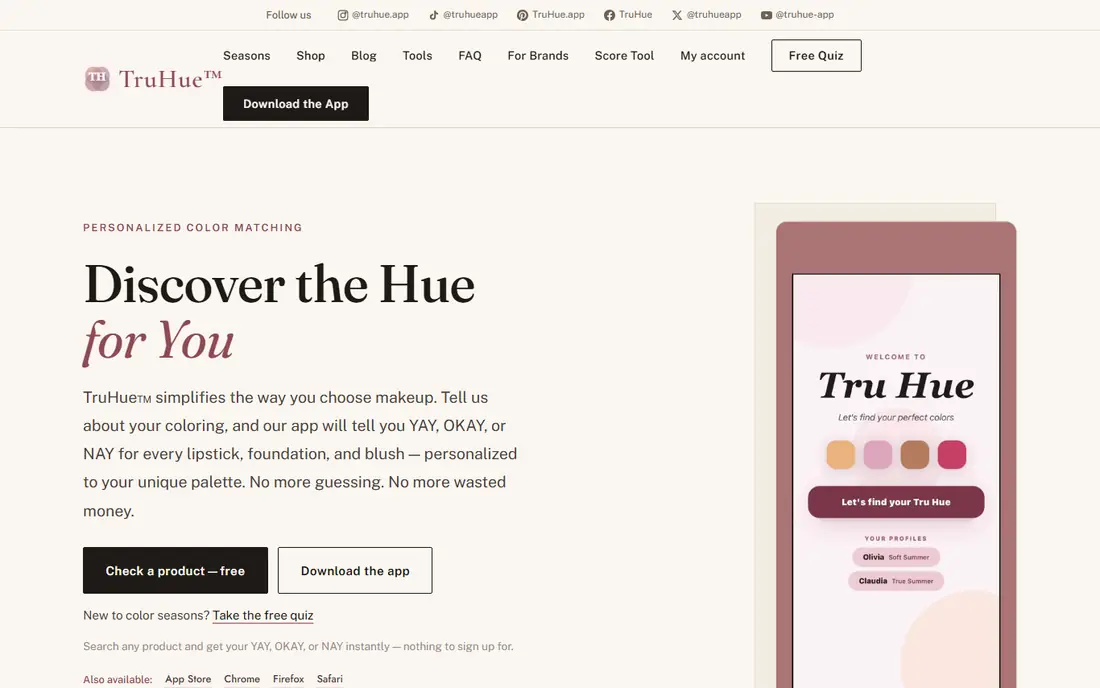
TruHue answers a different question from most colour apps. Instead of only naming your season, it scores specific makeup and beauty products against that season, which helps at a store shelf. You can enter your season from a quiz, a prior analysis, or your own knowledge, then search a product by name or scan a barcode. That practical step turns a palette into a shopping decision.
The tool works best if your season is already settled. If you are torn between two seasons, the product scores will also feel uncertain, and a professional draping session may help more. Catalogue coverage varies, so a niche brand may not appear. For shoppers who already trust their season, TruHue is the most useful app here.
- Free start
- Scores named products against your season
- Barcode scanning in store
- Product scoring needs a known season
- Catalogue coverage varies by brand
AI Color Analysis suits people who want a single paid report without a subscription. The Essential report costs $9.99 as a one-time purchase and covers season, undertone, contrast, and a 20 colour palette, plus makeup, hair, and outfit guidance. A larger Advanced report costs $39.90 and adds a fuller 36 colour palette and a visual guide. The PDF format makes the result easy to keep and refer back to while shopping.
There is no free full report, so you pay before seeing the complete result. Photo quality still matters, since lighting and filters can shift the reading. Use a daylight photo with no makeup and no filter for the best chance of a useful result. For buyers who dislike subscriptions, the one-time price is a clear advantage.
- Clear one-time pricing
- PDF report
- Makeup, hair, and outfit guidance
- No free full report
- Result still depends on photo quality
HUE focuses on a fast, honest selfie read. It uses a short quiz plus one daylight photo, measures skin and hair tones, and processes the photo on your device rather than sending it elsewhere. If light is too dim, harsh, or tinted, it asks for a retake instead of guessing, which is a thoughtful touch. The free starting read makes it easy to try without paying.
As a newer tool, HUE has less public track record than Dressika or Colorwise.me. Its web flow also feels best on a phone, where the camera and daylight photo are easy to manage. Treat the result as a first read, then compare suggested shades with clothes you already own. For privacy-minded users, on-device processing is a real plus.
- Free starting read
- Photo processed on device
- Asks for a retake in poor light
- Newer tool with less track record
- Web-based flow may suit phones best
Hue AI suits fans of Korean personal colour analysis, which uses a detailed 12-season model. The free start covers a basic analysis, while paid plans add more monthly analyses, wardrobe tools, outfit previews, and hair and makeup maps. The Studio tier costs $19 per month in current listings and suits stylists or heavy users. For everyday users, the free or lower tiers cover the core season result.
Monthly limits on free use mean you cannot run endless analyses without paying. The tool also focuses on its own model, so results may differ from a Western seasonal app. If Korean personal colour content is what drew you to this topic, Hue AI is the most direct fit in this list.
- Free start
- 12-season Korean personal colour model
- Wardrobe and outfit tools
- Paid Studio tier costs $19 per month in listings
- Analysis limits on free use
True Colors keeps colour analysis simple. The app uses your camera and AI tools to suggest a seasonal palette, with a one-time premium report costing $5.99 in current listings. Photos are processed for analysis and stored locally on the device according to its terms, which some users will prefer. The simple flow suits people who want a quick answer without a long quiz or a subscription.
The premium report is still a paid extra, and the app itself states that results are suggestions rather than professional advice. Lighting and screen settings can shift how a palette looks, so test colours in person before a large purchase. For a low-cost, low-fuss first try, True Colors is an easy option.
- Free start
- Simple interface
- One-time $5.99 premium report in listings
- Premium report is paid
- Results are suggestions, not professional advice
How we picked these
We compared official app and website pages, pricing listings, and method descriptions, and we favoured tools that still work in October 2026 and explain how they reach a result. We left out tools with no working site or app listing, and we did not claim hands-on testing that did not happen. Colour analysis from a photo is an estimate, not a measurement, so we favoured tools that say so plainly and that encourage real-world testing.
How to get a more useful result
Take the photo in even daylight, facing a window, with no makeup and no filter. Avoid strong coloured walls, bright clothing, and warm indoor bulbs, since all of these shift skin tone in a photo. Use a neutral background and keep the phone steady at face level. If two apps give different seasons, repeat both in the same daylight before changing any wardrobe plans.
Use the result for one decision first. Pick two tops you already own, hold each near your face in daylight, and see whether the app guidance matches what you notice in a mirror. That test costs nothing and tells you more than a long palette list. For makeup and hair colour, shortlist shades from the app, then test a sample or a wash-out option before committing to a lasting change.
Be careful with paid upgrades. A longer list is not automatically worth paying for if you only wanted a quick second opinion. Check what a purchase adds, whether it is one-time or recurring, and whether you will use the extra palettes more than once. A free result plus real-world testing often beats an expensive report that sits unused in an inbox.
Frequently asked questions
What is the best app for color analysis?
Dressika suits people who want long colour lists from one selfie, while Colorwise.me suits people who want draping and palette tools. TruHue suits shoppers who already know their season. The best pick depends on whether you want a quick result, a tool to explore, or help checking real products.
What are the best color analysis apps that are free?
Dressika, Colorwise.me, TruHue, HUE, Hue AI, and True Colors all offer a free starting point. Free tiers vary, with fuller reports or extra palettes often paid. Start free, test the result in daylight, and pay only if the extra features would change a real shopping choice.
How accurate are AI color analysis apps?
Accuracy depends on lighting, camera, screen, and filters more than on the app brand. A good daylight photo with no filter gives a better result than a warm indoor selfie. Treat any result as a starting point, compare it with real garments, and consider a professional draping session if you are torn between seasons.
Do I need to pay for a color analysis app?
No, for a first result. Free tiers cover a season read in most apps here, while paid reports add longer lists, PDFs, or product scoring. Pay only when you know what the upgrade adds and when you will use it more than once.
Can a color analysis app replace a professional draping session?
No. A virtual drape shows colours on a screen, while a real drape reflects coloured light onto skin in person. Apps are useful for shortlisting and learning, but a professional session suits people who want a confident, in-person result or who sit between seasons.
Sources
See where you really rank - block by block
ProMapRanker scans Google Maps across a grid of your service area. Simple monthly plans from $19, white-label on every plan.
Start freeKeep reading
 zscaler alternatives
Best Zscaler Alternatives in 2026
Looking for zscaler alternatives? We compare 9 SASE and zero trust platforms on architecture, data protection, pricing, and fit for your network and team.
Read → zapier alternatives free
Best Zapier Alternatives Free in 2026
Nine automation tools for zapier alternatives free in 2026, all with genuinely free tiers, plus free plan limits, starting prices and upgrade paths explained.
Read → which platform is best for online reputation
Which Platform Is Best for Online Reputation in 2026
Wondering which platform is best for online reputation? We compare 8 review, listing, and response tools for small and multi-location businesses and agencies.
Read →