 ProMapRanker
6 Best Project Management Software for Content Teams in 2026

Grid-based editorial planning and tracking · Pricing starts at: $9 per member/month (billed yearly)
Direct answer
Start with Smartsheet if you need Grid-based editorial planning and tracking. Listed starting prices: Smartsheet from $9 per member/month, monday.com from $9 per seat/month and Notion from $10 per member/month. If your case is different, monday.com suits visual content pipelines and status boards and Notion suits content wikis, briefs, and research libraries. The remaining 3 options are covered below with prices and limits.
This ProMapRanker guide covers 6 project management software for content teams. Each profile lists a starting price, free plan details, strengths and drawbacks, so you can drop poor fits quickly.
Key takeaways
- This list starts with Smartsheet, which is built for Grid-based editorial planning and tracking.
- Only 5 of the 6 tools have a free plan (monday.com, Notion, Asana, ClickUp, Wrike), so check the caps.
- The cheapest monthly starting price in the list is $9 per member/month, offered by Smartsheet.
- Wrike is the one to check for approvals, proofing, and structured editorial work.
- A fair warning about Asana: approvals, proofing, and portfolios need the Advanced plan at $24.99.
Quick comparison
| Pick | Great for | Pricing starts at | Free tier | |
|---|---|---|---|---|
| Smartsheet | Grid-based editorial planning and tracking | $9 per member/month (billed yearly) | Free trial (30 days) | Visit |
 monday.com | Visual content pipelines and status boards | $9 per seat/month (billed annually) | Yes | Visit |
 Notion | Content wikis, briefs, and research libraries | $10 per member/month (billed annually) | Yes | Visit |
 Asana | Editorial calendars and cross-team timelines | $10.99 per user/month (billed yearly) | Yes | Visit |
 ClickUp | Docs, tasks, and goals in one workspace | $9 per user/month (billed yearly) | Yes | Visit |
 Wrike | Approvals, proofing, and structured editorial work | $10 per user/month (billed yearly) | Yes | Visit |
Project Management Software for Content Teams profiles

Smartsheet targets Grid-based editorial planning and tracking. The Pro plan at $9 per member a month billed yearly comes with unlimited sheets, forms, reports, 250 automations per month, and 20 GB of storage.
Also, unlimited free contributors can view and comment without a licence, which keeps freelancers and stakeholders in the loop at no additional cost. For everyday use, Pro stops at 10 members, and Business at $19 per member per month is needed past that, with a 3-member minimum. Entry price for Smartsheet: $9 per member/month. Trial and free access: Free trial (30 days).
What to check first: only a 30-day trial.
- Sheets, Gantt, board
- Attach files
- Pro caps at 10 members, so bigger teams must move to Business at $19
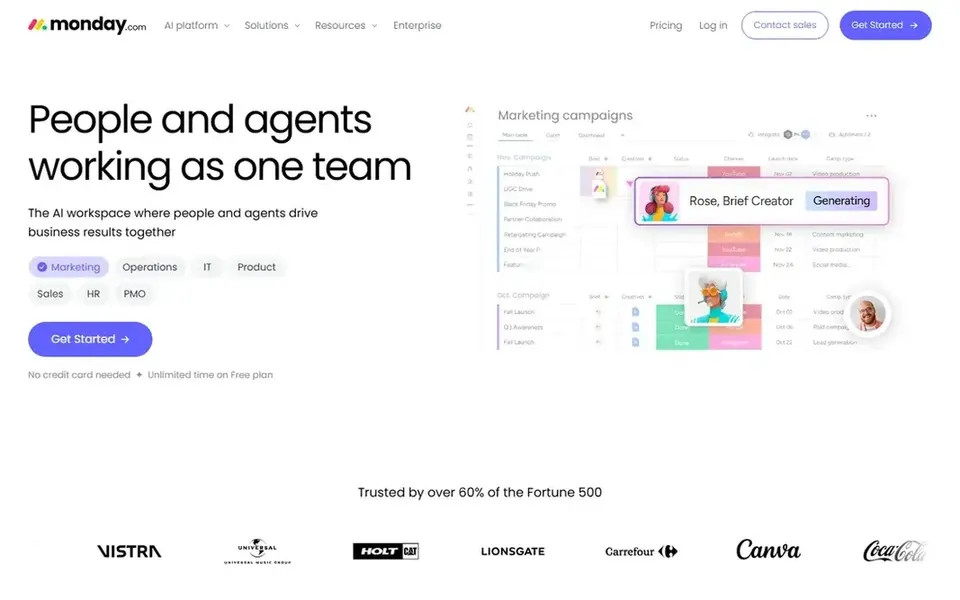
monday.com is built with visual content pipelines and status boards in mind. Standard at $12 per seat per month is the practical entry point, adding timeline and Gantt views, guest access, and 250 automation and integration actions per month. Seats are sold in buckets beginning at 3, so a team of 4 pays for 5 seats.
The free plan caps at 2 seats, which makes it a trial instead of a working plan for a real team. Also, the Basic plan at $9 per seat per month billed yearly spans unlimited items and docs. But it has no automations or integrations, which limits how much of the workflow it can run on its own. Entry price for monday.com: $9 per seat/month. monday.com offers a free plan.
Reasons to shortlist it: Boards display every article, owner.
Watch-outs: time tracking only arrives on Pro at $19 per seat per month.
- Standard brings timeline, Gantt
- Calendar views
- Entry-level has no automations or integrations

Notion makes the most sense for content wikis, briefs, and research libraries. The Plus plan at $10 per member per month billed yearly removes the block limit, layers on 30-day page history, unlimited file uploads, and custom forms and sites.
Notion pricing: $10 per member/month. Free access exists with Notion.
The main drawbacks: full AI features need the Business plan at $20 per member per month.
What users get: docs combine into a single content hub.
- Plus layers on unlimited blocks
- Pages, databases
- No native Gantt or workload views on Plus
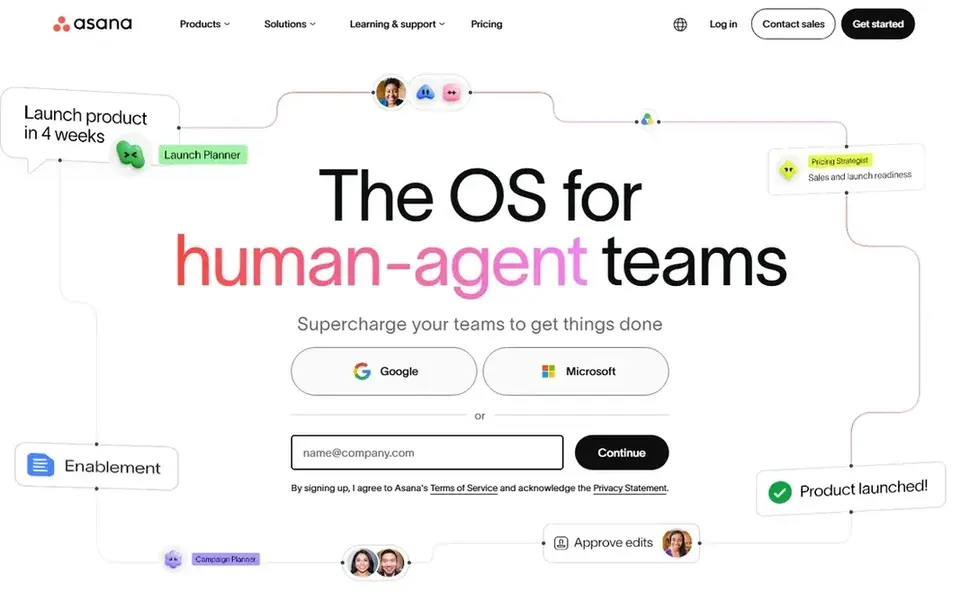
Asana is a good fit for editorial calendars and cross-team timelines. For a team that needs a recorded sign-off before anything goes live, the jump to Advanced is hard to avoid, so price the plan you actually need instead of the entry price.
Downsides: Approvals, proofing.
The starting price for Asana: $10.99 per user/month. Asana includes a free tier.
- Timeline and calendar views make a publishing schedule simple to read
- Forms and templates standardise briefs and intake
- The Personal plan is free for up to 2 users only
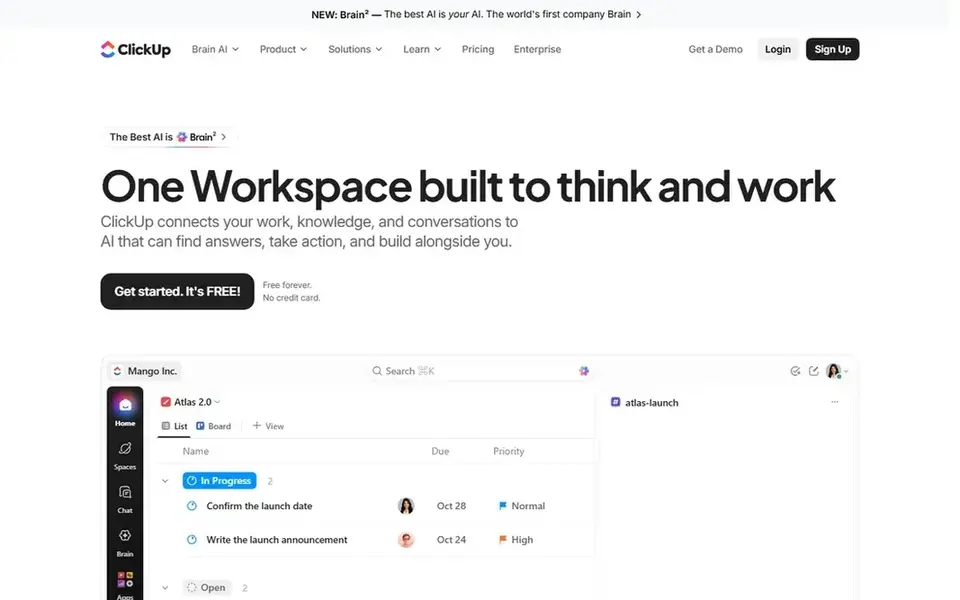
ClickUp was built for docs, tasks, and goals in one workspace. ClickUp is a solid pick for content teams that want briefs, drafts, tasks, and goals in one place rather than four separate tools.
More specifically, the interface is dense, so allow a week for the team to settle in. ClickUp starts at: $9 per user/month. ClickUp includes a free tier.
Trade-offs to know: Business at $17 is the first plan with guest seats and advanced reporting.
- Core brings unlimited storage and 1,000 automations per month
- Docs, whiteboards
- The feature count can overwhelm new users
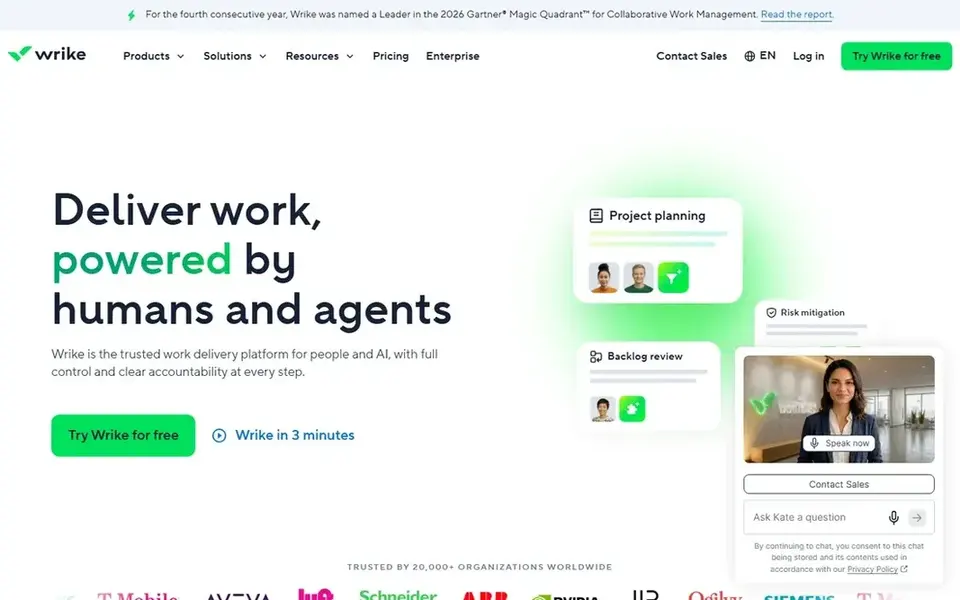
Wrike is aimed squarely at approvals, proofing, and structured editorial work. That plan also layers on request forms, baselines, critical path, workload, and time tracking, which turns Wrike into a full editorial operations tool.
Limits to weigh: seats are sold in bundles of 5, 10, or 25.
The starting price for Wrike: $10 per user/month. You can start on Wrike without paying.
- Proofing and approvals are built into Business
- Gantt charts and shareable dashboards come with the Team plan
- Team stops at 15 users
How we compared the tools
Pricing pages, product documentation and feature lists were the main sources, and every entry carries at least one honest drawback. Prices and plan limits come from vendor pages and can change, so confirm them on the vendor site before you buy. The sequence is a judgement call: typical use case first, then pricing transparency, then free access. Use the profiles to check fit.
What to confirm before you sign up
- Check the vendor page for the current price: Smartsheet starts at $9 per member/month here, and seats or billing terms can move it.
- Look at free plan limits closely: monday.com, Notion, Asana and others have one, and the caps decide whether it is usable for real work.
- Use real work to test the free trial from Smartsheet, rather than a demo project.
- Read the limits listed for Smartsheet first: no free plan for new signups, only a 30-day trial.
- Check the support hours and onboarding help Asana offers; smaller vendors vary a lot here.
- Ask the daily users to test monday.com on a live task before you roll it out to everyone.
Frequently asked questions
Can I try these tools before paying?
Often, yes. monday.com, Notion, Asana and others have a free plan and Smartsheet offers a free trial. Use your own data and a real task during the test, and check what the free tier or trial limits before you rely on it.
How are the tools for project management software for content teams ordered?
The order follows typical fit for project management software for content teams, with Smartsheet first and Wrike last, then price clarity and free access. It is editorial judgement, not a score, so another team could rank the tools differently.
Do these tools publish their prices?
Yes. Every tool from Smartsheet to Wrike shows a starting price, though seats, add-ons and billing terms still change the final cost.
Is Smartsheet the right pick for everyone comparing project management software for content teams?
No single tool suits every team. Smartsheet comes first because it fits Grid-based editorial planning and tracking, while monday.com suits visual content pipelines and status boards and Notion suits content wikis, briefs, and research libraries. Match the tool to your own size, budget and workflow before deciding.
Sources
See where you really rank - block by block
ProMapRanker scans Google Maps across a grid of your service area. Simple monthly plans from $19, white-label on every plan.
Start freeBrowse all guides
← 6 Best Resource Management Software by User Ratings for 2026Best Team Content Collaboration Software (2026) →
 best whiteboard tools for software architecture reviews
Whiteboard Tools for Software Architecture Reviews (2026)
Best Whiteboard tools for software architecture reviews: 5 contenders ranked by fit, with entry costs and free tiers. Prices and drawbacks included. No filler.
Read → best tools for integrating work management apps
6 Best tools for Integrating Work Management Apps in 2026
Comparing the best tools for integrating work management apps? 6 contenders, each with entry cost, free tier and best-fit buyer. Pricing and limits included.
Read → best software for collaborating with clients
Software for Collaborating with Clients: Best Picks of 2026
Best software for collaborating with clients: 5 contenders ranked by fit, with entry costs and free tiers. Read the caveats before you buy. Prices included.
Read → best agile project management software
Best Agile Project Management Software in 2026
Compare the best agile project management software for 2026, from Jira and Linear to Asana, ClickUp, and monday, with prices, free plans, and team fit.
Read → airflow alternatives
Airflow Alternatives in 2026
Compare airflow alternatives for data and workflow orchestration, from Python native tools to YAML based and Kubernetes native platforms for teams today.
Read → best contract management software for legal teams
6 Best Contract Management Software for Legal Teams for 2026
Best contract management software for legal teams, compared. 6 tools with published prices, free plans and limits. Every entry states what it lacks. No filler.
Read →More in Project Management & Productivity · All guides A to Z by date · Latest guides