 ProMapRanker
Software for Collaborating with Clients: Best Picks of 2026
Direct answer
Start with Trello if you need straightforward shared boards. Listed starting prices: Trello from $5 per user a month, ClickUp from $9 per user a month and Miro from $8 per member a month. ClickUp is better for all-in-one client workspace, and Zoom Workplace is better for client meetings and webinars. The full list of 5 tools follows, with prices and free plan facts.
This ProMapRanker guide covers 5 software for collaborating with clients. Each profile lists a starting price, free plan details, strengths and drawbacks, so you can drop poor fits quickly.
Key takeaways
- Trello sits first on this list: straightforward shared boards.
- The lowest published monthly entry price here is $4.38 per user per month, from Slack.
- For channel-based client messaging, Slack is worth a look.
- A fair warning about ClickUp: can feel complicated at first.
- Trello, ClickUp, Miro, Slack: these are the 4 tools out of 5 that offer a free plan.
Quick comparison
| Pick | Great for | Pricing starts at | Free tier | |
|---|---|---|---|---|
 Trello | Straightforward shared boards | $5 per user a month | Yes | Visit |
 ClickUp | All-in-one client workspace | $9 per user a month | Yes | Visit |
 Zoom Workplace | Client meetings and webinars | See website | Not stated | Visit |
 Miro | Visual planning with clients | $8 per member a month | Yes | Visit |
 Slack | Channel-based client messaging | $4.38 per user a month | Yes | Visit |
The best software for collaborating with clients
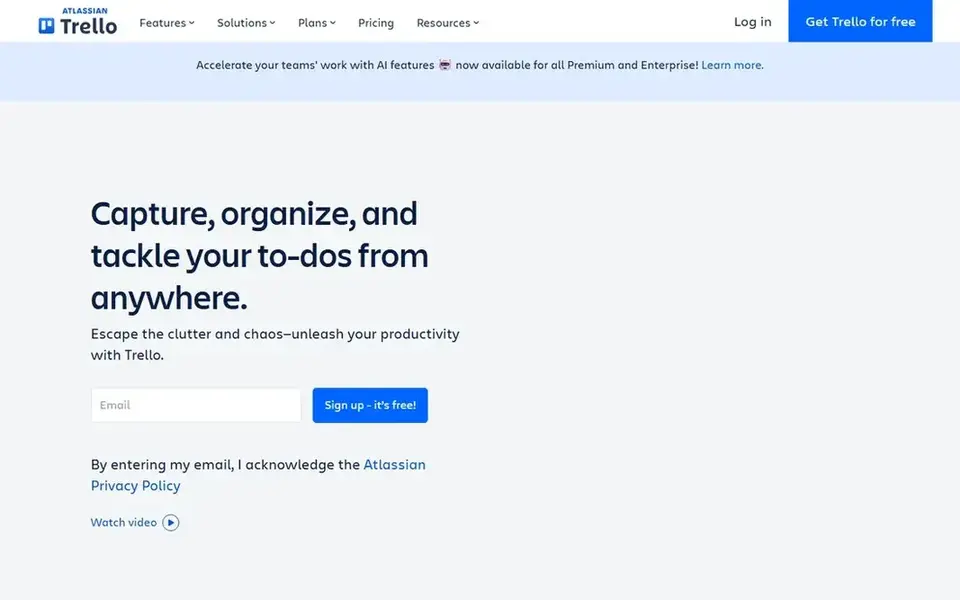
Trello targets straightforward shared boards. Move to a richer tool when client work needs deeper planning.
Trade-offs to know: Boards can sprawl over time.
It suits small client projects and straightforward shared pipelines where a clear visual board is simpler to follow than an in-depth system. Trello cost at the entry level: $5 per user per month. Trello offers a free plan.
- Fast to set up
- Simple visual board layout
- Restricted for complicated workflows
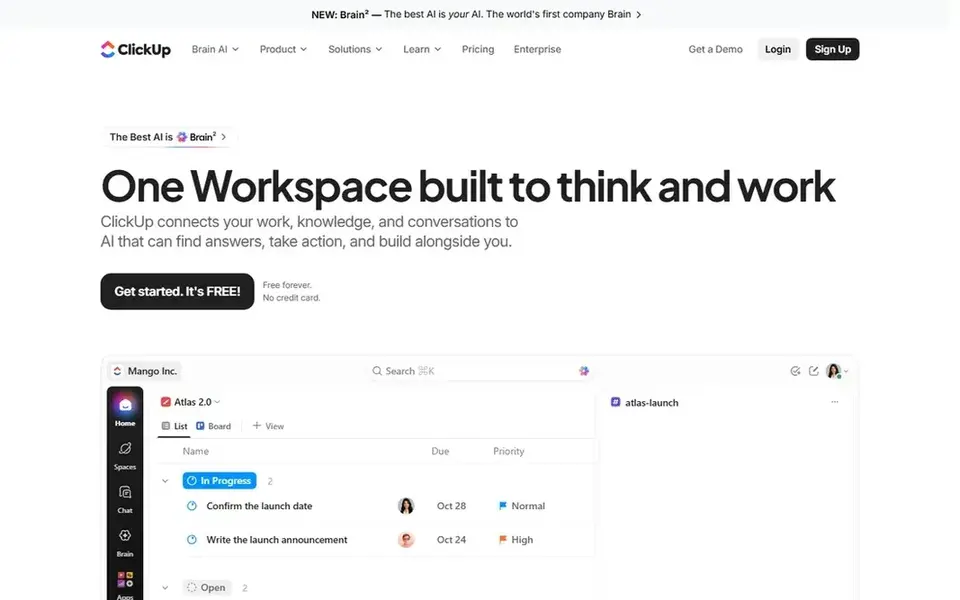
ClickUp is designed for all-in-one client workspace. ClickUp describes itself as the everything app for work, combining tasks, docs, goals and chat.
Where ClickUp stands out: goals and chat together; Tasks, docs.
A more straightforward board or messaging tool may suit you better when needs are narrow. The breadth of choices can feel overwhelming for small teams or straightforward client work, and setup benefits from deliberate configuration. ClickUp cost at the entry level: $9 per user per month. ClickUp offers a free plan. Where it is weaker: Plenty of choices need configuration.
- Consolidates multiple tools
- Adaptable for plenty of workflows
- Can feel complex at first
Zoom Workplace makes the most sense for client meetings and webinars. Choose a project product when your client relationship centers on deliverables instead of live sessions.
The main drawbacks: Broader setup than meetings alone.
Zoom is meeting-first, so ongoing project tracking and task management are restricted compared to dedicated work management tools. Check the vendor site for Zoom Workplace pricing; none is listed in this comparison. Free options: Not stated.
- Steady video meetings
- Webinars and events support
- Feature set can overwhelm new users

Miro makes the most sense for visual planning with clients. Miro is an AI-powered visual workspace for ideation, product development and team alignment.
Honest limits: Not a task or project tracker.
It suits client workshops, journey mapping and planning sessions where people have to sketch, arrange and discuss ideas together on a shared canvas rather than trading documents. Miro cost at the entry level: $8 per member per month. A free plan is available with Miro.
- Solid for workshops and ideation
- Shared visual canvas
- Large boards can get cluttered
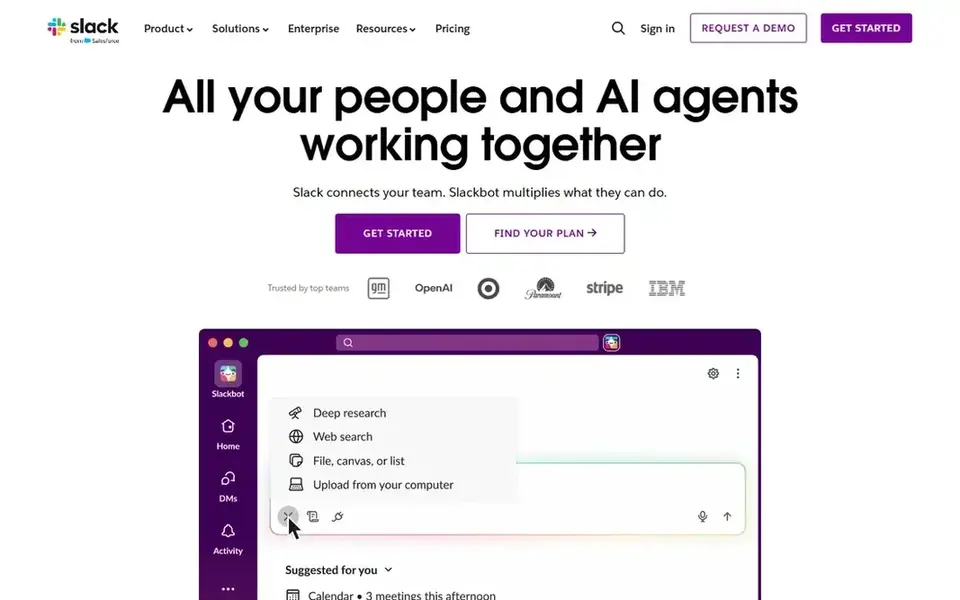
For channel-based client messaging, Slack is a natural candidate. Slack is an AI work system built around channels, messaging and workflow automation.
Its automation tools help route updates and link other work apps. Slack pricing: $4.38 per user per month. A free plan is available with Slack.
What to check first: Less suited to formal project plans.
- Organized channels for each client
- Workflow automation and integrations
- Can feel busy in large workspaces
Pre-purchase checklist
- Ask Zoom Workplace for a written quote, since no starting price is shown.
- Read the fine print on the free plans from Trello, ClickUp, Miro and Slack; seat, project and feature caps differ.
- Before choosing Trello, weigh its main limit: limited for complicated workflows.
- Ask whether ClickUp integrates with your current software, and whether that comes standard or as an add-on.
- Check whether Miro bills monthly or annually, and what cancelling early costs.
Frequently asked questions
Do these tools publish their prices?
Not all of them. Zoom Workplace publishes no starting price, so expect a quote request for it. The rest, Trello included, show a starting price, though seats and billing terms still change the final cost.
Which tool is a good match for chatting with clients day to day?
Trello is the pick this page puts first, mainly for straightforward shared boards. If your situation differs, ClickUp suits all-in-one client workspace, and Zoom Workplace suits client meetings and webinars. Compare price and limits before you decide.
Is Trello the right pick for everyone comparing software for collaborating with clients?
No single tool suits every team. Trello comes first because it fits simple shared boards, while ClickUp suits all-in-one client workspace and Zoom Workplace suits client meetings and webinars. Match the tool to your own size, budget and workflow before deciding.
Which options for software for collaborating with clients have a free plan?
On this list, Trello, ClickUp, Miro and Slack include a free plan. Caps on seats, usage or features are common, so test the free plan against your real workload.
How are the tools for software for collaborating with clients ordered?
Trello sits first and Slack last because the order follows typical fit for software for collaborating with clients, then price clarity and free access. It is a judgement call, so read each profile for fit and limits.
Sources
See where you really rank - block by block
ProMapRanker scans Google Maps across a grid of your service area. Simple monthly plans from $19, white-label on every plan.
Start freeBrowse all guides
← Scheduling Software for Franchises in 2026: Top 5 Compared6 Best tools for Integrating Work Management Apps in 2026 →
 best knowledge management software for franchises
5 Best Knowledge Management Software for Franchises in 2026
Compare 5 best knowledge management software for franchises, with prices, free plans and who each fits. Plus the drawbacks of each tool. Skim the table first.
Read → best document collaboration software for regulatory review
Document Collaboration Software for Regulatory Review (2026)
Best document collaboration software for regulatory review in 2026: 6 contenders with entry costs and free tiers. Every tool lists pros and cons. Start here.
Read → best appointment scheduling software for franchises
5 Best Appointment Scheduling Software for Franchises for 2026
Best appointment scheduling software for franchises in 2026: 5 contenders with entry costs and free tiers. Concise write-ups of every option. Decide faster.
Read → best aviation software
Best Aviation Software in 2026
Compare the best aviation software for flight planning, pilot apps, and maintenance tracking, with prices, platforms, and limits for each tool in 2026.
Read → best enterprise workflow orchestration platform
6 Strong Enterprise Workflow Orchestration Platforms in 2026
Compare 6 picks for the best enterprise workflow orchestration platform, with prices, free plans and who each fits. Honest caveats for every entry. No filler.
Read → google meet alternatives
Best Google Meet Alternatives in 2026
Compare the best Google Meet alternatives, including Zoom, Microsoft Teams, Webex, GoTo Meeting, Jitsi Meet and Whereby, with free plans and current pricing.
Read →More in Project Management & Productivity · All guides A to Z by date · Latest guides