 ProMapRanker
Best Google Meet Alternatives in 2026

Key takeaways
- Microsoft Teams is the natural switch for teams already paying for Microsoft 365, while Zoom remains the meeting-first choice for mixed teams.
- Jitsi Meet is the best no-account option for quick calls, and Whereby suits browser-based meetings without downloads.
- Zoho Meeting offers the lowest entry price in this list, but check meeting size limits before choosing it for large calls.
- Free plans differ on call length and participant limits, so match the free tier to your usual meeting size before you commit.
Quick comparison
| Pick | Great for | Pricing starts at | Free tier | |
|---|---|---|---|---|
 Zoom | Meeting-first teams | $14.16 per user per month | Yes | Visit |
 Microsoft Teams | Microsoft 365 teams | $4 per user per month | Yes | Visit |
 Cisco Webex | Enterprise meetings | $12 per user per month | Yes | Visit |
 GoTo Meeting | Secure business meetings | $12 per organizer per month | Free trial | Visit |
 Jitsi Meet | Quick calls without accounts | Free | Yes | Visit |
 Whereby | Browser meetings without downloads | See website | Yes | Visit |
 Zoho Meeting | Low-cost small team meetings | $1 per host per month | Yes | Visit |
 RingCentral Video | Phone plus video in one system | $20 per user per month | Yes | Visit |
 Discord | Communities and informal groups | Free | Yes | Visit |
The best Google Meet alternatives
We compared these tools on meeting size, call length limits, browser support, recording and transcription, and how much setup guests need. Our pick for most people is Zoom for standalone meetings, with Microsoft Teams as the better value if your team already uses Microsoft 365.
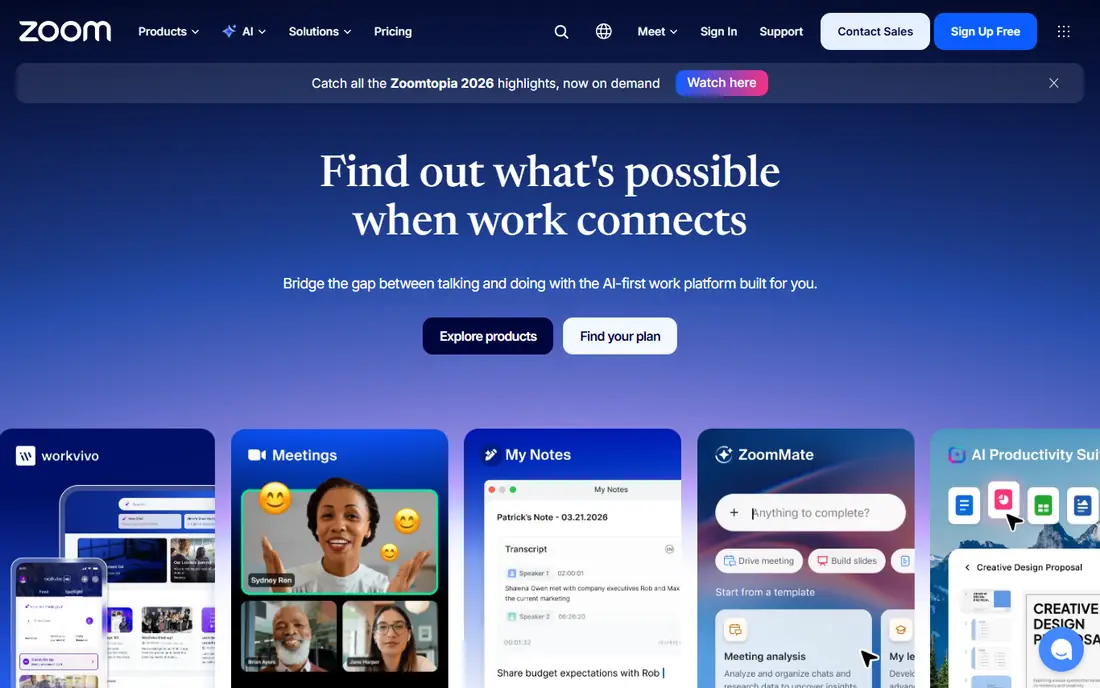
Zoom is the easiest Google Meet alternative to explain to guests, because most people have joined a Zoom call before. The free Basic plan allows meetings with up to 100 people, but group meetings end after 40 minutes, so paid plans are needed for longer calls. Paid Pro plans start at 14.16 dollars per user per month when billed annually, and they remove that limit while adding cloud recording and reporting.
Zoom also covers webinars, rooms, and phone options, which helps when a team outgrows simple meetings. The downside is price creep: webinars, large-meeting capacity, and extra storage are add-ons. If your team mainly needs reliable internal and client meetings, Zoom is a safe, well-understood choice.
- Familiar to most guests
- Large meeting and webinar options
- Strong recording and transcription on paid plans
- Free group meetings end after 40 minutes
- Costs rise with add-ons for webinars and large meetings
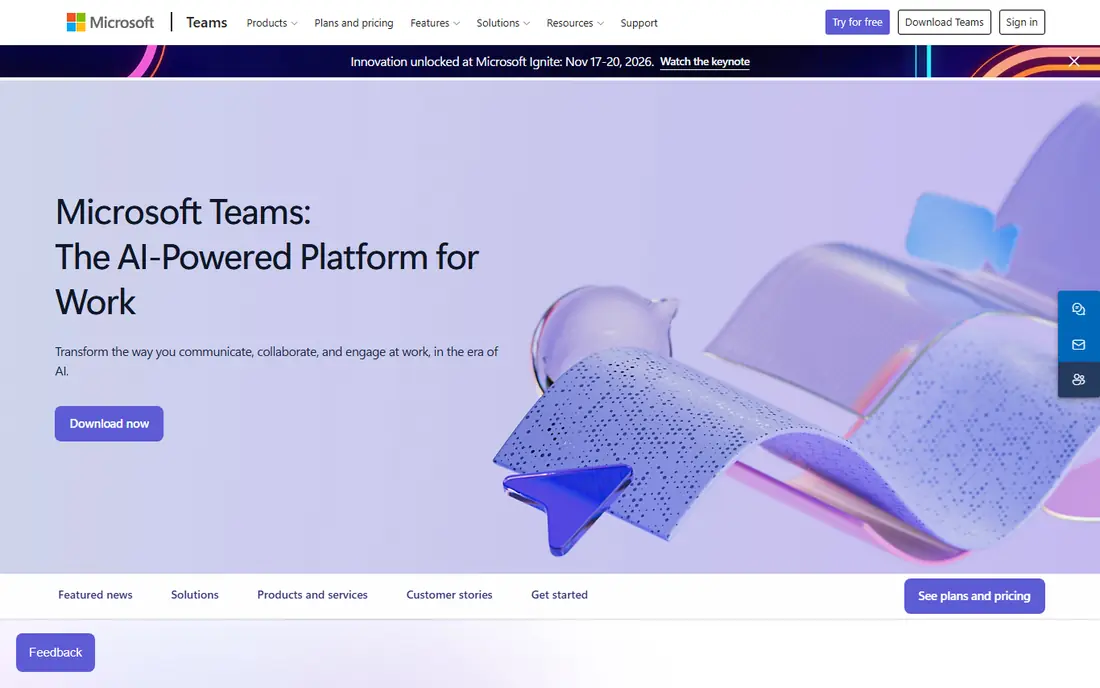
Microsoft Teams makes most sense when a team already pays for Microsoft 365. Meetings sit alongside chat, channels, calendars, and shared files, so a call can start from a document or a channel without switching apps. Teams Essentials starts at 4 dollars per user per month when billed annually, and the free version allows group meetings up to 60 minutes with up to 100 people.
The trade-off is focus. Teams is a full collaboration app, not a meeting-only tool, so its interface can feel crowded for people who just want a call link. Some features, such as advanced webinars and town halls, also sit on higher Microsoft 365 plans. For Microsoft-centred workplaces, though, Teams is usually the best value switch from Google Meet.
- Included with Microsoft 365 plans
- Chat, channels, and file sharing in one app
- Group meetings up to 60 minutes free
- Interface can feel busy
- Full meeting features depend on the Microsoft 365 plan chosen
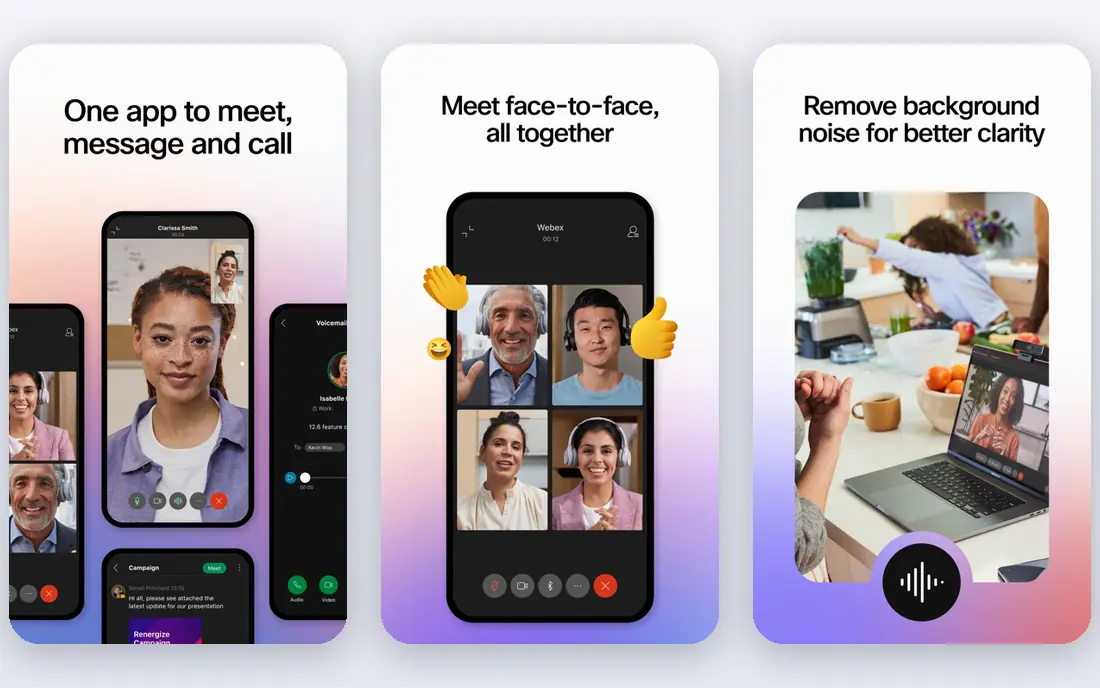
Webex is built for large organisations that need admin controls, security settings, and room systems. Its free plan allows meetings with up to 100 people for 40 minutes, and paid Webex Meet plans start at 12 dollars per user per month when billed annually. Paid plans add longer meetings, recording, and transcription, plus options for webinars and events at larger scale.
Smaller teams may find Webex more formal than needed, and its setup can feel heavier than Zoom or Meet. For regulated workplaces, hospitals, schools, and large companies with Cisco hardware, Webex is a strong, well-supported alternative.
- Strong enterprise controls
- Free plan with up to 100 people
- Hardware and room options
- Free meetings end after 40 minutes
- Interface feels formal for casual teams
GoTo Meeting focuses on dependable business calls rather than chat or collaboration extras. Paid plans start at 12 dollars per organizer per month when billed annually, with meetings for up to 150 people on the Professional plan and no published meeting length limit. Guests can join from a browser or app, and dial-in numbers help when someone has poor internet.
The main drawback is the lack of a free plan, with only a trial available. Teams that want a free tier for occasional calls should look at Zoom, Teams, or Jitsi instead. For companies that value simple, secure meetings and phone dial-in, GoTo Meeting remains a solid choice.
- Simple join flow for guests
- Dial-in numbers and drawing tools
- Unlimited meeting length on paid plans
- No permanent free plan
- Webinar features need a separate GoTo product
Jitsi Meet is the fastest way to start a call: create a room name, share the link, and guests join from a browser. There is no account requirement for basic use, and the software is open source, so technical teams can host it themselves. That makes Jitsi a good fit for community groups, classrooms, and one-off calls where asking guests to install an app would be a barrier.
The free public service has limits, including a cap on active endpoints per month reported in recent comparisons, and it does not include vendor support or the admin controls of paid suites. There is also no built-in transcription or advanced webinar tooling. For simple, private, low-cost calls, Jitsi is hard to beat.
- No account needed for guests
- Browser-based
- Open source and self-hosting options
- No vendor support on the free public service
- Fewer built-in business features
Whereby is designed around browser rooms that guests can join without downloads or accounts. Hosts get a personal room link, which works well for coaches, consultants, and support teams that meet the same clients repeatedly. Whereby can also be embedded into a website or product, which suits telehealth, tutoring, and customer support use cases.
The free plan is limited in meeting size and length, so regular team meetings will need a paid plan, and we list its starting price as See website because its tiers have changed across recent comparisons. If browser-first meetings and embedded video matter more than webinar features, Whereby is worth testing.
- Browser-based rooms with custom links
- Embeddable video for websites and apps
- Simple host controls
- Free plan limits meeting size and length
- Larger meetings need Business plans
Zoho Meeting is the budget pick in this list. Its Standard plan starts at 1 dollar per host per month when billed annually, and its free plan allows meetings up to 60 minutes with up to 100 people in recent comparisons. Entry paid plans limit meeting size, so check the attendee cap for your usual calls before choosing the cheapest tier.
Zoho Meeting works best for teams already using Zoho CRM, Mail, or Workplace, because meetings, scheduling, and contacts stay in one system. It does not match Zoom or Teams for third-party integrations, but for small teams that want a capable, low-cost meeting tool, it is a sensible alternative to Google Meet.
- Very low entry price
- Integrates with Zoho apps
- Webinar options on higher plans
- Small meetings on entry plans
- Fewer third-party integrations than Zoom or Teams
RingCentral Video suits businesses that want phone calls, video meetings, and team messaging under one bill. Its RingEX Core plan starts at 20 dollars per user per month, and it includes video meetings alongside cloud phone features. That combination helps sales and support teams that switch between calls, video, and chat during the day.
The price is higher than Zoom or Teams for video alone, so RingCentral only makes sense when the phone system is part of the decision. If your team only needs video meetings, a meeting-first tool will cost less. If you are replacing a phone system and a meeting tool at once, RingCentral can simplify billing and support.
- Video, phone, and messaging in one platform
- Good for customer-facing teams
- Recording on paid plans
- Entry price is higher than meeting-only tools
- Some features need higher RingEX plans
Discord is not a business meeting suite, but it is a strong free alternative for communities, study groups, gaming groups, and informal teams. Servers give a persistent home for text channels, voice channels, and video calls, and screen sharing is built in. The core service is free, with Nitro plans from 2.99 dollars a month adding perks such as higher upload limits.
Discord lacks the scheduling, recording, and admin controls that businesses expect from Google Meet, and server video calls have participant limits that differ from formal meeting tools. For ongoing community conversation with occasional video, though, Discord is free, familiar, and easy to keep running.
- Free voice and video for communities
- Persistent servers and channels
- Screen sharing built in
- Built for communities, not client meetings
- Video size limits in server calls
How we picked these
We compared official pricing pages, help centres, and recent vendor comparisons from October 2026, and we only included tools that are live and that handle real-time video meetings. We checked free plan limits for call length and participant count, because those limits decide whether a free tier is usable. We also noted where a tool is built for communities or embedded video rather than formal business meetings, so readers can match the tool to the use case.
What to check before you switch
Test the new tool with the people who will actually join your calls, not just your own team. Check browser support, captions, recording, and how guests join without an account. Also confirm calendar integration, because a meeting tool that does not fit your calendar workflow will create missed invites and double bookings.
Match the plan to your largest regular call
Do not choose on entry price alone. List your largest regular meeting, your longest call, and whether you need recording or transcription, then check those three facts against each plan. A cheap plan that caps meetings at 10 people will fail for a 25-person team call, while a large plan may waste money for a five-person team.
Check recording, captions, and guest access
Recording and transcription often sit on paid plans, and captions vary by tool and language. If you serve clients or students, test guest access from a fresh browser without an account, and confirm that dial-in numbers are available for people with weak internet. Those practical checks matter more than a feature list.
Frequently asked questions
What is the best free alternative to Google Meet?
Jitsi Meet is the simplest free option for quick calls without accounts, while Zoom and Microsoft Teams offer free plans with 40-minute and 60-minute group limits. Discord is also free, but it suits communities better than formal business meetings.
Is Zoom better than Google Meet?
Zoom suits teams that want a meeting-first tool with webinar options and broad guest familiarity, while Google Meet suits teams already on Google Workspace. If your team uses Microsoft 365, Teams often offers better value than either.
Can guests join these alternatives without an account?
Yes, in most cases. Jitsi Meet and Whereby are built for browser joining without accounts, and Zoom, Webex, and GoTo Meeting allow guests to join from a link. Check each tool, because some features, such as hosting or recording, still need a host account.
Do meeting alternatives include webinars?
Some do, but often as a separate plan or add-on. Zoom Webinars, Webex Webinars, and Zoho Webinar cover larger events, while basic meeting plans focus on smaller interactive calls. Confirm audience size and registration features before choosing a plan for webinars.
What is the cheapest paid alternative to Google Meet?
Zoho Meeting, at 1 dollar per host per month on its entry annual plan, is the cheapest in this list, followed by Microsoft Teams Essentials at 4 dollars per user per month. Check meeting size limits on low-cost plans, because they can be much smaller than the headline price suggests.
Sources
See where you really rank - block by block
ProMapRanker scans Google Maps across a grid of your service area. Simple monthly plans from $19, white-label on every plan.
Start freeKeep reading
 zscaler alternatives
Best Zscaler Alternatives in 2026
Looking for zscaler alternatives? We compare 9 SASE and zero trust platforms on architecture, data protection, pricing, and fit for your network and team.
Read → zapier alternatives free
Best Zapier Alternatives Free in 2026
Nine automation tools for zapier alternatives free in 2026, all with genuinely free tiers, plus free plan limits, starting prices and upgrade paths explained.
Read → which platform is best for online reputation
Which Platform Is Best for Online Reputation in 2026
Wondering which platform is best for online reputation? We compare 8 review, listing, and response tools for small and multi-location businesses and agencies.
Read →