 ProMapRanker
Scheduling Software for Franchises in 2026: Top 5 Compared

Straightforward shift planning and communication · Pricing starts at: $1.70 per user a month
Direct answer
For straightforward shift planning and communication, Sling is where this list starts. Listed starting prices: Sling from $1.70 per user a month, When I Work from $2.50 per user per month and Deputy from $5 per user a month. For a different need, HotSchedules covers teams comparing choices in this category and When I Work covers straightforward shift scheduling with team messaging. Details, prices and limits for the rest of the 5 tools are below.
If you are comparing scheduling software for franchises, this page covers 5 tools in one place: what each is best for, what it costs to start, whether it has a free plan, and the main limit to know about.
Key takeaways
- This list starts with Sling, which is built for straightforward shift planning and communication.
- Sling, Homebase: these are the 2 tools out of 5 that offer a free plan.
- Sling is the lowest-priced starter here at $1.70 per user per month.
- For hourly teams needing scheduling plus payroll, Homebase is worth a look.
Quick comparison
| Pick | Great for | Pricing starts at | Free tier | |
|---|---|---|---|---|
| Sling | Straightforward shift planning and communication | $1.70 per user a month | Yes | Visit |
 HotSchedules | Teams comparing choices in this category | See website | Not stated | Visit |
 When I Work | Straightforward shift scheduling with team messaging | $2.50 per user per month | Free trial | Visit |
 Deputy | Labor forecasting across several locations | $5 per user a month | Free trial | Visit |
 Homebase | Hourly teams needing scheduling plus payroll | $30 per location a month | Yes | Visit |
The best scheduling software for franchises
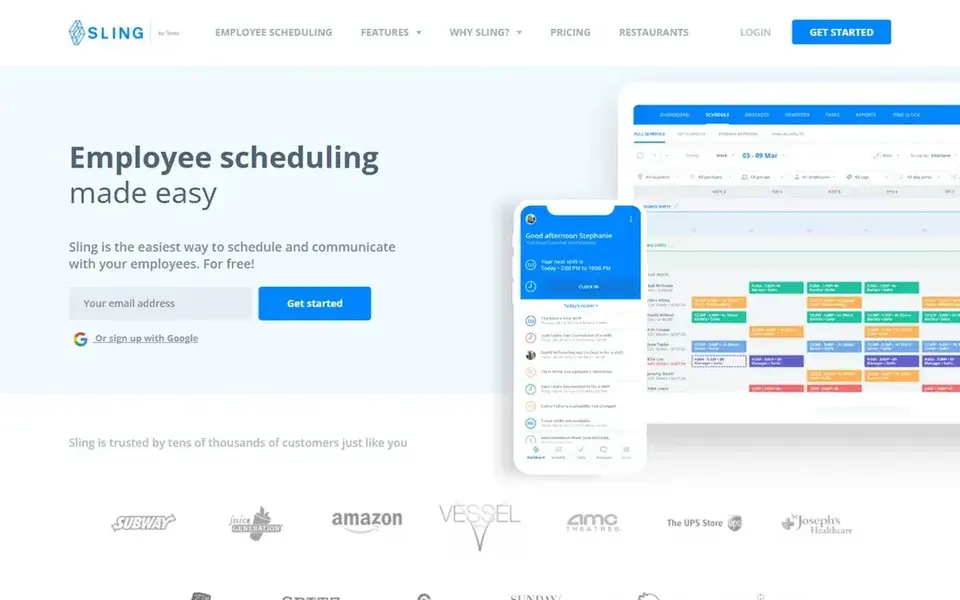
Choose Sling for straightforward shift planning and communication. Pick Sling when simplicity and shift communication are the primary goals. Sling is positioned around scheduling and communication instead of payroll or HR, so franchises needing a full workforce system should look at broader choices.
For everyday use, managers can plan shifts and keep teams informed, which matters when staff work across changing weekly patterns. Sling presents itself as employee shift scheduling and planning software that helps firms run shifts and communicate with employees. For everyday use, multi-location oversight and permissions are worth verifying for your structure. Price to start with Sling: $1.70 per user per month. A free plan is available with Sling.
What works well: Shift scheduling and planning focus.
Trade-offs to know: Restricted payroll and HR depth.
- Employee communication included
- Straightforward
- Complex franchise rules need review
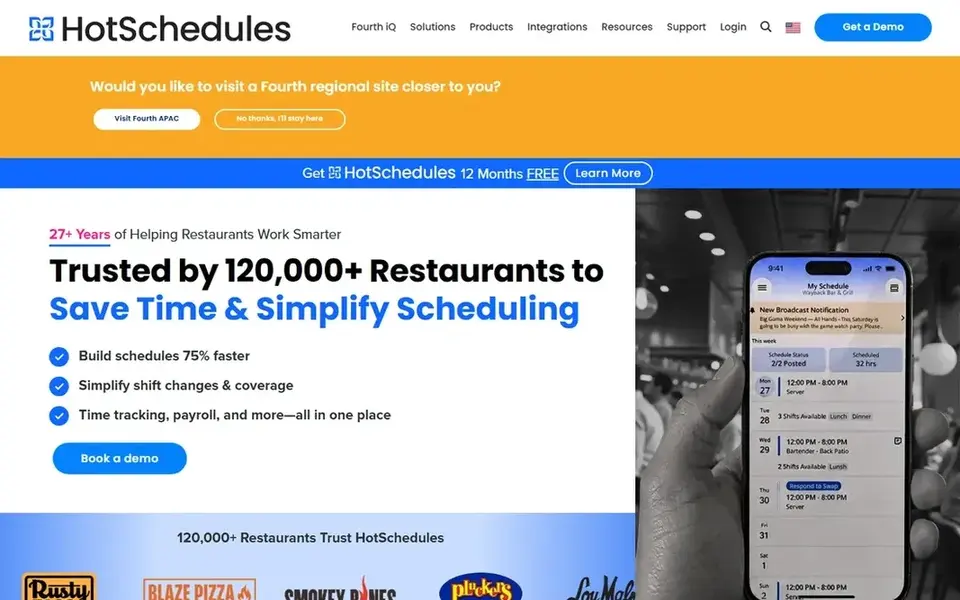
HotSchedules serves teams comparing choices in this category. Hospitality franchises with shift-heavy teams can use it to publish schedules and keep staff engaged through the same tool.
What to check first: Franchise-wide controls need checking.
The hospitality focus means franchises in other sectors may find it less aligned with their needs, and multi-location administration should be confirmed before committing. Beyond that, choose HotSchedules when hospitality scheduling and staff engagement are the core requirements. This comparison lists no price for HotSchedules; ask the vendor. As for free access: Not stated.
- Scheduling and engagement in one app
- Centred on hospitality operations
- Narrower fit outside hospitality
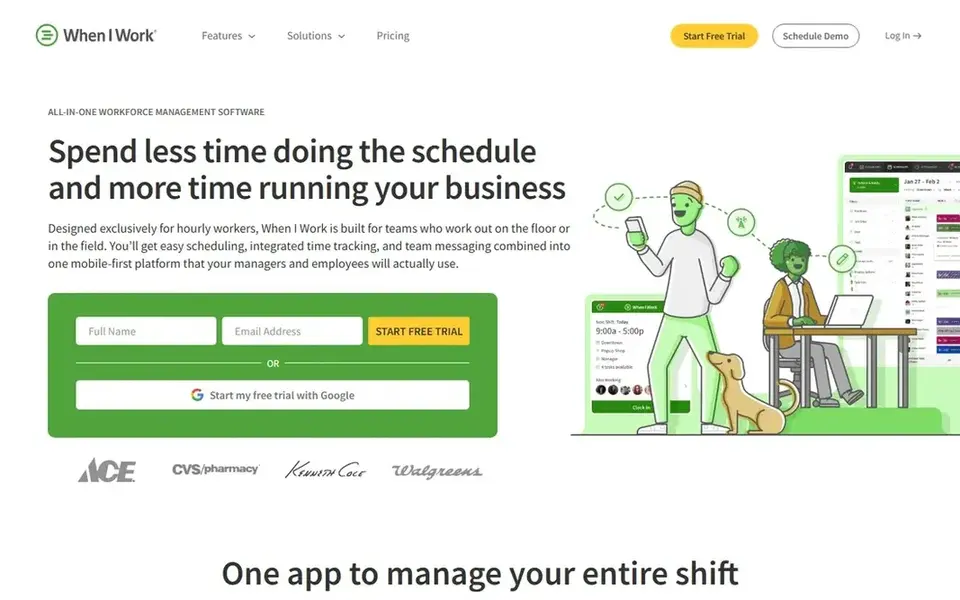
When I Work serves straightforward shift scheduling with team messaging. The messaging layer helps coordinators reach hourly workers without separate channels.
Honest limits: Advanced multi-site controls need review.
Multi-location oversight is worth confirming against your structure. On cost, When I Work starts like this: $2.50 per user per month. Trial and free access: Free trial.
- Team messaging built in
- Straightforward shift-based workflow
- Payroll and HR depth is restricted
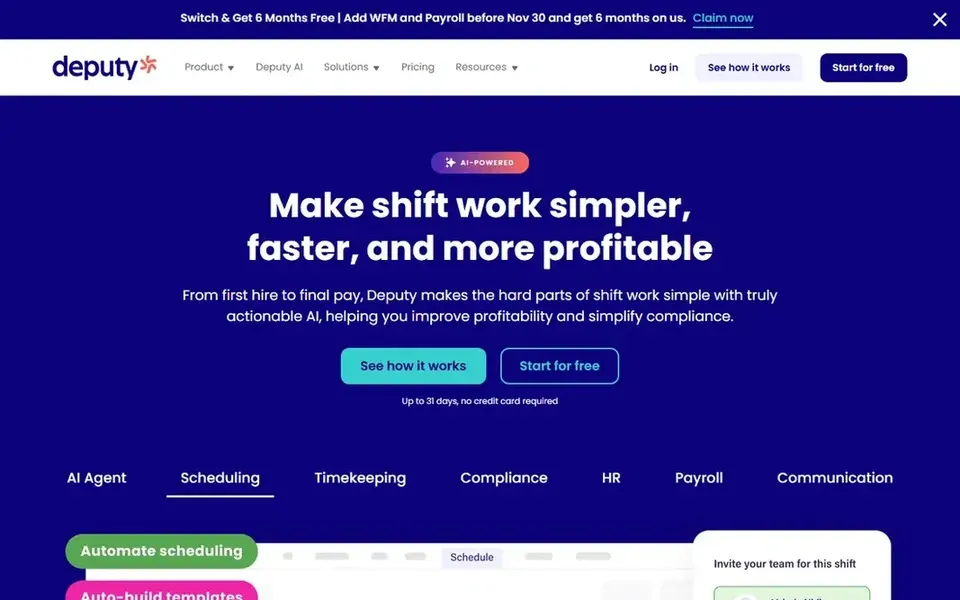
Choose Deputy for labor forecasting across several locations. For franchises, the forecasting angle is relevant since staffing needs vary by location and day.
Drawbacks to consider: Feature depth needs onboarding time.
The product aims to help managers plan labor against expected demand. The wider feature set means more setup and training than an entry-level scheduler, and forecasting is only as decent as the underlying scheduling and time data. Deputy cost at the entry level: $5 per user per month. As for free access: Free trial.
- AI labor forecasting highlighted
- Targeted at saving manager time
- Forecasting value relies on clean data
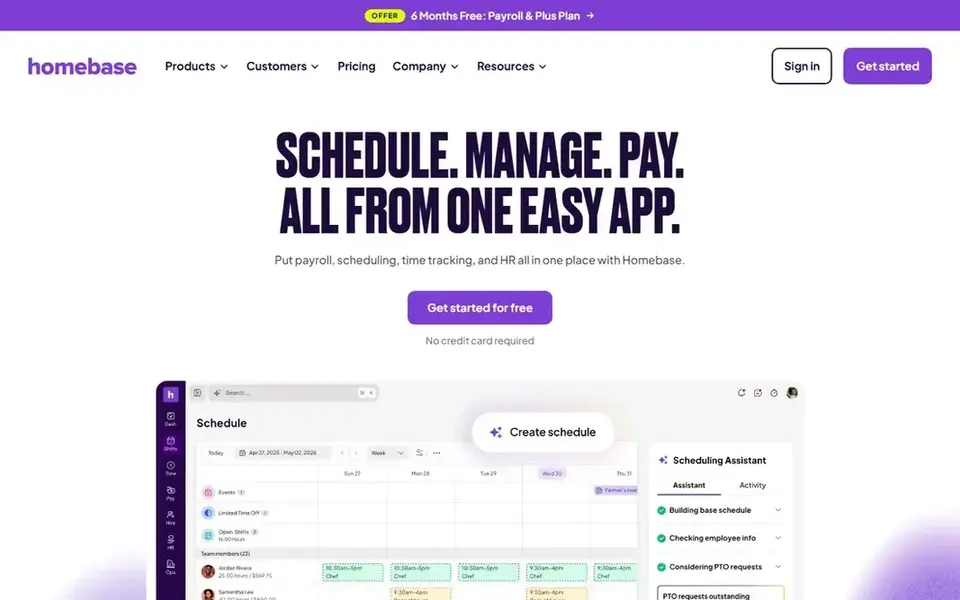
For hourly teams needing scheduling plus payroll, Homebase is a natural candidate. Choose Homebase when payroll and time tracking belong in the same system as scheduling.
Also, the breadth of features means more configuration than a scheduling-only tool, and franchises with complicated multi-site rules should check how locations are separated. Homebase cost at the entry level: $30 per location per month. Homebase includes a free tier.
Trade-offs to know: Wide feature set may overwhelm very small teams. What Homebase does well: payroll in one app.
- Hiring tools included alongside scheduling
- Aimed at small business hourly teams
- Payroll features add setup steps
How we built this list
ProMapRanker looked at what each vendor publishes: pricing, plan limits, feature coverage for scheduling software for franchises and stated drawbacks. No hands-on testing is claimed. Prices and plan limits come from vendor pages and can change, so confirm them on the vendor site before you buy. The order reflects how well each tool fits the most common buying scenario for scheduling software for franchises, then price clarity, then free plan access. It is a starting point, not a verdict.
Things to verify first
- Get a written quote from HotSchedules; the list shows no starting price for them.
- Check what the free option really includes: Sling and Homebase offer a free plan, and usage caps differ.
- Run a trial of When I Work and Deputy with real work before paying for a year; your own workflow is the best test.
- Before choosing Sling, weigh its main limit: restricted payroll and HR depth.
- Check how data leaves Deputy: formats, limits and whether exports are available on every plan.
- Run a one or two week pilot of Homebase with the people who will use it every day.
Frequently asked questions
Do these tools publish their prices?
Not all of them. HotSchedules publishes no starting price, so expect a quote request for it. The rest, Sling included, show a starting price, though seats and billing terms still change the final cost.
Is Sling the right pick for everyone comparing scheduling software for franchises?
No single tool suits every team. Sling comes first because it fits straightforward shift planning and communication, while HotSchedules suits teams comparing options in this category and When I Work suits simple shift scheduling with team messaging. Match the tool to your own size, budget and workflow before deciding.
How are the tools for scheduling software for franchises ordered?
The order follows typical fit for scheduling software for franchises, with Sling first and Homebase last, then price clarity and free access. It is editorial judgement, not a score, so another team could rank the tools differently.
Which options for scheduling software for franchises have a free plan?
Sling and Homebase offer a free plan in this list. Free plans usually cap users, projects or features, so check the limits on the vendor page. Several others offer a trial instead.
Can one scheduling tool deal with multiple franchise locations?
Check how locations, managers, and staff are separated and whether reporting consolidates across sites. Confirm the specifics with each vendor against your franchise structure.
Sources
See where you really rank - block by block
ProMapRanker scans Google Maps across a grid of your service area. Simple monthly plans from $19, white-label on every plan.
Start freeBrowse all guides
← 5 Best Knowledge Management Software for Franchises in 2026Software for Collaborating with Clients: Best Picks of 2026 →
 best document collaboration software for regulatory review
Document Collaboration Software for Regulatory Review (2026)
Best document collaboration software for regulatory review in 2026: 6 contenders with entry costs and free tiers. Every tool lists pros and cons. Start here.
Read → best appointment scheduling software for franchises
5 Best Appointment Scheduling Software for Franchises for 2026
Best appointment scheduling software for franchises in 2026: 5 contenders with entry costs and free tiers. Concise write-ups of every option. Decide faster.
Read → best workflow automation software for franchises
Best Workflow Automation Software for Franchises (2026)
Best workflow automation software for franchises: 5 contenders ranked by fit, with entry costs and free tiers. Each pick comes with its main catch. No hype.
Read → best project management software for creative agency
Best Project Management Software for Creative Agency in 2026
Best project management software for creative agency work in 2026: we compare 8 tools for campaigns, approvals, clients, and budgets and how to choose.
Read → best secure remote access tools
Best Secure Remote Access Tools in 2026
Compare the best secure remote access tools for 2026, with enterprise controls, pricing, and help choosing a safe remote tool for support or remote work.
Read → best note-taking app for students free
Best Free Note-Taking Apps for Students in 2026
Compare the best note-taking app for students free, with handwriting, search, sync, and study tools that cost nothing to start using in class and at home.
Read →More in Project Management & Productivity · All guides A to Z by date · Latest guides