 ProMapRanker
Best Free Note-Taking Apps for Students in 2026

Key takeaways
- OneNote is the best free starting point for most students, with notebooks, handwriting, audio notes, and sync at no cost.
- Notion suits course planning and group work, while Obsidian suits students who want linked notes they own as local files.
- Apple Notes suits iPad and Apple Pencil users, and Google Keep suits quick capture between classes.
- Check storage limits early, because free OneDrive, iCloud, and Google storage is shared with other files.
Quick comparison
| Pick | Great for | Pricing starts at | Free tier | |
|---|---|---|---|---|
 Microsoft OneNote | Free notebooks and handwriting | Free | Yes | Visit |
 Notion | Course planning and group work | Free | Yes | Visit |
 Obsidian | Linked notes you own | Free | Yes | Visit |
 Apple Notes | Free notes for Apple users | Free | Yes | Visit |
 Google Keep | Quick capture between classes | Free | Yes | Visit |
 Joplin | Private open-source notes | Free | Yes | Visit |
 Logseq | Free outliner and daily notes | Free | Yes | Visit |
 Simplenote | Simplest free notes | Free | Yes | Visit |
 NotebookLM | Study from your own sources | Free | Yes | Visit |
The best free note-taking apps for students
Every app on this list has a genuinely free tier or a free edition, not only a short trial. Paid upgrades exist for some, but you can run a full semester on the free versions below if you pick the right fit.
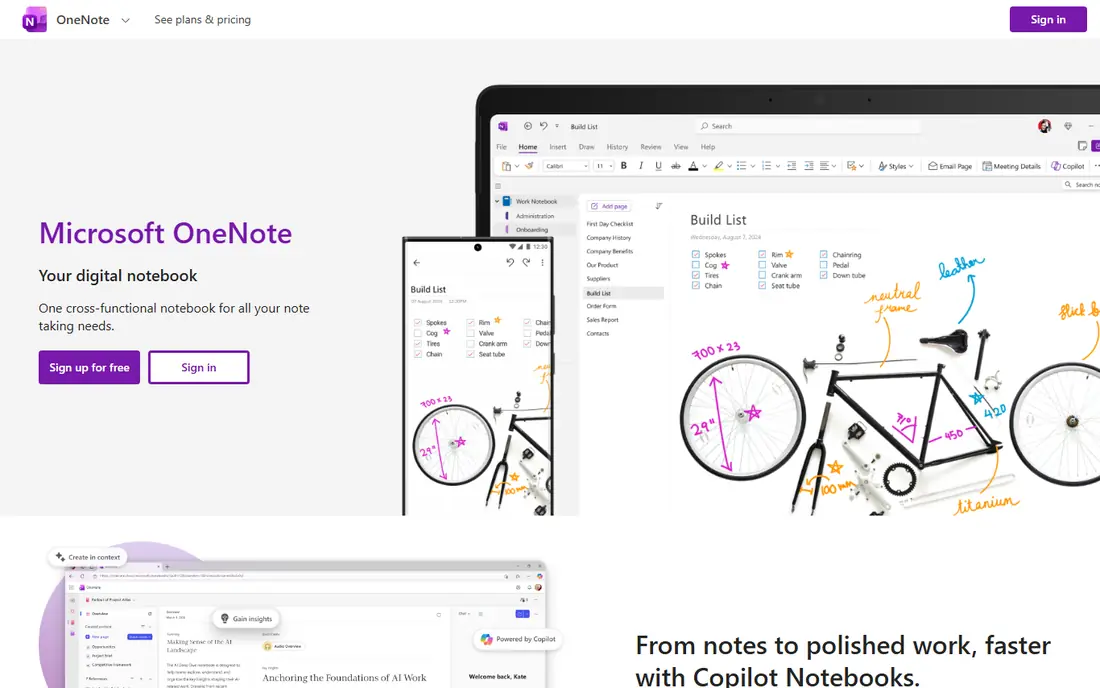
For many readers, the first question is fit, not features. OneNote organizes notes into notebooks, sections, and pages, which maps neatly onto subjects, topics, and lectures.
The catch is storage: notes use your OneDrive allowance, so heavy audio and image use can fill the free allowance over time. Before you commit, check the current pricing and terms on the official site, because plans and limits change. We compared official feature pages, pricing pages, and app store listings for this guide, and we did not claim hands-on testing that did not happen.
- Unlimited notebooks
- Freeform canvas
- Audio notes and handwriting
- Uses OneDrive storage
- Interface can feel busy
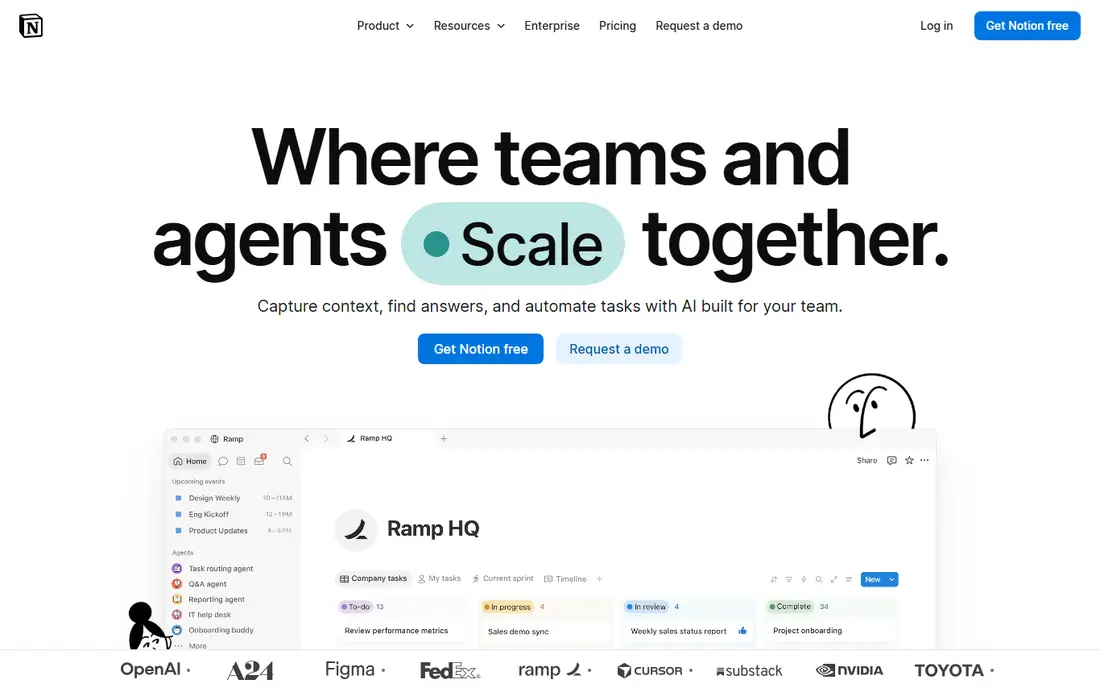
This one earns its place for a clear reason. Notion turns notes into a workspace with pages, databases, and templates for courses, assignments, and group projects.
The catch is offline access: it is web-first, so students who often work without a connection should test it before relying on it. Before you commit, check the current pricing and terms on the official site, because plans and limits change. We compared official feature pages, pricing pages, and app store listings for this guide, and we did not claim hands-on testing that did not happen.
- Unlimited pages for individuals
- Databases and templates
- Good sharing
- Education benefits need eligible university status
- Offline use is limited
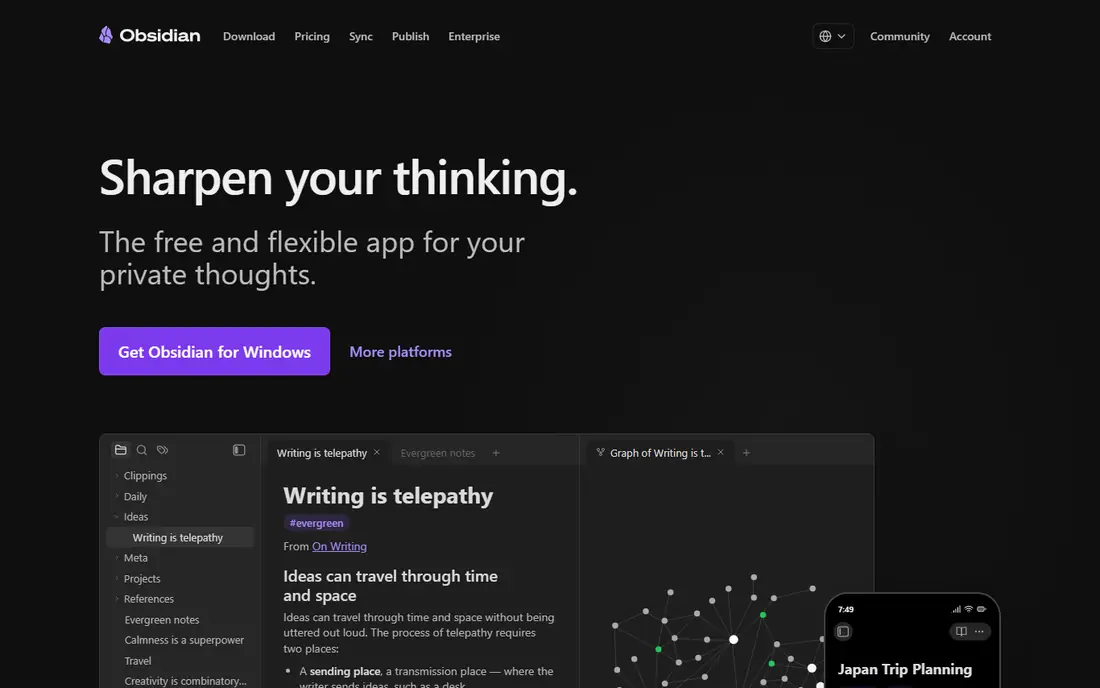
Here the value is practical rather than flashy. Obsidian stores notes as local files and links them together, which suits students building a connected set of revision notes over years.
The catch is sync: the core app is free, but official sync costs extra, so students need another sync method across devices. Before you commit, check the current pricing and terms on the official site, because plans and limits change. We compared official feature pages, pricing pages, and app store listings for this guide, and we did not claim hands-on testing that did not happen.
- Local Markdown files
- Linking and graph views
- Large plugin community
- Built-in sync is paid
- Learning curve for new users
What stands out here is how little setup it takes to get going. Apple Notes covers quick notes, sketches, checklists, and scanned documents at no cost for Apple users.
The catch is ecosystem: it works best on iPhone, iPad, and Mac, while Windows users only get web access. Before you commit, check the current pricing and terms on the official site, because plans and limits change. We compared official feature pages, pricing pages, and app store listings for this guide, and we did not claim hands-on testing that did not happen.
- Free with Apple ID
- Apple Pencil support
- ICloud sync
- Document scanning
- Apple devices first
- Windows access is web-only
This pick suits a narrower group, and that focus is its strength. Google Keep is the fastest way to capture a thought, a reminder, or a short list between classes.
The catch is depth: it uses labels rather than folders, and long structured notes fit better in OneNote or Notion. Before you commit, check the current pricing and terms on the official site, because plans and limits change. We compared official feature pages, pricing pages, and app store listings for this guide, and we did not claim hands-on testing that did not happen.
- Completely free
- Fast capture
- Labels, reminders, and checklists
- Labels instead of folders
- Not built for long lecture notes
For readers who want a calmer option, this one fits. Joplin is an open-source note app with encryption options and Markdown support, which suits students who care about privacy and file control.
The catch is polish: it is functional rather than pretty, and sync setup takes a few more steps than OneNote or Apple Notes. Before you commit, check the current pricing and terms on the official site, because plans and limits change. We compared official feature pages, pricing pages, and app store listings for this guide, and we did not claim hands-on testing that did not happen.
- Open source
- End-to-end encryption option
- Markdown and web clipping
- Interface is plain
- Sync setup needs care
This is the pick to check when the leaders feel too heavy. Logseq uses daily notes and outlines to build knowledge over time, with local files and no paywall for core features.
The catch is style: students who think in pages rather than outlines may find the block-based layout takes getting used to. Before you commit, check the current pricing and terms on the official site, because plans and limits change. We compared official feature pages, pricing pages, and app store listings for this guide, and we did not claim hands-on testing that did not happen.
- Open source
- Daily notes and outlining
- Local files
- Outliner style suits some students less
- Mobile app is simpler
A quieter option can still be the right one, and this is a good example. Simplenote keeps notes simple, fast, and synced across devices, with tags and search doing the organizing work.
The catch is scope: it is plain text, so students who need handwriting, images, or rich formatting should look elsewhere. Before you commit, check the current pricing and terms on the official site, because plans and limits change. We compared official feature pages, pricing pages, and app store listings for this guide, and we did not claim hands-on testing that did not happen.
- Completely free
- Fast sync
- Tags and search
- Plain text only
- No handwriting or rich notebooks
The last pick rounds out the list for a specific need. NotebookLM lets students upload readings and notes, then ask questions and get answers grounded in those sources.
The catch is limits: free use has usage limits that can change, and poor source material still gives poor answers. Before you commit, check the current pricing and terms on the official site, because plans and limits change. We compared official feature pages, pricing pages, and app store listings for this guide, and we did not claim hands-on testing that did not happen.
- Grounded in your PDFs and notes
- Summaries and audio overviews
- Question answering
- Usage limits apply
- Source quality limits output quality
How we picked these
We compared official feature pages, pricing pages, app store listings, and public reviews for each product, and we kept only products that exist, work in October 2026, and truly fit the topic. Where a price or limit could not be verified from the vendor, we wrote See website rather than guessing a figure.
How to pick a free note app for a semester
Match the app to how you take notes, not to a feature list. If you handwrite, pick an app with good stylus support and handwriting search. If you type, pick one with fast search, folders or tags, and reliable sync. A beautiful app you avoid opening is worse than a plain app you use every day.
Set up one notebook or workspace per subject in the first week. Use the same naming pattern for lectures, readings, and revision notes, so search works when exams arrive. Add dates to lecture notes, because a note without a date is hard to place later.
Export a backup before exams. Even free apps can change limits, and a phone can break at the worst time. Export key notes as PDF or plain text each month, and keep that backup somewhere separate from the app itself.
Frequently asked questions
What is the best completely free note-taking app for students?
Microsoft OneNote is the strongest free all-rounder, with unlimited notebooks and sync through a free Microsoft account. Apple Notes is the best free choice inside the Apple ecosystem, and Obsidian is free for personal use.
Can I use Notion free as a student?
Yes, Notion has a free plan for individuals, and eligible university students can apply for education benefits. High school students can still use the regular free plan, but education plan eligibility is narrower.
Is Obsidian really free?
Yes, Obsidian is free for personal use, with notes stored as local Markdown files. Paid Sync and Publish services are optional, and free users can sync through other means if they set it up.
Which free app is best for handwriting?
OneNote and Apple Notes both handle handwriting well, with OneNote working across platforms and Apple Notes working best on iPad with Apple Pencil. GoodNotes and Notability are strong, but they are paid apps, not free ones.
Do free note apps work offline?
Many do, including OneNote, Obsidian, Joplin, and Apple Notes, once notes are downloaded. Web-first tools need a connection for full sync, so test offline access before you rely on it in class.
Sources
See where you really rank - block by block
ProMapRanker scans Google Maps across a grid of your service area. Simple monthly plans from $19, white-label on every plan.
Start freeKeep reading
 zscaler alternatives
Best Zscaler Alternatives in 2026
Looking for zscaler alternatives? We compare 9 SASE and zero trust platforms on architecture, data protection, pricing, and fit for your network and team.
Read → zapier alternatives free
Best Zapier Alternatives Free in 2026
Nine automation tools for zapier alternatives free in 2026, all with genuinely free tiers, plus free plan limits, starting prices and upgrade paths explained.
Read → which platform is best for online reputation
Which Platform Is Best for Online Reputation in 2026
Wondering which platform is best for online reputation? We compare 8 review, listing, and response tools for small and multi-location businesses and agencies.
Read →