 ProMapRanker
Best Secure Remote Access Tools in 2026

Key takeaways
- TeamViewer and Splashtop cover most personal and small-team needs at a clear price point.
- BeyondTrust and ConnectWise ScreenConnect are built for support teams that need audit trails and strict access control.
- Always check encryption, two-factor authentication, session logging, and permission controls before buying.
- A free personal plan is not the same as a business plan, and commercial use usually needs a paid licence.
- The cheapest tool is a poor choice if it lacks device approval, session recording, or easy revocation of access.
Quick comparison
| Pick | Great for | Pricing starts at | Free tier | |
|---|---|---|---|---|
 TeamViewer | All-round remote access | $24.90 per month | Yes | Visit |
 AnyDesk | Fast, low-latency sessions | $22.90 per month | Yes | Visit |
 Splashtop | Value remote work access | $6 per month | Free trial | Visit |
 RemotePC | Low-cost per-computer access | See website | Free trial | Visit |
 Zoho Assist | Budget support for small teams | See website | Yes | Visit |
 ConnectWise ScreenConnect | IT support teams | $33 per month | Free trial | Visit |
 BeyondTrust Remote Support | Enterprise security and audit | See website | No | Visit |
 RealVNC Connect | Lightweight secure access | $8.25 per month | Yes | Visit |
 ISL Online | Privacy-focused support | $16.90 per month | Free trial | Visit |
The best secure remote access tools
Secure remote access means more than seeing another screen. It means encrypted connections, verified identities, clear permissions, and a record of who connected and when. We compared tools for personal use, remote work, and professional support, with security controls weighted heavily.
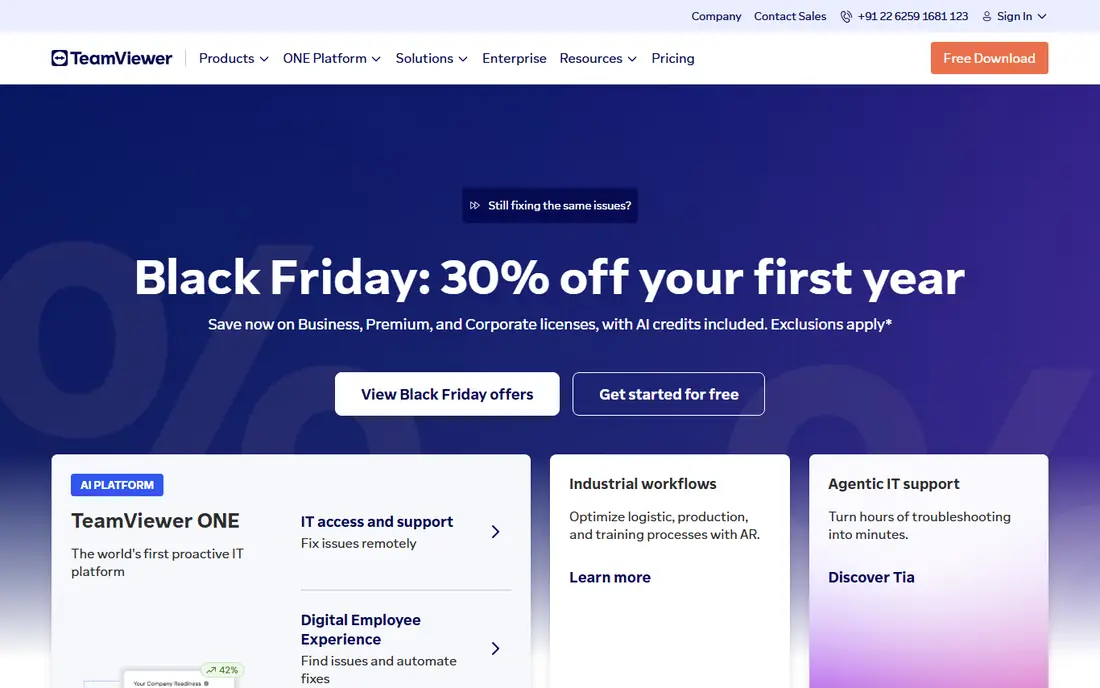
TeamViewer remains the best-known option for a reason. It works across Windows, macOS, Linux, mobile, and many other platforms, and setup is usually a download, an ID, and a password. That breadth makes it easy to help family, reach an office computer, or support a small team without learning a new tool for each device type.
Security features include encryption, two-factor authentication, and device approval, but you still need to turn them on and manage them. The free plan is for personal use only, so a business should budget for a paid plan from the start. For most people who want one tool that covers many cases, TeamViewer is our first shortlist pick.
- Wide platform support
- Free personal use
- Strong brand and support resources
- Business pricing rises with users
- Commercial use detection can block free sessions
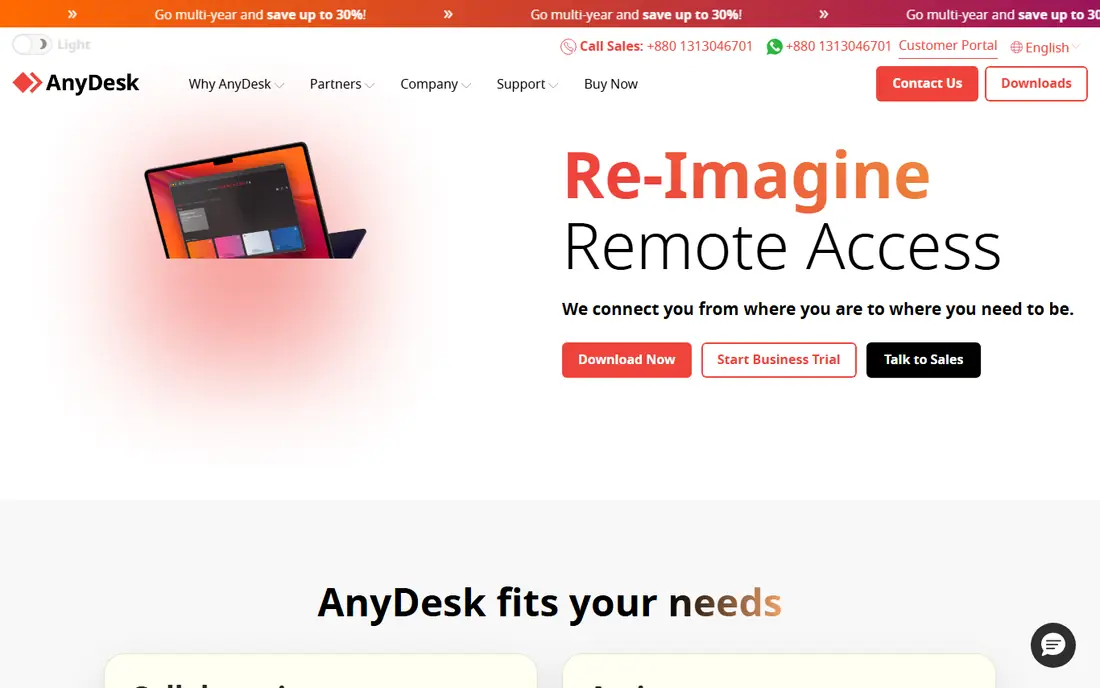
AnyDesk is built for speed. Sessions feel responsive even on slower connections, which matters for design work, video, or support where lag makes simple tasks painful. The client is small and quick to install, so a support call does not start with a long download and setup process.
It also offers encryption, access controls, and session permissions, but larger IT teams may want deeper central management than the lower tiers provide. Check how many devices, users, and concurrent sessions each plan allows before committing. If session speed is your main complaint with other tools, AnyDesk deserves a trial.
- Quick connections
- Low bandwidth use
- Lightweight client
- Fewer enterprise management tools than some rivals
- Pricing tiers need careful review
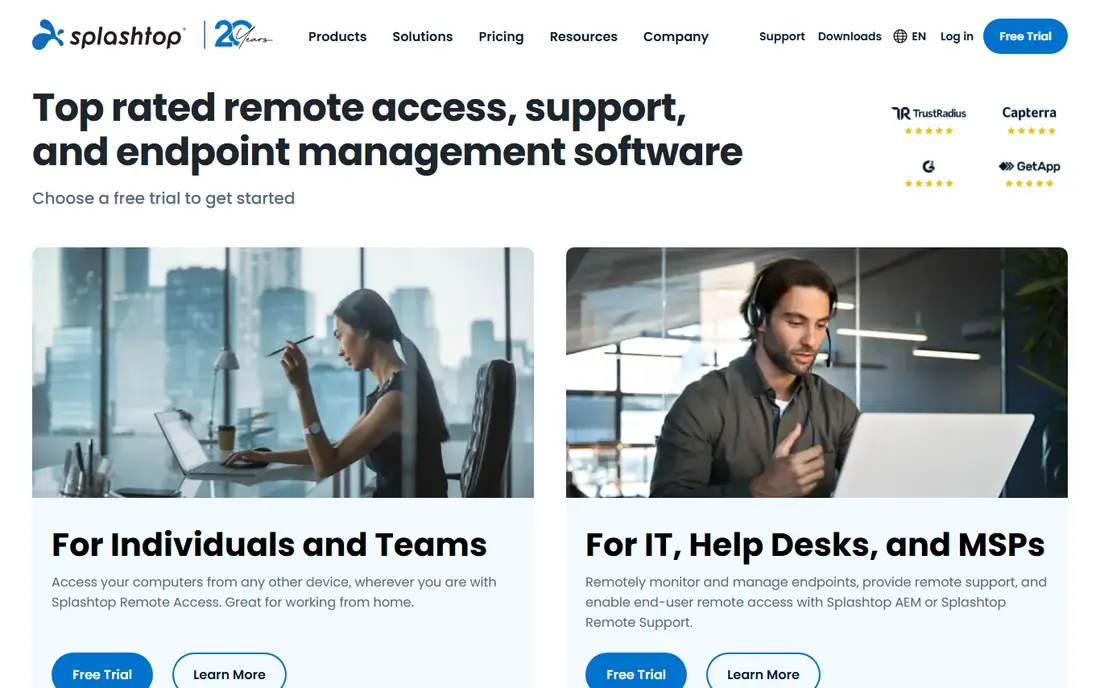
Splashtop is the value pick for people who mainly need to reach their own work computer from home or on the road. Its Solo plan is priced well below most rivals, and streaming quality is good enough for office apps and many creative tasks. Setup is straightforward, with a streamer on the host computer and an app on the device you connect from.
Security controls include encryption, two-factor authentication, and device verification, but you should confirm which controls are included in your chosen plan. Teams that need central management, single sign-on, or detailed logging may need a higher tier. For individual remote workers, Splashtop is hard to beat on price.
- Low starting price
- Good streaming quality
- Clear business plans
- Some advanced features sit on higher tiers
- Support options vary by plan
RemotePC suits a small business or household with several computers to reach. Pricing is often based on computers rather than per user, which can keep costs down when one person manages many machines. File transfer, remote printing, and chat cover the day-to-day needs of remote work and light support.
The interface is functional rather than polished, and it is not the first choice for a large support desk that needs ticketing, deep audit, and privileged access controls. For simple, always-on access to your own machines, though, it is a solid and affordable option. Confirm current pricing on the vendor site before buying, as plans change.
- Affordable plans for many computers
- File transfer and chat
- Web access option
- Interface feels plain
- Enterprise controls are less deep than BeyondTrust
Zoho Assist is a sensible pick for a small support team or a business already using Zoho products. It covers attended support, where the user is present, and unattended access to machines you manage. The free plan lets a tiny team test the workflow before paying, which is useful when support volume is still low.
Limits show up at scale. Larger teams may want deeper reporting, integrations, or compliance tooling than Zoho Assist provides on lower tiers. Still, for straightforward remote support with encryption and session controls, it offers good value. Check the current free plan limits, because they shape whether it works beyond a trial.
- Free plan for basic use
- Unattended access
- Fits well with other Zoho tools
- Some features need higher plans
- Less well known for large enterprise support
ConnectWise ScreenConnect, formerly ConnectWise Control, is built for technicians who support many users each day. It offers a central console, session tools, file transfer, and recording, plus controls that help a support manager see who did what. That structure matters when support is a job, not an occasional favour.
It is not a casual personal tool, and pricing reflects professional use. Smaller teams should trial it with real support cases to see whether the workflow saves enough time to justify the cost. For managed service providers and internal IT desks, it is one of the strongest choices on this list.
- Strong support workflows
- Session recording
- Central technician console
- Priced for professional use
- Setup takes more time than a personal tool
BeyondTrust is the security-first pick for regulated or large organisations. Technicians can support systems without seeing plain passwords, because credentials are vaulted and injected by the platform. Sessions can be recorded and audited, and access can be segmented so a vendor or contractor only reaches approved systems.
That power comes with cost and complexity. Deployment, policies, and training need IT ownership, and pricing is quote-based. Small teams will find it heavy for simple remote access. If your organisation handles sensitive data, faces audits, or grants access to third parties, BeyondTrust is the standard to compare others against.
- Privileged access controls
- Vaulted credentials
- Detailed session audit and recording
- Enterprise pricing
- Complex setup needing IT ownership
RealVNC Connect is a quiet, dependable option for people who want remote access without a heavy client. It is well suited to reaching a home server, a lab machine, or a small set of work computers, and it runs on a wide range of platforms. Encryption and access controls are central to the product, which fits the security focus of this list.
The trade-off is polish and support workflow. It lacks some of the ticketing and team console features of ScreenConnect, and the interface will not impress anyone looking for a modern dashboard. If you value a stable, secure connection over extra features, RealVNC Connect is a good fit.
- Lightweight and reliable
- Strong encryption options
- Works on many platforms
- Interface is plain
- Some features need higher tiers
ISL Online is worth shortlisting for teams that care about data location and privacy controls. It offers browser-based support without a full install for the person being helped, which shortens support calls. Session controls, encryption, and logging support professional use, and European hosting options matter for some compliance needs.
Pricing needs attention, because some plans are tied to session minutes rather than a flat monthly fee. A team with long or frequent sessions should model costs on real usage, not on a single short test. For privacy-conscious support teams, ISL Online is a credible alternative to larger US brands.
- European hosting options
- No-install support sessions
- Solid session controls
- Smaller brand presence in the US
- Pricing by minutes on some plans needs care
How we picked these
We compared official pricing pages, security documentation, and public feature lists, and we checked recent comparisons for current starting prices. We required encryption, authentication controls, and a clear business use case, and we favoured tools with session logging or permission controls for professional use. We left out tools that are no longer maintained or that focus only on screen sharing without remote control.
We also kept use cases separate. A tool that is excellent for reaching your own laptop may be weak for a support desk, and an enterprise platform may be overkill for one person. The list therefore covers personal, small-team, and enterprise needs.
What to check before you buy
Lock down access first
Turn on two-factor authentication, approve devices, and use strong, unique passwords for remote access accounts. Limit unattended access to machines that truly need it, and remove access promptly when staff or contractors leave. These steps matter more than any single feature on a marketing page.
Check logging and revocation
Ask how sessions are logged, whether sessions can be recorded, and how quickly access can be revoked. For support teams, audit trails help with training and incident review. For personal use, a simple connection history still helps you spot access you did not expect.
Trial with real work
Test on your slowest connection, your oldest machine, and the tasks you actually do, such as file transfer or multi-monitor work. Check concurrent session limits, mobile access, and what happens when a session drops. A tool that works in a demo may struggle on a real home network.
Frequently asked questions
What is the best secure remote access software for a small business?
TeamViewer or Splashtop usually fit small businesses best, depending on whether you need broad support features or low-cost access to your own computers. Zoho Assist is a good budget option for light support. For regulated work, shortlist BeyondTrust instead.
Is free remote access software safe for business use?
Free personal plans are often not licensed for commercial use, and they may lack central controls, logging, and support. A business should use a paid plan with managed users, device approval, and session records, even if the free version works technically.
What is enterprise remote support software?
Enterprise remote support software adds central management, privileged access controls, audit trails, and integration with identity and ticketing systems. BeyondTrust and ConnectWise ScreenConnect are examples. It is designed for IT teams that support many users under policy and compliance rules.
How do I keep remote access secure?
Use two-factor authentication, device approval, and least-privilege access, and keep software updated. Avoid sharing access codes in chat or email, end sessions when finished, and review connection history regularly. Disable unattended access on machines that do not need it.
Should I choose a cloud or self-hosted remote access tool?
Cloud tools are faster to set up and easier to maintain, while self-hosted options give more control over data and network paths. Most small and mid-size teams do well with cloud, provided the vendor offers encryption, access controls, and clear data policies. Large regulated teams may prefer self-hosted or hybrid deployment.
Sources
See where you really rank - block by block
ProMapRanker scans Google Maps across a grid of your service area. Simple monthly plans from $19, white-label on every plan.
Start freeKeep reading
 zoho inventory alternatives
6 Alternatives to Zoho Inventory, Compared on Price and Fit
Zoho Inventory alternatives: 6 tools compared on price, free plans and fit. Katana leads the list for manufacturers. Fit and flaws are laid out for each entry.
Read → zoho crm alternatives
Best Zoho CRM Alternatives (2026)
Need Zoho CRM alternatives? We compare 7 tools on cost, free access and who each suits. Every pick gets a straight assessment. Built for quick decisions.
Read → zelle alternatives
Best Zelle Alternatives in 2026
Compare the best Zelle alternatives for sending money to friends, paying sellers and moving funds abroad, with honest notes on fees, speed and safety in 2026.
Read →