 ProMapRanker
Best Project Management Software for Creative Agency in 2026


Campaign planning and approvals · Pricing starts at: $10.99 per user per month
Key takeaways
- Asana is the safest first pick for agencies that need clean timelines, approvals, and client work in one place.
- Teamwork is built for client billing and agency workflows, while Wrike suits creative proofing and intake.
- Monday.com wins on visual boards, and ClickUp wins on features per dollar for smaller agencies.
- Price the seat rules, not just the headline rate: minimums, guests, and higher tiers change the real total.
Quick comparison
| Pick | Great for | Pricing starts at | Free tier | |
|---|---|---|---|---|
| Asana | Campaign planning and approvals | $10.99 per user per month | Yes | Visit |
 monday.com | Visual boards, dashboards, and client views | $9 per user per month | Yes | Visit |
 ClickUp | Most features per dollar for small agencies | $7 per user per month | Yes | Visit |
 Wrike | Creative request intake and proofing | $10 per user per month | Yes | Visit |
 Teamwork | Client projects, time tracking, and billing | $10.99 per user per month | Yes | Visit |
 Basecamp | Simple client communication at a flat price | $15 per user per month | Yes | Visit |
 Notion | Briefs, docs, wikis, and light project tracking | $10 per user per month | Yes | Visit |
 Smartsheet | Spreadsheet-style planning and Gantt charts | $9 per user per month | No | Visit |
The best project management software for creative agency
Agency work mixes campaigns, client approvals, asset reviews, and billing. The tools below handle that mix in different ways, so the best pick depends on team size, client count, and how much proofing you do.
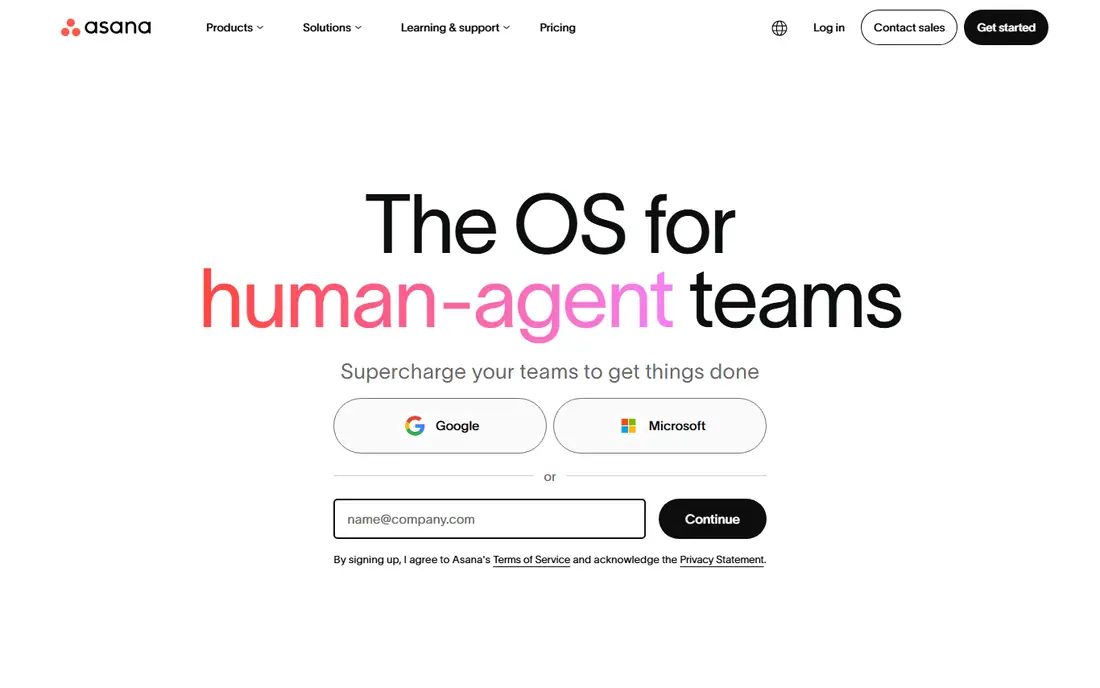
Asana is the safest first look for a creative agency that has outgrown spreadsheets and chat threads. A campaign becomes a project, each deliverable becomes a task with an owner and due date, and dependencies show who is blocking whom. Most designers and writers learn it in an afternoon, which matters when adoption, not features, decides whether a tool sticks.
Pricing needs care. The free Personal plan suits one or two people, Starter costs $10.99 per user per month billed annually, and Advanced costs $24.99 on the same basis for portfolios, workload, and broader approvals. Agencies that run several campaigns at once will often need Advanced, so budget for that tier rather than the entry price. Asana has no built-in proofing or agency billing, so those needs require integrations or another tool.
- Clean timelines, boards, and portfolios
- Approvals and workload views
- Strong integration library
- Free plan covers only one or two people
- Best planning features sit on higher tiers
- Per-seat cost grows with client guests
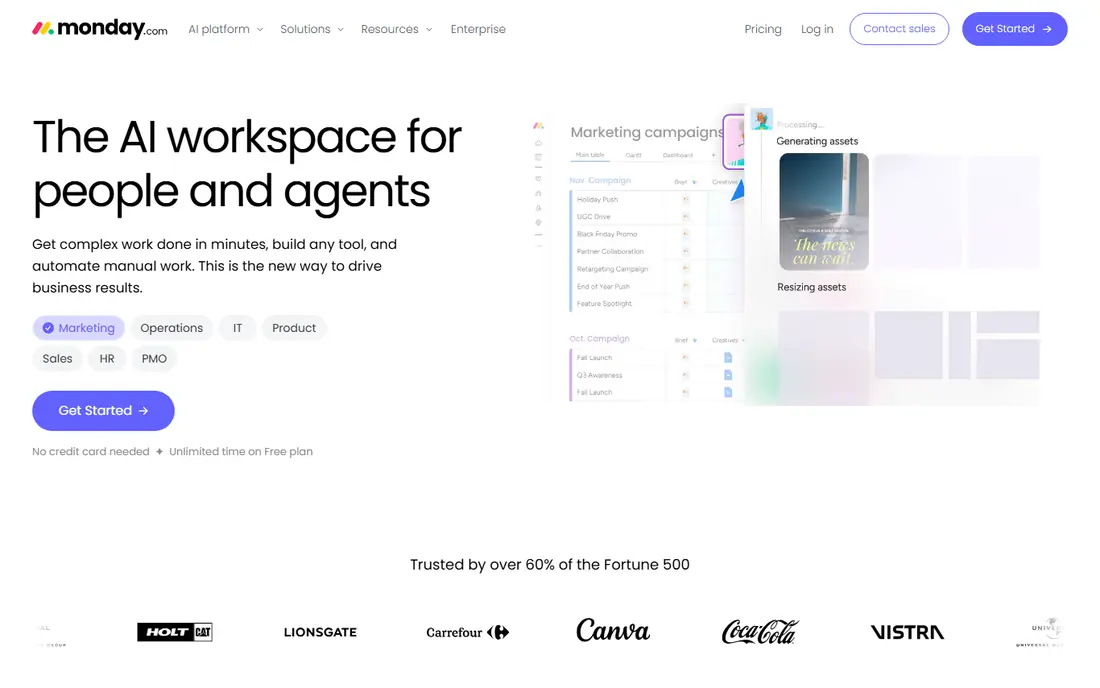
Monday.com suits agencies where visual status matters more than strict task hierarchies. Boards show campaign progress at a glance, dashboards roll up work across clients, and templates give new projects a fast start. Account managers can share a client view without teaching clients a full project system, which helps with approvals and status calls.
The seat rules matter. The free plan covers up to two seats, and paid plans start with a three-seat minimum, so very small teams should check the real monthly total. Automations, integrations, and advanced reporting also sit on higher tiers. If your team thinks in boards and colors, monday.com is a strong pick; if you need deep dependency planning, Asana or Wrike may fit better.
- Colorful, visual boards that non-technical staff adopt fast
- Dashboards for campaign status
- Templates for marketing work
- Paid plans have a three-seat minimum
- Costs rise with automations and higher tiers
- Can feel less structured than Asana for complex dependencies
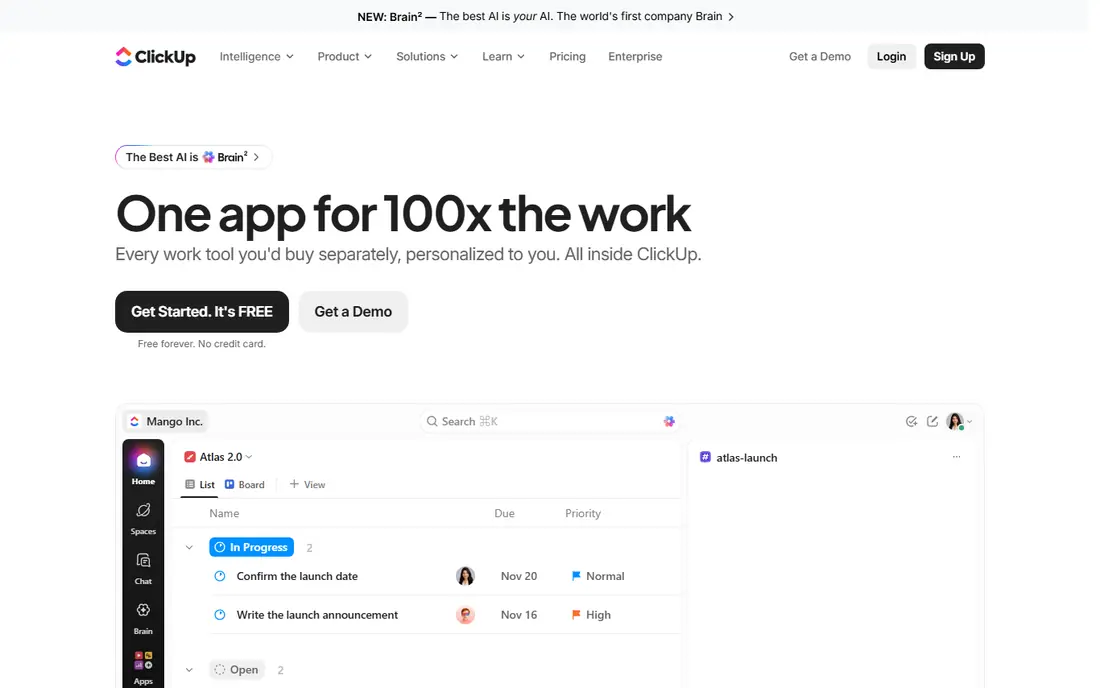
ClickUp tries to replace several tools at once, and for a small agency on a budget, that math is attractive. The Unlimited plan at $7 per user per month billed annually includes Gantt charts, custom fields, dashboards, native time tracking, and guest access. The free plan, with unlimited tasks and members, is also usable for a very small team getting started.
The risk is discipline. Because ClickUp lets you build almost anything, teams often build everything, and workspaces turn into mazes of half-used views. Assign one person to own the setup, keep templates tight, and prune views each quarter. AI summaries and related features also cost extra, so factor that in if AI is part of your plan. For agencies that want one workspace and can manage it, ClickUp is hard to beat on price.
- Docs, goals, time tracking, and dashboards in one workspace
- Genuinely usable free plan
- Low entry price
- Flexibility can turn into clutter without an owner
- Automations are capped on lower tiers
- AI features cost extra per seat
Wrike is built for the intake side of agency work: a client or internal team submits a brief through a form, work is routed to the right people, and creative assets move through review with comments tied to the file. That proofing workflow is the main reason creative teams choose Wrike over a general task tool. Reporting across clients and campaigns is also stronger than in simpler apps.
The trade-off is weight. Wrike takes longer to configure, and small teams may find the interface more complex than they need for straightforward campaigns. Pricing starts at $10 per user per month billed annually for the Team plan, with a free plan for small teams, but the most useful reporting and automation features sit higher. Agencies with steady intake volume and formal approvals get the most value here.
- Request forms and approval workflows
- Proofing and commenting on creative assets
- Reporting across many projects
- Setup takes more effort than simpler tools
- Interface can feel heavy for small teams
- Advanced features sit on higher tiers
Teamwork is the agency-native pick on this list. It was built around client projects, retainers, and billable work, so time tracking, project templates, and client access feel central rather than added on. That focus helps agencies that bill by the hour or manage many small client projects at once, where knowing time spent per client matters as much as task status.
The free plan covers up to five users and a limited number of projects, which suits a small agency trial. Paid plans start around $10.99 per user per month billed annually on current listings, but plan names and minimums have shifted, so confirm the current page before budgeting. The interface is more functional than visual, so teams that want colorful boards may prefer monday.com. For client billing and agency operations, Teamwork is a strong fit.
- Built for agencies and client work
- Time tracking and invoicing support
- Client access and project templates
- Pricing and plan names have changed over time, so check the current page
- Interface is less visual than monday.com
- Smaller integration library than Asana
Basecamp suits agencies that want client communication to stay simple. Each project has message boards, to-dos, schedules, docs, and files in one place, and clients can follow progress without learning a complex system. That simplicity reduces training time and keeps status updates in the project, not scattered across email and chat.
The limits are real. Basecamp lacks the Gantt views, automations, and proofing tools that larger creative teams expect, and it has no native time tracking for billing. Pricing is $15 per user per month for Plus, or $299 per month billed annually for Pro Unlimited with unlimited users, which becomes good value once a team passes about 20 seats. For small, communication-heavy agencies, Basecamp is a calm, predictable choice.
- Simple to learn and hard to misuse
- Message boards, to-dos, and file sharing in one place
- Flat $299 per month plan for unlimited users
- Fewer project views and automations than rivals
- No built-in time tracking or proofing
- Per-user plan still costs $15 per month
Notion fits agencies where briefs, brand guides, content calendars, and project tasks need to live together. You can build a client hub with a brief, asset links, meeting notes, and a task board in one place, and the flexible databases suit content planning better than a rigid task list. The free plan is generous for individuals and small teams getting started.
It is not a full replacement for Asana or Wrike on complex work. Dependencies, workload planning, and cross-project reporting are weaker, and very large workspaces can slow down. Paid Plus costs $10 per user per month billed annually. Use Notion as the agency knowledge base and light tracker, and pair it with a dedicated project tool if campaign dependencies grow complex.
- Docs, briefs, and tasks live in one workspace
- Flexible databases for content calendars
- Generous free plan for individuals
- Not a full project tool for complex dependencies
- Performance can slow on very large workspaces
- Reporting is weaker than dedicated PM tools
Smartsheet suits agencies and operations teams that already think in spreadsheets. Sheets can hold campaign plans, budgets, and asset trackers, while Gantt, card, and calendar views present the same work in different ways. Reporting and dashboards roll up status across clients, which helps account leads run weekly reviews without manual summaries.
The cost structure is different from rivals. There is no free plan, only a 30-day trial, and Pro starts at $9 per member per month billed annually. Collaborator rules matter, so check who counts as a paid member before inviting clients. If your team loves spreadsheets and needs structured planning, Smartsheet is a strong pick; if you want visual boards and proofing, look at monday.com or Wrike first.
- Familiar spreadsheet interface with Gantt and card views
- Strong reporting and dashboards
- Good for operations-heavy agencies
- No free plan, only a 30-day trial
- Less visual and creative than monday.com
- Per-member pricing needs care for collaborators
How we picked these
We compared official pricing pages, product documentation, and recent agency-focused comparisons, and we favored tools that handle campaigns, client work, and approvals rather than general to-do lists alone. We checked free plans, seat minimums, and higher-tier features, because agency costs depend on those details more than on headline prices. Where a vendor page was hard to read or plan names had changed, we used the most recent published figures and recommend confirming them before purchase.
What agencies should check before buying
Map one real campaign through the tool before you commit. Create the brief, assign deliverables, route an asset for approval, track time, and share a client view. That single test reveals gaps in proofing, billing, and client access faster than a feature checklist.
Seat math and client access
Count paid seats, free guests, and client viewers separately. A low per-user price can still cost more than a flat plan once clients and freelancers are added. Also check whether proofing, time tracking, and reporting sit on the plan you priced, or on the next tier up. A trial with real client work, not demo data, gives the honest total.
Frequently asked questions
What is the best project management software for marketing agencies?
Asana is the safest general pick for campaign planning and approvals, while Teamwork is the best agency-native pick for client billing. Monday.com suits visual teams, and Wrike suits teams with heavy creative proofing. Shortlist two tools and test one real campaign in each before choosing.
What is the best project management software for a small creative agency?
ClickUp offers the most features per dollar, with a usable free plan and a $7 per user per month Unlimited plan. Basecamp is a simpler choice if client communication matters more than advanced planning. Start free, and upgrade only when a specific missing feature blocks real work.
Do agencies need proofing tools in project software?
Not every agency does, but teams that review many assets benefit from proofing. Wrike includes proofing and commenting on files, while Asana and monday.com rely more on task comments and integrations. If your review loop is mainly email today, a tool with built-in proofing can cut revision rounds.
How much does agency project software cost?
Entry paid plans on this list run from $7 to $15 per user per month on annual billing, with Basecamp also offering $299 per month for unlimited users. Seat minimums, guest rules, and higher tiers move the real total, so price your actual team and client count, not just the headline rate.
Can clients see project progress without a paid seat?
It depends on the tool. ClickUp, Teamwork, and monday.com offer guest or client views with limits, while other tools count collaborators as paid seats. Check guest rules on the pricing page before promising clients direct access, and use a shared status view if full access is too costly.
Sources
See where you really rank - block by block
ProMapRanker scans Google Maps across a grid of your service area. Simple monthly plans from $19, white-label on every plan.
Start freeKeep reading
 best subscription manager app
Best Subscription Manager App in 2026
Find the best subscription manager app for your budget with our 2026 comparison of 8 apps, covering automatic detection, renewal alerts and free plans.
Read → best stock picking service
Best Stock Picking Service in 2026
Compare the best stock picking service options for 2026, with 8 stock recommendation services for long-term, dividend, quant, growth and income investors.
Read → best software wallet
Best Software Wallet in 2026
Compare the best software wallet options for 2026, with 8 crypto wallets for desktop and mobile, covering self-custody, supported chains, fees and security.
Read →