 ProMapRanker
Best Subscription Manager App in 2026


Automatic detection and cancellation help · Pricing starts at: Free
Key takeaways
- Rocket Money is our pick for most people because its free tier finds recurring charges from linked accounts and its premium tier adds cancellation help.
- Manual apps such as Finny, ReSubs and TrackMySubs suit readers who do not want to link a bank account at all.
- Copilot Money and Monarch Money work better as full finance apps, with subscription tracking as one part of a wider budget and net worth view.
- Annual and family subscriptions are the ones most often missed, so check for yearly billing and app store charges before you trust any total.
Quick comparison
| Pick | Great for | Pricing starts at | Free tier | |
|---|---|---|---|---|
| Rocket Money | Automatic detection and cancellation help | Free | Yes | Visit |
 Copilot Money | Apple users who want a polished finance app | $13 per month | Free trial | Visit |
 Monarch Money | Households sharing one finance view | $14.99 per month | Free trial | Visit |
 PocketGuard | Seeing what is safe to spend | See website | Yes | Visit |
 YNAB | Budgeting with a clear method | $14.99 per month | Free trial | Visit |
 TrackMySubs | Simple manual tracking for small teams | Free | Yes | Visit |
 Finny | Private manual tracking without bank linking | Free | Yes | Visit |
 ReSubs | Detailed manual tracking without bank access | Free | Yes | Visit |
The best subscription manager apps
Subscriptions hide in bank statements, app store receipts and annual renewals. We compared official feature pages, pricing pages, app store listings and public reviews to find apps that make that list clear, and that help you act on it rather than only show a total.
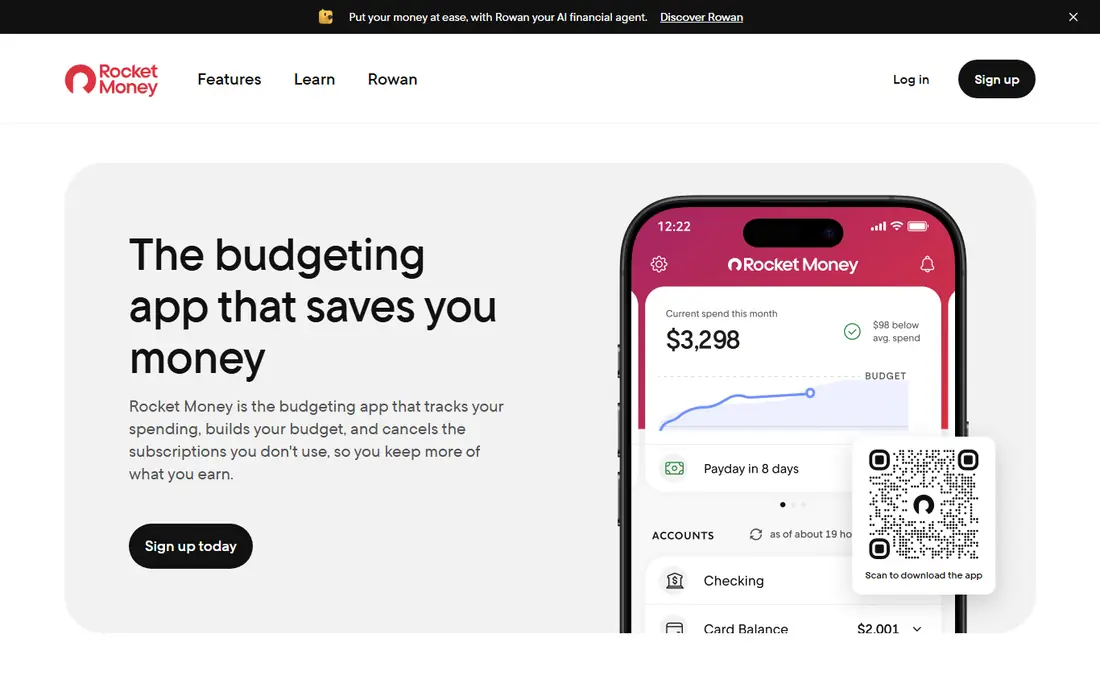
Few apps find forgotten subscriptions as quickly as Rocket Money. Link an account and the app pulls recurring charges into one list, with monthly and yearly totals that make the cost of small services hard to ignore. That view alone helps many readers cut one or two services in the first week, even before they pay for anything.
The paid tier is where the work gets done for you. Premium adds help with cancelling services and a bill negotiation service, plus more budget controls. The catch is the trade-off in the free plan, which watches and lists charges but leaves cancelling to you. Readers who dislike linking bank accounts should look at the manual options below instead.
- Finds recurring charges from linked accounts
- Cancellation help on premium plans
- Bill negotiation on premium plans
- Cancellation and negotiation sit behind the paid tier
- Bank linking is required for automatic detection
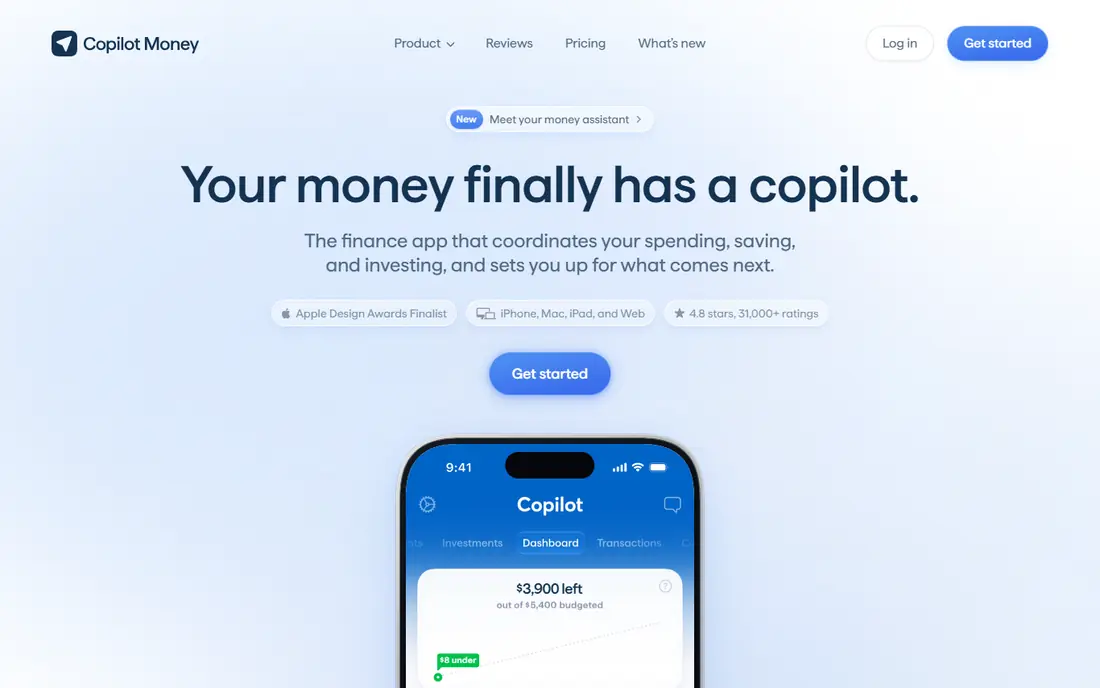
Copilot Money feels more like a daily finance companion than a narrow subscription tool. Transactions are categorised clearly, recurring charges are easy to spot, and the overall design makes regular checking feel less like a chore. For Apple users who already check a budget app each day, that habit is a real advantage.
The limits are plain. Copilot does not cancel subscriptions for you and does not negotiate bills, so you still need to contact each service yourself. It also costs more than a simple tracker, which makes sense only if you value the wider budgeting and net worth features. If subscription cutting is your only goal, Rocket Money gives you more direct help for less money.
- Clean design on iPhone, Mac and web
- Smart transaction categorisation
- Recurring transaction views
- No permanent free tier
- No cancellation service or bill negotiation
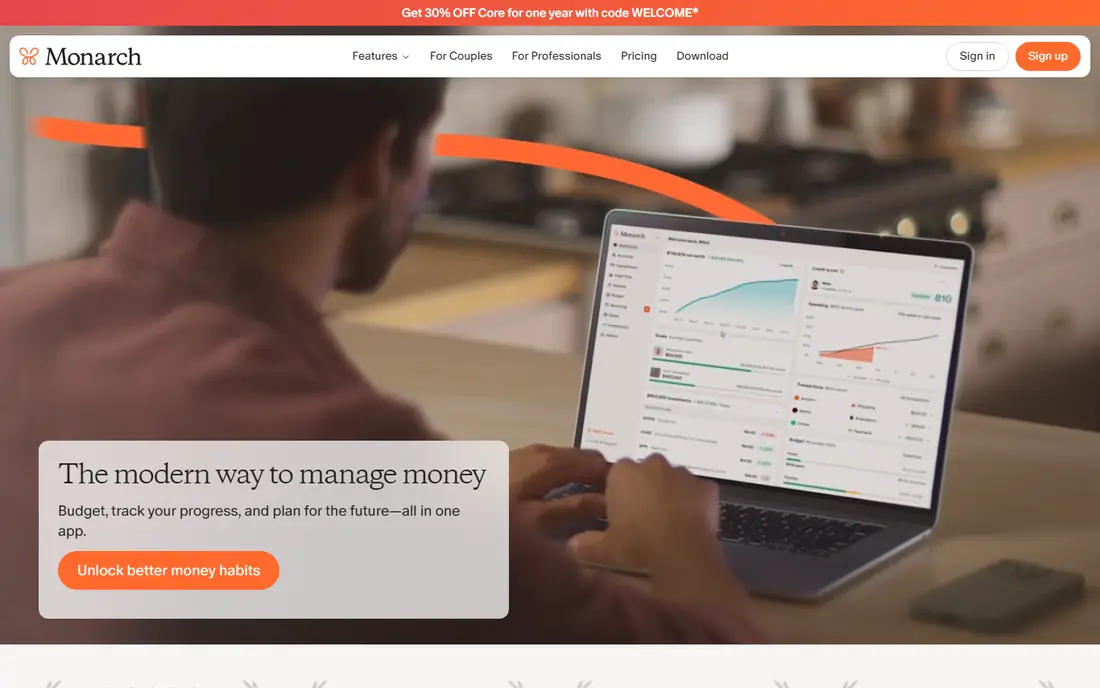
Monarch Money suits couples and households who want one shared place for money. Each person can see the same accounts, budgets and recurring charges, which cuts down on duplicate subscriptions bought separately by two people. The recurring view sits beside cash flow, goals and net worth, so a streaming bill is judged in context rather than alone.
That breadth is also the drawback for narrow use. Monarch does not cancel services for you, and its price is hard to justify if you only open it to check subscriptions. Buy it for the household finance picture, with subscription tracking as a useful part of that picture. Readers who want a single-purpose tracker will find cheaper options in this list.
- Shared household dashboards
- Recurring transaction tracking
- Net worth and investment views
- No cancellation service
- Monthly price is high for subscription tracking alone
PocketGuard answers a different question from most trackers. Instead of only listing subscriptions, it shows what money is left after bills, goals and recurring charges are taken into account. That single figure helps readers decide if a new subscription fits, rather than adding it and hoping the month works out.
The subscription list itself is solid, with linked accounts surfacing recurring charges and renewal dates. The weak spot is action: PocketGuard is stronger on awareness than on cancelling services for you. It fits readers who want a spending guardrail and a subscription list in one app, and who are happy to cancel unwanted services themselves.
- Clear "in my pocket" spending figure
- Bank-linked recurring charge detection
- Simple budgeting views
- Cancellation help is limited
- Some features sit behind the paid plan
YNAB, short for You Need A Budget, treats every subscription as a job for a specific dollar. You set aside money for each service before the month starts, which stops a yearly charge from arriving as a surprise. Scheduled transactions make recurring bills visible in advance, and the method pushes readers to decide if each service still earns its place.
This is a budgeting app first and a subscription tracker second. There is no cancellation service and no bill negotiation, and the method takes time to learn. The value comes from control: readers who follow the method tend to keep fewer stray subscriptions because each one has to be funded on purpose. Casual trackers will find it heavier than they need.
- Strict zero-based budgeting method
- Scheduled transaction support
- Strong educational material
- No automatic subscription cancellation
- Learning curve for new budgeters
TrackMySubs keeps the job deliberately small. You add each subscription by hand, set its renewal date and cost, and get reminders before charges arrive. That manual step sounds like extra work, yet it forces a useful check: you only track services you actually remember and choose to keep.
The obvious limit is automation. Nothing is detected from a bank account, so a forgotten free trial will not appear unless you entered it. For privacy-minded readers and small teams who want a shared list without financial account access, that trade is often welcome. It is also a good second check beside a bank-linked app, catching annual charges that automatic tools sometimes miss.
- No bank linking required
- Manual entry with renewal reminders
- Simple web-based list
- No automatic detection
- Smaller feature set than full finance apps
Finny is built for readers who want subscription visibility without handing over bank login details. You add subscriptions manually or log them from text, voice or a billing email screenshot, and the app sets reminders before each charge. A calendar view shows when charges land, which helps with months where several renewals arrive together.
The free tier covers unlimited manual tracking with categories and charts, which is generous for a privacy-first app. The downside is the same as any manual tool: it only knows what you tell it, so app store subscriptions and family plan shares need care to enter correctly. For readers who value privacy over automation, Finny is one of the strongest picks here.
- No bank credentials required
- Manual and tap-to-track entry options
- Unlimited manual tracking on the free tier
- No automatic bank detection
- Paid features needed for some input and sync options
ReSubs goes further than most manual trackers on detail. Categories, renewal rules and tracking views let readers build a full picture of recurring spending without any bank connection. That depth suits people with many subscriptions across streaming, software, news and household services, where a simple list quickly becomes hard to read.
Setup is the price of that depth. Entering every subscription takes a focused session, and ongoing accuracy depends on updating the list when plans change. Readers who accept that upfront work get a private, detailed tracker with no recurring fee for the core features. Those who want instant detection should start with Rocket Money instead.
- Deep manual tracking features
- No financial credentials required
- Free on iOS and Android
- No automatic bank-linked detection
- Manual setup takes time at the start
How we picked these
We compared official feature pages, pricing pages, app store listings and public reviews for subscription tools that are live in October 2026. We favoured apps with a clear subscription list, renewal reminders and honest pricing, and we mixed bank-linked tools with manual tools so readers with different privacy needs all have a fit. We did not claim hands-on testing, and where a price could not be confirmed from the vendor, we wrote See website rather than guessing.
What to check before you choose a subscription manager
Start with how you want the app to find subscriptions. Bank-linked apps find more charges with less effort, but they need account access and can still miss app store billing, family plans and annual charges paid by another card. Manual apps miss nothing you enter, yet they depend on you keeping the list current. Many readers do best with one of each for the first month: an automatic scan to find the list, then a manual list to keep it honest.
Next, check what happens after a subscription is found. A list alone rarely saves money. Cancellation help, clear renewal reminders and a total that separates monthly from yearly costs are the features that turn awareness into savings. Also check the platform: some apps are Apple only, some are web only, and a tracker you never open will not help no matter how good its features look.
Finally, look at the price against the saving. A free manual tracker beats a paid app if you check it monthly and cancel promptly. A paid app earns its fee when its cancellation help or household sharing stops duplicate spending. Set a review date each quarter, and treat any subscription you cannot explain in one sentence as a candidate for cancellation.
Frequently asked questions
What is the best subscription manager app for most people?
Rocket Money is our pick for most people because its free tier finds recurring charges from linked accounts and its paid tier adds cancellation help. Readers who do not want bank linking should look at Finny or ReSubs instead, since both track subscriptions manually without financial credentials.
What is the best subscription tracker app without a bank connection?
Finny, ReSubs and TrackMySubs all work without bank linking, using manual entry and renewal reminders. Finny adds input from text or billing screenshots, while ReSubs offers deeper manual categories. The trade-off is setup time, since you must enter each subscription yourself.
What is the best app for managing subscriptions as a household?
Monarch Money is the strongest household option here because it shares accounts, budgets and recurring charges in one dashboard. That shared view helps couples spot duplicate streaming or software plans bought separately. YNAB also works for households that want a stricter budgeting method.
Are there good best subscription manager apps that are free?
Yes. Rocket Money, TrackMySubs, Finny and ReSubs all offer useful free tiers, and PocketGuard has a free plan as well. Free tiers usually cover tracking and reminders, while cancellation help and wider finance features sit behind paid plans.
What are the best subscription manager tools for small teams?
TrackMySubs suits small teams that want a simple shared list without bank access. Monarch Money fits teams or households that also want shared budgets and net worth views. For a business, check who can view financial data before sharing any account access.
How do I find subscriptions that a tracker misses?
Check app store subscriptions on your phone, yearly charges on card statements, and family plan shares paid by someone else. Add anything you find to your manual list, and set a reminder a few days before each annual renewal. A quarterly review of statements catches most of what automatic detection misses.
Sources
- https://www.rocketmoney.com
- https://copilot.money
- https://www.monarchmoney.com
- https://pocketguard.com
- https://www.ynab.com
- https://www.trackmysubs.com
- https://getfinny.app
- https://resubs.app
- https://getfinny.app/blog/best-subscription-tracker-apps-2026
- https://resubs.app/resources/best-rocket-money-alternatives
See where you really rank - block by block
ProMapRanker scans Google Maps across a grid of your service area. Simple monthly plans from $19, white-label on every plan.
Start freeKeep reading
 best stock picking service
Best Stock Picking Service in 2026
Compare the best stock picking service options for 2026, with 8 stock recommendation services for long-term, dividend, quant, growth and income investors.
Read → best software wallet
Best Software Wallet in 2026
Compare the best software wallet options for 2026, with 8 crypto wallets for desktop and mobile, covering self-custody, supported chains, fees and security.
Read → best software for esports poster design
Best Software for Esports Poster Design
Compare the best software for esports poster design, from Photoshop and Canva to free tools like Photopea, GIMP, and Krita, with pricing and strengths.
Read →