 ProMapRanker
Best Software for Esports Poster Design

Key takeaways
- Adobe Photoshop remains our pick for most serious poster designers, thanks to its layered editing, text effects, and export control.
- Canva is the fastest route for teams that need match-day posters in minutes, while Photopea is the best free browser option.
- Affinity, now free as a combined app, is the best value for designers who want pro tools without a subscription.
- Esports posters need bold type, high contrast, and clean exports at several sizes, so pick a tool that handles layers and large files well.
Quick comparison
| Pick | Great for | Pricing starts at | Free tier | |
|---|---|---|---|---|
 Adobe Photoshop | Pro poster design | $22.99 per month | Free trial | Visit |
 Canva | Fast team templates | $15 per month | Yes | Visit |
 Photopea | Free browser editing | Free | Yes | Visit |
 Affinity | Pro tools without subscription | Free | Yes | Visit |
 GIMP | Free desktop editing | Free | Yes | Visit |
 Krita | Painted esports art | Free | Yes | Visit |
 Inkscape | Vector logos and emblems | Free | Yes | Visit |
 Pixlr | Quick online edits | See website | Yes | Visit |
The best software for esports poster design
Esports posters live or die on impact. Bold player portraits, sharp team colours, and type that reads from across a room matter more than subtle detail. The tools below all handle layered poster work, but they differ on price, learning curve, and speed. We compared official feature pages, pricing, app store listings, and public reviews to build this list.
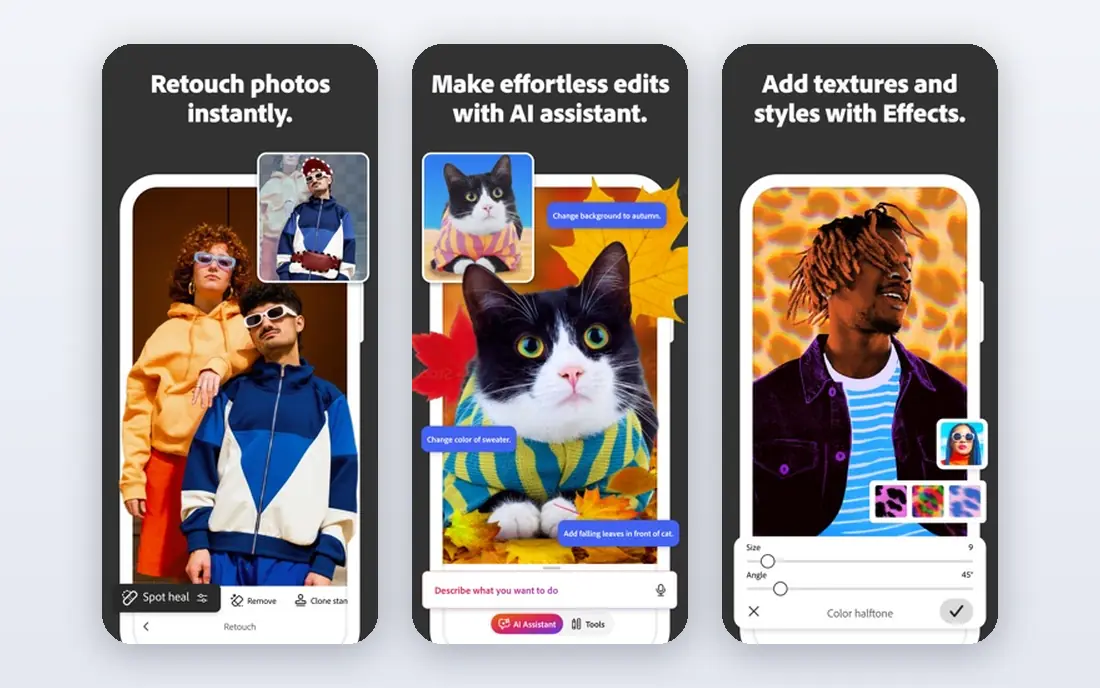
Photoshop is still the reference tool for poster design, and esports work shows why. Layers, masks, blend modes, and smart objects let you build a match poster with separate control over the player cutout, background, glow, and type. When a sponsor logo or player photo changes late, you swap one layer instead of rebuilding the whole poster.
The second strength is export control. You can export print posters, social crops, and stream overlays from the same file, with colour and size settings tuned for each use. That matters for esports teams that need a poster, a thumbnail, and a story graphic from one design session.
The catch is cost and complexity. At $22.99 per month for Photoshop alone, it is a real budget line for a small team, and beginners face a long climb. If you design posters weekly and need client-ready files, the price is easy to justify. If you make one poster a month, a free tool below may serve you better.
- Deepest layered editing
- Huge brush and effect range
- Industry standard file support
- Subscription cost adds up
- Steep learning curve for beginners
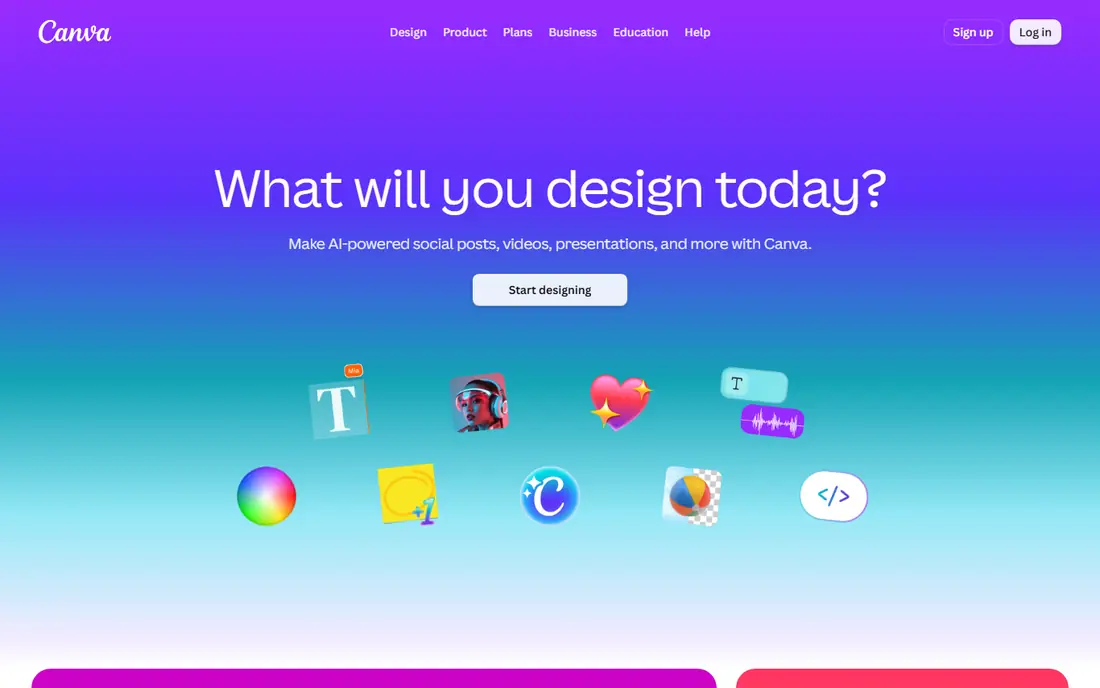
Canva wins on speed. A social manager can open a poster template, drop in a team logo and player photo, change the match date, and export in minutes. That pace matters on match day, when a result graphic or next-match poster cannot wait for a designer to be free.
Team features help too. Shared brand kits keep colours and logos consistent, and shared folders mean the whole org uses the same assets. For small esports orgs without a full design team, that consistency is worth a lot.
The limit is precision. Canva is not built for complex cutouts, advanced masking, or fine print control, and tools like background remover sit behind Pro at $15 per month. Use Canva for fast, clean posters, and pair it with a deeper editor when a hero poster needs extra craft.
- Huge template library
- Easy team sharing
- Fast social exports
- Less precise control than Photoshop
- Some key tools need Pro
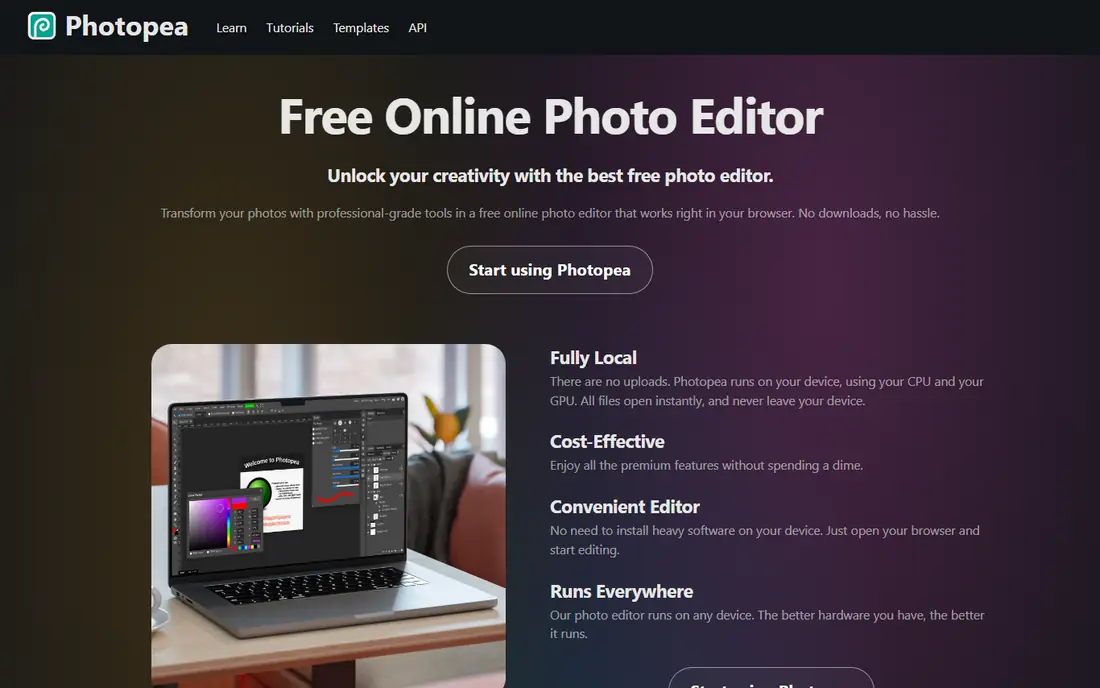
Photopea is the best free option for designers who already think in Photoshop layers. It runs in a browser, opens PSD files, and offers layers, masks, and adjustment tools that feel familiar at once. For a student team or a volunteer designer, that combination is hard to beat.
It also solves a practical problem. You can work on any computer without installing software or paying for a licence, which helps when you borrow a machine at an event. Premium, at about $5 per month in recent listings, removes ads if they start to annoy you.
The downside is the browser itself. A dropped connection can disrupt work, and very large poster files can feel slower than in a desktop app. Save often, keep a local backup, and Photopea will carry most esports poster jobs with ease.
- Photoshop-style layers in a browser
- Opens PSD files
- No install needed
- Ads on the free tier
- Needs a stable internet connection
Affinity changed the value maths for poster designers in October 2025, when Serif merged Photo, Designer, and Publisher into one free app for Windows and macOS. You get pixel editing, vector design, and layout tools in a single place, without a subscription. For esports posters that mix illustration, photo cutouts, and type, that breadth is ideal.
Performance is another plus. Affinity stays fast on large files with many layers, which helps when a poster stacks glow effects, textures, and player photos. The vector studio is handy for team emblems and badges that must scale cleanly from a social post to a printed banner.
The gap is ecosystem. Affinity has fewer ready-made esports templates than Canva, and its AI tools need a Canva Premium account. If you are happy to build your own poster style, Affinity is the best free pro tool on this list.
- Pro vector and pixel tools in one app
- Fast performance
- No subscription
- Smaller template ecosystem than Canva
- AI features need Canva Premium
GIMP has served free poster designers for years, and it still earns a place here. It offers layers, masks, filters, and colour tools that cover most esports poster needs, from player cutouts to dramatic backgrounds. It runs on Windows, Mac, and Linux, so team members on different systems can share files.
The strength is control at zero cost. You can build a complex poster with adjustment layers and export it for print and social use without paying anything. Community plugins and brushes extend it further, though setup takes patience.
The weakness is polish. The interface feels older than Photoshop or Affinity, and text handling can trip up new users. If you can live with a steeper learning curve, GIMP is a capable, free desktop editor for poster work.
- Free and open source
- Deep layer and mask tools
- Runs on Windows, Mac, and Linux
- Interface feels dated
- Text and layer handling can frustrate new users
Krita is built for digital painting, and that makes it special for esports posters with illustrated heroes. Its brush engine is excellent, with natural-feeling strokes for character art, energy effects, and bold poster illustration. Artists who paint their own poster art will feel at home fast.
It also handles layers, masks, and colour management well enough for poster production. You can paint a hero, add type, and export a finished poster without leaving the app. For teams with an illustrator, Krita can produce poster art that photo editors cannot match.
The limit is compositing. Krita is less focused on photo cutouts, smart objects, and complex layout than Photoshop, so photo-heavy posters may feel slower to build. Pair Krita with Photopea or Affinity for type and layout if your poster mixes painting and photography.
- Excellent brushes for illustration
- Free and open source
- Good for painted posters
- Less suited to photo compositing
- Fewer layout tools than Photoshop
Inkscape is the vector specialist on this list, and esports teams need vector work more than they admit. Team logos, emblems, badges, and sponsor marks must scale from a tiny social avatar to a large printed banner without going soft. Inkscape builds those marks as clean vector shapes, so they stay sharp at any size.
It also suits poster type treatments. Bold vector lettering, outlines, and badge shapes can be built precisely, then exported for use in a raster poster editor. That workflow keeps your brand assets crisp across every poster size.
The catch is scope. Inkscape is not a photo editor, so player cutouts and photo effects belong in another tool. Use it for logos and emblems, then place those assets into Photoshop, Affinity, or Photopea for the full poster.
- Free vector design
- Clean scalable logos
- Great for emblems and badges
- Not a photo editor
- Poster layout needs another tool for photos
Pixlr suits quick poster edits when you need speed over depth. It runs in a browser, offers templates and simple layer tools, and works on phones and tablets as well as desktops. A team member can tweak a poster on the way to an event without a desktop app.
Its template and AI tools speed up routine jobs like background removal and quick text overlays. For social posters that reuse a fixed layout, Pixlr is fast enough to be a daily tool.
The limit is credits and depth. AI features are metered, and heavy poster work may push you toward a paid plan, whose price we list as See website because plans vary. For complex hero posters, a deeper editor will serve you better.
- Fast browser editing
- Easy templates
- Works on most devices
- AI features use credits
- Free tier limits may frustrate heavy users
How we picked these
We compared official feature pages, pricing pages, app store listings, and public reviews for tools that handle layered poster design. We kept only tools that exist and work today, and we favoured tools with real poster strengths: layers, type control, export options, and file support. We did not claim hands-on testing. Prices change, so check the vendor site before you buy.
How to choose for your esports posters
Start with your poster volume and skill level. If you make posters daily for a team, Photoshop or Affinity will pay off in control and speed. If you make posters weekly with a small team, Canva or Photopea may be faster and cheaper. Match the tool to the job, not to the hype.
Next, think about file handoff. Print shops and sponsors often want high-resolution files, while social platforms want specific crops. Pick a tool that exports both without awkward workarounds, and keep your source files layered so late changes are easy. Finally, build a simple style guide. Fixed colours, fonts, and logo placement make every poster look like part of one team, no matter which tool made it.
Frequently asked questions
What is the best software for esports poster design overall?
Adobe Photoshop is our pick for most serious designers, thanks to its layered editing and export control. Canva is faster for teams that need match-day posters in minutes, and Affinity is the best free pro option. The right pick depends on your budget, skill, and poster volume.
Can I design esports posters for free?
Yes, Photopea, Affinity, GIMP, Krita, and Inkscape are all free and can produce strong posters. Photopea is best for Photoshop-style editing in a browser, while Affinity gives pro desktop tools at no cost. Free tools need more learning time than Canva templates, but they cost nothing.
Do I need vector software for esports posters?
You need it for logos, emblems, and badges that must scale cleanly. Inkscape and Affinity Designer tools build those marks as vectors, so they stay sharp from avatars to banners. Photo posters still need a raster editor for player photos and effects.
What size should an esports poster be?
It depends on use. Print posters often use A3 or larger at high resolution, while social posters need platform-specific crops. Design at a large size first, keep layers separate, and export smaller crops from the master file. That keeps type sharp and avoids rebuilding the poster for each platform.
Can Canva handle a full esports poster campaign?
Yes, for fast social and match-day graphics, Canva is strong, with templates, brand kits, and team sharing. For hero posters with complex cutouts and effects, pair it with Photoshop, Affinity, or Photopea. Many teams use Canva for volume and a deeper editor for showcase posters.
Sources
See where you really rank - block by block
ProMapRanker scans Google Maps across a grid of your service area. Simple monthly plans from $19, white-label on every plan.
Start freeKeep reading
 best subscription manager app
Best Subscription Manager App in 2026
Find the best subscription manager app for your budget with our 2026 comparison of 8 apps, covering automatic detection, renewal alerts and free plans.
Read → best stock picking service
Best Stock Picking Service in 2026
Compare the best stock picking service options for 2026, with 8 stock recommendation services for long-term, dividend, quant, growth and income investors.
Read → best software wallet
Best Software Wallet in 2026
Compare the best software wallet options for 2026, with 8 crypto wallets for desktop and mobile, covering self-custody, supported chains, fees and security.
Read →