 ProMapRanker
Best Agile Project Management Software in 2026

Key takeaways
- Jira is the deepest agile tool for software teams, with Scrum, Kanban, backlogs, and agile reporting built in.
- Linear suits product engineering teams that want speed and a keyboard-first workflow.
- Asana, monday, and ClickUp work better when non-technical stakeholders must follow the same plan.
- Free plans differ sharply: Jira covers up to 10 users free, while Asana free stops at 2 users.
- Price the tool at your real team size, because per user pricing and tier limits change the total fast.
Quick comparison
| Pick | Great for | Pricing starts at | Free tier | |
|---|---|---|---|---|
 Jira | Scrum and Kanban software delivery | Free | Yes | Visit |
 Linear | Fast product engineering teams | $10 per user per month | Yes | Visit |
 Asana | Cross-functional teams running agile with stakeholders | Free | Yes | Visit |
 ClickUp | Flexible agile plus operations in one workspace | $7 per user per month | Yes | Visit |
 monday work management | Visual planning for hybrid teams | $9 per seat per month | Yes | Visit |
 Trello | Simple Kanban for small agile teams | Free | Yes | Visit |
 Wrike | Structured workflows, approvals, and reporting | $10 per user per month | Free trial | Visit |
 Zoho Projects | Budget agile work inside the Zoho suite | $4 per user per month | Yes | Visit |
 Teamwork.com | Client work with budgets, time, and billing | $9.99 per user per month | Yes | Visit |
The best agile project management software
We compared these tools on Scrum and Kanban support, backlogs, sprints, reporting, automations, integrations, and price, with extra weight on tools that a real agile team can run for a full sprint cycle without workarounds.
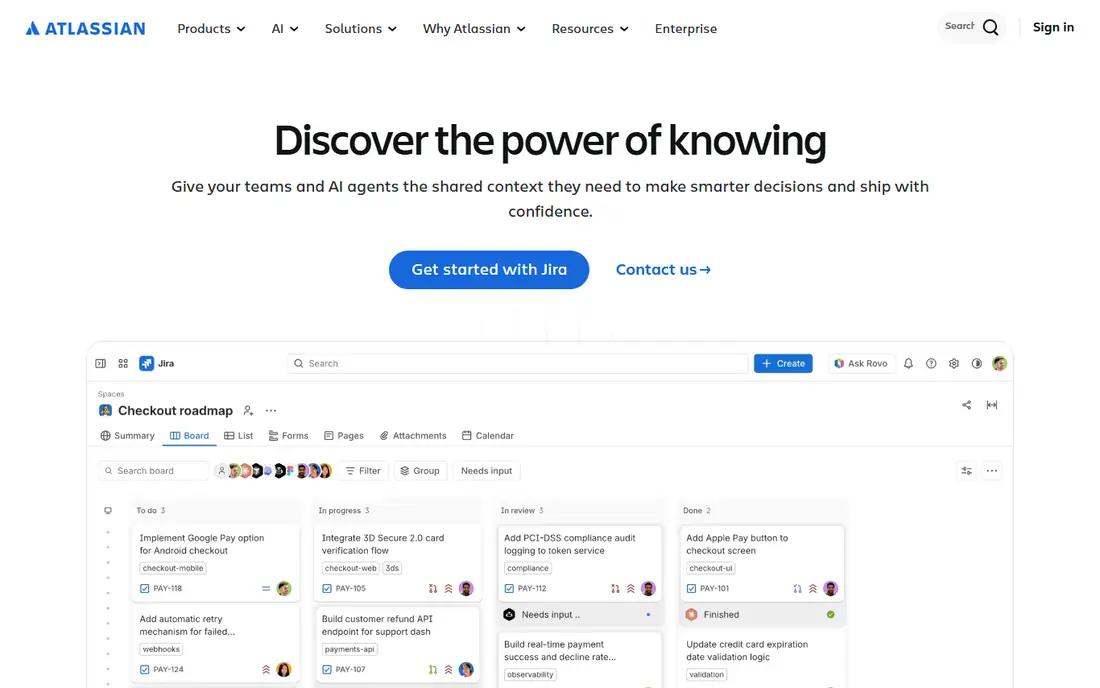
Jira is the standard agile tool for software teams for a reason. Scrum boards, Kanban boards, backlogs, sprint planning, and epics are core features, not add-ons, and agile reports like burndown and velocity come from the same data. Integration with Bitbucket, GitHub, and CI tools ties work items to code changes, which helps engineering teams trace a release back to its tickets.
The free plan covers up to 10 users, which is generous for a small team. Paid Standard pricing varies by team size, with recent roundups listing about $7.91 per user per month for a larger team, and Premium higher. The catch is admin time: Jira rewards a team that invests in workflows and permissions, and it can feel heavy for a team that only needs a board. For software delivery at scale, it remains the deepest choice.
- Full Scrum boards, backlogs, sprints, and epics
- Burndown, velocity, and cycle time reports
- Deep developer integrations
- Setup and admin overhead for small teams
- Configuration can slow adoption for non-technical users
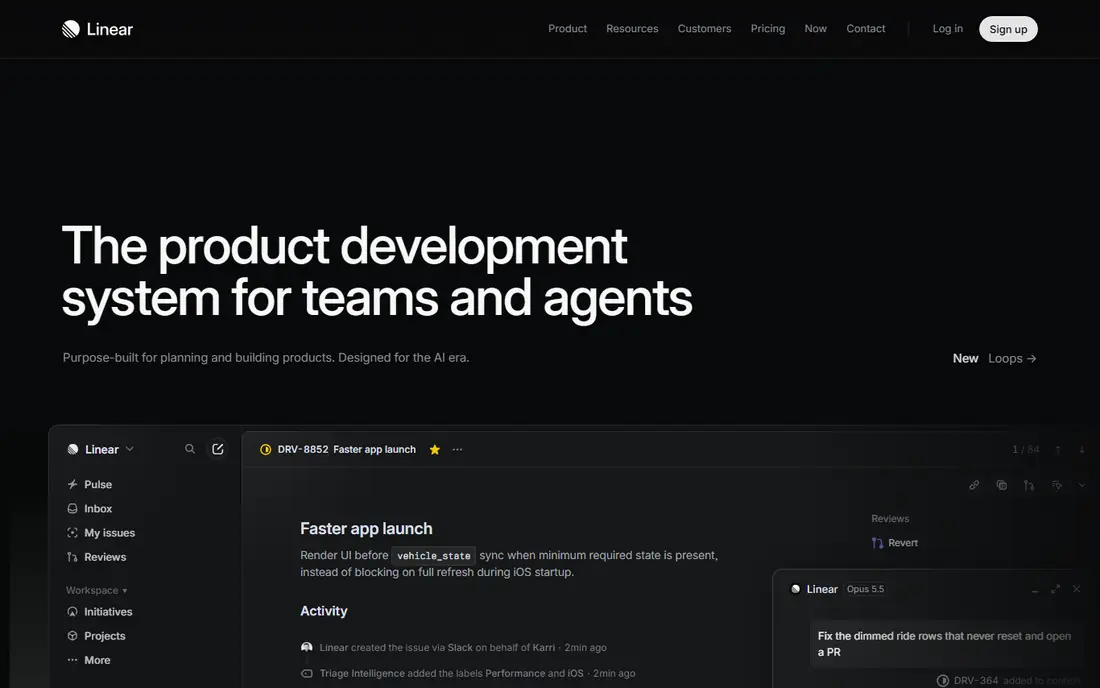
Linear has become the favorite of product engineering teams that find Jira slow. The interface is fast, keyboard shortcuts cover most actions, and Cycles give teams a sprint-like rhythm without heavy configuration. Issue triage, labels, and project views keep a backlog readable, even as it grows.
The trade-off is scope. Linear is built for product and engineering work, so marketing, operations, and client service teams may find it less flexible than Asana or ClickUp. Pricing starts at $10 per user per month in recent roundups, with a free tier for small use. If speed and focus matter more than enterprise reporting, Linear is the tool to trial first.
- Very fast, keyboard-first interface
- Cycles for sprint-like planning
- Clean issue tracking with triage
- Less suited to non-technical ops workflows
- Reporting is lighter than Jira for large programs
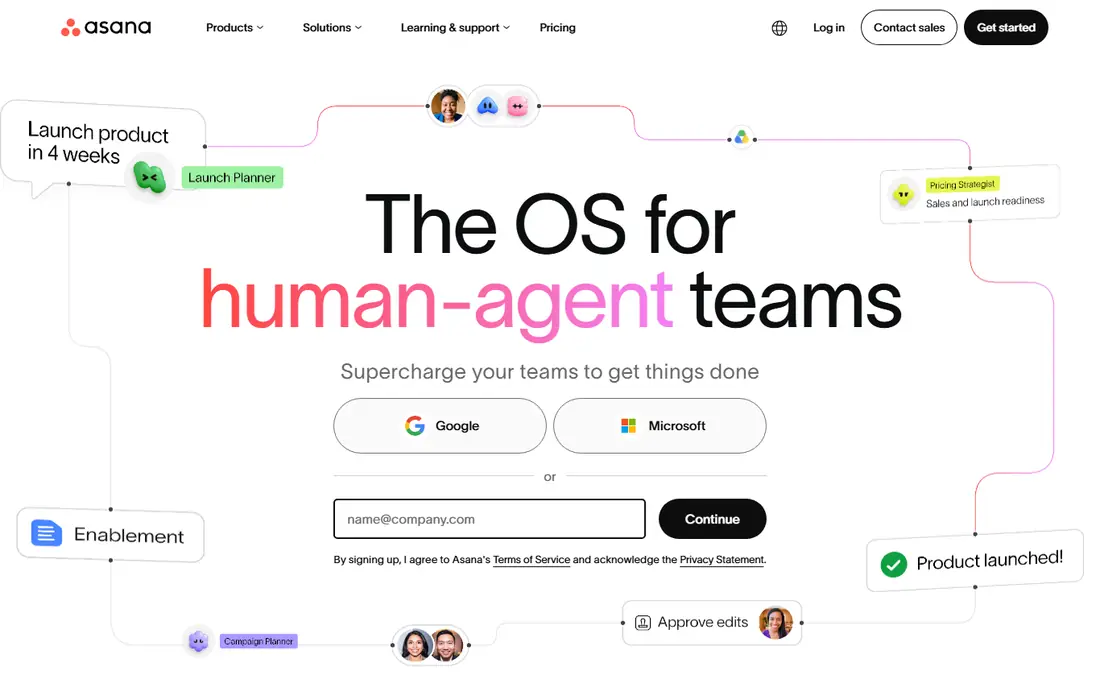
Asana suits teams where engineers, marketers, and operations staff share one plan. Boards, lists, timelines, and dependencies are easy to read, and onboarding takes hours rather than days. For a team running lightweight sprints with stakeholders who need visibility, Asana gives a clear shared view without Jira admin work.
The limits show when agile rigor matters. Sprint planning, backlog grooming, and agile reporting rely on project conventions and custom fields rather than native Scrum features, and the free Personal plan covers only 2 users. Starter plans start at $10.99 per user per month billed annually. Choose Asana when adoption across roles matters more than deep Scrum tooling.
- Clear boards, timelines, and dependencies
- Easy adoption for non-technical teams
- Portfolio views on higher plans
- Agile depth depends on conventions, not built-in Scrum tooling
- Free plan stops at 2 users
ClickUp appeals to teams that want agile delivery and general operations in one tool. Sprints, Kanban, Gantt, docs, goals, and automations sit in the same workspace, so a team can run a sprint, track docs, and manage requests without switching apps. The Unlimited plan at $7 per user per month is also one of the cheapest paid entries here.
Flexibility is the risk. ClickUp gives so many options that a new team can build a confusing setup with too many statuses, views, and automations. Start with a simple sprint template, limit custom fields, and add complexity only when a sprint retrospective asks for it. For teams that want one workspace for many kinds of work, ClickUp is a strong value pick.
- Many views, docs, goals, and automations
- Low entry price
- Sprints and custom fields built in
- Easy to over-configure
- New teams can create noise with too many views and statuses
monday work management suits hybrid teams that plan visually. Boards, timelines, and dashboards make sprint progress clear to stakeholders, and templates give a fast start for Scrum, Kanban, and project tracking. The interface is approachable, which helps adoption when part of the team is not technical.
Pricing starts at $9 per seat per month for Basic in recent roundups, but some features, like advanced automations and dashboards, sit on higher tiers. The free plan covers up to 2 seats. If visual clarity and stakeholder reporting matter more than deep engineering integration, monday is a good trial. If you need full Scrum reporting, compare it closely with Jira first.
- Visual boards and dashboards
- Templates for sprints and projects
- Approachable for non-technical users
- Tiered features can force upgrades
- Agile reporting is lighter than Jira
Trello is the simplest agile tool on this list, and that simplicity is its appeal. A board, lists, and cards map directly to Kanban, and a small team can start a sprint board in minutes. The free plan covers up to 10 collaborators, and Standard plans start at $5 per user per month in recent roundups.
Trello lacks native sprint planning, backlog management, and agile reporting, so larger teams add Power-Ups or move to Jira. For a small team, a startup, or a side project that runs Kanban, Trello is enough and stays out of the way. For a multi-team program with velocity reporting, choose a deeper tool from the start.
- Fast to learn
- Visual Kanban boards
- Free plan for up to 10 collaborators
- Limited sprint reporting and scale features
- Large programs need Power-Ups and discipline
Wrike suits agile teams that also need approvals, compliance, and formal reporting. Workflows can enforce review steps, dashboards roll up work across projects, and time tracking supports service delivery. That structure helps agencies, professional services, and regulated teams that run agile inside a formal process.
The cost is overhead. Wrike needs someone to own workflows and keep projects clean, or the structure becomes clutter. Plans start at $10 per user per month in recent roundups, with a free trial rather than a permanent free plan. If your agile work must pass approvals and audits, Wrike is worth the setup. If you want a light board, it will feel heavy.
- Formal workflows and approvals
- Strong reporting and dashboards
- Good for regulated and service teams
- More process overhead to keep clean
- Learning curve is higher than Trello or Asana
Zoho Projects is the budget pick for teams already using Zoho, and a fair standalone choice for small teams. It covers Scrum boards, sprints, task dependencies, Gantt charts, and time tracking, with a free plan for small teams and paid plans from $4 per user per month in recent roundups. That price undercuts most rivals for the same core features.
The interface is functional rather than elegant, and some advanced reporting needs a higher tier. If your team uses Zoho CRM, Books, or Mail, the integration adds real value. If you want the fastest or most polished experience, Linear or Asana may feel better, but they cost more per user.
- Low entry price
- Scrum boards, sprints, and Gantt views
- Integrates with Zoho apps
- Interface feels less polished than Linear or Asana
- Advanced features sit on higher tiers
Teamwork.com suits agencies and service teams that run agile delivery for clients. Boards and sprints cover delivery, while time tracking, budgets, and invoicing tie work to money, which is the part most agile tools leave to another app. Client access and workload views help a small agency manage several projects at once.
Engineering depth is lighter than Jira or Linear, so a pure software team may miss native Scrum reporting and code integrations. Plans start with a free tier, and Basics at $9.99 per user per month in recent roundups. For client-facing agile work where billing matters, Teamwork.com is a practical all-in-one choice.
- Client projects, time tracking, and invoicing in one tool
- Agile boards plus workload views
- Good for agencies
- Less engineering depth than Jira or Linear
- Setup takes time for client templates
How we picked these
We compared official pricing pages, feature pages, and recent 2026 agile tool roundups for tools with live Scrum or Kanban support, sprint planning, and reporting. We favored tools that a team can buy and run today, with clear free or trial access. We left out whiteboard only tools and docs tools without real sprint features.
We did not run hands-on sprint trials for this roundup. Our findings rest on published features and plan limits, and prices vary by team size and billing period, so confirm the price for your exact team size before buying.
How to choose for your team size and style
Start with who must use the tool. If only engineers use it, Jira or Linear will fit best. If marketers, clients, or executives must follow the plan, Asana, monday, ClickUp, or Teamwork will get better adoption. Next, decide how much agile rigor you need: full Scrum reporting points to Jira, while light Kanban points to Trello or Asana.
Then price at your real headcount, including part-time contributors and clients who need seats. A tool that looks cheap at five users can jump sharply at twenty, and free plan user caps decide the entry cost. Run a real two-week sprint in your top two tools before you commit, because daily friction in the tool you choose will cost more than any monthly price gap.
Frequently asked questions
What is the best agile project management tool?
Jira is the best for software teams that need full Scrum and Kanban tooling, while Linear is best for fast product engineering teams. Asana is best when non-technical stakeholders must follow the same plan.
What is the best free agile project management software?
Jira free covers up to 10 users with real agile features, which makes it the strongest free option for software teams. Trello free is best for simple Kanban, and ClickUp free suits teams that want many views at no cost.
Is Jira better than Asana for agile?
Yes, for software delivery, because Jira has native Scrum boards, backlogs, sprints, and agile reports. Asana is better for cross-functional work and adoption, where agile work shares a plan with marketing and operations.
Do small teams need Jira?
No. Small teams often move faster on Trello, Linear, or ClickUp, with less admin work. Choose Jira when you need scale, strict workflows, or deep agile reporting, not just because it is the best known tool.
What is the difference between Scrum and Kanban tools?
Scrum tools plan work in fixed sprints with backlogs and sprint reports, while Kanban tools manage continuous flow on a board with work-in-progress limits. Most tools on this list support both, but Jira and Linear handle Scrum most fully.
Sources
See where you really rank - block by block
ProMapRanker scans Google Maps across a grid of your service area. Simple monthly plans from $19, white-label on every plan.
Start freeKeep reading
 peec ai alternatives
Peec AI Alternatives in 2026
Compare the best peec ai alternatives for tracking brand visibility in AI answers, from Profound and Otterly to Scrunch, AthenaHQ, Goodie and more in 2026.
Read → janitor ai alternatives
Janitor AI Alternatives in 2026
Compare the best Janitor AI alternatives for character chat and roleplay, with pricing, safety notes, moderation practices, and honest trade-offs in 2026.
Read → best tools for seo e-commerce
Best Tools for SEO E-Commerce in 2026
We compared the best tools for SEO e-commerce, from keyword research and audits to product page optimization, with current pricing and store trade-offs.
Read →