 ProMapRanker
6 Best Resource Management Software by User Ratings for 2026
Direct answer
If you need capacity planning for project-based teams, Runn is the first tool to look at here. Listed starting prices: Resource Guru from $5 per person/month and Float from $7 per person/month. If your case is different, Resource Guru suits small teams that also book equipment and rooms and SAVIOM suits enterprise resource forecasting and finance. All 6 tools are compared below on price, free plan and limits.
Short on time? The summary and table above give the quick view of 6 resource management software by user ratings, and the profiles that follow give the detail behind each entry.
Key takeaways
- The list opens with Runn, aimed at capacity planning for project-based teams.
- Resource Guru is the lowest-priced starter here at $5 per person/month.
- Teamwork stands alone as the one tool in this list with a free plan.
- For client-work teams that bill by time, Teamwork is worth a look.
- Runn comes with a trade-off: reporting depth relies on plan.
Quick comparison
| Pick | Great for | Pricing starts at | Free tier | |
|---|---|---|---|---|
 Runn | Capacity planning for project-based teams | See website | Free trial (30 days) | Visit |
 Resource Guru | Small teams that also book equipment and rooms | $5 per person/month | Free trial | Visit |
 SAVIOM | Enterprise resource forecasting and finance | See website | Not stated | Visit |
 Hub Planner | Add-on style scheduling with a long trial | See website | Free trial (60 days) | Visit |
 Float | Agencies that want a clean visual scheduler | $7 per person/month (billed annually) | Free trial (30 days) | Visit |
 Teamwork | Client-work teams that bill by time | See website | Yes | Visit |
Resource Management Software by User Ratings compared in detail
Runn serves capacity planning for project-based teams. Runn is geared toward teams that plan people on technical or project-based work and want to see demand against capacity weeks or months ahead. Its financial tools track budgets and costs, and it supports both fixed-price and time-and-materials billing models.
That combination is handy for software shops and consultancies. Decide early whether only delivery staff or the entire company needs a seat. The weak spot is that a seat-based model punishes you for loading everyone in. In daily use, Runn is a planner first, so expect to link it to your time tracking and accounting tools. Pricing for Runn is not stated here, so ask the vendor for current figures. Free access: Free trial (30 days).
- Solid forward-looking capacity view
- Supports fixed-price and time-and-materials budgets
- Reporting depth relies on plan
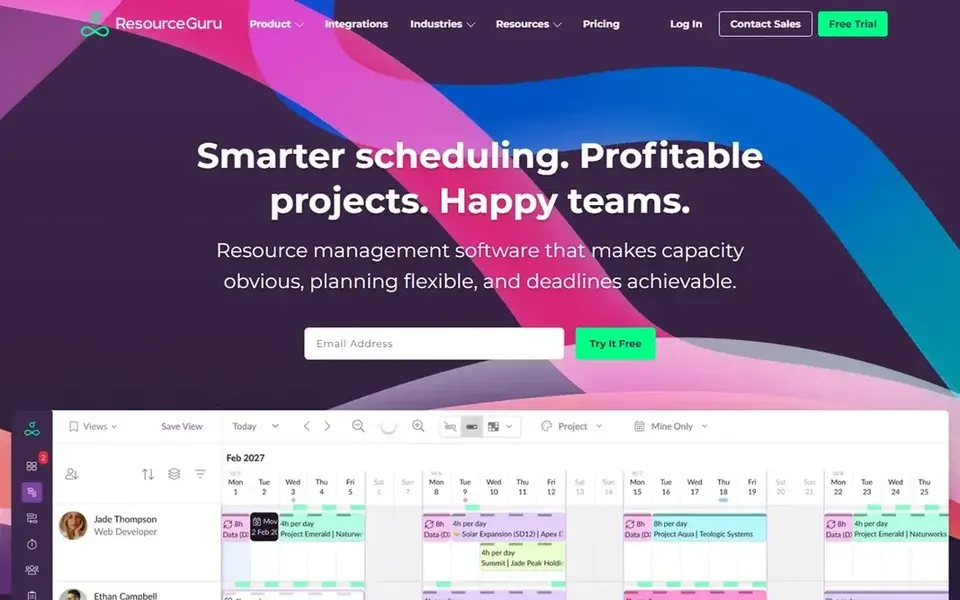
Resource Guru was built for small teams that also book equipment and rooms. Resource Guru is the pick when the thing you schedule is not only people. That makes it handy for studios, event teams and agencies that share kit.
On top of that, the honest limitation is depth. In daily use, other resources, for example equipment, are listed at $2.50 each. In daily use, the pricing page presents an entry plan called Grasshopper at $5 per person a month, described as the essentials without reports. From a buyer's view, a free trial hands access to all features, so you can see what the higher levels add before deciding. Price to start with Resource Guru: $5 per person/month. Trial and free access: Free trial.
- Lowest verified starting price in this list
- Equipment and meeting rooms
- Lighter on budgets and financials than PSA tools
SAVIOM is designed for enterprise resource forecasting and finance. It links forecasting, capacity planning, scheduling, utilization, financial planning and analytics across projects, teams and locations. That scope is the strength.
In daily use, for a small business, it is probably too much. For everyday use, if finance wants forecasted cost by role and operations wants bench strength by region, SAVIOM is built for that conversation. It also publishes industry pages for IT, architecture and engineering, and professional services. On top of that, expect a sales-led process and a configuration phase, not a credit card sign-up. Pricing for SAVIOM is not stated here, so ask the vendor for current figures. Free options: Not stated.
Trade-offs to know: Pitched at medium-to-large organizations.
Main advantages: Multi-location planning.
- Highly customizable
- Utilization and financial planning
- No public pricing and likely a longer rollout
Hub Planner is designed for add-on style scheduling with a long trial. A 60-day free trial is a real advantage if your project data is messy and you want a proper test run. Worth adding: the core scheduler handles projects, resources and reports, and extensions add approval workflow, custom fields, smart groups, leave management and tasks.
Points against: Interface feels more dated than newer rivals.
That lets an expanding team add only what it needs. More specifically, once you add the extensions your team will probably want, compare the total with an all-in-one level elsewhere. Worth adding: the trade-off is that the sticker price of the cheapest plan is not the entire story. Pricing for Hub Planner is not stated here, so ask the vendor for current figures. Free access: Free trial (60 days).
- Modular extensions like approvals
- Longest trial in this list
- Handy features sit in premium extensions or higher levels
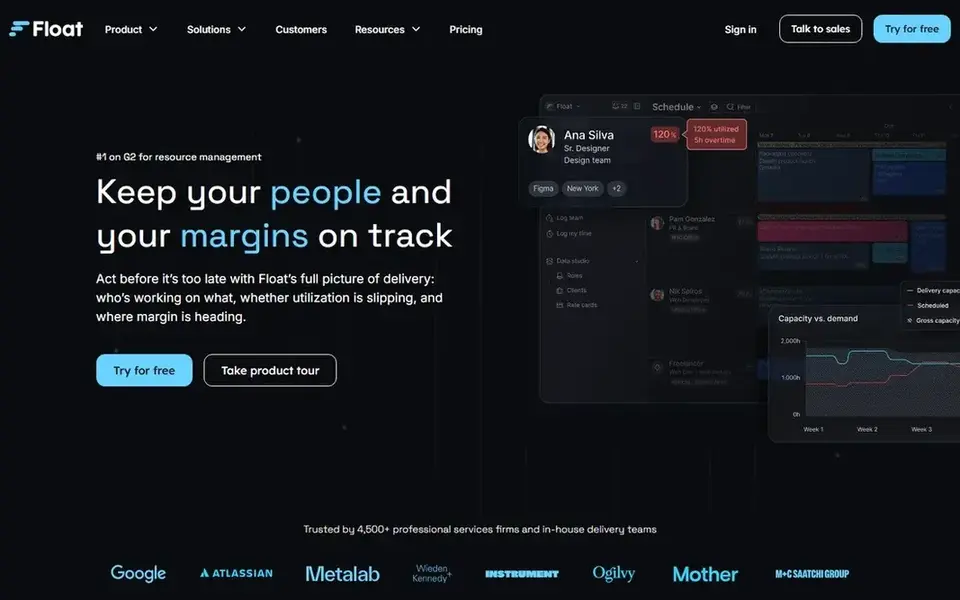
Float makes the most sense for agencies that want a clean visual scheduler. Float is the tool numerous agency owners try first, and for decent reason. Worth adding: the main limit is scope.
Where it falls short: Per-person pricing climbs as headcount grows.
If you need budgets, invoicing and task detail in the same place, you will pair it with other tools. More specifically, the schedule view displays who is booked, who is free and who is overloaded without any training. For everyday use, a small team can normally load people and projects in an afternoon. Starting cost for Float: $7 per person/month. On free options: Free trial (30 days).
- Starter plan bundles unlimited projects
- Pro brings built-in time tracking and SSO
- Enterprise pricing is custom and not published
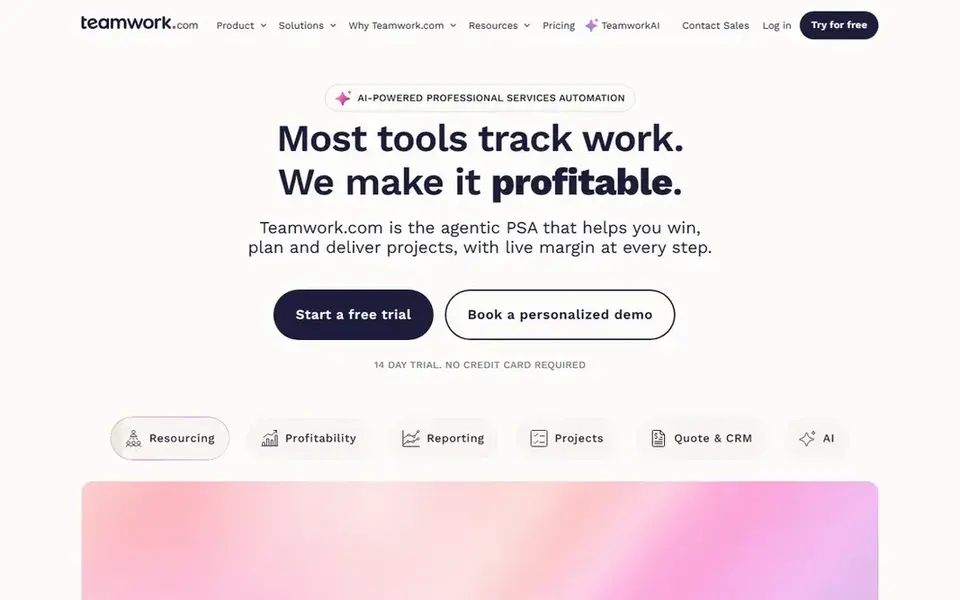
Think of Teamwork for client-work teams that bill by time. It is a poor fit for internal teams that never invoice.
Honest limits: Multiple plans need a sales conversation.
If you also want task lists and client approvals, it saves you from stitching tools together. Pricing for Teamwork is not stated here, so ask the vendor for current figures. You can start on Teamwork without paying.
- Free plan available
- Plans for small agencies up to bigger services businesses
- Resourcing features are most solid on higher levels
Selection criteria
For each of the 6 tools we noted price, free plan or trial, fit for resource management software by user ratings and the main limit, using vendor pages and documentation. Seat minimums, billing terms and add-ons can move the real cost, so the starting prices here are a guide and not a quote. Order on the page follows fit for the typical buyer first, then price transparency and free access. Your own requirements should decide the final pick.
Questions to settle before buying
- Get a written quote from Runn, SAVIOM, Hub Planner and Teamwork; the list shows no starting price for them.
- Test the free plan from Teamwork against your real workload before relying on it.
- Use real work to test the free trial from Runn, Resource Guru, Hub Planner and Float, rather than a demo project.
- Before choosing Runn, weigh its main limit: reporting depth relies on plan.
- Check whether the features you need in Hub Planner sit on the entry plan or only on higher tiers.
- Confirm you can export your data from SAVIOM, so leaving later does not mean losing records.
Frequently asked questions
Do these tools publish their prices?
Not all of them. Runn, SAVIOM, Hub Planner and Teamwork publish no starting price, so expect a quote request for those. The rest, Resource Guru included, show a starting price, though seats and billing terms still change the final cost.
What is the cheapest option for resource management software by user ratings in this list?
On published monthly entry prices, Resource Guru is the lowest here at $5 per person/month. Entry price is only part of the cost, because seats, add-ons and billing terms can change the total.
Can I try these tools before paying?
Often, yes. Teamwork has a free plan and Runn, Resource Guru, Hub Planner and Float offer a free trial. Use your own data and a real task during the test, and check what the free tier or trial limits before you rely on it.
Is Runn the right pick for everyone comparing resource management software by user ratings?
No single tool suits every team. Runn comes first because it fits capacity planning for project-based teams, while Resource Guru suits small teams that also book equipment and rooms and SAVIOM suits enterprise resource forecasting and finance. Match the tool to your own size, budget and workflow before deciding.
Sources
See where you really rank - block by block
ProMapRanker scans Google Maps across a grid of your service area. Simple monthly plans from $19, white-label on every plan.
Start freeBrowse all guides
← Whiteboard Tools for Software Architecture Reviews (2026)6 Best Project Management Software for Content Teams in 2026 →
 best tools for integrating work management apps
6 Best tools for Integrating Work Management Apps in 2026
Comparing the best tools for integrating work management apps? 6 contenders, each with entry cost, free tier and best-fit buyer. Pricing and limits included.
Read → best software for collaborating with clients
Software for Collaborating with Clients: Best Picks of 2026
Best software for collaborating with clients: 5 contenders ranked by fit, with entry costs and free tiers. Read the caveats before you buy. Prices included.
Read → best scheduling software for franchises
Scheduling Software for Franchises in 2026: Top 5 Compared
Best scheduling software for franchises: 5 contenders ranked by fit, with entry costs and free tiers. Each tool is judged on the same checks. Clear verdicts.
Read →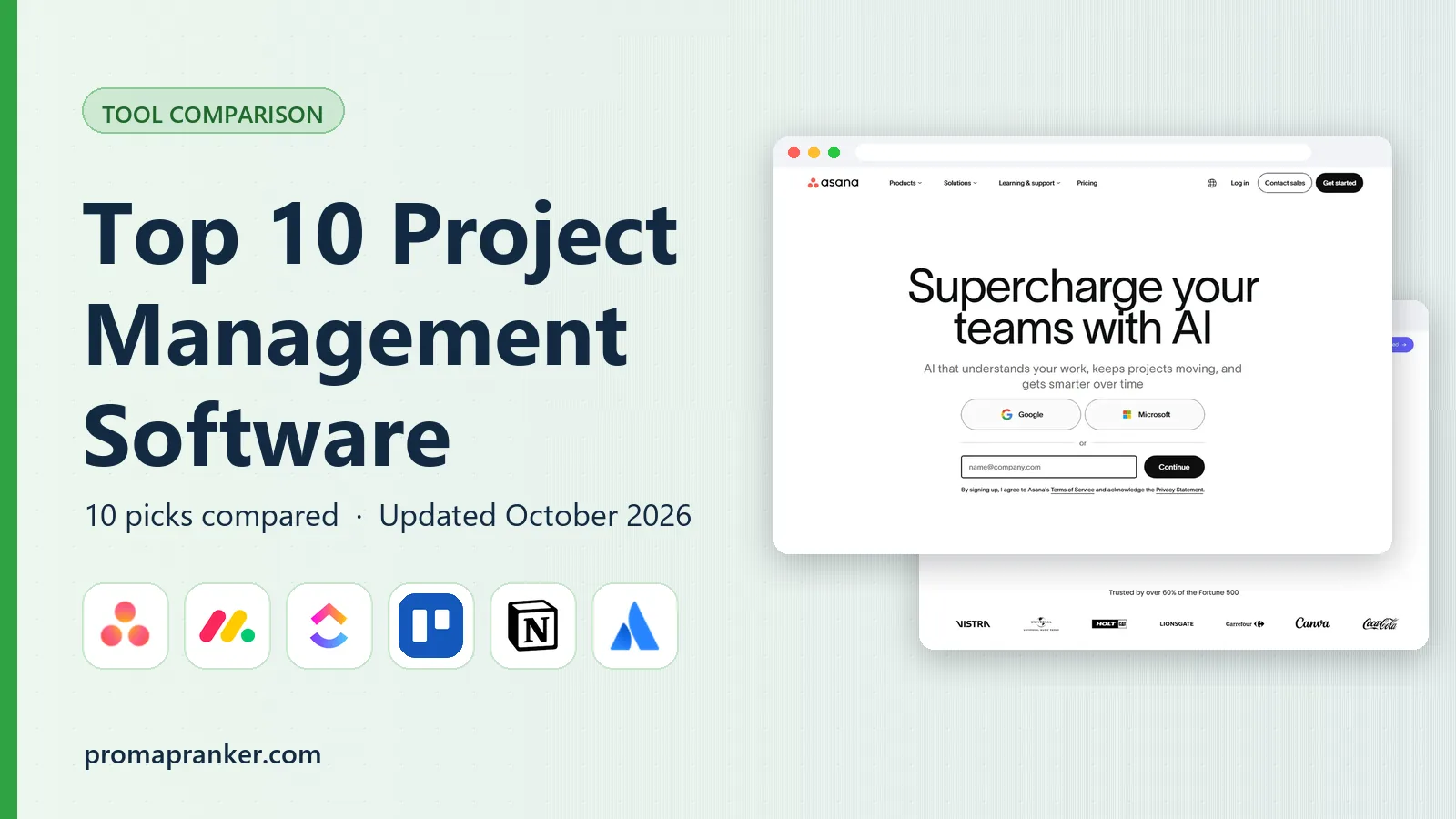 top 10 project management software
Top 10 Project Management Software in 2026
Explore the top 10 project management software tools in 2026, with current pricing, views, automation, and the best fit for teams of every size before you buy.
Read → best workflow automation tools
8 Best Workflow Automation Tools for 2026
Compare the best workflow automation tools for teams, developers, and agencies, with pricing, free plans, integrations, and value at scale in 2026 today.
Read → odoo alternatives
Best Odoo Alternatives in 2026
Compare the best odoo alternatives for small and midsize teams, with open source, Microsoft, and enterprise ERP options, pricing, and honest trade-offs.
Read →More in Project Management & Productivity · All guides A to Z by date · Latest guides