 ProMapRanker
8 Best Workflow Automation Tools for 2026

Key takeaways
- Zapier suits fast no code starts with the widest app range, while Make suits visual multi step workflows at a lower cost per run.
- n8n suits technical teams and AI workflows, with free self hosting and execution based cloud pricing.
- Power Automate suits Microsoft 365 firms, and Workato suits enterprises that need governed integrations across many systems.
- IFTTT, Activepieces, and Pipedream cover simple links, open source self hosting, and developer friendly automation at different price points.
Quick comparison
| Pick | Great for | Pricing starts at | Free tier | |
|---|---|---|---|---|
 Zapier Zapier | Fast no code automation | Free | Yes | Visit |
 Make Make | Visual workflows at scale | Free | Yes | Visit |
 n8n n8n | Technical and AI workflows | Free | Yes | Visit |
 Microsoft Power Automate Microsoft Power Automate | Microsoft 365 automation | See website | Yes | Visit |
 Workato Workato | Enterprise integrations | See website | No | Visit |
 IFTTT IFTTT | Simple two app links | Free | Yes | Visit |
 Activepieces Activepieces | Open source automation | Free | Yes | Visit |
 Pipedream Pipedream | Developer friendly workflows | See website | Yes | Visit |
The best workflow automation tools
We compared automation platforms on ease of use, app range, logic depth, pricing unit, and hosting choice. The best tool is rarely the one with the most apps, but the one whose pricing and logic match the workflows you will actually run every week.
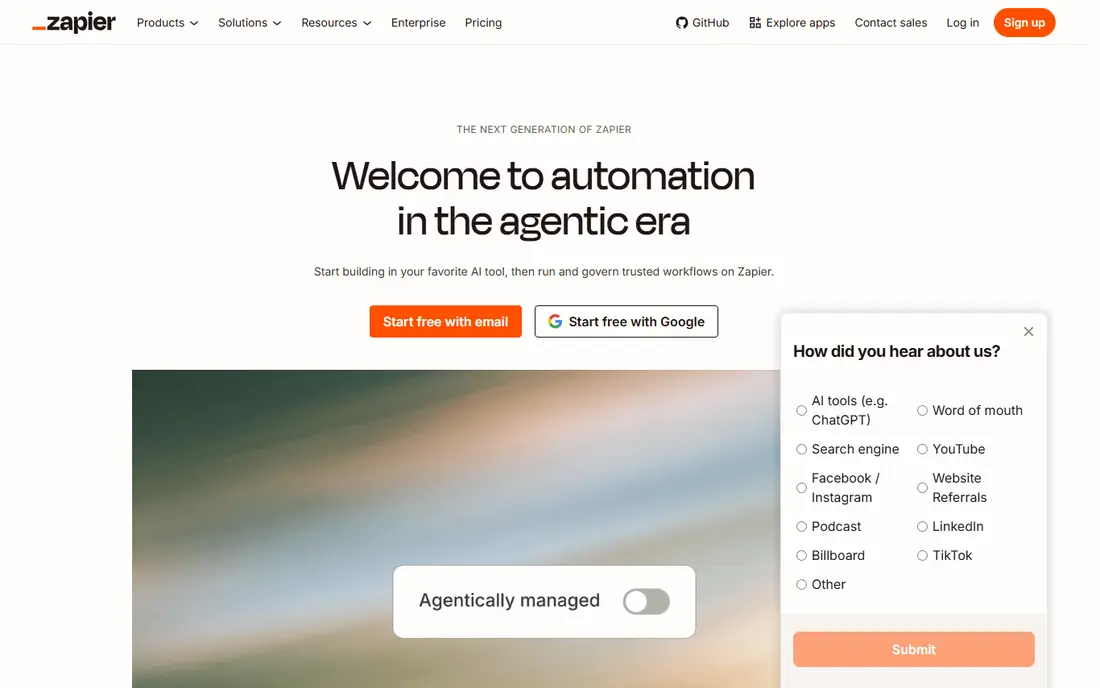
Zapier is the easiest place to start automation, especially for non technical teams. You pick a trigger, add one or more actions, and test the workflow in minutes, with thousands of apps and a large template library to copy. That speed makes it ideal for connecting a form to a sheet, a CRM to Slack, or an email inbox to a task list. The cost model needs care. Zapier bills per task, so a multi step workflow that runs often can use the allowance quickly, and higher volumes need a higher plan. Complex branching and data transforms are also more limited than in Make or n8n. For simple, high value connections and fast team adoption, Zapier remains a strong default.
- Widest app range
- Fastest setup for simple workflows
- Large template library
- Task based pricing rises fast
- Complex logic is limited compared with Make or n8n
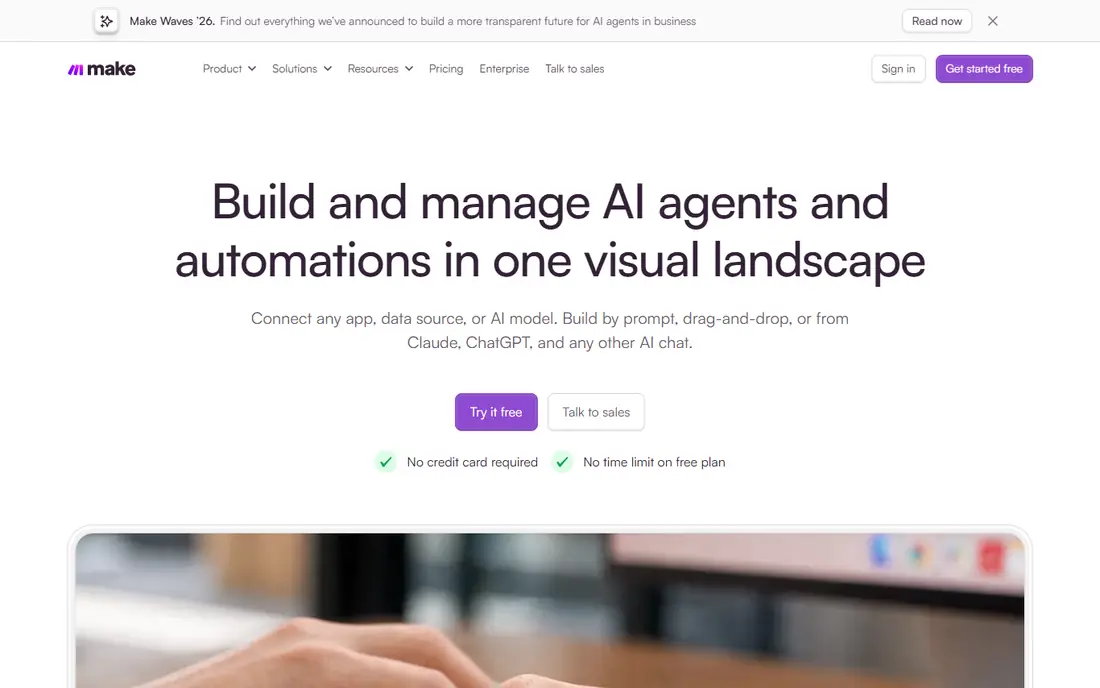
Make, formerly Integromat, shows workflows as visual scenarios where each module is a step and data flow is visible. Routers, filters, iterators, and error paths let teams build logic that Zapier handles less cleanly, and operation based pricing often gives more runs per dollar for multi step work. That combination suits operations teams with several systems to connect. New users need a few hours to learn the canvas, especially for error handling and data mapping. Make is also cloud based for most users, with no simple self hosting option. For teams that run complex workflows often and want to see exactly where data goes, Make offers strong value and control.
- Visual scenario builder
- Routers and error paths
- Better value for multi step flows
- Learning curve is higher than Zapier
- Cloud only for most users
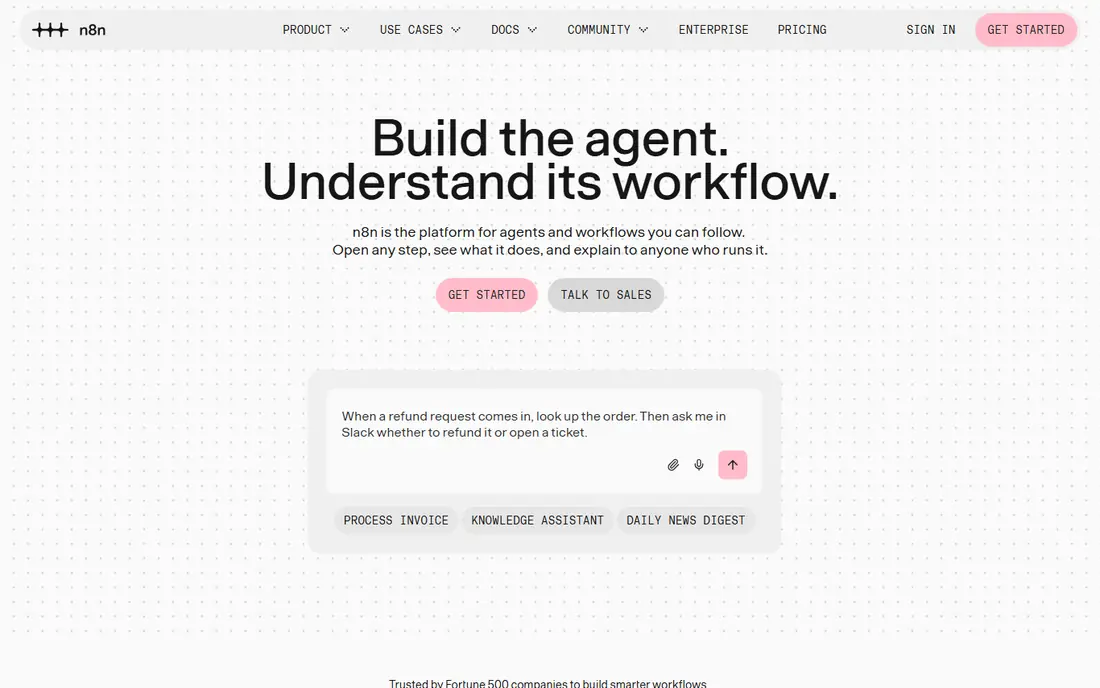
n8n is built for technical teams that want control over data, code, and hosting. The community edition can be self hosted for free, with unlimited executions on your own server, while cloud plans bill per execution rather than per step. Code nodes, webhooks, and AI agent nodes make it suited to custom integrations and AI workflows that no code tools handle poorly. That power comes with setup work. Self hosting needs server care, updates, and security, and the visual builder still rewards users who understand APIs and data formats. For developers, data teams, and AI builders who want predictable costs and full control, n8n is often the best long term automation choice.
- Free self hosting
- Code nodes for JavaScript and Python
- AI agent nodes
- Steeper learning curve
- Cloud pricing is in euros on the vendor site
Microsoft Power Automate suits firms already standardized on Microsoft 365, Teams, SharePoint, and Dynamics. Cloud flows can move data between Microsoft apps and many third party services, while desktop flows can automate older Windows apps that lack an API. Enterprise governance, data loss prevention, and admin controls fit larger Microsoft estates. Outside Microsoft, Power Automate is less compelling than Zapier or Make for pure app range. Pricing also varies, since some flows are included with Microsoft 365 and premium connectors need a paid plan. For Microsoft centred firms, it is the natural automation layer, since it uses the same identity and security controls as the rest of the suite.
- Deep Microsoft 365 links
- Desktop flows for legacy apps
- Enterprise governance
- Best value inside Microsoft
- Pricing tiers can be confusing
Workato is an enterprise integration platform that connects apps, data, and workflows with governance, reusable recipes, and role based controls. It suits large firms that need reliable integrations between CRM, ERP, HR, and finance systems, with audit trails and error handling that simple tools cannot match. Business users can adapt recipes, while IT keeps control over data and access. Pricing is quoted, and Workato is overkill for a small team that only needs a few simple links. Implementation also benefits from integration expertise. For enterprises that treat automation as core infrastructure rather than a set of one off links, Workato offers scale, governance, and reliability that justify the higher cost.
- Governed enterprise integrations
- Reusable recipes
- Strong data and app range
- Quoted pricing
- Overkill for small teams and simple workflows
IFTTT, short for If This Then That, is the simplest automation tool on this list, built around applets that link one trigger to one action. It suits personal and small team uses such as saving email attachments to Drive, posting social updates, or turning on a smart device when a calendar event starts. Setup takes minutes, and the consumer app range is wide. The simplicity is also the limit. IFTTT does not handle complex branching, multi step business logic, or heavy data transforms well, and the free plan allows only a few applets. For a handful of simple links, IFTTT is cheap and fast, but business workflows with many steps belong on Zapier, Make, or n8n instead.
- Very simple setup
- Wide consumer app range
- Low cost Pro plan
- Limited to simple applets
- Free plan allows only a few applets
Activepieces is an open source automation platform with a visual builder and a free self hosted core. Teams can run common flows such as form to CRM, sheet to Slack, and email to task updates without paying per task at the same rate as larger platforms. The open source model also appeals to firms that want to inspect code and control hosting. The app range is smaller than Zapier, so some niche integrations may need a webhook or custom step. Cloud pricing is credit based, so high volume flows need monitoring. For small teams and developers who want an open, self hostable alternative to Zapier, Activepieces offers a practical and growing option.
- Open source core
- Free self hosting
- Visual builder for common flows
- Smaller app range than Zapier
- Cloud credits need monitoring
Pipedream suits developers who want to write code inside workflows without managing servers. It offers a large library of app components, triggers, and code steps in Node.js and Python, with serverless execution that scales for event driven work. That design helps data, product, and engineering teams build custom integrations that visual tools make awkward. Pure no code teams may find Pipedream less friendly than Zapier or Make, since the best workflows use code. Pricing should be checked on the vendor site, since it varies by invocations and features. For developer led automation, especially API heavy work, Pipedream offers speed and flexibility that no code platforms cannot match.
- Code first workflows
- Huge app component library
- Serverless execution
- Needs coding comfort
- Less suited to pure no code teams
How we picked these
We compared official feature pages, pricing pages, app store listings, privacy policies, and public reviews for workflow automation tools active in October 2026. We looked for a clear pricing unit, a realistic free or trial path where claimed, and a distinct fit for no code, visual, technical, enterprise, or developer users. We did not claim hands on testing, and we used See website where pricing is quoted or varies by usage.
Choosing workflow automation without waste
Start by listing the five workflows that waste the most time today, such as lead routing, invoice handling, onboarding, or reporting. For each one, note the trigger, the apps involved, and how often it runs, since frequency decides which pricing model wins. A tool that is cheap for ten runs a month can be costly for ten thousand runs.
Test pricing with real volume
Run a pilot with real data and count tasks, operations, executions, or credits for a full week, then project that to a month. Check limits on active workflows, polling intervals, and history, since those affect reliability. A free plan that only allows two step workflows or a few applets will not test a real multi step process fairly.
Plan ownership, errors, and security
Assign an owner for each workflow, with alerts for failures and a simple log of changes. Check how the tool handles errors, retries, and sensitive data, and whether it supports single sign on and audit logs on paid tiers. Automation that fails silently can lose leads or payments, so error handling matters as much as the happy path.
Frequently asked questions
What is the best workflow automation software for small businesses?
Zapier is often the easiest small business start, thanks to its app range and templates, while Make offers better value for multi step workflows. n8n suits technical small teams that can self host. Choose based on how many steps your workflows need and how often they run, not just on the entry price.
Is Zapier better than Make?
Zapier wins on ease of use and app range, while Make wins on visual logic and cost per multi step run. A simple two step link is faster in Zapier, while a complex scenario with routers and error paths is clearer in Make. Test both with the same real workflow and compare the monthly task or credit use before deciding.
Can I automate workflows for free?
Yes, Zapier, Make, n8n self hosted, IFTTT, Activepieces, and Pipedream all offer a free tier or free self hosting, but each has limits on tasks, scenarios, applets, or executions. Free tiers suit learning and low volume work, while regular business workflows usually need a paid plan. Always check the cap that applies to your workflow type.
What is the best workflow automation tool for developers?
n8n and Pipedream are strong developer choices, with n8n leaning to self hosting and AI workflows and Pipedream leaning to code first serverless workflows. Both support custom code, webhooks, and APIs in ways that pure no code tools cannot match. Developers should also check hosting, logging, and security controls before committing.
How do I choose between no code and code automation?
Use no code tools when business users must build and maintain workflows quickly, and use code tools when logic, data transforms, or API control go beyond visual builders. Many teams use both, with Zapier or Make for business flows and n8n or Pipedream for technical flows. Keep ownership clear, so every workflow has a named owner and an error alert.
Sources
See where you really rank - block by block
ProMapRanker scans Google Maps across a grid of your service area. Simple monthly plans from $19, white-label on every plan.
Start freeKeep reading
 zendesk alternatives
Best Zendesk Alternatives in 2026
Compare the best Zendesk alternatives in 2026, from budget help desks to AI-first support tools, with current pricing, free plans, and honest trade-offs.
Read → wordpress alternatives
Best WordPress Alternatives in 2026
Looking for the best WordPress alternatives? We compare 8 free and paid options for blogs, business sites, stores, and developer-led projects in 2026.
Read → which real estate company has the best training
Best Real Estate Company Training in 2026
Compare which real estate company has the best training, from Keller Williams and eXp to Compass and Coldwell Banker, by program, mentor, and fit in 2026.
Read →