 ProMapRanker
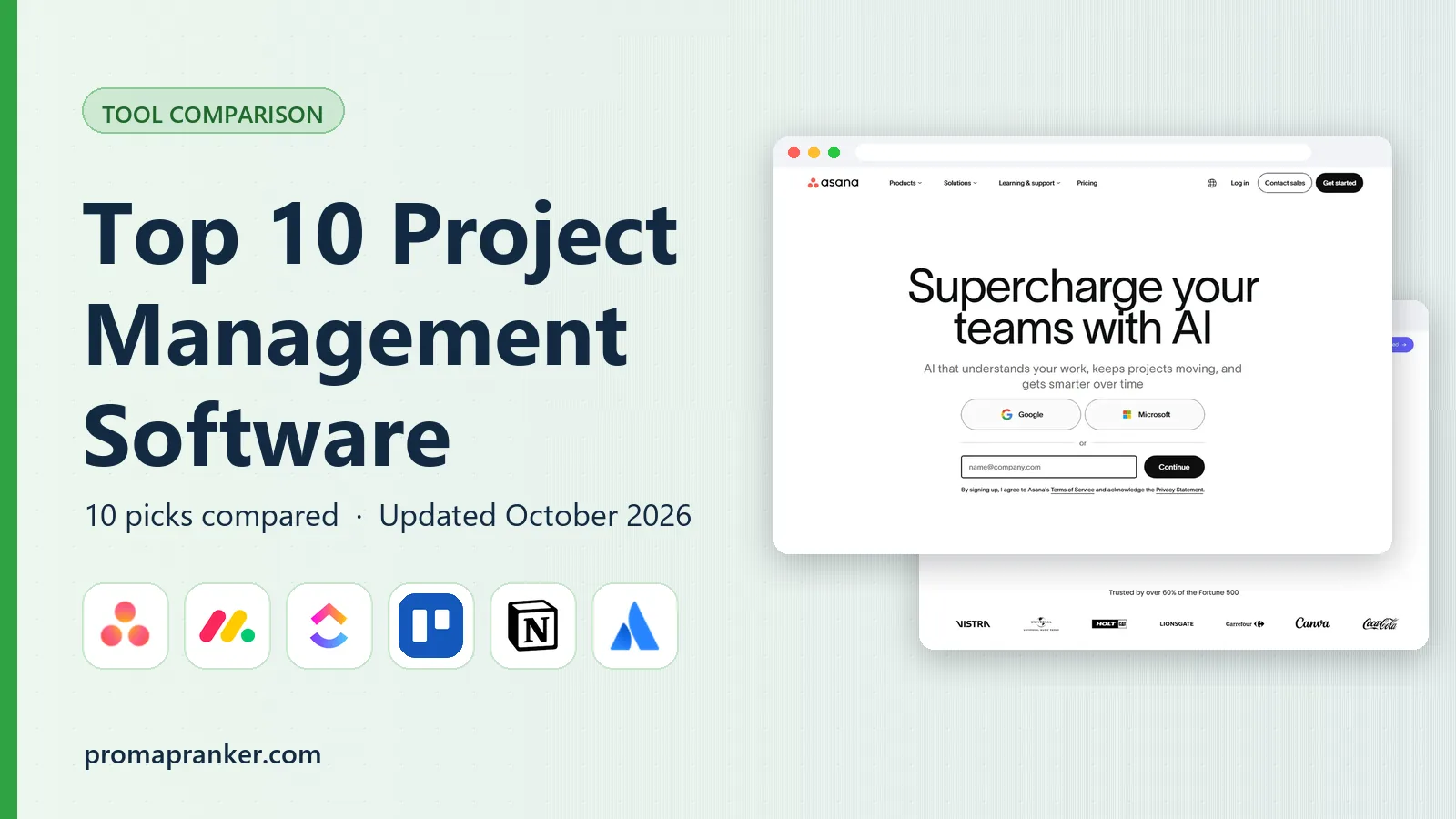
Top 10 Project Management Software in 2026

Cross-functional teams that need structure · Pricing starts at: $10.99 per user per month
Key takeaways
- ClickUp at $7 per user per month offers the most features per dollar, while Trello at $5 per user per month stays the simplest kanban choice.
- Asana at $10.99 per user per month and monday.com at $9 per seat per month suit teams that want structure without a long setup.
- Jira remains free for up to 10 users, which makes it a strong start for small software teams.
- Basecamp at $15 per user per month, or $299 per month flat for unlimited users, is the value pick for larger teams that want flat pricing.
Quick comparison
| Pick | Great for | Pricing starts at | Free tier | |
|---|---|---|---|---|
| Asana | Cross-functional teams that need structure | $10.99 per user per month | Yes | Visit |
 monday.com | Visual teams that build their own workflows | $9 per seat per month | Yes | Visit |
 ClickUp | Teams that want the most features per dollar | $7 per user per month | Yes | Visit |
 Trello | Small teams that run on kanban boards | $5 per user per month | Yes | Visit |
 Notion | Teams that live in docs and need light project tracking | $10 per user per month | Yes | Visit |
 Jira | Software and IT teams running agile work | Free | Yes | Visit |
 Wrike | Marketing and enterprise teams with approval workflows | $10 per user per month | Yes | Visit |
 Smartsheet | Operations teams that run work in spreadsheets | $9 per user per month | Free trial (30 days) | Visit |
 Basecamp | Teams that want calm, flat-priced project communication | $15 per user per month | Yes | Visit |
 Teamwork | Agencies managing client projects | $9.99 per user per month | Yes | Visit |
The best project management software
We compared project tools on task views, timelines, automation, collaboration, and price, with a focus on what a team actually uses after the first month.
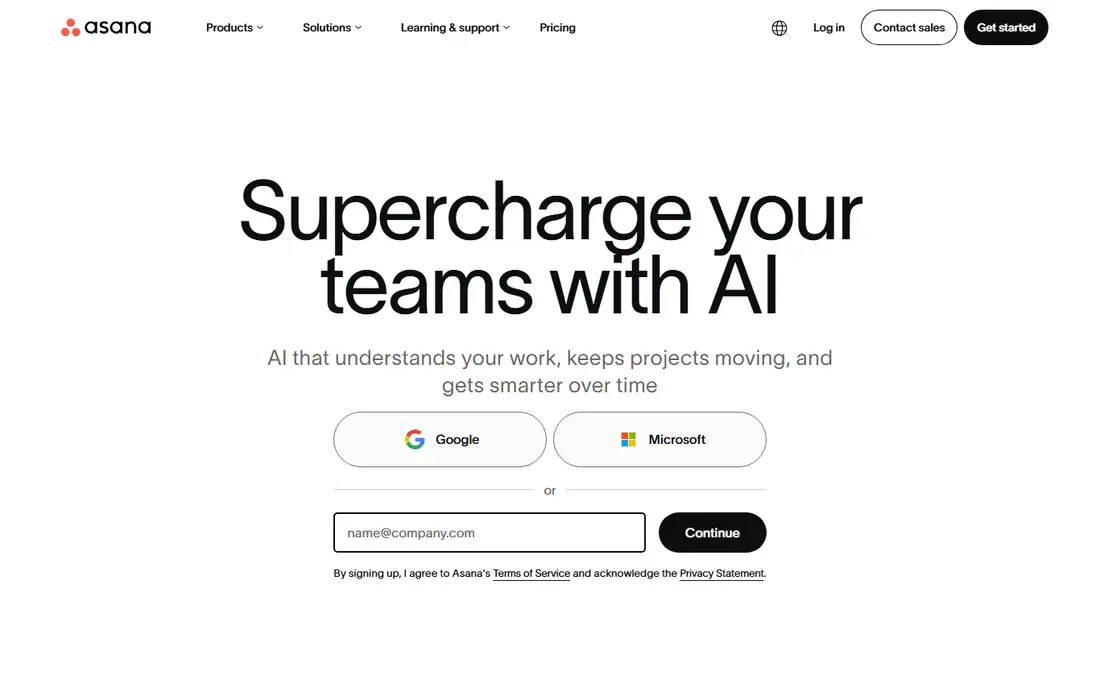
Asana fits teams that run campaigns, launches, and repeatable processes across departments. Its list, board, timeline, and calendar views keep work visible, while templates help teams repeat successful projects without rebuilding them. For a team comparing options on cross-functional teams that need structure, that combination is worth testing with real data, since feature pages alone do not show how daily work feels.
The catch is tier limits. Portfolios, workload, and advanced reporting sit on higher plans, so check whether your team needs those views before you compare entry prices. Before you commit, check the current pricing page for your team size and confirm trial terms, since prices and limits change. If the tool passes that check, it earns a place on a shortlist of two or three for a proper trial.
- Timeline and portfolio views
- Strong task templates
- Broad integrations
- Portfolios and workload need higher tiers
- Seat brackets can raise cost
- Free plan is limited to small teams

monday.com fits visual teams that want to build boards, dashboards, and workflows without coding. Its color-coded boards, status columns, and automations make progress easy to see at a glance, even for teams new to project tools. For a team comparing options on visual teams that build their own workflows, that combination is worth testing with real data, since feature pages alone do not show how daily work feels.
The catch is seat math. A three-seat minimum and seat blocks can inflate the bill for awkward team sizes, so price your exact team before you commit. Before you commit, check the current pricing page for your team size and confirm trial terms, since prices and limits change. If the tool passes that check, it earns a place on a shortlist of two or three for a proper trial.
- Highly visual boards
- Flexible automations
- Fast onboarding for non-technical teams
- Three-seat minimum and seat blocks
- Automation limits on lower tiers
- Costs rise with add-ons

ClickUp fits teams that want docs, tasks, goals, and timelines in one workspace for a low monthly price. Its Unlimited plan covers many views and automations that rivals charge more for, with a free plan that stays usable for small teams. For a team comparing options on teams that want the most features per dollar, that combination is worth testing with real data, since feature pages alone do not show how daily work feels.
The catch is complexity. The breadth that makes ClickUp good value can also slow simple teams down, so start with a few views and add more only when needed. Before you commit, check the current pricing page for your team size and confirm trial terms, since prices and limits change. If the tool passes that check, it earns a place on a shortlist of two or three for a proper trial.
- Many views including docs, goals, and timelines
- Generous free plan
- Strong automation
- Setup can feel overwhelming
- Interface is busy for simple teams
- AI features cost extra
Trello fits small teams that think in boards, lists, and cards and want to start in minutes. Its kanban boards are easy to learn, and Power-Ups add calendars, custom fields, and integrations without changing the core simplicity. For a team comparing options on small teams that run on kanban boards, that combination is worth testing with real data, since feature pages alone do not show how daily work feels.
The catch is scale. Complex projects with dependencies, portfolios, and workload planning will push you toward Premium or a more structured tool. Before you commit, check the current pricing page for your team size and confirm trial terms, since prices and limits change. If the tool passes that check, it earns a place on a shortlist of two or three for a proper trial.
- Simplest kanban setup
- Fast onboarding
- Useful Power-Ups and automation
- Limited reporting and timelines on lower tiers
- Large projects need Premium
- Automation limits apply
Notion fits teams that want project tracking close to docs, notes, and wikis. Its databases link tasks to docs, meeting notes, and project pages, which keeps context in one place rather than spread across apps. For a team comparing options on teams that live in docs and need light project tracking, that combination is worth testing with real data, since feature pages alone do not show how daily work feels.
The catch is project depth. If you need portfolios, workload planning, and advanced dependencies, a dedicated project tool will serve you better. Before you commit, check the current pricing page for your team size and confirm trial terms, since prices and limits change. If the tool passes that check, it earns a place on a shortlist of two or three for a proper trial.
- Docs, wikis, and tasks in one workspace
- Flexible databases
- Strong templates
- Project timelines and reporting are lighter than dedicated PM tools
- AI costs extra
- Large workspaces need care
Jira fits software teams that run sprints, track bugs, and manage releases. Its agile boards, backlogs, and issue tracking are built for development work, with roadmaps and reporting for larger teams. For a team comparing options on software and it teams running agile work, that combination is worth testing with real data, since feature pages alone do not show how daily work feels.
The catch is setup. Jira rewards teams that invest in configuration, but teams that want a simple task board may find it heavier than Trello or Asana. Before you commit, check the current pricing page for your team size and confirm trial terms, since prices and limits change. If the tool passes that check, it earns a place on a shortlist of two or three for a proper trial.
- Free for up to 10 users
- Scrum and kanban boards
- Strong issue tracking
- Configuration takes time
- Non-technical teams may find it heavy
- Paid pricing rises with users
Wrike fits marketing, agency, and enterprise teams that manage approvals and cross-department work. Its workflow, proofing, and reporting tools help teams move creative work through review without losing track of versions. For a team comparing options on marketing and enterprise teams with approval workflows, that combination is worth testing with real data, since feature pages alone do not show how daily work feels.
The catch is tier jumps. The Team plan caps users, and the next tier costs much more, so check headcount limits before you build your workflow there. Before you commit, check the current pricing page for your team size and confirm trial terms, since prices and limits change. If the tool passes that check, it earns a place on a shortlist of two or three for a proper trial.
- Approval workflows
- Resource management
- Strong reporting on higher tiers
- Business tier jumps in price
- User limits on Team plan
- Setup needs planning
Smartsheet fits operations teams that already plan in spreadsheets and want structure without leaving that layout. Its grid view feels familiar, while Gantt charts, card views, and dashboards add project control on top. For a team comparing options on operations teams that run work in spreadsheets, that combination is worth testing with real data, since feature pages alone do not show how daily work feels.
The catch is the trial-only start. There is no free plan, and the Pro plan caps members, so larger teams need to price the next tier. Before you commit, check the current pricing page for your team size and confirm trial terms, since prices and limits change. If the tool passes that check, it earns a place on a shortlist of two or three for a proper trial.
- Spreadsheet-style planning
- Gantt and card views
- Automation and reporting
- No free plan, only a trial
- Member limits on Pro
- Less intuitive for kanban-first teams
Basecamp fits teams that want projects, messages, and files together without per-feature complexity. Its flat unlimited plan can save large teams real money, and its calm layout keeps project communication in one place. For a team comparing options on teams that want calm, flat-priced project communication, that combination is worth testing with real data, since feature pages alone do not show how daily work feels.
The catch is feature depth. Teams that need dependencies, resource planning, or portfolio reporting will find Basecamp too simple, but teams that value clarity may prefer that limit. Before you commit, check the current pricing page for your team size and confirm trial terms, since prices and limits change. If the tool passes that check, it earns a place on a shortlist of two or three for a proper trial.
- Flat $299 per month unlimited option
- Projects plus chat and files in one place
- Simple setup
- Fewer advanced PM features
- No dependencies or workload planning
- Less suited to complex portfolios
Teamwork fits agencies and client-service teams that manage many client projects at once. Its project templates, time tracking, and client permissions help agencies track work, budgets, and billable hours in one place. For a team comparing options on agencies managing client projects, that combination is worth testing with real data, since feature pages alone do not show how daily work feels.
The catch is tier pricing. Budgets, retainers, and invoicing sit on higher plans, so price the tier that covers your agency workflow, not just the entry plan. Before you commit, check the current pricing page for your team size and confirm trial terms, since prices and limits change. If the tool passes that check, it earns a place on a shortlist of two or three for a proper trial.
- Client project tracking
- Time tracking
- Budgets and invoicing on higher tiers
- Higher tiers jump in price
- Setup takes time
- Smaller teams may not need agency features
How we picked these
We compared official feature pages, pricing pages, and app store listings, along with public user reviews, for each product in this list. We kept only products that exist and work today and that truly fit the topic, and we left prices as See website where a vendor quotes rather than publishes a price.
We also weighed who each product serves best, since the right pick for a large team is rarely the right pick for a solo owner. That focus on fit, price, and honest limits shaped the order and the trade-offs in every product section above.
How to choose project management software
Start with how your team already works. Kanban teams need boards and simple cards, while campaign teams need timelines, dependencies, and portfolios. A tool that forces a new workflow on day one will face resistance, however strong its feature list looks.
Test automation and reporting on a real project, not a blank demo. Create tasks, assign owners, set due dates, and check whether workload, timeline, and status reports update without manual fixes. Those daily reports decide whether managers keep using the tool.
Check guest and client access before you buy. Agencies and client-facing teams need clean guest permissions, while internal teams may need strict privacy controls. Also confirm seat rules, since minimum seats and seat blocks can raise the bill for awkward team sizes.
Frequently asked questions
What is the top project management software for small teams?
For small teams, Trello suits simple kanban work, ClickUp suits teams that want many features for a low price, and Asana suits teams that want structure with an easy start. Try the free plan with a real project before you pay.
Which project management tool is best for software teams?
Jira is built for software teams running scrum or kanban, with issue tracking and agile boards. Small software teams can start free for up to 10 users, while larger teams need a paid plan.
Is there a good free project management tool?
Yes. ClickUp, Trello, Notion, Asana, and Jira all offer free plans, though limits vary by users, projects, or features. Free plans work best for small teams or personal projects.
What is the best visual project management software?
monday.com is the most visual option in this list, with color-coded boards that non-technical teams adopt quickly. Smartsheet suits teams that think in spreadsheets, while Asana timelines suit campaign planning.
How much does project management software cost?
Most tools charge per user per month on annual billing, from $5 to about $11 at entry level in this list. Flat pricing from Basecamp can save money for larger teams, while free plans cover small teams.
Sources
See where you really rank - block by block
ProMapRanker scans Google Maps across a grid of your service area. Simple monthly plans from $19, white-label on every plan.
Start freeKeep reading
 zscaler alternatives
Best Zscaler Alternatives in 2026
Looking for zscaler alternatives? We compare 9 SASE and zero trust platforms on architecture, data protection, pricing, and fit for your network and team.
Read → zapier alternatives free
Best Zapier Alternatives Free in 2026
Nine automation tools for zapier alternatives free in 2026, all with genuinely free tiers, plus free plan limits, starting prices and upgrade paths explained.
Read → which platform is best for online reputation
Which Platform Is Best for Online Reputation in 2026
Wondering which platform is best for online reputation? We compare 8 review, listing, and response tools for small and multi-location businesses and agencies.
Read →