 ProMapRanker
Best Team Content Collaboration Software (2026)

Word, Excel, SharePoint, and Teams · Pricing starts at: $7 per user/month (billed annually)
Direct answer
This list puts Microsoft 365 first for Word, Excel, SharePoint, and Teams. Listed starting prices: Microsoft 365 from $7 per user/month, Dropbox from $15 per user/month and Notion from $10 per user/month. For a different need, Dropbox covers shared files, comments, and review and Notion covers wikis, docs, and databases in one workspace. The other 3 tools in the list cover narrower or pricier cases.
ProMapRanker compared 6 tools for team content collaboration software. The goal is a practical shortlist: published prices, free plan facts, best-fit use cases and honest limits for every entry.
Key takeaways
- Number one here is Microsoft 365, a fit for Word, Excel, SharePoint, and Teams.
- Only 5 of the 6 tools have a free plan (Dropbox, Notion, Confluence, ClickUp, Box), so check the caps.
- Starting prices begin at $5 per user/month with Box.
- For controlled file sharing and content governance, Box is worth a look.
Quick comparison
| Pick | Great for | Pricing starts at | Free tier | |
|---|---|---|---|---|
| Microsoft 365 | Word, Excel, SharePoint, and Teams | $7 per user/month (billed annually) | Free trial | Visit |
 Dropbox | Shared files, comments, and review | $15 per user/month | Yes | Visit |
 Notion | Wikis, docs, and databases in one workspace | $10 per user/month (billed yearly) | Yes | Visit |
 Confluence | Team wikis linked to Jira work | $5.78 per user/month | Yes | Visit |
 ClickUp | Docs, tasks, and whiteboards in one workspace | $9 per user/month (billed annually) | Yes | Visit |
 Box | Controlled file sharing and content governance | $5 per user/month (billed annually) | Yes | Visit |
6 options for team content collaboration software in detail
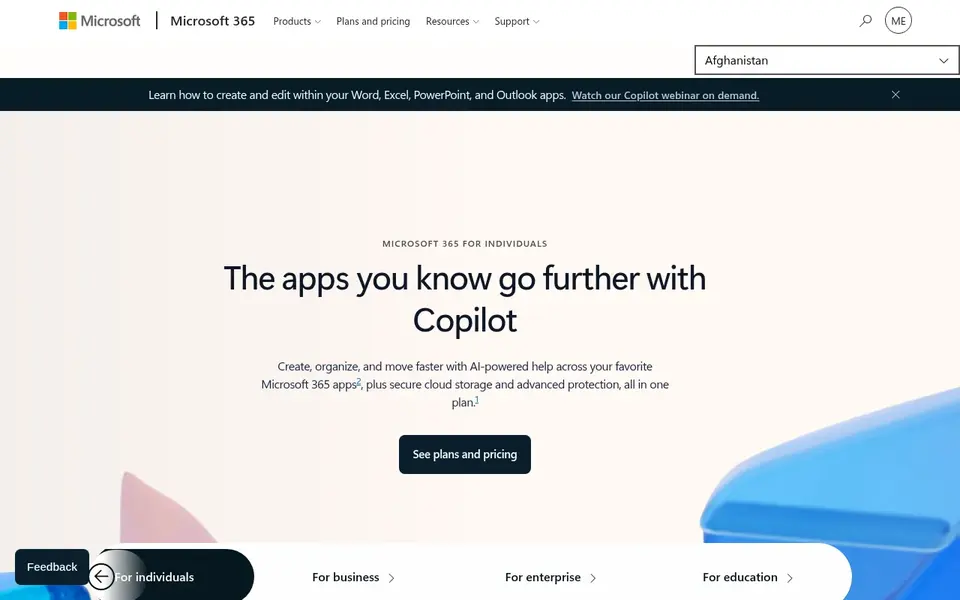
Where Microsoft 365 fits: Word, Excel, SharePoint, and Teams. Word and Excel support co-authoring, comments, and version history, whereas OneDrive keeps personal files and SharePoint keeps team sites and libraries. Standard adds desktop apps.
What to check first: desktop apps need Business Standard or a higher plan.
A team that needs desktop apps and offline work should plan for Standard. Business Basic opens at $7 per user per month on an annual commitment, Business Standard begins at $14, and Business Premium opens at $22. What you pay to start with Microsoft 365: $7 per user/month. As for free access: Free trial.
- SharePoint and OneDrive support shared team content
- Desktop and web versions of Word, Excel, PowerPoint
- Business plans are restricted to 300 users

Dropbox is a good fit for shared files, comments, and review. Dropbox is a file home for teams that produce, share, and approve content in plenty of formats.
Trade-offs to know: full document editing still depends on connected apps.
In daily use, Dropbox Replay layers on video review, with time based comments and version tracking. Dropbox cost at the entry level: $15 per user/month. Free access exists with Dropbox.
- Replay supports video review and comments
- Steady file sync and sharing with capable version history
- Team plans start at $15 per user per month
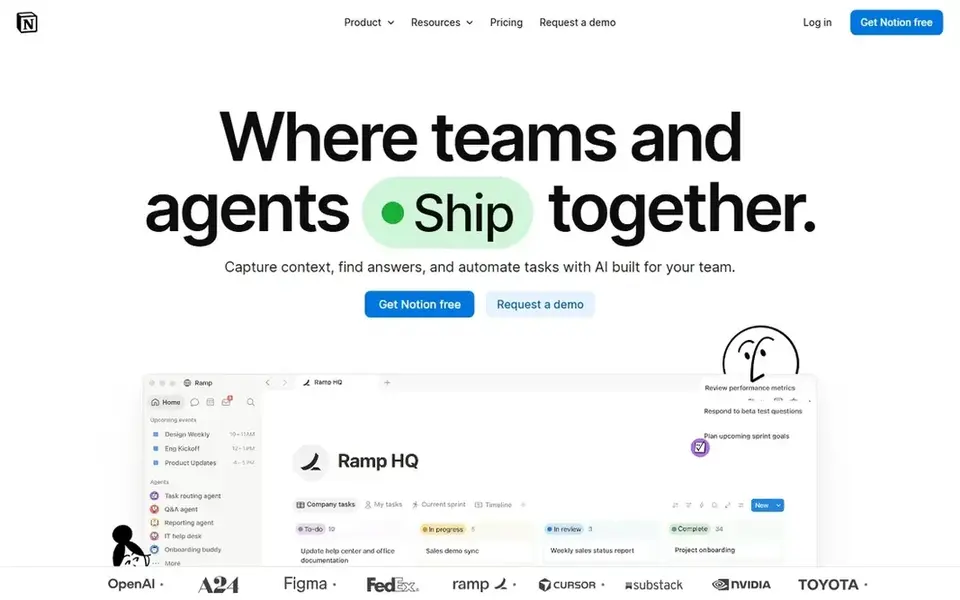
Think of Notion for wikis, docs, and databases in one workspace. The free plan hands one person unlimited pages and blocks, with a 5 MB file upload limit and 7 days of page history. Pages can link to each other, hold tables and checklists, and use templates for meeting notes, briefs, and launch plans.
That structure helps a content team keep drafts, research, and final versions in the same system. As for the details, the Plus plan begins at $10 per member a month when billed annually, and Business opens at $20 per member a month when billed annually. Notion cost at the entry level: $10 per user/month. Notion offers a free plan.
Where it falls short: free plan limits blocks when more than one member joins.
- Templates in one place
- Adaptable pages, databases
- Full AI features need the Business plan
For team wikis linked to Jira work, Confluence is a natural candidate. A marketing team can keep campaign pages and brand guidance in one space, whereas a product team can keep specs and decision records in another.
The starting price for Confluence: $5.78 per user/month. Confluence offers a free plan.
The main drawbacks: Per user price varies by team size and billing choice.
- Capable wiki structure with spaces and page permissions
- Close link to Jira for product and engineering teams
- Single sign-on needs Enterprise or a separate Atlassian Guard plan
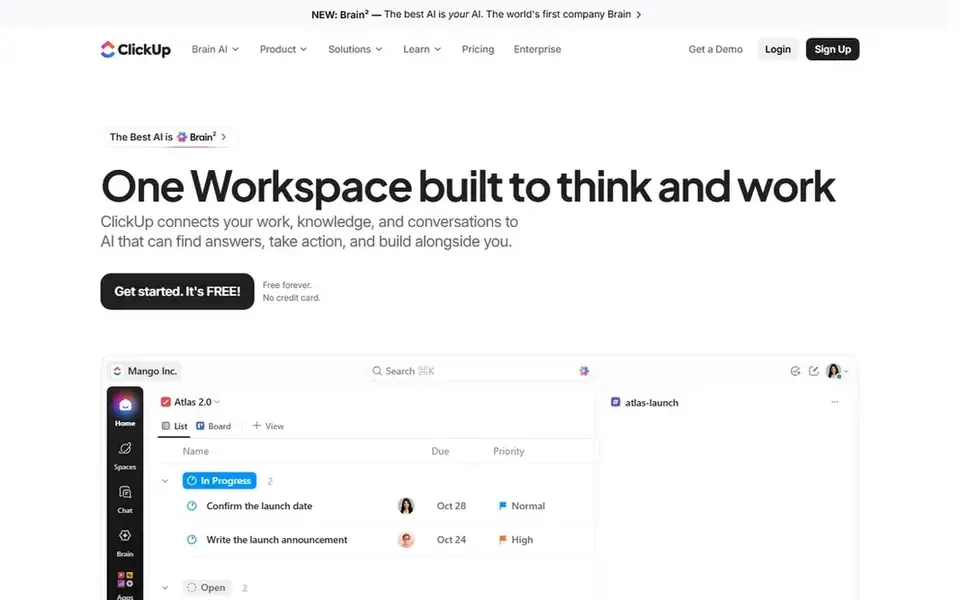
ClickUp is built with docs, tasks, and whiteboards in one workspace in mind. A content team can write a brief in a ClickUp Doc, turn action points into tasks, and track due dates on a board or calendar.
More specifically, business opens at $17 when billed annually, with a regular price of $25. ClickUp cost at the entry level: $9 per user/month. A free plan is available with ClickUp.
Trade-offs to know: advanced dashboards and private docs need a higher plan.
- Docs, tasks, chat
- Free plan contains unlimited members and collaborative docs
- Upgrading a workspace upgrades every member
Box serves controlled file sharing and content governance. Business Starter handles 3 to 10 users with 100 GB of storage per user and a 2 GB single file upload limit.
Points against: Business plans need a minimum of three users.
As for the details, business and higher plans provide unlimited storage, with a 5 GB upload limit on Business, 15 GB on Business Plus, and 50 GB on Enterprise. The starting price for Box: $5 per user/month. You can start on Box without paying.
- Capable permissions, retention
- Admin controls for shared content
- Single file upload limits vary by plan
How we chose
We compared the tools on published pricing, free plan or trial availability, feature coverage for team content collaboration software, and the limits each vendor documents. Plan names, prices and limits change often. Treat the figures here as a starting point and verify them with the vendor. Order on the page follows fit for the typical buyer first, then price transparency and free access. Your own requirements should decide the final pick.
Pre-purchase checklist
- Check the vendor page for the current price: Box starts at $5 per user/month here, and seats or billing terms can move it.
- Check what the free option really includes: Dropbox, Notion, Confluence and others offer a free plan, and usage caps differ.
- Run a trial of Microsoft 365 with real work before paying for a year; your own workflow is the best test.
- Read the limits listed for Microsoft 365 first: business plans are restricted to 300 users.
- Confirm that Microsoft 365 connects to the apps your team already uses, on the plan you would actually buy.
- Check whether Box bills monthly or annually, and what cancelling early costs.
Frequently asked questions
How are the tools for team content collaboration software ordered?
Microsoft 365 sits first and Box last because the order follows typical fit for team content collaboration software, then price clarity and free access. It is a judgement call, so read each profile for fit and limits.
Do these tools publish their prices?
Yes. Every tool from Microsoft 365 to Box shows a starting price, though seats, add-ons and billing terms still change the final cost.
Is Microsoft 365 the right pick for everyone comparing team content collaboration software?
No single tool suits every team. Microsoft 365 comes first because it fits Word, Excel, SharePoint, and Teams, while Dropbox suits shared files, comments, and review and Notion suits wikis, docs, and databases in one workspace. Match the tool to your own size, budget and workflow before deciding.
What is the cheapest option for team content collaboration software in this list?
On published monthly entry prices, Box is the lowest here at $5 per user/month. Entry price is only part of the cost, because seats, add-ons and billing terms can change the total.
Sources
See where you really rank - block by block
ProMapRanker scans Google Maps across a grid of your service area. Simple monthly plans from $19, white-label on every plan.
Start freeBrowse all guides
← 6 Best Project Management Software for Content Teams in 2026Team Software for Content Creation: Best Picks of 2026 →
 top resource management software by user ratings
6 Best Resource Management Software by User Ratings for 2026
Top resource management software by user ratings: 6 contenders ranked by fit, with entry costs and free tiers. Short verdicts, no fluff. Decide faster.
Read → best whiteboard tools for software architecture reviews
Whiteboard Tools for Software Architecture Reviews (2026)
Best Whiteboard tools for software architecture reviews: 5 contenders ranked by fit, with entry costs and free tiers. Prices and drawbacks included. No filler.
Read → best tools for integrating work management apps
6 Best tools for Integrating Work Management Apps in 2026
Comparing the best tools for integrating work management apps? 6 contenders, each with entry cost, free tier and best-fit buyer. Pricing and limits included.
Read → best project management software for small businesses
Best Project Management Software for Small Businesses in 2026
Compare the best project management software for small businesses in 2026, with pricing, free plans, and fit for teams that need simple task control now.
Read → best group messaging app for work
Best Group Messaging App for Work in 2026
We compared the best group messaging app for work on channels, search, and pricing, so your team can pick one tool and stop losing decisions in chat threads.
Read → best ev charging app
Best EV Charging App in 2026
Compare the best ev charging app for finding stations, planning trips and paying to charge, from PlugShare and ChargePoint to Tesla, EVgo and more in 2026.
Read →More in Project Management & Productivity · All guides A to Z by date · Latest guides