 ProMapRanker
Best Group Messaging App for Work in 2026

Key takeaways
- Slack is the best all-around work chat app for most teams, thanks to channels, search, and a deep integration library.
- Microsoft Teams is the best value for companies already paying for Microsoft 365, since chat, meetings, and files live together.
- Google Chat suits teams that already live in Google Workspace and want a simpler, cheaper chat layer.
- Zoom Team Chat is the pick for video-first teams that want messaging inside the same app as meetings.
- Mattermost and Rocket.Chat suit teams that need self-hosting or strict control over where messages are stored.
Quick comparison
| Pick | Great for | Pricing starts at | Free tier | |
|---|---|---|---|---|
 Slack | All-around team chat | Free | Yes | Visit |
 Microsoft Teams | Microsoft 365 companies | Free | Yes | Visit |
 Google Chat | Google Workspace teams | See website | Yes | Visit |
 Zoom Team Chat | Video-first teams | Free | Yes | Visit |
 Discord | Creative and community teams | Free | Yes | Visit |
 Mattermost | Self-hosted team chat | Free | Yes | Visit |
 Twist | Async-first teams | See website | No | Visit |
 Chanty | Small businesses on a budget | Free | Yes | Visit |
 Rocket.Chat | Open, self-hosted chat | Free | Yes | Visit |
The best group messaging apps for work
Work chat fails when decisions scatter across channels, direct messages, and meeting chats. The best employee communication apps keep group conversations findable, threaded, and tied to the files and tasks they mention. These nine cover the main ways teams actually work.
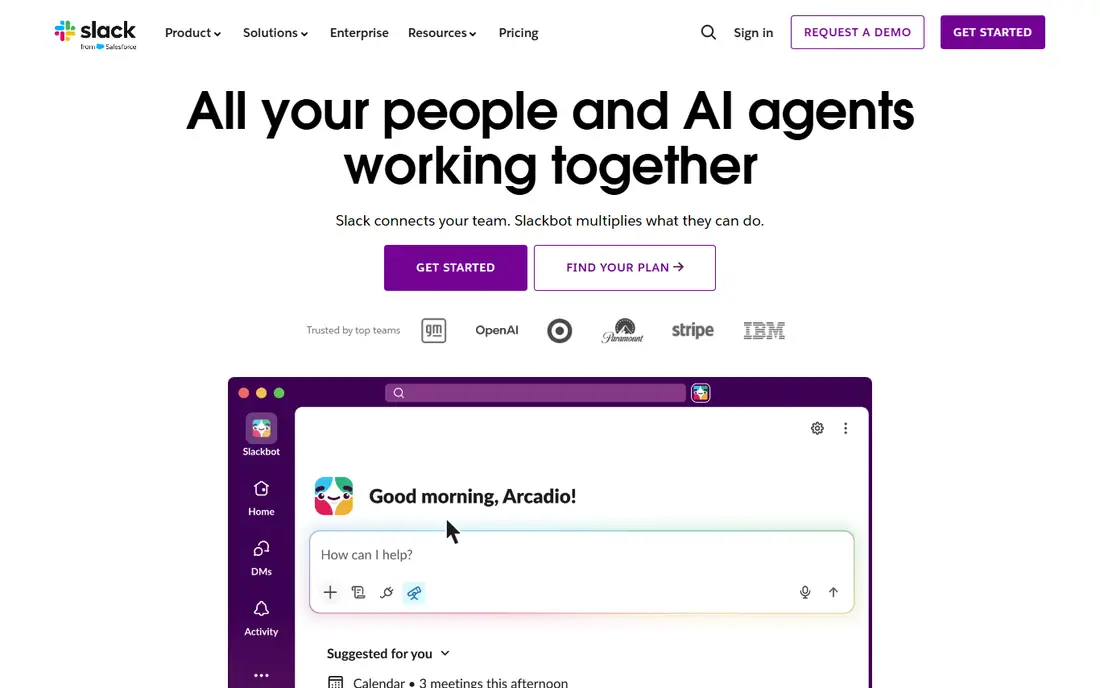
Slack is our pick for most teams because it does the core job better than anything else here. Channels group conversations by project or topic, threads keep side discussions from flooding the main channel, and search actually finds old decisions when you need them. Integrations with tools like Google Drive, Asana, and Salesforce mean updates land in chat instead of another inbox.
The weak point is noise. In a busy workspace, channels multiply and notifications pile up, so teams need channel rules and mute habits from the start. The free plan also limits how far back you can search, which hurts larger teams. For small and mid-size teams that set those rules early, Slack is the best employee communication app in this list.
- Channels and threads keep group talk organized
- Huge integration library
- Strong search across messages and files
- Notifications get noisy in large workspaces
- Full message history needs a paid plan
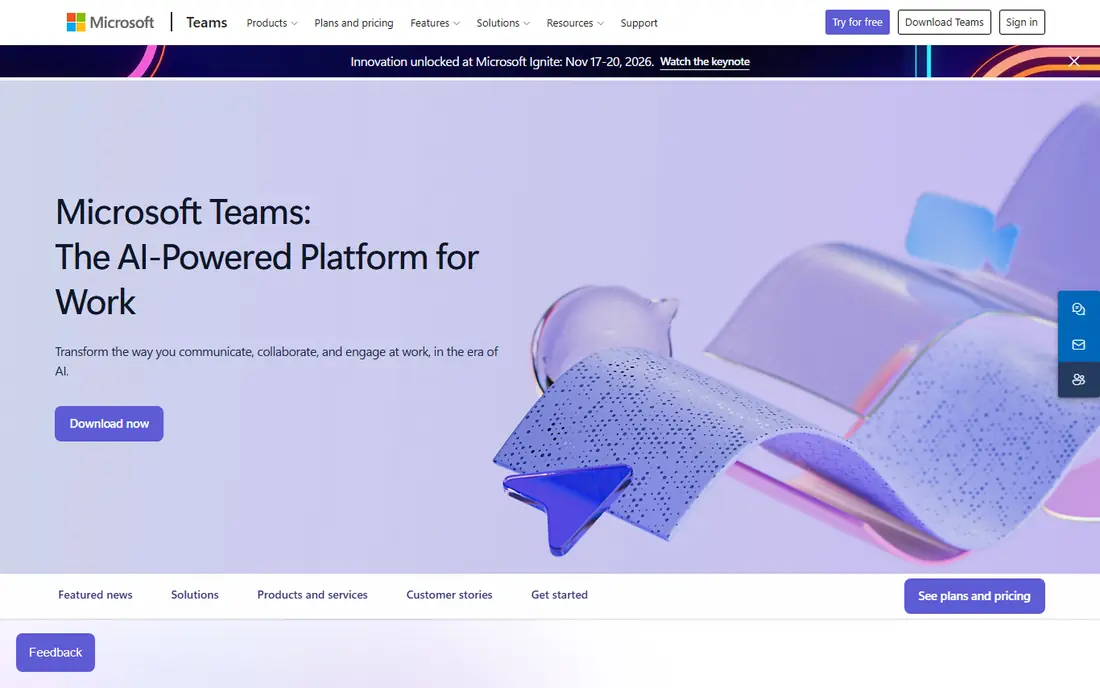
Microsoft Teams makes the most sense when your company already pays for Microsoft 365. Chat, video meetings, Word and Excel co-editing, and SharePoint files live in one place, so a group message can turn into a meeting and a shared document without switching apps. Admin and compliance controls are also stronger than in most chat-first rivals.
The app can feel heavy, especially on older machines, and finding an old message sometimes takes extra digging. A free version exists for small teams, but the real value arrives with a Microsoft 365 plan. If your office already runs on Outlook and Office, Teams is the obvious group messaging app for work.
- Chat, meetings, and Office files in one app
- Strong fit for companies already on Microsoft 365
- Good compliance and admin controls
- Interface can feel heavy and busy
- Search takes practice in large tenants

Google Chat is the quiet, practical choice for teams that already live in Google Workspace. Spaces give each project a group home, files from Drive attach in a click, and Meet links turn a chat into a video call without a new login. New staff learn it in minutes, which matters when turnover is high.
It is not as deep as Slack. Workflow automation, app integrations, and advanced channel management are thinner, and large teams may outgrow it. For small and mid-size teams already paying for Workspace, though, Google Chat is included value rather than another bill, and that simplicity is its strength.
- Simple spaces for group conversation
- Tight fit with Gmail, Drive, and Meet
- Easy to learn for new staff
- Fewer advanced chat features than Slack
- Best value only inside Google Workspace
Zoom Team Chat suits teams whose real work happens on video calls. Chat channels, direct messages, and file sharing live inside Zoom Workplace, so a meeting chat can continue after the call ends without moving to a second app. The free tier covers basic team messaging, and paid Workplace plans add more storage and admin controls.
As a pure chat tool, it trails Slack on integrations and workflow depth. Teams that rarely meet on video will find better chat elsewhere. Teams that meet on Zoom daily, though, get a group messaging app that never forces a context switch, and that is worth a lot in a busy week.
- Messaging sits inside the same app as Zoom meetings
- Channels and file sharing included
- Free tier covers basic team chat
- Messaging features are less deep than Slack
- Best for teams already committed to Zoom
Discord started with gamers, but creative and tech teams now use it for always-on voice rooms and fast group chat. Voice channels let teammates drop in and out like an open office door, and text channels, roles, and screen sharing cover most day-to-day needs. The free tier is generous, which helps small teams and startups.
The limits are business ones. Compliance, retention, and admin controls are thinner than in Slack or Teams, so regulated companies should look elsewhere. For informal teams, studios, and communities that value voice and speed over compliance paperwork, Discord is a lively, low-cost pick.
- Always-on voice channels feel like a shared office
- Roles and permissions are flexible
- Free tier is generous
- Not built for business compliance
- Message management and admin controls lag behind Slack and Teams
Mattermost is the pick for teams that need to know exactly where their messages live. As an open-source platform you can self-host, it gives IT teams control over data, retention, and access that cloud-only apps cannot match. Channels, threads, search, and integrations cover the daily chat job well, and paid plans add compliance and scaling features.
Self-hosting is the cost. Someone on your team must install, update, and back up the server, which small teams without IT support may not want. A hosted option exists for teams that want Mattermost without running servers. For security-minded companies, that control is the whole point.
- Open source with self-hosting for full data control
- Channels, threads, and integrations
- Strong security and compliance options
- Self-hosting needs technical setup and upkeep
- Smaller integration library than Slack
Twist is built for teams that are tired of real-time noise. Every conversation is a thread with a clear subject, so a teammate in another time zone can read the full discussion without scrolling through a day of one-line messages. Notifications stay quiet by design, which protects deep work.
That calm comes at a price. There is no free plan, and teams that love instant back-and-forth may find Twist slower than Slack. For remote teams spread across time zones, though, the thread-first design is a genuine fix for the worst part of work chat, and it is worth paying for.
- Thread-first design cuts notification noise
- Conversations stay organized by topic
- Suits remote teams across time zones
- No free plan
- Real-time chat fans may find it slower than Slack
Chanty is a good fit for small businesses that want chat and basic tasks in one cheap app. Channels and direct messages cover group talk, and built-in task management turns a message into an assigned job without a second tool. The free plan gets a small team started, and paid plans stay affordable with unlimited message history.
The integration library is smaller than Slack's, so teams tied to many outside tools may hit limits. For a small team that mainly needs clear group chat, shared files, and simple tasks, Chanty does the job without the price or complexity of the big platforms.
- Simple chat plus built-in task management
- Unlimited message history on paid plans
- Low starting price
- Fewer integrations than Slack or Teams
- Smaller user community for help and add-ons
Rocket.Chat gives teams another open, self-hostable path, with channels, threads, file sharing, and video options in one platform. Companies that need custom deployments, on-premises hosting, or strict data rules can shape it to fit, and a hosted version exists for teams that prefer not to run servers.
The trade-off is polish and effort. Setup takes more work than signing up for Slack, and the interface feels less refined in places. For teams with IT support and specific hosting needs, Rocket.Chat is a flexible, cost-effective group messaging app for work.
- Open source with self-hosting and a hosted option
- Channels, threads, and video options
- Flexible for custom setups
- Setup and admin effort is higher than cloud-only apps
- Interface feels less polished than Slack
How we picked these
We compared official product pages, pricing pages, and current team-chat comparisons, and we kept only apps with real group messaging for work teams, not consumer-only chat apps. We weighed channel organization, search, integrations, admin controls, and free-tier honesty, and we favored apps that still actively serve business teams in 2026. Pricing changes often, so we point readers to each vendor's pricing page where we could not confirm a current figure.
How to pick the right work chat app
Start with the tools your team already pays for. Microsoft 365 points to Teams, Google Workspace points to Google Chat, and Zoom-heavy teams point to Zoom Team Chat. Choosing the chat layer that matches your existing stack saves money and training time, and it keeps files and meetings in one place.
Set rules before the noise starts
Every app here gets noisy without rules. Agree on which channels are for decisions, which are for social talk, and when a thread is required. Mute aggressively, use threads for side topics, and move final decisions into a doc or task so they survive chat scroll. The app helps, but the rules do the real work.
Test search and history before you commit
Search is where work chat earns its keep. During a trial, try to find a decision from two weeks ago, a shared file, and a message from a teammate who left a channel. If search fails, the app will cost you time every week. Also check how far back the free plan lets you search, since that limit surprises many teams.
Frequently asked questions
What is the best group messaging app for work?
Slack is the best all-around pick for most teams, thanks to channels, threads, search, and integrations. Microsoft Teams wins for companies on Microsoft 365, and Google Chat wins for teams on Google Workspace.
What is the best employee communication app for small businesses?
Chanty and Google Chat are strong small-business picks, since both are simple and affordable. Slack's free plan also works for small teams, though its paid plans cost more as the team grows.
What are the best employee communication apps for remote teams?
Twist suits async remote teams across time zones, while Slack and Mattermost suit remote teams that need strong search and integrations. Discord suits creative remote teams that value always-on voice rooms.
Is there a free group messaging app for work?
Yes. Slack, Microsoft Teams, Zoom Team Chat, Discord, Chanty, Mattermost, and Rocket.Chat all offer free plans or free self-hosted versions. Free plans usually limit message history, storage, or admin controls, so check those limits before rolling out to a large team.
Should we use Discord for work?
Discord works for informal, creative teams that value voice channels and low cost. Regulated companies or teams that need strict retention and compliance controls should choose Slack, Teams, or Mattermost instead.
Sources
See where you really rank - block by block
ProMapRanker scans Google Maps across a grid of your service area. Simple monthly plans from $19, white-label on every plan.
Start freeKeep reading
 zscaler alternatives
Best Zscaler Alternatives in 2026
Looking for zscaler alternatives? We compare 9 SASE and zero trust platforms on architecture, data protection, pricing, and fit for your network and team.
Read → zapier alternatives free
Best Zapier Alternatives Free in 2026
Nine automation tools for zapier alternatives free in 2026, all with genuinely free tiers, plus free plan limits, starting prices and upgrade paths explained.
Read → which platform is best for online reputation
Which Platform Is Best for Online Reputation in 2026
Wondering which platform is best for online reputation? We compare 8 review, listing, and response tools for small and multi-location businesses and agencies.
Read →