 ProMapRanker
Best Project Management Software for Small Businesses in 2026

Key takeaways
- Asana and monday.com suit most small businesses that want clear task ownership and visual boards, while Trello suits teams that want the simplest kanban setup.
- ClickUp offers the most features per dollar, but its depth takes longer to learn than simpler rivals, so budget setup time.
- Free plans are real but limited: check user caps, board limits, and storage before rolling a tool out to a whole company.
- Basecamp suits teams that dislike per-seat pricing, while Zoho Projects suits budget teams, especially those already using Zoho apps.
- Price your real team, including viewers and guests, since seat rules and minimums change the monthly total more than the headline rate.
Quick comparison
| Pick | Great for | Pricing starts at | Free tier | |
|---|---|---|---|---|
 Asana | Clear task ownership | $10.99 per user per month | Yes | Visit |
 Trello | Simple kanban boards | $5 per user per month | Yes | Visit |
 monday.com | Visual boards and workflows | $9 per seat per month | Yes | Visit |
 ClickUp | Most features per dollar | $7 per user per month | Yes | Visit |
 Notion | Docs and tasks together | $10 per user per month | Yes | Visit |
 Basecamp | Flat pricing for larger teams | $15 per user per month | Yes | Visit |
 Teamwork | Client work and agencies | See website | Free trial | Visit |
 Wrike | Structured team work | $10 per user per month | Yes | Visit |
 Zoho Projects | Budget-friendly tracking | $4 per user per month | Yes | Visit |
The best project management software for small businesses
We compared tools that help small teams plan work, assign tasks, track deadlines, and see progress without enterprise complexity. Prices below are per user per month on annual billing unless noted, and buyers should confirm current vendor pricing before budgeting.
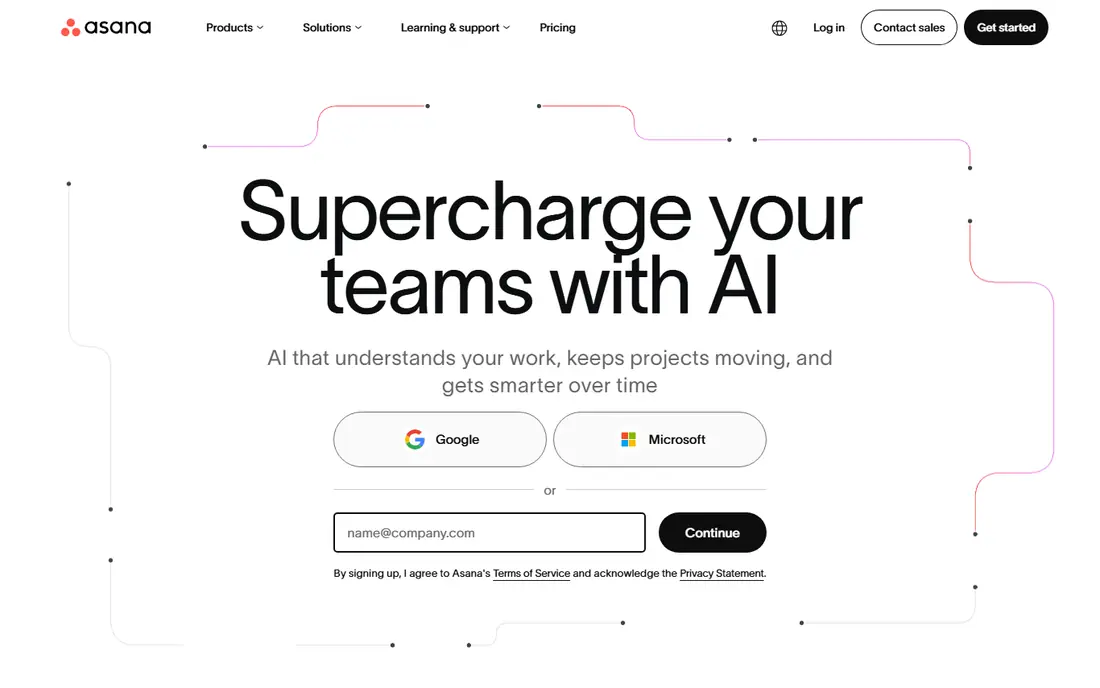
Asana is our pick for most small businesses because task ownership, due dates, and project views are easy to understand on day one. Teams can run projects as lists, boards, timelines, or calendars, and managers can see workload across people without building custom reports. Integrations with Slack, Google Drive, and Microsoft Teams cover common small business stacks.
Starter pricing is listed at $10.99 per user per month on annual billing, with a free Personal plan for up to 2 users in recent listings. That free limit means a team of five will pay for most seats, so price the whole team, not one user. Asana fits small businesses that want a tool everyone will actually use, not just a tool with the longest feature list.
- Easy for teams to adopt
- Timeline and workload views
- Many integrations
- Free plan now covers only a small number of users in recent listings
- Advanced features need higher tiers
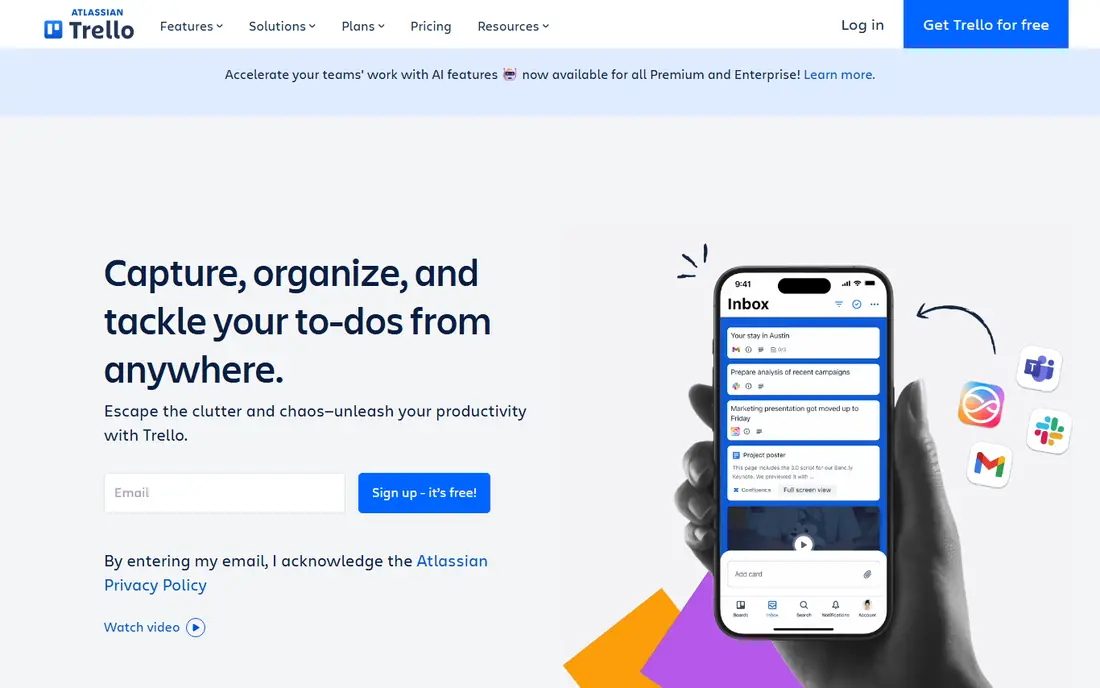
Trello is the simplest way to run work as cards on boards, with lists for stages such as To do, Doing, and Done. Small teams can set up a board in minutes, add members, due dates, checklists, and attachments, and see progress at a glance. That simplicity makes Trello ideal for teams that resist heavier tools.
Standard pricing is listed at $5 per user per month on annual billing, with a free plan covering up to 10 boards in recent listings. Trello struggles with complex dependencies, portfolios, and detailed reporting, so larger projects may outgrow it. Trello fits small teams that want kanban clarity without a learning curve.
- Simplest kanban setup here
- Free plan for small teams
- Fast onboarding
- Limited depth for complex projects
- Advanced automation and views need paid tiers
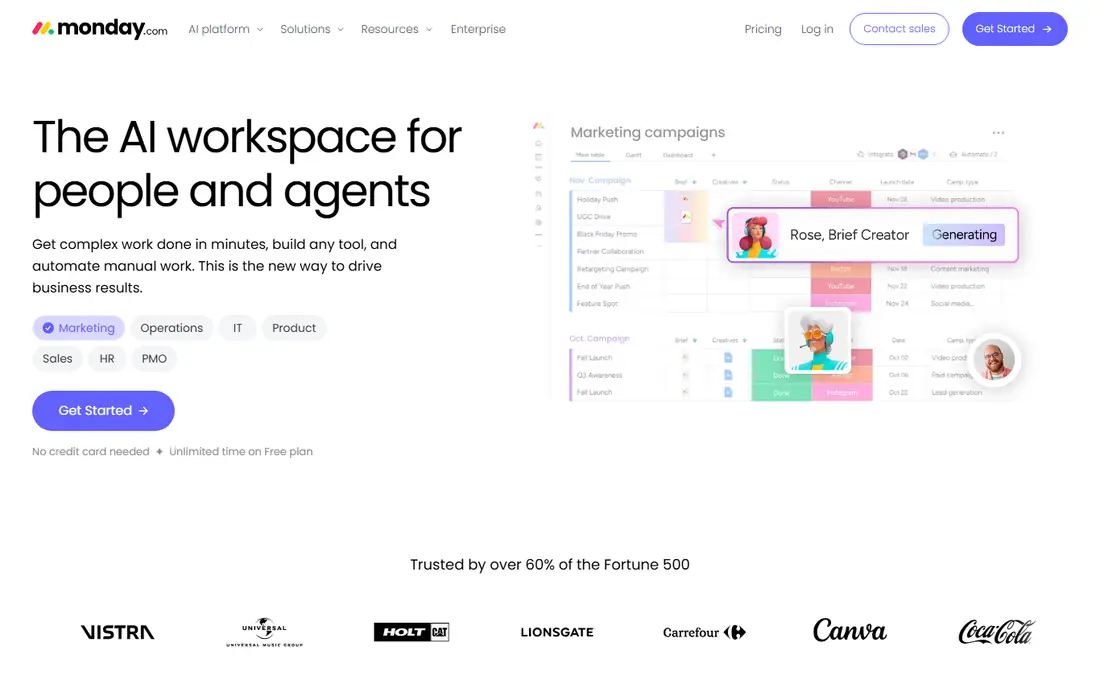
monday.com suits teams that think in colorful boards, timelines, and dashboards rather than plain task lists. Boards can track projects, clients, leads, and operations, with automations that move items, notify owners, and update statuses. That flexibility helps small businesses use one tool for several kinds of work.
Basic pricing is listed at $9 per seat per month on annual billing, with a 3-seat minimum and seats sold in blocks in recent listings. That structure means a two-person team still pays for three seats, and larger teams should check block sizing. monday.com fits visual teams that want flexible boards and are comfortable with its seat rules.
- Highly visual boards
- Flexible workflows and automations
- Fast onboarding for visual teams
- 3-seat minimum and seat blocks affect total cost
- Free plan covers only 2 seats in recent listings
ClickUp packs tasks, docs, goals, time tracking, and automations into one workspace at a lower price than Asana or monday.com. Unlimited pricing is listed at $7 per user per month on annual billing, with a Free Forever plan for unlimited members in recent listings. That value is hard to beat for a small business that wants one tool for many jobs.
The catch is setup time: ClickUp has so many views and options that teams can spend weeks configuring it before work feels simple. AI add-ons are also billed separately in recent listings. ClickUp fits small businesses that want maximum features per dollar and can invest time in setup and training.
- Broadest feature set at this price
- Free plan for unlimited members in recent listings
- Many views and automations
- Depth takes longer to learn
- AI features are billed separately in recent listings
Notion suits small businesses where docs and tasks must live together, such as agencies, studios, and consultancies that write briefs, store notes, and track work in one place. Databases can act as task boards, content calendars, and client trackers, with pages linking work to background material. That flexibility reduces the need for separate wiki and task tools.
Plus pricing is listed at $10 per user per month on annual billing, with a free plan for individuals and small teams in recent listings. Notion lacks some structured project features, such as workload management and advanced dependencies, that Asana and Wrike offer. Notion fits knowledge-heavy teams that value docs plus tasks over strict project control.
- Docs, wikis, and tasks in one workspace
- Flexible databases
- Good for knowledge-heavy teams
- Project tracking is less structured than Asana
- AI add-on costs extra in recent listings
Basecamp takes a calmer approach: message boards, to-do lists, schedules, docs, and file storage in one simple workspace, without endless customization. That simplicity helps small businesses that want everyone to know where work lives, without learning a complex system. Recent listings show a Plus plan at $15 per user per month and a flat Pro Unlimited plan, with figures varying by source, so check the vendor page for the current flat rate.
The trade-off is depth: Basecamp lacks the advanced timelines, workload views, and automations that Asana, monday.com, and ClickUp offer. For teams over 20, flat pricing can still beat per-seat totals. Basecamp fits teams that value simplicity and predictable pricing over advanced project features.
- Simple, calm interface
- Flat-rate option for unlimited users
- Message boards, to-dos, and schedules in one place
- Fewer advanced project views than rivals
- Per-user plan is less competitive for tiny teams
Teamwork is built for agencies and client-service businesses that track billable work, deadlines, and client communication in one place. Time tracking, workload views, and portfolio tools help managers see who is overloaded and which client projects need attention. Client access features let customers see progress without seeing internal work.
Pricing varies by plan and is best checked on the vendor site, since third-party summaries differ. Teamwork is more complex than Trello, so simple internal teams may not need its client features. It fits agencies and service businesses that bill by project or hour and need client visibility.
- Strong client project features
- Time tracking and billing helpers
- Workload and portfolio views
- Pricing needs checking on vendor site
- More complex than Trello for simple teams
Wrike suits small businesses that need more structure than Trello but do not want enterprise software. Its workflows, custom fields, dashboards, and reporting help marketing, operations, and creative teams track work across departments. Templates for common projects shorten setup for repeatable work.
Team pricing is listed at $10 per user per month on annual billing, with a free plan for small teams in recent listings. Seats are sold in groups in some listings, so buyers should check how many seats a plan actually includes. Wrike fits structured teams that want reporting and control without moving to an enterprise platform.
- Structured workflows and reporting
- Good for marketing and operations teams
- Free plan for small teams
- Setup takes more effort than Trello
- Seat groups affect pricing in recent listings
Zoho Projects is the cheapest paid option on this list, with Premium listed at $4 per user per month in recent comparisons and a free plan for small teams. It covers tasks, Gantt charts, milestones, time tracking, and document sharing, which is enough for many small businesses. Integration with other Zoho apps is a bonus for teams already using Zoho CRM, Books, or Mail.
The interface can feel less polished than Asana or monday.com, and some advanced features sit on higher tiers. Zoho Projects still offers strong value for budget teams that need real project tracking, not just a task list. It fits small businesses watching costs, especially Zoho users.
- Lowest paid starting price here
- Good Zoho integration
- Gantt, task, and time features included
- Interface feels less polished than Asana
- Advanced features need higher tiers
How we picked these
We compared official product pages, pricing pages, and recent project management comparisons, and we checked that each product is still offered in October 2026. We favored tools that small teams can adopt quickly, with clear task ownership, deadline tracking, and progress views. Where pricing varied across sources, we used the most recent comparison figure and noted that buyers should confirm the vendor price.
We did not claim hands-on testing, and we did not rank on feature count alone. A tool with more features is not better if a small team will not use them. Readers should trial with a real project, including guests and viewers, and check seat rules, storage limits, and automation caps before committing.
What to check before you choose
Price the whole team, including guests
Seat minimums, blocks, and viewer rules change monthly totals more than headline rates. List every person who needs access, including part-time staff, clients, and contractors, then price that full list in each tool. A $5 tool with strict seat rules can cost more than a $7 tool with flexible guests.
Trial with a real project, not a demo
Run a real client project or internal launch through the trial, including tasks, deadlines, files, and status updates. A demo board hides the daily friction of assigning work, chasing overdue tasks, and reporting progress. A two-week real trial shows which tool your team will actually open each morning.
Keep the structure simple at first
Start with one project template, a small set of statuses, and clear ownership rules, then add automations and custom fields only when a repeated problem appears. Overbuilt workspaces slow small teams down and make onboarding harder. Simplicity at launch beats completeness that nobody uses.
Check reporting and mobile access
Managers need a simple view of overdue work, workload, and project status without building reports from scratch. Team members need mobile access for updates on the go, especially field and service teams. Test both views during the trial, since a tool that only works well on desktop will lose updates.
Frequently asked questions
What is the best small business project management software?
Asana suits most small businesses for clear task ownership, while monday.com suits visual teams and Trello suits teams that want simple kanban. ClickUp offers the most features per dollar, but needs more setup time. The best pick depends on team size, project complexity, and whether docs, client work, or strict reporting matter most.
What is the best project management software for small businesses with a small budget?
Zoho Projects at $4 per user per month and Trello at $5 per user per month are the cheapest paid options here, with free plans for small teams. ClickUp at $7 per user per month offers more features for a slightly higher price. Compare free plan limits first, since a free plan that covers your whole team may be enough.
Is Asana or monday.com better for a small business?
Asana is easier for task ownership and adoption across non-technical teams, while monday.com is more visual and flexible for boards, workflows, and dashboards. Asana Starter is listed at $10.99 per user per month, while monday.com Basic is listed at $9 per seat per month with a 3-seat minimum. Trial both with the same project to see which interface your team prefers.
Does free project management software work for a small team?
Free plans from Trello, ClickUp, Notion, Asana, and Zoho Projects work for very small teams, but user caps, board limits, and feature gates matter. Check how many users, projects, and automations the free plan allows before rolling it out. A free plan that fits today may force a paid upgrade as soon as the team grows by a few people.
How do I choose project management software for my small business?
List your must-have features, such as task ownership, deadlines, client access, time tracking, or docs, then trial two tools with a real project. Price the whole team, including guests, and check mobile access and reporting. Pick the tool your team will actually use daily, not the tool with the longest feature list.
Sources
See where you really rank - block by block
ProMapRanker scans Google Maps across a grid of your service area. Simple monthly plans from $19, white-label on every plan.
Start freeKeep reading
 zscaler alternatives
Best Zscaler Alternatives in 2026
Looking for zscaler alternatives? We compare 9 SASE and zero trust platforms on architecture, data protection, pricing, and fit for your network and team.
Read → zapier alternatives free
Best Zapier Alternatives Free in 2026
Nine automation tools for zapier alternatives free in 2026, all with genuinely free tiers, plus free plan limits, starting prices and upgrade paths explained.
Read → which platform is best for online reputation
Which Platform Is Best for Online Reputation in 2026
Wondering which platform is best for online reputation? We compare 8 review, listing, and response tools for small and multi-location businesses and agencies.
Read →