 ProMapRanker
Best Version Control Tools for DevSecOps in 2026

Key takeaways
- GitHub and GitLab lead for DevSecOps, since both pair Git hosting with CI, code review and built-in security scanning.
- Bitbucket fits Atlassian teams, Azure Repos fits Microsoft shops, and Perforce Helix Core fits large binary assets.
- Self-hosted options such as Gitea suit teams that must keep code inside their own network for compliance reasons.
- In DevSecOps, the version control tool is also a security control: branch protection, signed commits, secret scanning and audit logs matter as much as hosting.
Quick comparison
| Pick | Great for | Pricing starts at | Free tier | |
|---|---|---|---|---|
 GitHub | Default Git hosting with DevSecOps tooling | Free | Yes | Visit |
 GitLab | All-in-one DevSecOps platform | Free | Yes | Visit |
 Bitbucket | Atlassian and Jira teams | Free | Yes | Visit |
 Azure Repos | Microsoft and Azure teams | $6 per user per month | Yes | Visit |
 Perforce Helix Core | Large binary assets and game studios | $39 per user per month | Yes | Visit |
 Gitea | Lightweight self-hosted Git | Free | Yes | Visit |
 Apache Subversion | Centralised version control | Free | Yes | Visit |
 Mercurial | Simple distributed version control | Free | Yes | Visit |
 RhodeCode | Unified Git, Mercurial and Subversion hosting | See website | Free trial | Visit |
 Assembla | Managed Git, Subversion and Perforce | $19 per user per month | Free trial | Visit |
The best version control tools for devsecops
We compared Git platforms, self-hosted forges and enterprise version control on security scanning, CI integration, access control, audit logging and pricing. These ten cover cloud teams, regulated teams and binary-heavy teams.
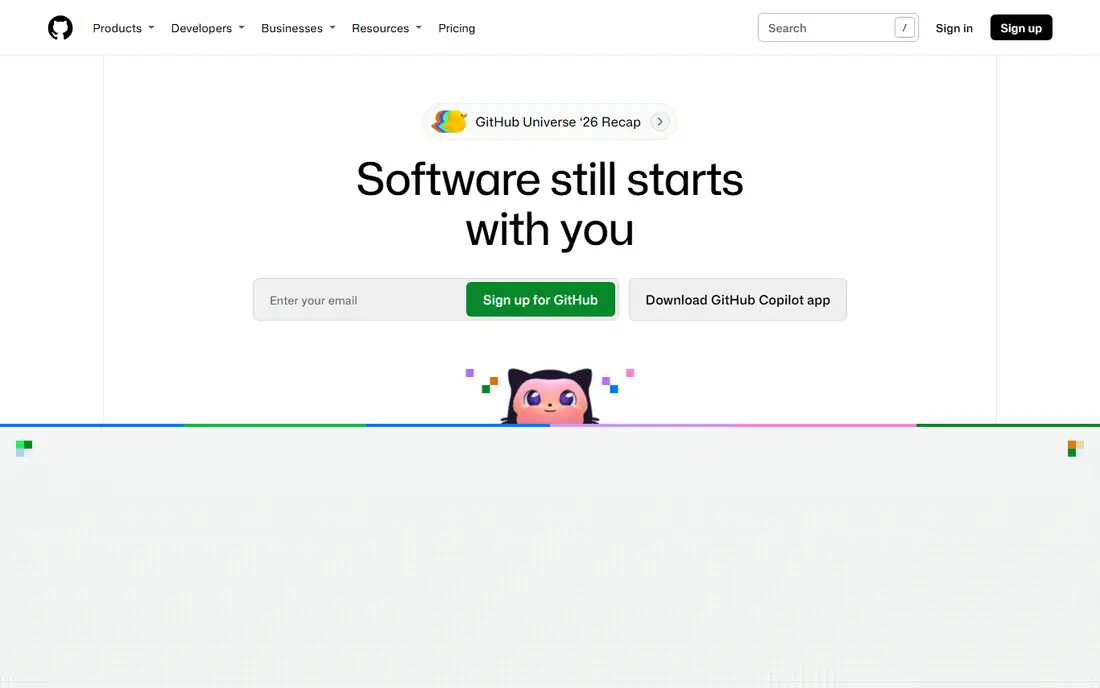
GitHub is the default choice for most DevSecOps teams, and for good reason. Pull requests, code review, branch protection and Actions pipelines live in one place, and security tools such as code scanning, secret scanning and Dependabot alerting plug into the same workflow. That closeness means a vulnerable dependency or a leaked secret surfaces where developers already work.
The free plan covers unlimited public and private repositories, with Team plans from $4 per user per month and Enterprise from $21 per user per month for the first twelve months on published pricing. The catch is tiering: the deepest security features need higher plans, so check which scanning and compliance features your tier actually includes before committing.
- Largest ecosystem and integration set
- Actions for CI
- Code scanning, secret scanning and Dependabot
- Advanced security features sit on higher tiers
- Enterprise pricing rises with seats and add-ons
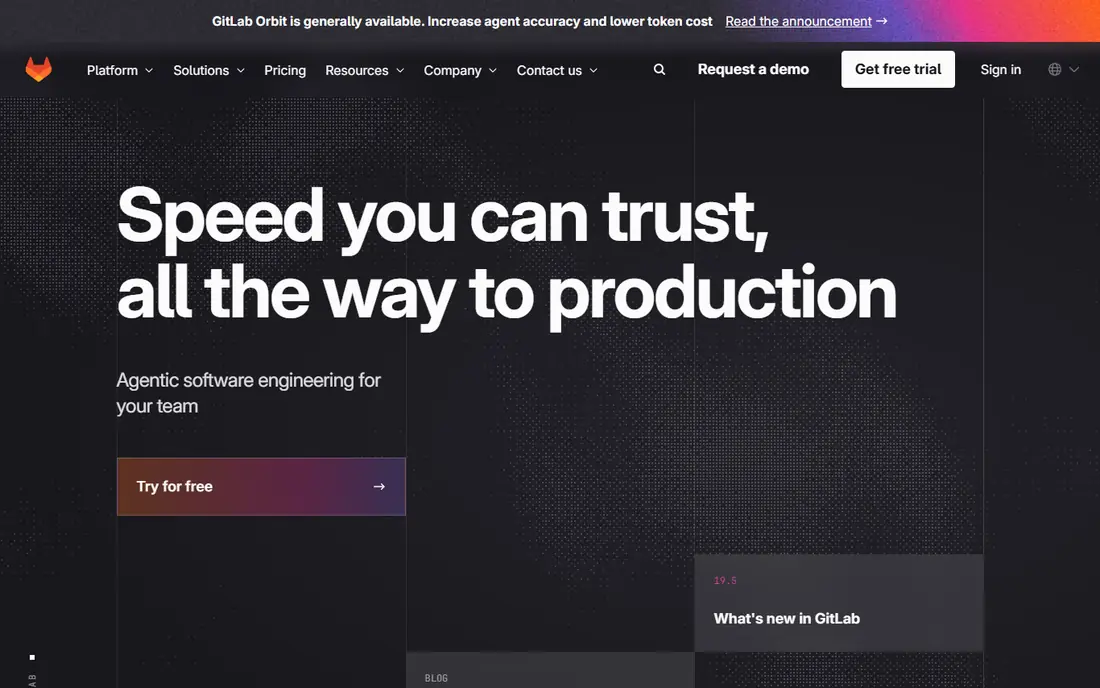
GitLab takes the opposite approach from GitHub: one application for planning, code, CI, security scanning, packaging and monitoring. Its DevSecOps features include static analysis, dependency scanning, container scanning, secret detection and compliance pipelines, all tied to merge requests and approvals.
The free tier on GitLab.com is capped at five users per private group, with Premium at $29 per user per month billed annually and Ultimate on a custom quote. Self-hosting suits teams with data residency rules. If you want one platform rather than several stitched tools, GitLab is our pick.
- Integrated CI, security scanning and compliance in one app
- Self-hosting option
- Strong pipeline controls
- Interface is broad and takes time to learn
- Higher tiers cost more than GitHub equivalents
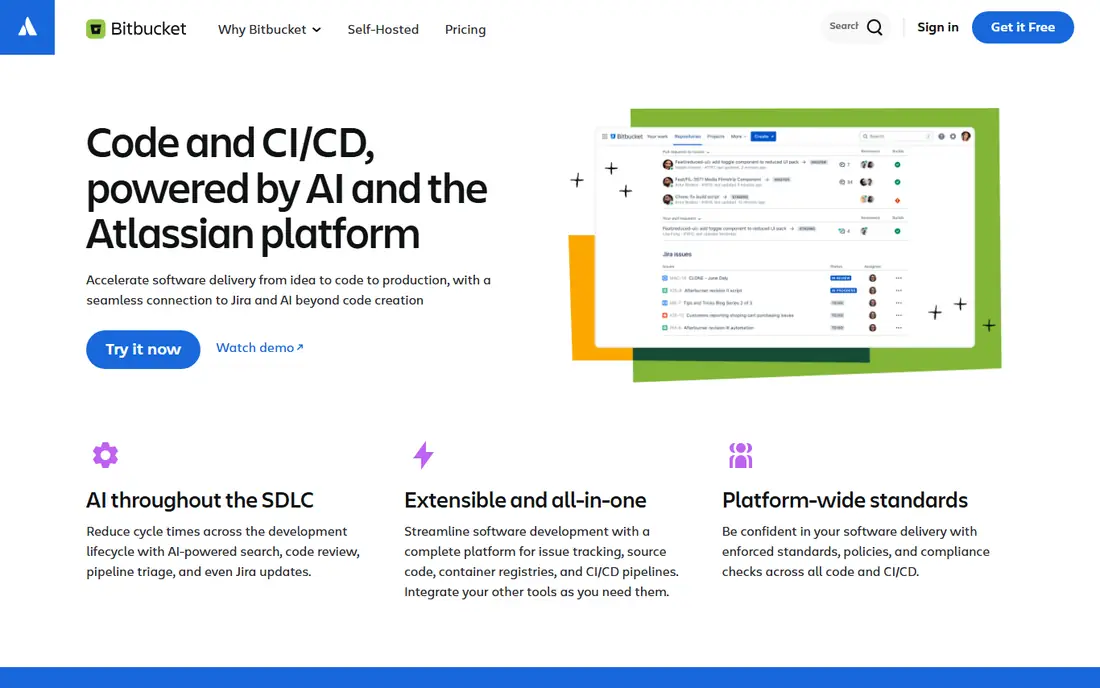
Bitbucket fits teams already running Jira and Confluence. Issues link to branches and pull requests automatically, so a reviewer can see the ticket, the change and the build status together. Pipelines provide built-in CI without a separate service, and branch permissions control who can merge to protected branches.
The free plan covers up to five users, with Standard at $3.65 per user per month and Premium at $7.25 per user per month on published pricing. It is less suited to teams that need the widest marketplace or the deepest built-in security scanning, but for Atlassian shops it reduces tool sprawl.
- Deep Jira integration
- Pipelines for CI
- Branch permissions and merge checks
- Smaller integration ecosystem than GitHub or GitLab
- Some advanced security tooling comes via add-ons
Azure Repos, part of Azure DevOps, gives Microsoft-centred teams Git hosting with enterprise identity and pipeline integration built in. Entra ID controls access, Azure Pipelines runs CI, and pull request policies enforce reviews, builds and work-item links before merging.
The first five users are free, then Basic plans cost $6 per user per month. TFVC support helps teams still migrating from centralised version control. If your organisation already runs Azure and Entra ID, Azure Repos is the lowest-friction DevSecOps choice, even if it lacks GitHub community reach.
- Git and TFVC support
- Tight Azure Pipelines and Entra ID integration
- Strong enterprise access controls
- Best value only inside the Microsoft stack
- Interface feels dated next to GitHub
Helix Core is not a Git host in the usual sense, but it is essential for teams whose repositories are mostly large binaries: game studios, chip designers and media teams. It versions large files efficiently, controls access down to individual files, and keeps a detailed audit trail for compliance.
Free use covers up to five users and 20 workspaces, with hosted P4 Cloud at $39 per user per month for teams up to 100. Git-centric teams should not adopt it casually, since workflows differ. For binary-heavy DevSecOps, where Git struggles, it is the proven option.
- Handles very large files and binary assets well
- Fine-grained access control
- Strong audit history
- Costs more than Git hosting
- Git users face a learning curve
Gitea is a small, fast Git forge you run yourself. It covers repositories, pull requests, issues and basic CI hooks, using far fewer resources than GitLab. That lightness makes it ideal for internal teams, labs and organisations that must keep code off public clouds.
Self-hosting is free and open source, with a paid Enterprise option for support. The trade-off is DevSecOps depth: scanning, compliance reports and advanced audit features need external tools or integrations. Choose Gitea when control and cost matter more than an all-in-one security suite.
- Free and open source
- Very light on resources
- Runs on modest hardware
- Security scanning and CI need add-ons or external tools
- Admin work falls on your team
Subversion, or SVN, remains in use where a centralised model fits compliance and access rules. A single central repository makes permissions, audit and backup simpler to reason about, and large files are handled without Git large file storage workarounds.
It is free and open source, with hosting available from providers such as Assembla. The downside is workflow: branching is costlier, offline work is limited, and modern CI and security tooling targets Git first. Keep SVN where legacy code or regulation demands it, and use Git for new projects.
- Free and mature
- Centralised model suits regulated workflows
- Handles large binary files better than plain Git
- Branching and merging are heavier than Git
- Fewer modern DevSecOps integrations
Mercurial offers distributed version control with a reputation for simplicity and clear commands. Teams that found Git confusing sometimes settle faster on Mercurial, and its performance on large repositories is solid. It supports branching, merging and hooks for CI and policy checks.
It is free and open source. The main risk is ecosystem size: fewer hosts, fewer integrations and fewer DevSecOps tools target Mercurial first. It suits small teams that value simplicity and self-hosting, but new teams should usually pick Git for long-term tool support.
- Free and open source
- Simpler to learn than Git for some teams
- Fast distributed workflows
- Smaller ecosystem than Git
- Hosting options have shrunk over time
RhodeCode helps organisations that run more than one version control system. Instead of separate hosts for Git, Mercurial and Subversion, teams get one permission model, one review flow and one audit trail. That unity helps compliance teams and mixed legacy estates.
Pricing is by quote, with a trial available, so budget holders need to request a figure. It is not a community forge, and it will not match GitHub for public collaboration. For enterprises consolidating several version control systems under one security policy, it is a practical fit.
- Hosts Git, Mercurial and Subversion in one system
- Enterprise permissions and audit
- Code review built in
- Pricing is not published as a simple starting figure
- Smaller community than GitHub or GitLab
Assembla provides managed repositories for Git, Subversion and Perforce, plus tickets, code review and deployment tools. Teams that need a managed, compliance-aware host without running their own servers get a middle path between public Git hosting and full self-hosting.
Plans start at $19 per user per month, with a trial. It suits regulated teams, agencies and enterprises with mixed version control needs. Open source projects and startups will usually get better value from GitHub or GitLab free tiers.
- Managed hosting for Git, Subversion and Perforce
- Compliance-friendly controls
- Tickets and code in one place
- Smaller ecosystem than the big Git platforms
- Pricing starts higher than basic Git hosting
How we picked these
We compared official product pages, pricing pages and documentation, and cross-checked them against current version control roundups. We kept only tools that exist and work in October 2026 and that genuinely support version control plus DevSecOps needs such as review, CI hooks, access control or scanning. We favoured a mix of cloud platforms, self-hosted forges and enterprise systems, so the list covers startups, regulated teams and binary-heavy studios rather than only Git hosts.
How to choose for DevSecOps
Start with your hosting rule. If code can live in a public cloud, GitHub or GitLab gives the deepest security tooling fastest. If code must stay inside your network, look at GitLab self-managed or Gitea plus external scanning. If you run Jira or Azure already, pick the tool that fits that stack to cut integration work.
Then check the security controls on your actual tier, not the marketing page. Confirm branch protection, required reviews, secret scanning, dependency alerts, signed commits and audit logs are included at the price you will pay. A cheap plan without secret scanning is a false saving for a DevSecOps team.
Finally, test the pipeline path. A tool that makes it easy to block a merge on a failed security scan will change behaviour more than a tool that only reports issues after release. Run a test repository through review, CI and a simulated secret leak before rolling the tool out to a whole team.
Frequently asked questions
What is the best version control tool for DevSecOps?
GitLab is the strongest all-in-one DevSecOps platform, since CI, scanning and compliance live in one app. GitHub is the best default for most teams, with a larger ecosystem and strong scanning on higher tiers. Pick GitLab for a single platform, GitHub for ecosystem reach.
Is GitHub free for DevSecOps teams?
GitHub free plans cover unlimited public and private repositories, with basic Actions and security alerts. Advanced security features such as code scanning at scale sit on paid tiers, so check your tier before relying on a specific control.
Do I need self-hosted version control for compliance?
Not always. Cloud platforms offer enterprise controls, audit logs and data residency options. Self-hosting with GitLab or Gitea matters most when a regulator or customer contract requires code to stay inside your own network.
Can Subversion still work for DevSecOps?
Yes, for legacy and regulated estates, especially where centralised permissions and audit matter. New projects usually suit Git better, since CI, scanning and review tooling targets Git first.
What security features should a DevSecOps version control tool have?
At minimum: branch protection, required code review, secret scanning, dependency alerts, signed commits and an audit log. Add static analysis and container scanning for teams shipping containers or public-facing services.
Sources
- https://github.com
- https://about.gitlab.com
- https://bitbucket.org
- https://azure.microsoft.com/en-us/products/devops/repos
- https://www.perforce.com/products/helix-core
- https://about.gitea.com
- https://subversion.apache.org
- https://www.mercurial-scm.org
- https://rhodecode.com
- https://www.assembla.com
- https://theknowledgeengineers.com/software-advice/version-control-software
- https://rankite.com/blog/best-source-code-management-tools
See where you really rank - block by block
ProMapRanker scans Google Maps across a grid of your service area. Simple monthly plans from $19, white-label on every plan.
Start freeKeep reading
 zscaler alternatives
Best Zscaler Alternatives in 2026
Looking for zscaler alternatives? We compare 9 SASE and zero trust platforms on architecture, data protection, pricing, and fit for your network and team.
Read → zapier alternatives free
Best Zapier Alternatives Free in 2026
Nine automation tools for zapier alternatives free in 2026, all with genuinely free tiers, plus free plan limits, starting prices and upgrade paths explained.
Read → which platform is best for online reputation
Which Platform Is Best for Online Reputation in 2026
Wondering which platform is best for online reputation? We compare 8 review, listing, and response tools for small and multi-location businesses and agencies.
Read →