 ProMapRanker
6 Best AI Content Generation Platforms for Teams in 2026

Teams that already live in Notion and want AI inside their docs · Pricing starts at: $20 per member/month (Business, billed annually)
Direct answer
This list puts Notion AI first for teams that already live in Notion and want AI inside their docs. Listed starting prices: Notion AI from $20 per member/month (Business, billed annually), Writesonic from $20 a month (Individual); $16 a month and ChatGPT Team from $25 per user/month; $20 per user/month. Writesonic fits solo writers and small budgets that require blog posts and short copy; ChatGPT Team fits general team writing, analysis, and custom GPTs in one workspace. Prices, free plans and limits for all 6 tools follow.
If you are comparing AI content generation platforms for teams, this page covers 6 tools in one place: what each is best for, what it costs to start, whether it has a free plan, and the main limit to know about.
Key takeaways
- Number one here is Notion AI, a fit for teams that already live in Notion and want AI inside their docs.
- For marketing teams that require brand voices, campaign workflows, and a knowledge base, Jasper is worth a look.
- Check the limits for Notion AI before you commit: full AI comes only with Business at $20 a member per month, so a team on Plus pays double for seats that may not need AI.
- Notion AI has the lowest monthly starting price in this list: $20 per member/month.
Quick comparison
| Pick | Great for | Pricing starts at | Free tier | |
|---|---|---|---|---|
| Notion AI | Teams that already live in Notion and want AI inside their docs | $20 per member/month (Business, billed annually) | No | Visit |
 Writesonic | Solo writers and small budgets that require blog posts and short copy | $20 a month (Individual); $16 a month (billed annually) | Yes | Visit |
 ChatGPT Team | General team writing, analysis, and custom GPTs in one workspace | $25 per user/month; $20 per user/month (billed yearly) | No | Visit |
 Anyword | Marketing copy scored for performance before it goes live | $49 a month (Starter); $39 per month (billed yearly) | Free trial (7 days) | Visit |
 Writer | Small teams that require a governed brand voice and approval controls | $29 per user/month (Starter, billed yearly) | Free trial (14 days) | Visit |
 Jasper | Marketing teams that require brand voices, campaign workflows, and a knowledge base | $39 a month (Creator, billed yearly); Pro $59 per seat/month | Free trial (7 days) | Visit |
The best AI content generation platforms for teams
Notion AI
Great for: Teams that already live in Notion and want AI inside their docs
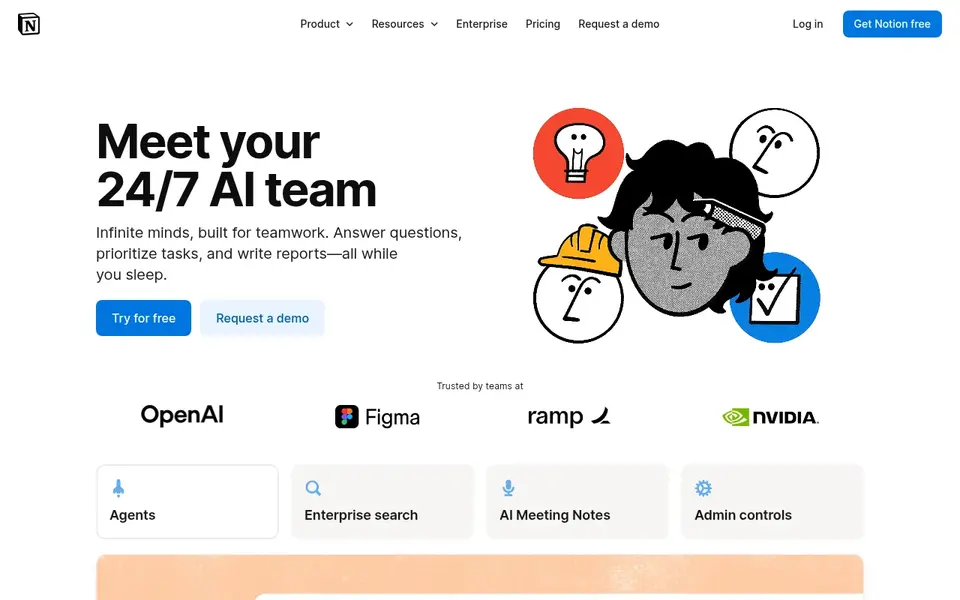
Notion AI is designed for teams that already live in Notion and want AI inside their docs. Notion AI is not something you can buy on its own. For everyday use, business costs $20 a member a month on annual billing, or $24 billed monthly, and comes with Notion Agent, Custom Agents, AI Meeting Notes, Enterprise Search in beta, SAML single sign-on, and private teamspaces.
Each Business seat bundles 1,500 Standard credits and 500 Select credits per month, with additional credits at $10 per 1,000 monthly credits. In practice, Notion retired its standalone AI add-on in May 2025 and folded full AI access into the Business plan. Entry price for Notion AI: $20 per member/month. Notion AI has no free plan.
- No separate AI add-on to handle
- Enterprise Search
- Full AI comes only with Business at $20 a member per month, so a team on Plus pays double for seats that may not need AI
Writesonic
Great for: Solo writers and small budgets that require blog posts and short copy

Writesonic targets solo writers and small budgets that require blog posts and short copy. Standard at $99 per month, or $79 on annual billing, layers on team seats, brand voice, and Surfer SEO integration. For everyday use, the free plan hands a small credit allowance to test the tool without a payment card.
Where it falls short: plan names and credit limits change commonly.
On top of that, generation limits also mean a team producing 50 blog posts per month will hit a wall on the entry level. As for the details, individual costs $20 per month, or $16 per month on annual billing, and spans the full template library, Article Writer 6.0, Chatsonic, and GPT-4 and Claude access. Worth adding: the Individual plan advertises unlimited words, but that unlimited level applies to outputs using Writesonic's own model, and premium models carry limits beyond the base allowance. Price to start with Writesonic: $20 per month. Writesonic includes a free tier. Highlights: Chatsonic for $20 a month.
- Article Writer
- A free plan with a small credit allowance lets you test it first
- Brand voice and bulk generation sit on the Standard plan at $99 a month
ChatGPT Team
Great for: General team writing, analysis, and custom GPTs in one workspace
In short, ChatGPT Team is for general team writing, analysis, and custom GPTs in one workspace. ChatGPT Team, renamed ChatGPT Business in August 2025, is OpenAI's self-serve team plan.
Where it falls short: the two-seat minimum sets a $40 to $50 monthly floor.
Premium seats cost $125 per month, or $100 on annual billing, and provide five times the Standard usage with no five-hour limit. The strength is adaptability: the same subscription drafts blog posts, examines spreadsheets with Python, creates images, and runs custom GPTs for repeat tasks. What you pay to start with ChatGPT Team: $25 per user/month. ChatGPT Team has no free plan.
- $20 on annual billing
- Data kept out of training by default
- No free trial and no free level for the team plan
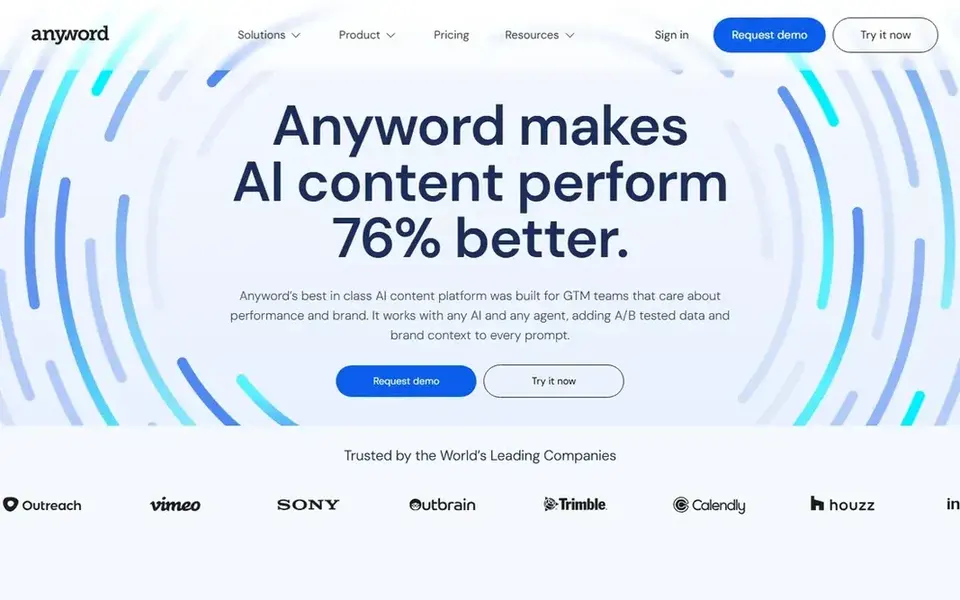
Anyword makes the most sense for marketing copy scored for performance before it goes live. Starter costs $49 a month, or $39 a month on annual billing, and includes one seat, one brand voice, the Blog Wizard, and unlimited copy generation, with 50 performance predictions per month on monthly billing and 100 on annual billing.
Points against: there is no permanent free plan.
In daily use, business and Enterprise are custom-quoted. What you pay to start with Anyword: $49 per month. Free access: Free trial (7 days).
- Unlimited copy generation on every level
- Every piece of copy gets a 0 to 100 performance score before publishing
- Starter is one seat with only 50 performance predictions per month
Writer
Great for: Small teams that require a governed brand voice and approval controls
Writer targets small teams that require a governed brand voice and approval controls. Writer meters usage in credits, and on the API side one credit is one US dollar.
So the seat price is not the entire bill. From a buyer's view, Writer is an enterprise generative AI product built on its own Palmyra model family, pitched at teams that need governed, on-brand content. Price to start with Writer: $29 per user/month. Free plan details: Free trial (14 days).
Drawbacks to consider: the seat price is not published on the pricing page, so confirm it in writing.
- Approval controls keep output on brand
- The product runs on its own Palmyra models with knowledge graph support
- Starter is capped at 5 users, 5 Playbooks, 3 connectors
Jasper
Great for: Marketing teams that require brand voices, campaign workflows, and a knowledge base
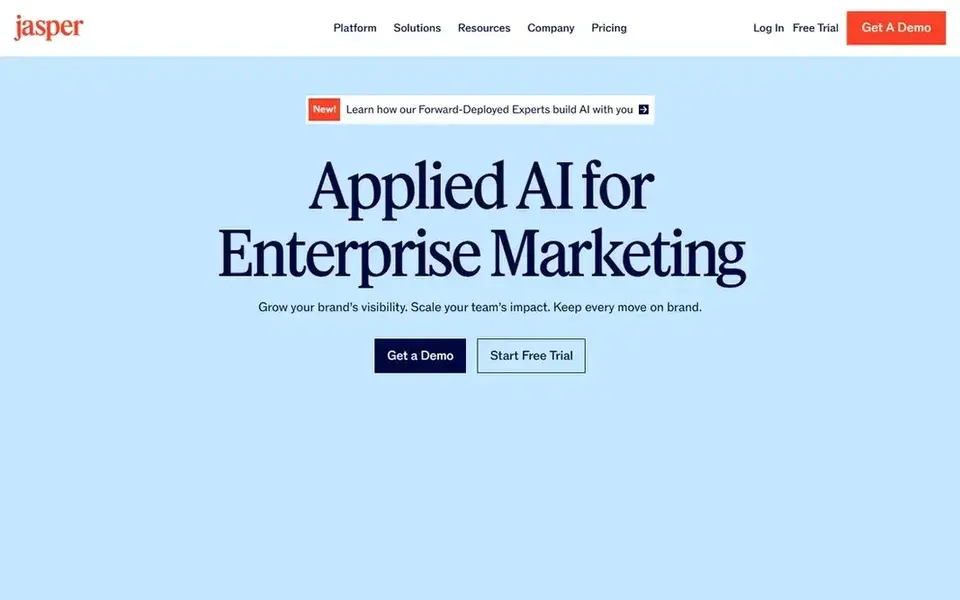
Jasper was built for marketing teams that require brand voices, campaign workflows, and a knowledge base. Jasper is an AI content platform aimed at marketing teams, running on Claude and GPT models with a layer of brand and workflow controls on top. The Pro plan is where Jasper delivers its value: campaign-level workflows, the Canvas workspace, and knowledge base connectors that ground output in your own documents.
Watch-outs: Creator is limited to one brand voice and one seat.
Reasons to shortlist it: a knowledge base keep long-form output on brand. Beyond that, creator costs $39 per month on annual billing, or $49 month-to-month, and handles one seat, one brand voice, and unlimited words with more than 50 templates. The SEO mode needs a separate Surfer SEO subscription, which begins at $99 per month, so budget it separately. Jasper starts at: $39 per month. Free plan details: Free trial (7 days).
- Unlimited words on every plan
- Campaign workflows
- The pricing page now leads with Pro and Business, so the Creator level may not be offered to new buyers
Questions to settle before buying
- Prices are a starting point; Notion AI shows $20 per member/month to start, so verify what your seat count would cost.
- Look at the free plan from Writesonic closely: its caps decide whether it is usable for real work.
- Run a trial of Anyword, Writer and Jasper with real work before paying for a year; your own workflow is the best test.
- Before choosing Notion AI, weigh its main limit: full AI comes only with Business at $20 a member per month, so a team on Plus pays double for seats that may not need AI.
- Ask Anyword which support channels and response times come with the plan you would buy.
- Confirm you can export your data from Jasper, so leaving later does not mean losing records.
Frequently asked questions
What is the best AI content generation system for teams?
Notion AI comes first here and is built for teams that already live in Notion and want AI inside their docs. Buyers with other needs may prefer Writesonic (for solo writers and small budgets that require blog posts and short copy) or ChatGPT Team (for general team writing, analysis, and custom GPTs in one workspace). Compare costs and limits first.
Do these tools publish their prices?
Yes. Every tool from Notion AI to Jasper shows a starting price, though seats, add-ons and billing terms still change the final cost.
Can I try these tools before paying?
Often, yes. Writesonic has a free plan and Anyword, Writer and Jasper offer a free trial. Use your own data and a real task during the test, and check what the free tier or trial limits before you rely on it.
What is the cheapest option for AI content generation platforms for teams in this list?
On published monthly entry prices, Notion AI is the lowest here at $20 per member/month. Entry price is only part of the cost, because seats, add-ons and billing terms can change the total.
Is Notion AI the right pick for everyone comparing AI content generation platforms for teams?
No single tool suits every team. Notion AI comes first because it fits teams that already live in Notion and want AI inside their docs, while Writesonic suits solo writers and small budgets that need blog posts and short copy and ChatGPT Team suits general team writing, analysis, and custom GPTs in one workspace. Match the tool to your own size, budget and workflow before deciding.
Sources
See where you really rank - block by block
ProMapRanker scans Google Maps across a grid of your service area. Simple monthly plans from $19, white-label on every plan.
Start freeBrowse all guides
← Team Software for Content Creation: Best Picks of 20266 Best In Class Content Workflow Management Tools for 2026 →
 best team content collaboration software
Best Team Content Collaboration Software (2026)
Best team content collaboration software in 2026: 6 tools with starting prices, free plans and limits. The weak spots sit next to the strengths. Easy to scan.
Read → best project management software for content teams
6 Best Project Management Software for Content Teams in 2026
6 best project management software for content teams, with entry costs, free tiers and the buyer each one serves. Short verdicts, no fluff. Read the profiles.
Read → top resource management software by user ratings
6 Best Resource Management Software by User Ratings for 2026
Top resource management software by user ratings: 6 contenders ranked by fit, with entry costs and free tiers. Short verdicts, no fluff. Decide faster.
Read → best resource scheduling software
Which Resource Scheduling Software Fits You? 6 Tools Compared
6 tools for the best resource scheduling software, compared on pricing, free plans and best-fit use. The catches are listed up front. Refreshed for 2026.
Read → best loose leaf tea companies
Best Loose Leaf Tea Companies in 2026
Compare the best loose leaf tea companies for black, green, oolong and herbal teas, with range, sourcing notes and what each shop does best for buyers.
Read → secureframe alternatives
6 Tools That Compete With Secureframe in 2026
Searching for Secureframe alternatives? Here are 6 options with prices and free plans. Price notes and drawbacks come with each one. Current for November 2026.
Read →More in Project Management & Productivity · All guides A to Z by date · Latest guides