 ProMapRanker
6 Best In Class Content Workflow Management Tools for 2026

Docs, briefs and content wikis in one place · Pricing starts at: $10 per member/month (billed yearly)
Direct answer
Start with Notion if you need docs, briefs and content wikis in one place. Listed starting prices: Notion from $10 per member/month, Airtable from $20 per user/month and Wrike from $10 per user/month. If your case is different, Airtable suits adaptable content databases and views and Wrike suits Gantt charts and proofing for content teams. Prices, free plans and limits for all 6 tools follow.
Short on time? The summary and table above give the quick view of 6 in class content workflow management tools, and the profiles that follow give the detail behind each entry.
Key takeaways
- Top of the list is Notion, which targets docs, briefs and content wikis in one place.
- For visual boards for content tasks, monday.com is worth a look.
- monday.com has the lowest monthly starting price in this list: $9 per seat/month.
- Free plans exist at 4 of 6 tools (Notion, Airtable, Wrike, monday.com).
Quick comparison
| Pick | Great for | Pricing starts at | Free tier | |
|---|---|---|---|---|
| Notion | Docs, briefs and content wikis in one place | $10 per member/month (billed yearly) | Yes | Visit |
 Airtable | Adaptable content databases and views | $20 per user/month (billed yearly) | Yes | Visit |
 Wrike | Gantt charts and proofing for content teams | $10 per user/month (billed annually) | Yes | Visit |
 GatherContent | Structured content collection and approval | Quote only | Free trial | Visit |
 StoryChief | Marketing teams that publish across channels | $59 a month (billed yearly) | Free trial | Visit |
 monday.com | Visual boards for content tasks | $9 per seat/month (billed annually) | Yes | Visit |
In Class Content Workflow Management Tools profiles
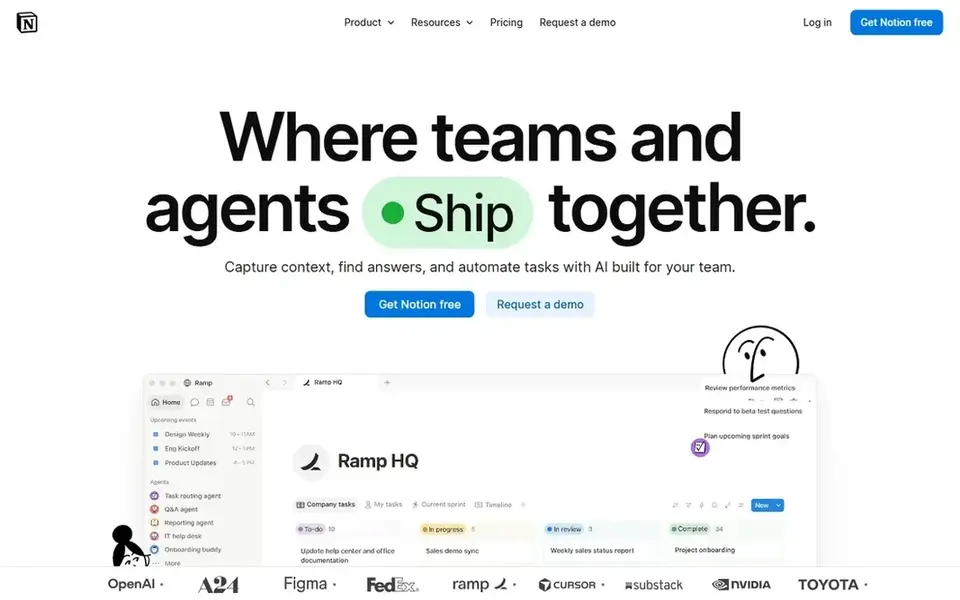
Notion is a good fit for docs, briefs and content wikis in one place. Business costs $20 per member a month billed yearly and brings full Notion AI, 90-day page history and single sign-on.
Where it is weaker: Free plan file uploads are restricted to 5 MB and page history is restricted to 7 days.
On top of that, choose Notion if briefs and research notes should live in one connected wiki. Notion starts at: $10 per member/month. A free plan is available with Notion.
- Plus at $10 per member/month billed yearly brings unlimited collaborative blocks
- Business brings full Notion AI
- Full Notion AI is only on Business at $20 per member/month billed yearly
Airtable is built with adaptable content databases and views in mind. Business costs $45 per user a month billed yearly and comes with 125,000 records per base.
What to check first: the Free plan record limit of 1,000 per base forces an upgrade for large content sets.
As for the details, Airtable charges for users with edit permission on a minimum of one base, whereas read-only collaborators are not charged on the same basis, so count editor Team costs $20 per user a month billed yearly, or $24 per user a month billed monthly. It includes 50,000 records per base, 20 GB of attachment storage per base, extensions, standard sync and priority support. Airtable pricing: $20 per user/month. Airtable includes a free tier. Strengths: calendar.
- Team contains 50,000 records per base and 20 GB of attachment storage per base
- Free plan costs $0 with 1,000 records per base
- Business costs $45 per user/month billed yearly
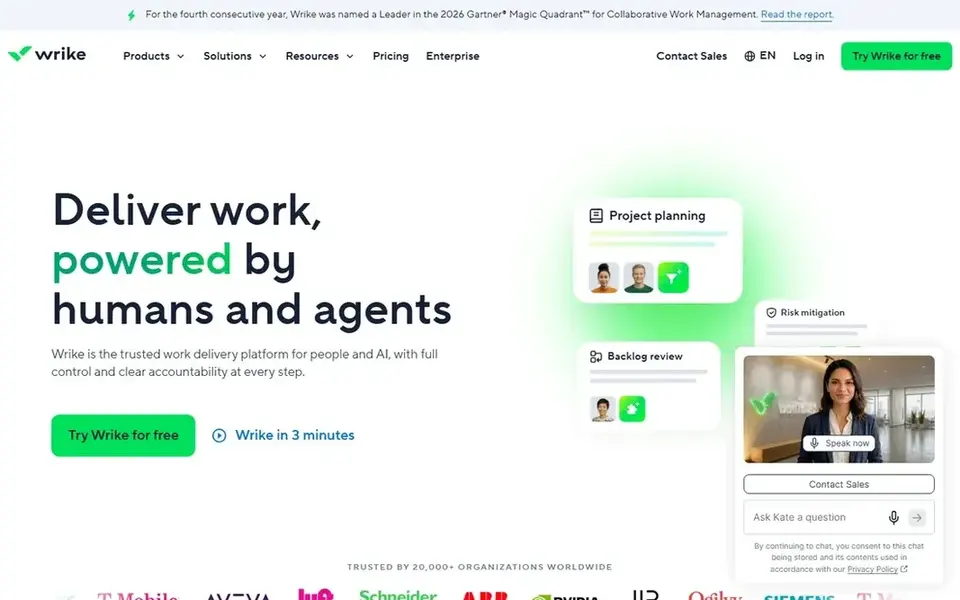
Wrike serves Gantt charts and proofing for content teams. Business brings proofing and approvals, request forms, time tracking, resource and capacity planning, reusable templates and standard integrations.
What to check first: Business costs $25 per user/month billed yearly and is needed for proofing and time tracking.
In practice, Wrike publishes no monthly price for Team or Business. Its pricing FAQ states that Business plans and above are available only as annual subscript On cost, Wrike starts like this: $10 per user/month. You can start on Wrike without paying.
- Free plan costs $0 with essential task management
- Team at $10 per user/month billed yearly layers on Gantt charts
- Business and above are sold only as annual subscriptions, with no published monthly price
GatherContent is a good fit for structured content collection and approval. GatherContent is a content operations system that helps teams build, collect, categorise, approve and publish content in a single location, without relying on documents and spreadsheets.
Honest limits: No published price, so budgeting needs a sales quote.
GatherContent does not show a fixed starting price, so you request a quote. Free options: Free trial.
- Structured templates for collecting content from plenty of contributors
- Made for content operations instead of general task lists
- Only a free trial
StoryChief targets marketing teams that publish across channels. StoryChief Starter costs $59 a month billed yearly, or $69 a month billed monthly, and it bundles 1 user, 4 social channels, 25 articles a month, 15,000 AI credits a month and 2 websites.
Upsides: approval workflows and campaign analytics on Growth.
Drawbacks to consider: Starter is limited to 1 user.
That plan brings approval workflows, tasks and deadlines, broadcasts, AI Visibility tracking, campaign analytics and Content Audit. StoryChief cost at the entry level: $59 per month. Free access: Free trial.
- 25 articles a month and 15,000 AI credits a month on Starter
- Shared editing and inline comments on Starter
- 4 social channels and 25 articles a month
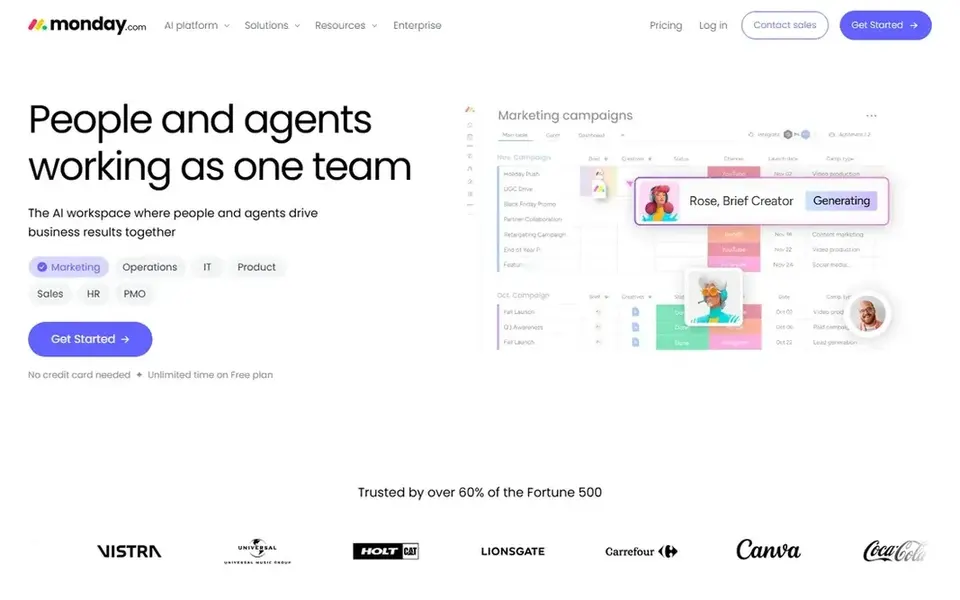
monday.com serves visual boards for content tasks. monday.com Free costs $0 for up to 2 seats, with 3 boards, 3 Docs and 200 plus templates.
Where it falls short: Entry-level has no automations or integrations.
Entry plans start at a 3-seat minimum, and seats then come in buckets of 5, 10, 15 and higher. So a team of 6 people on Standard pays for 10 seats, or Price to start with monday.com: $9 per seat/month. monday.com has a free plan.
What monday.com does well: Pro at $19 layers on 25,000 automation and integration actions a month.
- 3 boards and 3 Docs
- Standard at $12 per seat/month billed yearly brings 250 automation and 250 integration actions a month
- Entry plans start at 3 seats and seats are sold in buckets, so a team of 4 buys 5 seats
How we built this list
For each of the 6 tools we noted price, free plan or trial, fit for in class content workflow management tools and the main limit, using vendor pages and documentation. Figures are shown as the vendors publish them. Billing terms, seat minimums and add-ons can change the real cost. Position on the page reflects fit for a typical buyer first, with price clarity and free access breaking ties. Treat it as a guide, not a ruling.
Questions to settle before buying
- Get a written quote from GatherContent; the list shows no starting price for them.
- Read the fine print on the free plans from Notion, Airtable, Wrike and monday.com; seat, project and feature caps differ.
- Use real work to test the free trial from GatherContent and StoryChief, rather than a demo project.
- Before choosing Notion, weigh its main limit: full Notion AI is only on Business at $20 per member/month billed yearly.
- Involve the people who will use Airtable daily; a short pilot beats a long feature checklist.
- Before you load data into StoryChief, check what an export looks like and who can run it.
Frequently asked questions
What is the cheapest option for in class content workflow management tools in this list?
On published monthly entry prices, monday.com is the lowest here at $9 per seat/month. Entry price is only part of the cost, because seats, add-ons and billing terms can change the total. Each of the 6 options in this in class content workflow management tools guide has its own card above with the price, free plan and limits.
How are the in class content workflow management tools ordered?
Notion sits first and monday.com last because the order follows typical fit for in class content workflow management tools, then price clarity and free access. It is a judgement call, so read each profile for fit and limits.
Can I try these options before paying?
Often, yes. Notion, Airtable, Wrike and monday.com have a free plan and GatherContent and StoryChief offer a free trial. Use your own data and a real task during the test, and check what the free tier or trial limits before you rely on it.
Which in class content workflow management tools have a free plan?
On this list, Notion, Airtable, Wrike and monday.com include a free plan. Caps on seats, usage or features are common, so test the free plan against your real workload. Several others offer a trial instead.
Sources
See where you really rank - block by block
ProMapRanker scans Google Maps across a grid of your service area. Simple monthly plans from $19, white-label on every plan.
Start freeBrowse all guides
← 6 Best AI Content Generation Platforms for Teams in 20265 Best Platforms for Managing Large Content Teams in 2026 →
 best team software for content creation
Team Software for Content Creation: Best Picks of 2026
Searching for the best team software for content creation? Here are 6 options with prices and free plans. Verdicts stay brief and factual. Checked this month.
Read → best team content collaboration software
Best Team Content Collaboration Software (2026)
Best team content collaboration software in 2026: 6 tools with starting prices, free plans and limits. The weak spots sit next to the strengths. Easy to scan.
Read → best project management software for content teams
6 Best Project Management Software for Content Teams in 2026
6 best project management software for content teams, with entry costs, free tiers and the buyer each one serves. Short verdicts, no fluff. Read the profiles.
Read → best secret shopper apps
Best Secret Shopper Apps in 2026
Best secret shopper apps in 2026: we compare 9 mystery shopping apps, from Field Agent and Gigwalk to Mobee, on pay rates, payout speed and task types.
Read → electron alternatives
Best Electron Alternatives in 2026
Searching for electron alternatives? We compare 9 desktop app frameworks on size, performance, language, and fit for web, native, and cross-platform teams.
Read → best remote support software
Best Remote Support Software in 2026
Looking for the best remote support software? We compare 9 tools on price, security, session controls, and fit for helpdesks, MSPs, and small teams in 2026.
Read →More in Project Management & Productivity · All guides A to Z by date · Latest guides