 ProMapRanker
5 Best Platforms for Managing Large Content Teams in 2026
Direct answer
If you need enterprise content delivery with control, Wrike is the first tool to look at here. Listed starting prices: ClickUp from $9 per user per month, Airtable from $20 per user a month and Monday.com from $9 per seat a month. ClickUp is the stronger choice for consolidating content work in one app, while Airtable suits custom content databases and workflows. Details, prices and limits for the rest of the 5 tools are below.
This ProMapRanker guide covers 5 platforms for managing large content teams. Each profile lists a starting price, free plan details, strengths and drawbacks, so you can drop poor fits quickly.
Key takeaways
- This list starts with Wrike, which is built for enterprise content delivery with control.
- Asana suits structured editorial workflow management.
- ClickUp, Airtable, Monday.com, Asana: these are the 4 tools out of 5 that offer a free plan.
- Starting prices begin at $9 per user per month with ClickUp.
- Before buying ClickUp, weigh this: breadth can overwhelm new users.
Quick comparison
| Pick | Great for | Pricing starts at | Free tier | |
|---|---|---|---|---|
 Wrike | Enterprise content delivery with control | See website | Not stated | Visit |
 ClickUp | Consolidating content work in one app | $9 per user per month | Yes | Visit |
 Airtable | Custom content databases and workflows | $20 per user a month | Yes | Visit |
 Monday.com | AI-assisted workspace for content operations | $9 per seat a month | Yes | Visit |
 Asana | Structured editorial workflow management | $10.99 per user a month | Yes | Visit |
Tool-by-tool breakdown
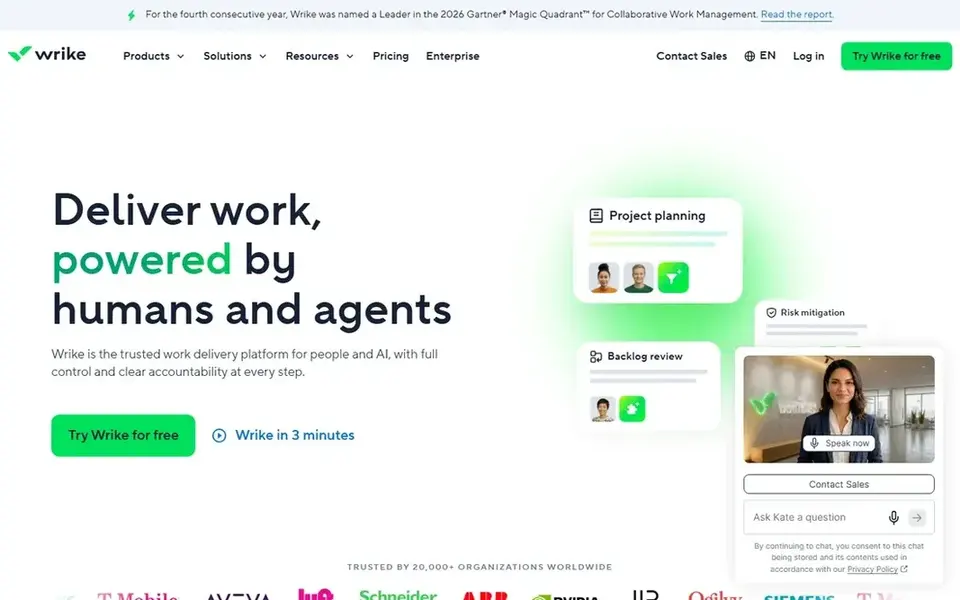
Wrike is aimed squarely at enterprise content delivery with control. Wrike positions itself as an AI-powered enterprise work management product and a trusted work delivery system for people and AI, helping enterprises reach outcomes quicker without losing control of how work gets done. The enterprise focus assumes mature processes, so smaller or less structured content teams may find it more system than they need.
Large content organizations with formal review cycles, numerous stakeholders and compliance expectations fit this profile well. Also, if governance is not a priority, a flexible workspace like Monday.com or a more straightforward board tool may be simpler to run. Check the vendor site for Wrike pricing; none is listed in this comparison. As for free access: Not stated.
Watch-outs: Needs process maturity.
- Made for people and AI collaboration
- Enterprise work management focus
- Enterprise orientation may feel heavy
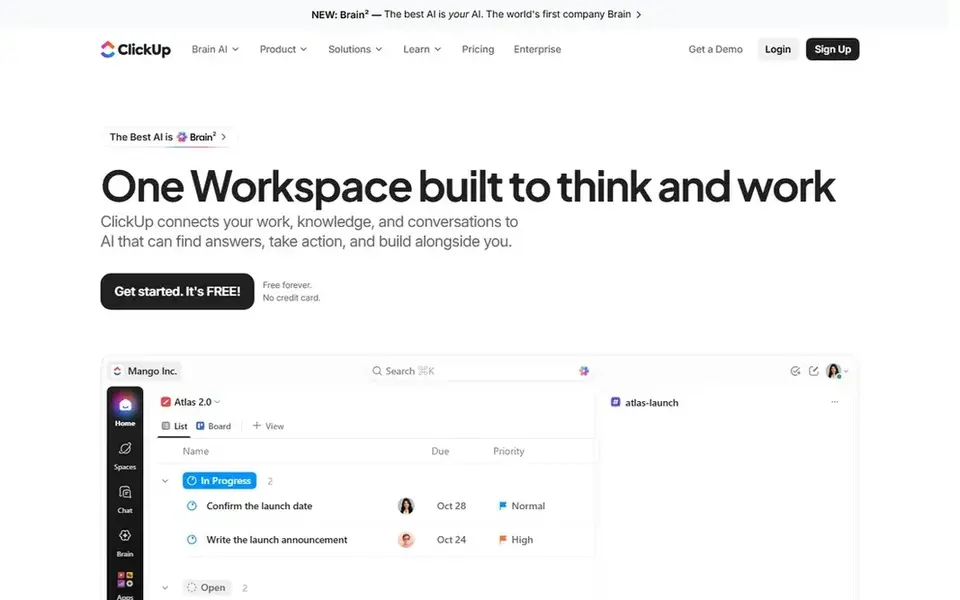
Pick ClickUp if this describes you: consolidating content work in one app. For large content teams, that breadth means briefs, production tasks, documentation and goal tracking can share a single environment.
What to check first: Breadth can overwhelm new users.
Entry price for ClickUp: $9 per user per month. You can start on ClickUp without paying.
- Wide feature coverage
- Goals and Chat together
- Needs configuration discipline
Airtable is aimed squarely at custom content databases and workflows. Building a custom base takes planning, and someone must maintain the structure as the team grows.
On cost, Airtable starts like this: $20 per user per month. A free plan is available with Airtable.
The main drawbacks: Custom builds need continuing ownership.
- Apps and agents
- Live collaboration
- Structure decisions take effort upfront
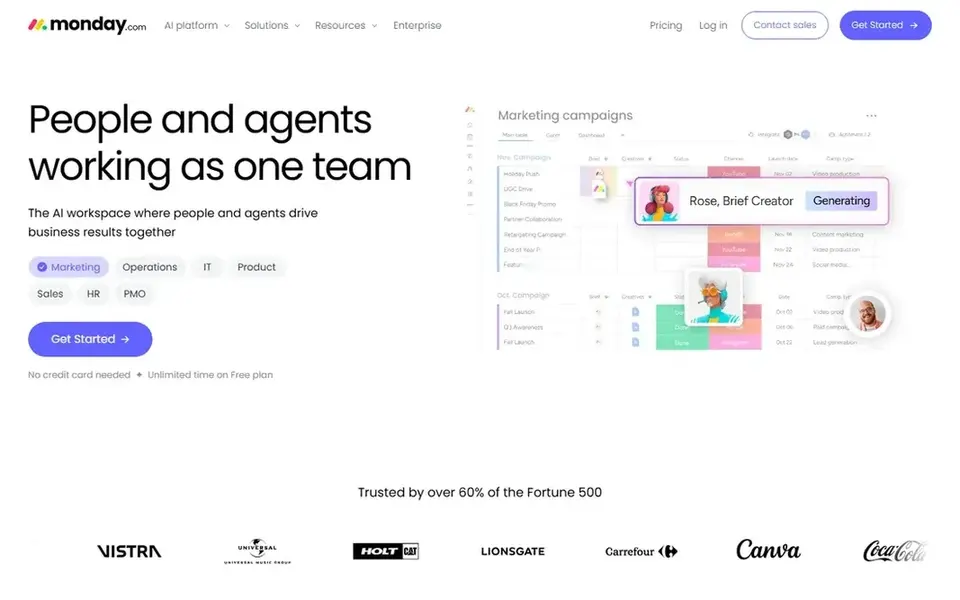
Monday.com was built for AI-assisted workspace for content operations. For content organizations, this means campaign planning, production tracking and cross-team coordination can live in one workspace with automation support.
On top of that, since the workspace is highly adaptable, large teams can drift into inconsistent board designs except when someone owns standards. Monday.com starts at: $9 per seat per month. Monday.com has a free plan.
Watch-outs: Flexibility can invite inconsistent setups.
- AI agents alongside people
- Workspace spanning several work types
- Large workspaces need governance
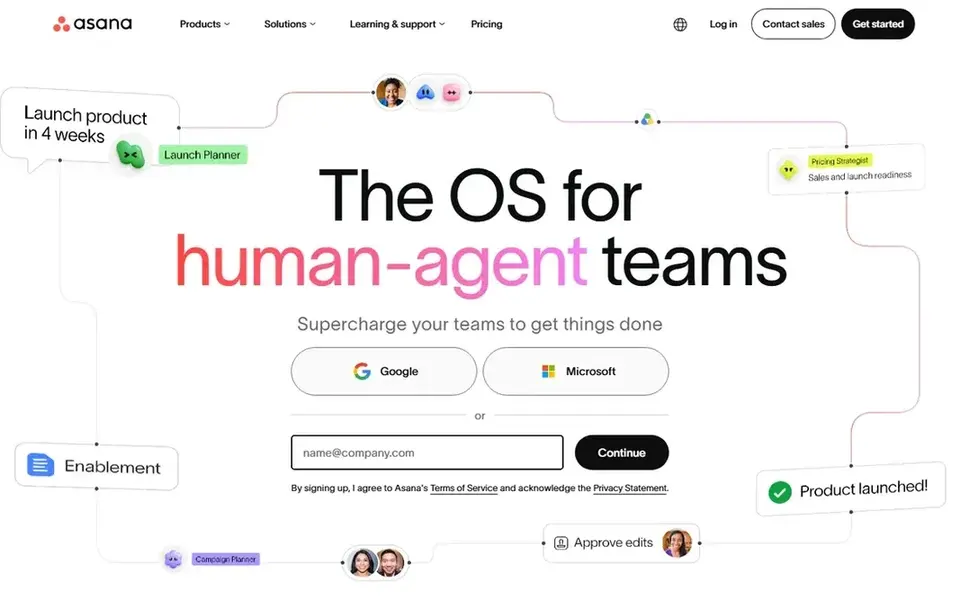
Asana is designed for structured editorial workflow management. Asana is work management software for teams and AI agents, built to plan, automate and execute critical workflows together.
What to check first: Advanced control needs configuration.
The system rewards teams that invest time in building consistent project structures. So a fast-moving team without a process owner may find it heavy. Asana starts at: $10.99 per user per month. You can start on Asana without paying.
- Automation for recurring workflows
- Shared execution across teams
- Setup needs deliberate structure
Our selection method
We compared the tools on published pricing, free plan or trial availability, feature coverage for platforms for managing large content teams, and the limits each vendor documents. Prices and plan limits come from vendor pages and can change, so confirm them on the vendor site before you buy. The ranking is editorial: typical fit first, then clear pricing, then free access. If your needs are unusual, read the profiles rather than relying on position.
Questions to settle before buying
- Confirm the entry price on the vendor page. For Wrike that means a quote rather than a fixed price.
- Look at free plan limits closely: ClickUp, Airtable, Monday.com and Asana have one, and the caps decide whether it is usable for real work.
- Read the limits listed for Wrike first: enterprise orientation may feel heavy.
- Check whether Asana bills monthly or annually, and what cancelling early costs.
- Check whether the features you need in Monday.com sit on the entry plan or only on higher tiers.
Frequently asked questions
What is the cheapest option for platforms for managing large content teams in this list?
On published monthly entry prices, ClickUp is the lowest here at $9 per user per month. Entry price is only part of the cost, because seats, add-ons and billing terms can change the total. For the full picture, the cards above cover all 5 entries of this platforms for managing large content teams list, including price, free plan and limits.
Do these tools publish their prices?
Not all of them. Wrike publishes no starting price, so expect a quote request for it. The rest, ClickUp included, show a starting price, though seats and billing terms still change the final cost.
How are the tools for platforms for managing large content teams ordered?
Wrike sits first and Asana last because the order follows typical fit for platforms for managing large content teams, then price clarity and free access. It is a judgement call, so read each profile for fit and limits.
Which product is a good match for a large content team with complicated approvals?
This list starts with Wrike, which fits enterprise content delivery with control. For other needs, ClickUp is aimed at consolidating content work in one app, and Airtable at custom content databases and workflows. Check each tool's price and main limit first.
Which options for platforms for managing large content teams have a free plan?
ClickUp, Airtable, Monday.com and Asana offer a free plan in this list. Free plans usually cap users, projects or features, so check the limits on the vendor page.
Sources
See where you really rank - block by block
ProMapRanker scans Google Maps across a grid of your service area. Simple monthly plans from $19, white-label on every plan.
Start freeBrowse all guides
← 6 Best In Class Content Workflow Management Tools for 20266 Best Writing Platforms with Content Detection Options for 2026 →
 best ai content generation platforms for teams
6 Best AI Content Generation Platforms for Teams in 2026
Weighing the best AI content generation platforms for teams? We lined up 6 products by cost, free access and fit. Each pick lists its main limit. No hype.
Read → best team software for content creation
Team Software for Content Creation: Best Picks of 2026
Searching for the best team software for content creation? Here are 6 options with prices and free plans. Verdicts stay brief and factual. Checked this month.
Read → best team content collaboration software
Best Team Content Collaboration Software (2026)
Best team content collaboration software in 2026: 6 tools with starting prices, free plans and limits. The weak spots sit next to the strengths. Easy to scan.
Read → best digital signage software for offices
Best Digital Signage Software for Offices in 2026
Find the best digital signage software for offices for lobby screens, meeting rooms, and internal news, with per-screen pricing and free plans compared.
Read → best pomodoro app
Best Pomodoro App in 2026: 8 Apps Compared
Looking for the best pomodoro app for study and work? We compared 8 timers on price, tasks, blocking, and sync to help you pick one that fits your day.
Read → asana alternatives free
Asana Alternatives Free in 2026
Compare free Asana alternatives with real free plans, limits, and paid prices, so you can run team projects today without paying for seats you do not need.
Read →More in Project Management & Productivity · All guides A to Z by date · Latest guides