 ProMapRanker
Best Digital Signage Software for Offices in 2026

Key takeaways
- Yodeck and OptiSigns offer the lowest-cost starts for offices, with free tiers for one to three screens.
- ScreenCloud and Appspace suit larger offices that need permissions, integrations, and workplace tools in one platform.
- Per-screen pricing adds up fast, so price the total for every screen, not just the first one.
- Check hardware compatibility before buying, since some platforms need a specific player or smart TV app.
- Offline playback, scheduling, and proof of play matter more for offices than flashy templates alone.
Quick comparison
| Pick | Great for | Pricing starts at | Free tier | |
|---|---|---|---|---|
 Yodeck Yodeck | Low-cost office screens | $8 per screen per month | Yes | Visit |
 OptiSigns OptiSigns | Easy setup and app library | $10 per screen per month | Yes | Visit |
 ScreenCloud ScreenCloud | Corporate internal comms | $20 per screen per month | Free trial | Visit |
 Appspace Appspace | Workplace comms and rooms | See website | Free trial | Visit |
 Rise Vision Rise Vision | Alerts and templates | $11 per display per month | Free trial | Visit |
 TelemetryTV TelemetryTV | Live data dashboards | $8 per device per month | Free trial | Visit |
 NoviSign NoviSign | Drag-and-drop content | $14 per screen per month | Free trial | Visit |
 Play Digital Signage Play Digital Signage | Simple lean teams | $7.20 per screen per month | Yes | Visit |
The best digital signage software for offices
Office signage covers lobby welcome screens, meeting room displays, internal news, safety messages, and live dashboards. The best platform is the one your team will actually update, on hardware you already own, at a per-screen price that still makes sense at full rollout.
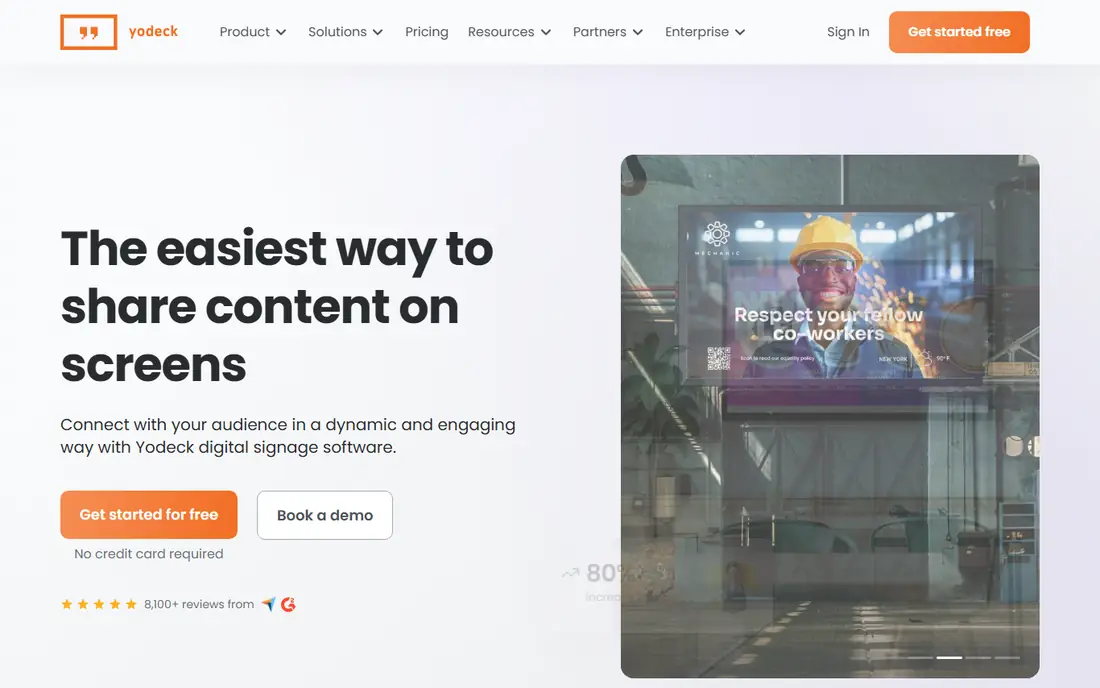
Yodeck is our pick for offices starting with a few screens. The free tier covers one screen, and paid plans start low per screen, which makes it easy to test a lobby or break room display before rolling out wider. Remote management, scheduling, and playlists work from a single dashboard.
Hardware is the main extra cost. Yodeck centres on Raspberry Pi players, which are affordable but still add a per-screen cost and a device to maintain. For a small office, that trade-off is fair, but larger offices should price players, mounts, and cabling alongside the subscription.
- Free for one screen
- Simple remote management
- Bundled player options
- Advanced enterprise features need higher plans
- Player hardware adds cost at scale
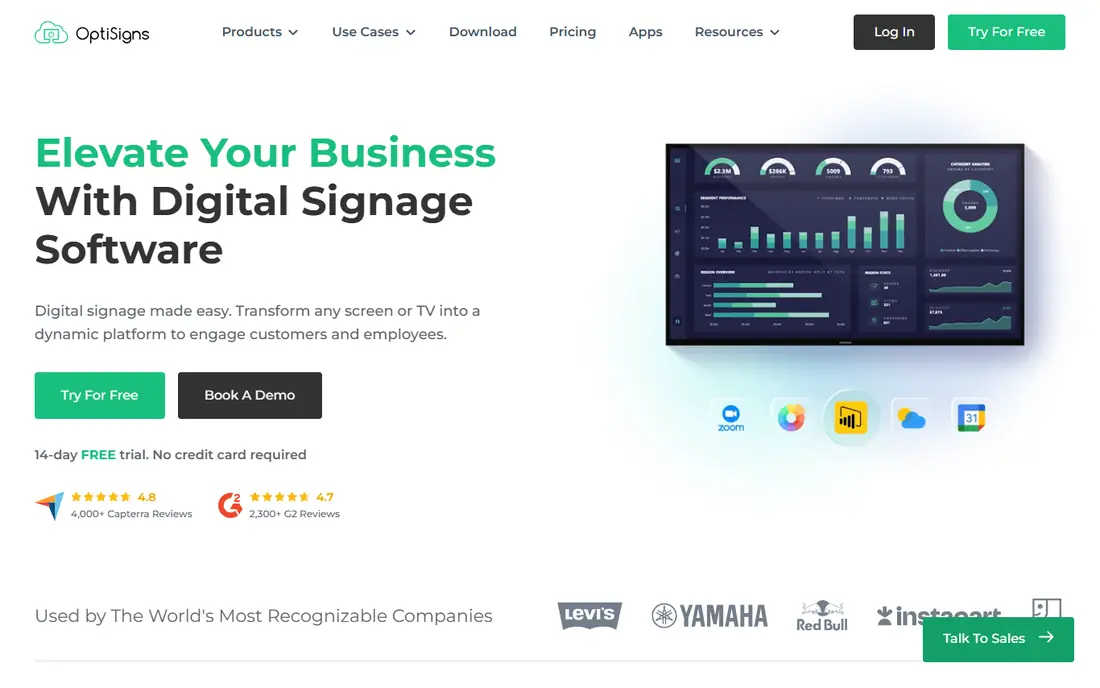
OptiSigns suits offices that want a fast setup and a lot of ready-made apps. The free tier covers up to three screens, which is enough for a lobby, a meeting area, and a break room test. Apps for calendars, weather, social feeds, and dashboards save design time for busy office managers.
The free tier carries branding, so customer-facing lobby screens may need a paid plan for a clean look. Device support is broad, including Fire TV and Raspberry Pi, which helps offices reuse existing hardware. Support is also a noted strength for teams without dedicated IT staff.
- Free for up to three screens
- Large app and integration library
- Broad device support
- Free tier includes branding
- Some advanced features need higher plans
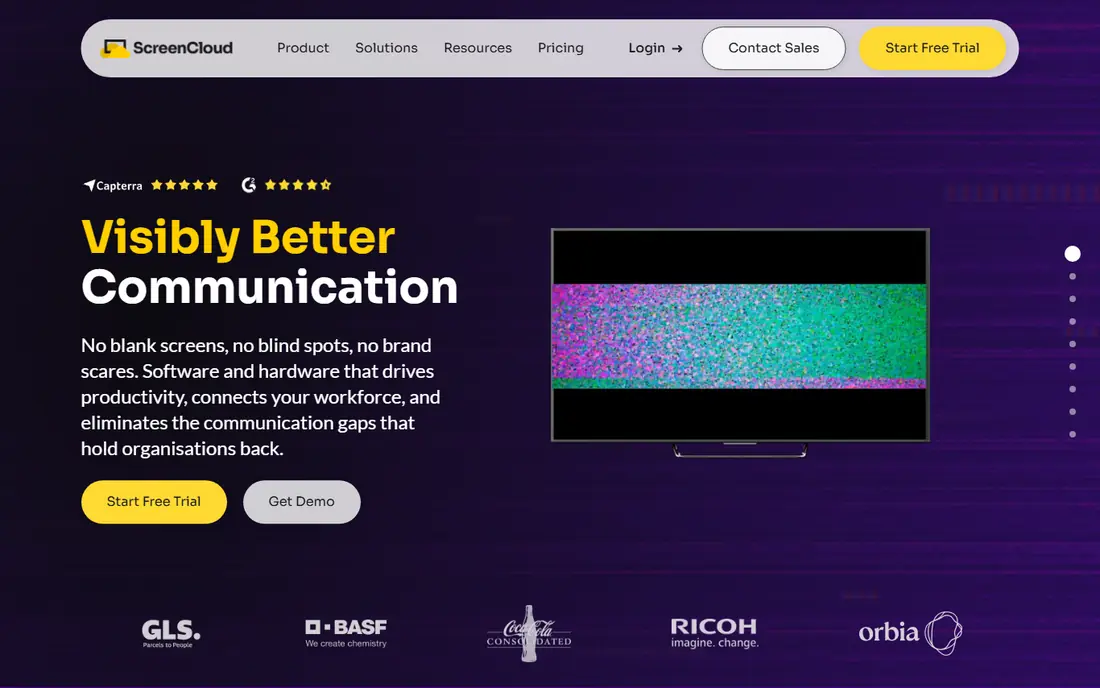
ScreenCloud fits larger offices and multi-location companies that need control over who publishes what. Permissions, screen groups, and approval workflows help internal comms teams keep lobby and office screens accurate and on-brand. Integrations with workplace tools, including Microsoft 365, help teams pull in calendars and dashboards.
The price is higher than budget rivals, so small offices with two or three screens may find better value elsewhere. For companies where governance, security, and support matter more than the lowest per-screen price, ScreenCloud is a strong choice.
- Strong permissions and governance
- Broad app library
- Good for multi-location offices
- Higher per-screen price
- No permanent free tier
Appspace suits offices that want signage as part of a wider workplace platform. Alongside screens, it covers employee communications, room reservations, desk booking, and visitor-facing displays. That breadth helps companies that are already consolidating workplace tools.
Pricing is quoted, so get a figure for your screen count and user count before comparing it with per-screen rivals. Small offices that only need a lobby screen will find it more platform than they need, while larger workplaces may save money by replacing several tools at once.
- Signage plus room booking and desk booking
- Employee comms in one platform
- Enterprise controls
- Quote-based pricing
- More platform than a small office needs
Rise Vision is known for schools, but its template library and alert tools also suit offices. Templates speed up common screens, such as welcome messages, safety notices, and event schedules, while emergency messaging can push an alert to every screen at once. Screen sharing adds a useful meeting room option.
Office buyers should check which plan includes the alert and sharing features they need, since not every feature sits on the entry tier. For offices that value alerts and ready-made templates over deep integrations, Rise Vision is a practical pick.
- Large template library
- Emergency alert tools
- Screen sharing options
- Education pricing focus can confuse office buyers
- Some features need higher plans
TelemetryTV suits offices where screens show live data, not just announcements. Sales boards, operations dashboards, project metrics, and calendar feeds update in real time, which helps teams in open-plan offices and operations rooms. Layout tools are flexible for mixed content.
For general office news and welcome screens, its template library is thinner than OptiSigns or Rise Vision. Choose TelemetryTV when data is the main content, and pair it with a simple announcement layout for the rest of the office.
- Strong live data and dashboard apps
- Good for operations and sales boards
- Flexible layouts
- Less template depth for general office news
- Pricing varies by device tier
NoviSign suits office managers and reception teams who create content without a designer. The drag-and-drop editor is simple, and AI help can draft layouts and text for common screens. That lowers the barrier for teams that update screens weekly but lack design staff.
The per-screen price is higher than Yodeck or OptiSigns, so offices with many screens should compare totals carefully. For a small office where ease of creation matters more than the lowest price, NoviSign is a good fit.
- Easy drag-and-drop editor
- AI help for content creation
- Good for non-designers
- Higher price than budget rivals
- Smaller integration list than ScreenCloud
Play Digital Signage is a lean, budget-friendly option for offices that want simple cloud signage without enterprise extras. The first screen is free, and paid plans start low, which makes it easy to test before a wider rollout. Hardware compatibility is broad, so many offices can reuse existing screens and players.
The app library and governance features are smaller than on ScreenCloud or Appspace. For a small office that mainly needs scheduled announcements, welcome screens, and basic dashboards, that simplicity is a benefit, not a drawback.
- First screen free
- Simple cloud dashboard
- Broad hardware compatibility
- Smaller app library than OptiSigns
- Fewer enterprise governance features
How we picked these
We compared official pricing pages, free tiers, and feature pages, plus 2026 digital signage comparisons. We looked for platforms that work for office use, including lobby, meeting room, and internal comms screens, and that are available to new buyers in October 2026. We kept a mix of budget, mid-range, and enterprise options, rather than listing only retail-focused tools.
How to choose office signage software
Start with screen count and content. Count every screen you plan to run in the first year, including lobby, meeting rooms, break rooms, and operations areas. Price the subscription for that total, since a low first-screen price can still grow into a large annual bill at ten or twenty screens.
Next, check hardware. Some platforms run on a smart TV browser, some need a Fire TV stick, and some need a dedicated player. Test your chosen hardware with the trial, including offline playback when the network drops, since a blank screen in a lobby looks worse than a slightly older slide.
Also check who will update content. A platform with strong templates and a simple editor suits office managers, while a platform with permissions and approvals suits internal comms teams in larger companies. Assign one owner per screen group, and set a weekly update routine, so screens do not go stale.
Finally, test scheduling and alerts. Time-based playlists, dayparting, and emergency alerts matter for offices with shift workers and visitors. Check proof of play reporting if you need to show that safety or compliance messages actually appeared on screen.
Frequently asked questions
What is the best digital signage software for offices?
Yodeck and OptiSigns lead for small offices on price and ease, while ScreenCloud and Appspace lead for larger offices that need governance and workplace integrations. Start with screen count and content owner, then choose the tier that fits both.
What are the best digital office signage platforms for a lobby screen?
OptiSigns, Yodeck, and ScreenCloud all suit lobby screens, with templates for welcome messages, visitor info, and company news. Choose a paid plan for a lobby screen when the free tier adds branding or limits scheduling.
Is there free digital signage software for offices?
Yodeck is free for one screen, OptiSigns is free for up to three screens, and Play Digital Signage offers a free first screen. Free tiers usually limit screens, add branding, or limit features, so check those limits before a full rollout.
How much does digital signage software cost per screen?
Published cloud rates in 2026 generally run from about $7 to $20 per screen per month, with enterprise platforms quoted separately. Add player hardware, mounts, and cabling to the software price for a true per-screen total.
Do I need special hardware for office signage?
Not always. Many platforms run on a smart TV browser or a low-cost streaming stick, while larger rollouts benefit from dedicated players for reliability. Test your hardware during the trial, including offline playback and remote reboot options.
Can office signage show meeting room bookings?
Yes, several platforms on this list, including Appspace and ScreenCloud, support room booking displays and calendar integrations. Check whether room booking is included on your plan or needs a separate workplace module.
Sources
See where you really rank - block by block
ProMapRanker scans Google Maps across a grid of your service area. Simple monthly plans from $19, white-label on every plan.
Start freeKeep reading
 zendesk alternatives
Best Zendesk Alternatives in 2026
Compare the best Zendesk alternatives in 2026, from budget help desks to AI-first support tools, with current pricing, free plans, and honest trade-offs.
Read → wordpress alternatives
Best WordPress Alternatives in 2026
Looking for the best WordPress alternatives? We compare 8 free and paid options for blogs, business sites, stores, and developer-led projects in 2026.
Read → which real estate company has the best training
Best Real Estate Company Training in 2026
Compare which real estate company has the best training, from Keller Williams and eXp to Compass and Coldwell Banker, by program, mentor, and fit in 2026.
Read →