 ProMapRanker
Asana Alternatives Free in 2026


Feature rich free project work · Pricing starts at: $7 per user per month
Key takeaways
- ClickUp offers the broadest free plan here, with unlimited tasks and members, but only 60 MB of storage.
- Trello is the simplest free board tool, with 10 boards per workspace and unlimited cards.
- Notion and Todoist are best for solo work, while Wrike and Jira suit teams that need more structure.
- Free plan limits that matter most are user caps, board or project caps, storage, and automation runs.
- If you need timelines, custom fields, or advanced rules, price the paid tier that includes them, not just the free tier.
Quick comparison
| Pick | Great for | Pricing starts at | Free tier | |
|---|---|---|---|---|
| ClickUp | Feature rich free project work | $7 per user per month | Yes | Visit |
 Trello | Simple visual boards | $5 per user per month | Yes | Visit |
 Notion | Notes, docs, and databases in one place | $10 per user per month | Yes | Visit |
 Todoist | Personal task lists and small projects | $5 per month | Yes | Visit |
 Wrike | Structured team task tracking | $10 per user per month | Yes | Visit |
 Jira | Software teams and issue tracking | See website | Yes | Visit |
 monday.com | Visual team workflows | $9 per user per month | Yes | Visit |
 Airtable | Spreadsheet style project databases | $20 per user per month | Yes | Visit |
 Freedcamp | Low cost team projects | See website | Yes | Visit |
The best free Asana alternatives
We compared free alternatives to Asana on free plan limits, views, ease of use, and the price of the first paid tier, because the free plan you outgrow decides the real cost.
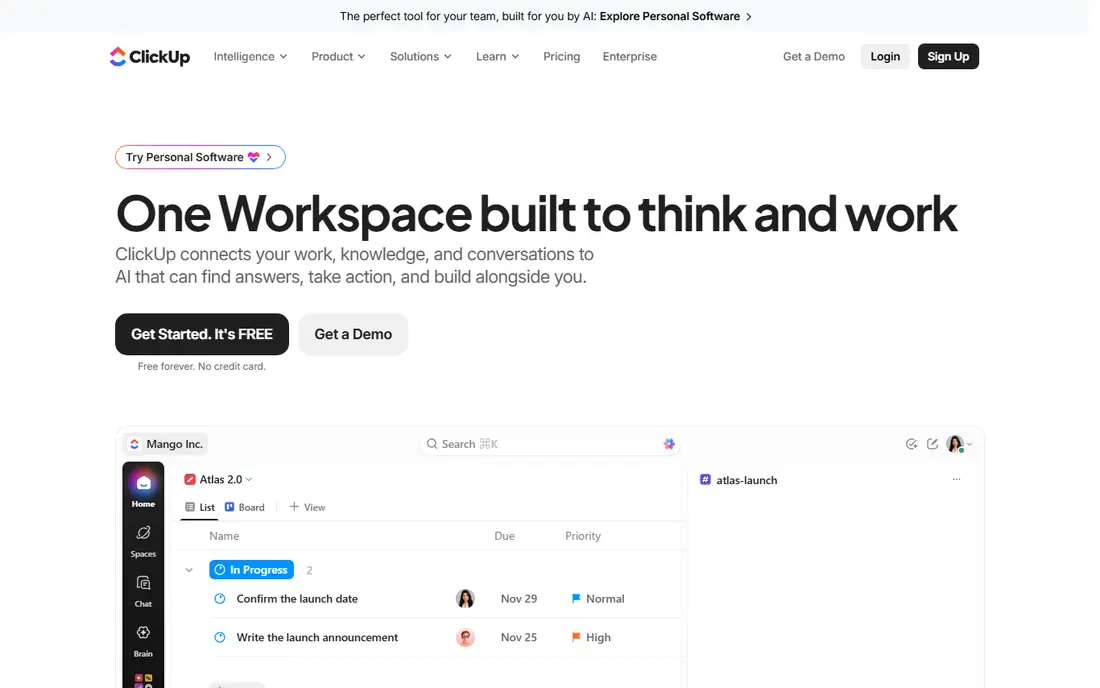
ClickUp is the closest free match to Asana for teams that want a lot without paying. The free plan covers unlimited tasks and members, plus docs, whiteboards, and many views, which is more generous than most rivals. If your team needs lists, boards, calendars, and docs in one workspace, ClickUp lets you test that full mix before spending anything.
The limits are storage and automation. Free storage is only 60 MB in total, so teams that attach many files will hit that cap fast, and automation runs are limited. The interface also packs in many options, which can slow a new team at first. Still, for a team that wants the widest free plan and a paid tier at $7 per user per month, ClickUp is our first pick.
- Unlimited tasks and members on the free plan
- Docs, whiteboards, and many views included
- Strong import tools
- Only 60 MB of storage on the free plan
- Automation runs are capped
- The sheer number of features can overwhelm new users
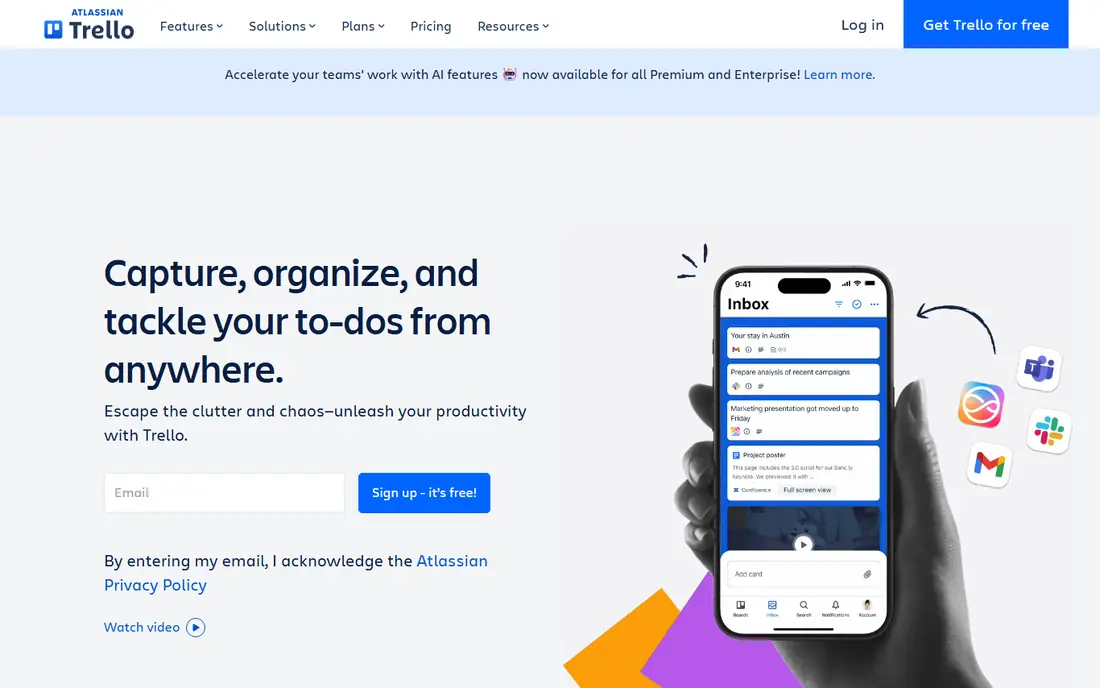
Trello is the simplest free Asana alternative, and that simplicity is its strength. A board, a list, and a card are easy to explain to any team member, and the free plan allows unlimited cards across up to 10 boards per workspace. For a small team tracking a few projects, that is often enough, and the Standard plan at $5 per user per month is a low cost next step.
The catch is scope. Trello is a board tool first, so teams that need timelines, workload views, or deep task dependencies will outgrow the free plan quickly. Automation is also capped on free, and file size limits apply. If your work fits on boards and you value speed over depth, Trello is hard to beat for free.
- Easiest board tool to learn
- Unlimited cards on free boards
- Drag and drop workflow is fast for small teams
- Free workspaces cap at 10 boards and 10 members
- Calendar and timeline views need paid plans
- Automation runs are capped
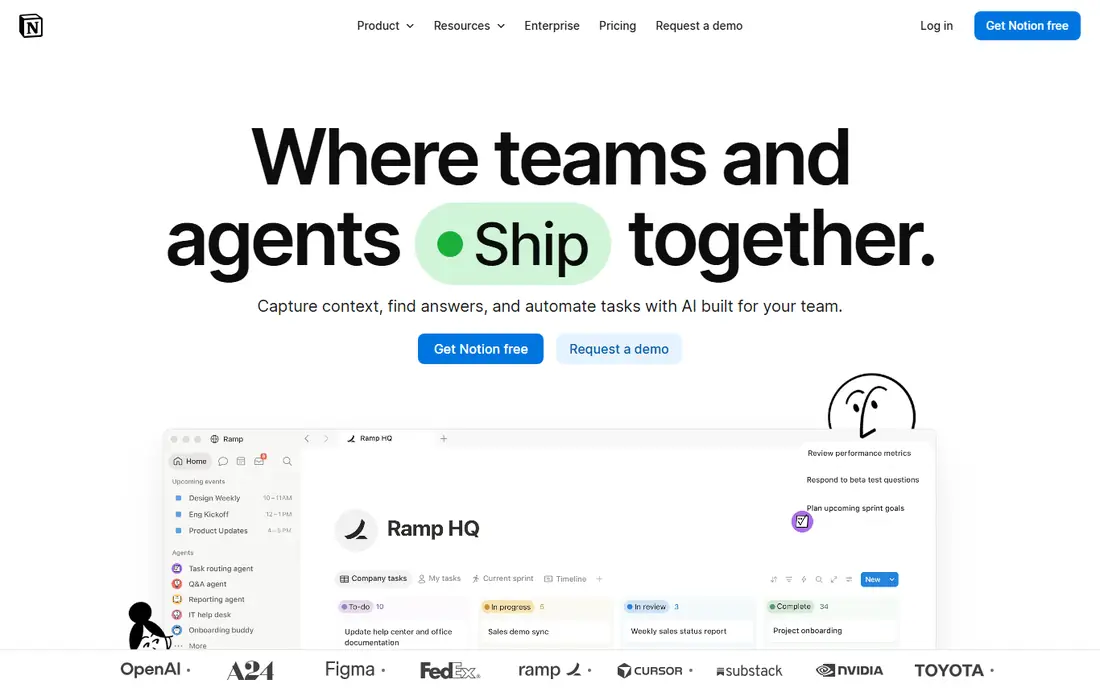
Notion suits people and small teams that want tasks, notes, and docs in one place rather than in three apps. You can build a project database, link it to meeting notes, and view the same work as a table, board, or calendar. For a solo user, the free plan is generous, and the Plus plan at $10 per user per month adds team features and history.
For larger teams, Notion is less of a direct Asana replacement. Free team use has limits on blocks and uploads, and its project tracking is more flexible than structured, which means managers must design their own system. If your team already lives in docs and notes, Notion is a strong free alternative. If you need strict task control, ClickUp or Wrike may fit better.
- Flexible pages, docs, and databases
- Many views free for individuals
- Good for combining notes and tasks
- Team free use has block and upload limits
- Project features are less structured than Asana
- Large workspaces can feel slow
Todoist is the best free pick for one person, or for a very small team that mainly needs personal task lists. Typing a task with a date in plain words is fast, and the list and board views keep daily work clear without a learning curve. The free plan covers 5 active projects, which suits a freelancer juggling a few clients.
It is not a full team project tool on free. There are no team workflows, advanced filters are limited, and history is short. Pro at $5 per month adds more projects, filters, and reminders. If you are replacing Asana for yourself rather than for a team, Todoist is a clean, low friction choice.
- Fast task capture with natural language dates
- Clean list and board views
- Works well on phone and desktop
- Free plan caps at 5 active projects
- No real team project features on free
- Filters and history are limited
Wrike gives free teams more structure than Trello without the complexity of a full enterprise tool. The free plan allows unlimited users, with board and table views, which helps a team that has outgrown simple boards but does not want to pay yet. Task details, comments, and file sharing cover the basics of team work.
The 200 active task cap is the limit to watch. A busy team can hit it in a few weeks, and Gantt views require the Team plan at $10 per user per month. Storage is also limited on free. If your team has steady but not huge task volume, Wrike is a solid free alternative with a clear paid path.
- Unlimited users on the free plan
- Board and table views included
- Good structure for team tasks
- Free plan caps at 200 active tasks
- Gantt charts need a paid team plan
- Storage is limited on free
Jira is the free pick for software teams that need issue tracking, backlogs, and sprints rather than general project lists. The free plan covers up to 10 users with no listed issue cap, plus board, backlog, and timeline views. That makes it a strong Asana alternative for developers, product teams, and small engineering groups.
Other teams may find Jira heavy. Its language and workflows assume software work, and general marketing or operations teams may prefer ClickUp or monday.com. Automation is capped on free, and support is community based. For software work, though, Jira free is one of the most capable free plans available.
- Free for up to 10 users
- Strong board, backlog, and timeline views
- Deep issue tracking for software work
- Built for software teams, so other teams may find it heavy
- Automation runs capped on free
- Community support only on free
monday.com is a visual alternative that suits teams who like colour coded status, dates, and owners at a glance. Boards are easy to customise, and the visual style helps managers spot stalled work quickly. The Basic paid plan starts at $9 per user per month, with a minimum seat count that buyers should confirm.
The free plan is the most limited here, with only 2 seats and 3 boards, so it suits a pair testing the tool rather than a whole team. If your team is larger, you will move to paid quickly. For a small visual team that wants a polished board system and is willing to pay once it grows, monday.com is worth a trial.
- Very visual boards and status views
- Easy to customise columns
- Good for teams that think in status and dates
- Free plan covers only 2 seats and 3 boards
- Paid plans require a minimum seat count
- Advanced features sit on higher tiers
Airtable suits teams that plan projects like a spreadsheet but want views, filters, and linked records. You can track projects, content, inventory, or clients in one base, then view the same data as a grid, calendar, or kanban board. The free plan covers 1,000 records per base, which is enough to test a real project.
The paid jump is steep. Team plans start at $20 per user per month, and free editor limits mean larger teams pay sooner. Airtable is also less direct as a simple task list than Todoist or Trello. If your projects are data heavy and you value database views, it is a strong free alternative. If you just need tasks, pick a simpler tool.
- Powerful databases with many views
- 1,000 records per base on free
- Good for teams that think in tables
- Paid plan starts high at $20 per user per month
- Free record and editor limits are tight
- Less of a simple task list
Freedcamp is the quiet value pick for teams that need unlimited free users without paying for seats. Tasks, milestones, discussions, and file sharing cover core project work, and paid plans are low cost for small teams. For a community group, a small agency, or a team on a tight budget, that mix is appealing.
The trade off is polish. The interface looks dated next to ClickUp or monday.com, and some features feel less refined. Integrations are also fewer than on larger platforms. If looks and deep integrations matter less than a free plan that covers a whole team, Freedcamp is a practical choice.
- Unlimited users on the free plan
- Tasks, milestones, and discussions included
- Low paid prices for small teams
- Interface looks dated compared with rivals
- Some features feel less polished
- Fewer integrations than larger tools
How we picked these
We compared official pricing and free plan pages, and we kept only tools that are live in October 2026 and that offer a real free plan, not just a trial. We focused on the limits that force an upgrade, such as user caps, project caps, storage, and automation, because those decide whether a free plan lasts. Where a paid price was unclear or varied by seat minimum, we wrote See website.
What to check before you switch
List the Asana features you actually use, such as timelines, custom fields, rules, or forms, and check each one on the free plan, not just on the marketing page. A tool can look like a match and still lock a key feature behind paid.
Test with your real projects
Import or rebuild one real project, with its tasks, owners, and dates, and run it for a week. Free plan caps often appear only when real work, files, and comments pile up.
Watch storage and automation
Storage caps and automation limits are the most common surprises. If your team attaches many files or relies on rules, check those caps first, because they can force a paid plan sooner than user caps do.
Plan the paid step
Note the first paid price, any seat minimum, and which features it includes. A free tool with a $20 paid tier may cost more in year two than a free tool with a $7 tier, even if both start free.
Frequently asked questions
What are the best free Asana alternatives?
ClickUp, Trello, and Notion are the most common free picks, with Todoist best for solo work and Wrike best for structured team tasks. ClickUp offers the widest free plan, Trello offers the simplest boards, and Notion offers the best mix of notes and tasks.
Is there a completely free alternative to Asana?
Several tools offer free plans, but each has limits, such as task, board, storage, or automation caps. Open source tools can be free to self host, but they need a server and upkeep, so a vendor free plan is usually simpler for most teams.
Which free alternative is best for a small team?
ClickUp suits most small teams, because its free plan allows unlimited tasks and members. Wrike also allows unlimited free users, while Trello suits teams that only need boards. Pick based on task volume and whether you need docs, timelines, or database views.
Can I import Asana projects into these tools?
Many tools offer import tools or CSV import, including ClickUp and Trello, while others need a manual rebuild or a third party importer. Test import with one project before you move a whole workspace, and check that owners, dates, and attachments carry over.
Do free plans include timelines and Gantt charts?
Some do in limited form, but many lock timelines or Gantt charts behind paid plans. Jira includes timeline views on free for small software teams, while Wrike requires a paid team plan for Gantt charts. Check the exact view on the free tier before you rely on it.
What happens when I outgrow a free plan?
You move to the first paid tier, which usually adds storage, automation, views, and support. Prices here range from $5 to $20 per user per month, with seat minimums on some tools, so compare the paid tier that includes the features you need, not just the lowest price shown.
Sources
See where you really rank - block by block
ProMapRanker scans Google Maps across a grid of your service area. Simple monthly plans from $19, white-label on every plan.
Start freeKeep reading
 zscaler alternatives
Best Zscaler Alternatives in 2026
Looking for zscaler alternatives? We compare 9 SASE and zero trust platforms on architecture, data protection, pricing, and fit for your network and team.
Read → zapier alternatives free
Best Zapier Alternatives Free in 2026
Nine automation tools for zapier alternatives free in 2026, all with genuinely free tiers, plus free plan limits, starting prices and upgrade paths explained.
Read → which platform is best for online reputation
Which Platform Is Best for Online Reputation in 2026
Wondering which platform is best for online reputation? We compare 8 review, listing, and response tools for small and multi-location businesses and agencies.
Read →