 ProMapRanker
Best Electron Alternatives in 2026

Key takeaways
- Electron is a desktop app framework, so this list covers frameworks and toolkits for building desktop apps, not products named Electron.
- Tauri and Neutralinojs suit web developers who want much smaller apps, while Flutter and Qt suit teams that want native-style performance and polish.
- NW.js is the closest drop-in style replacement for Electron, because it keeps a JavaScript and Chromium workflow with a different packaging model.
- Language choice drives most decisions: Rust for Tauri, Dart for Flutter, C++ or Python for Qt, Go for Wails, and C# for .NET MAUI and Avalonia.
- Prototype on all target operating systems before committing, because rendering, packaging, and auto-update behavior differ more than marketing pages suggest.
Quick comparison
| Pick | Great for | Pricing starts at | Free tier | |
|---|---|---|---|---|
 Tauri | Small, secure web-based desktop apps | Free | Yes | Visit |
 Flutter | Polished apps across desktop and mobile | Free | Yes | Visit |
 Qt | Mature native apps for enterprise | Free | Yes | Visit |
 NW.js | Chromium apps with Node.js integration | Free | Yes | Visit |
 Neutralinojs | Lightest possible webview apps | Free | Yes | Visit |
 Capacitor | Web apps extended to desktop and mobile | Free | Yes | Visit |
 .NET MAUI | C# apps across desktop and mobile | Free | Yes | Visit |
 Wails | Go backends with web frontends | Free | Yes | Visit |
 Avalonia | XAML apps across desktop platforms | Free | Yes | Visit |
The best electron alternatives
Electron lets developers build desktop apps with web technologies by bundling Chromium and Node.js, which is why so many popular apps use it. The cost is large installers, higher memory use, and a separate Chromium copy per app. The frameworks below take different paths to the same goal: some use the operating system's webview instead of bundling a browser, some compile to native code, and some share code with mobile. Your team's language, your performance needs, and your target platforms should decide the pick.
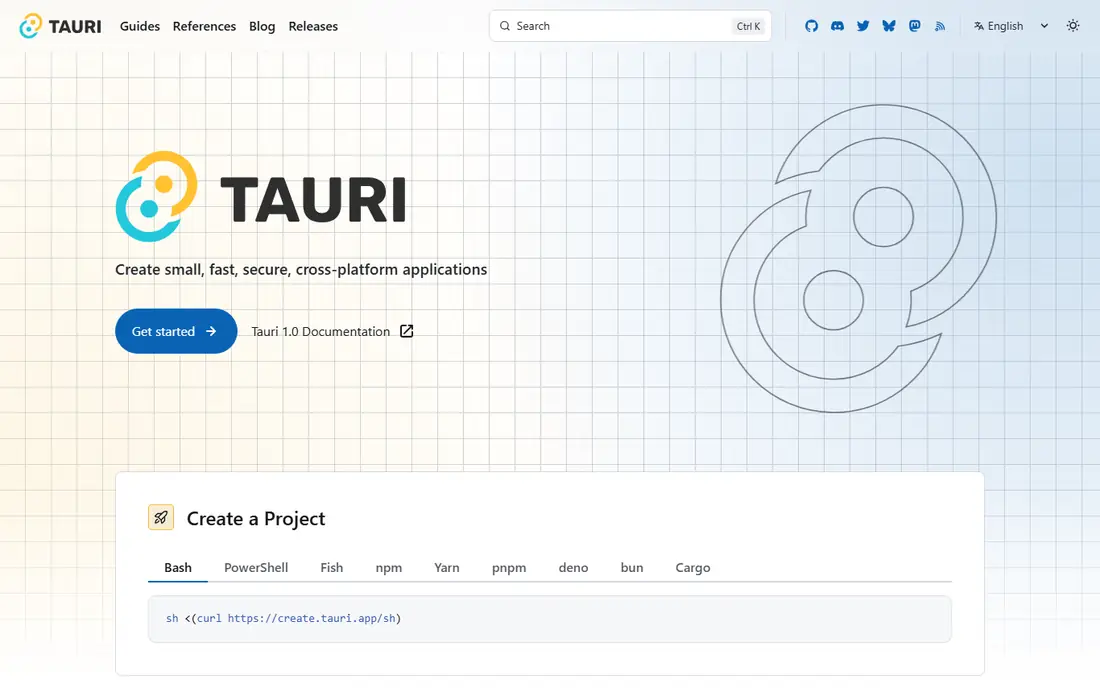
Tauri is the most popular Electron replacement for web developers who want to keep HTML, CSS, and JavaScript for the interface while shrinking the app. Instead of bundling Chromium, Tauri uses the operating system's webview, and its backend is written in Rust with a capability-based security model that limits what the frontend can access by default. Version 2 added mobile support for iOS and Android, which makes Tauri a true cross-platform framework rather than a desktop-only tool. Plugins cover file system access, notifications, system tray, auto-updates, and deep linking.
The trade is Rust. Frontend developers can build a Tauri app with only web skills for simple cases, but custom backend features require Rust, and hiring Rust developers is harder than hiring JavaScript developers. Rendering can also vary slightly between operating systems, because each uses its own webview engine. For teams that want Electron-style development with far smaller apps and stronger default security, Tauri is the first framework to test.
- Much smaller apps than Electron
- Rust backend with capability-based security
- Mobile support in version 2
- Rust learning curve for backend code
- Rendering varies by operating system webview
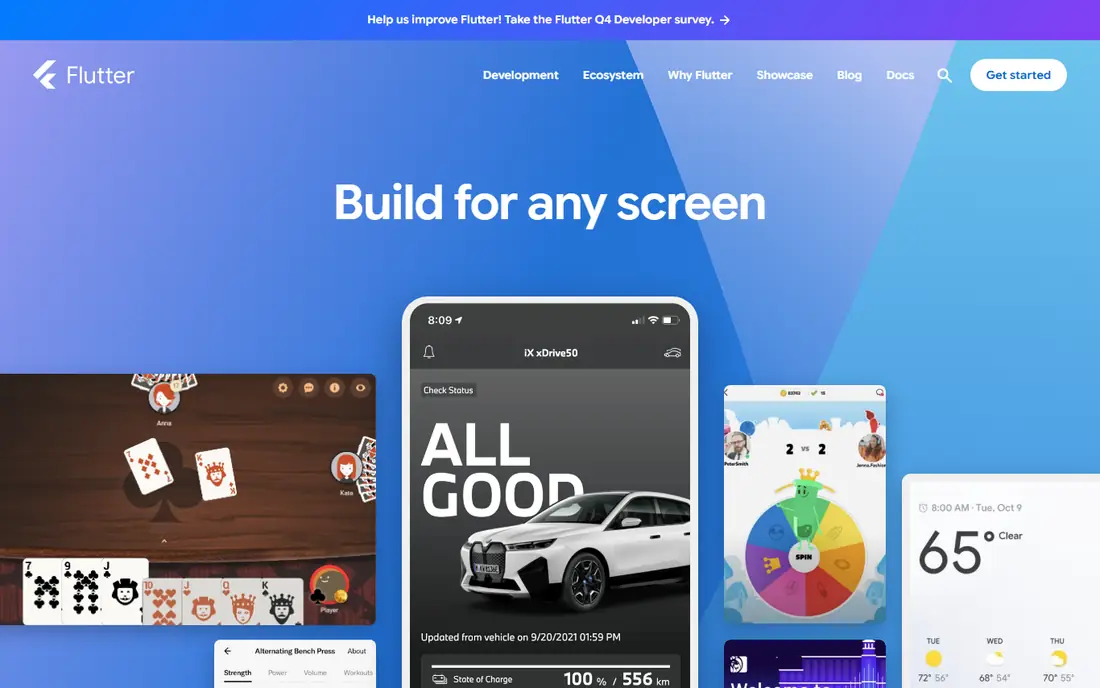
Flutter, from Google, lets developers build apps for Windows, macOS, Linux, iOS, Android, and the web from one Dart codebase, using its own rendering engine rather than native widgets or a webview. That approach gives consistent visuals across platforms and strong performance for custom interfaces, animations, and graphics-heavy apps. The widget library is large, tooling is mature, and the same team can ship desktop and mobile versions without maintaining two separate codebases.
The main cost is Dart. Most web teams will need to learn a new language, and hiring Dart developers is less straightforward than hiring JavaScript or C# developers. Desktop support, while stable, is younger than Flutter's mobile support, so some platform integrations need extra work. For mobile-first teams expanding to desktop, or for products that need a distinctive custom interface, Flutter is a strong Electron alternative.
- Single Dart codebase for desktop and mobile
- Fast rendering engine
- Rich widget set
- Dart is less common than JavaScript
- Desktop support is younger than mobile
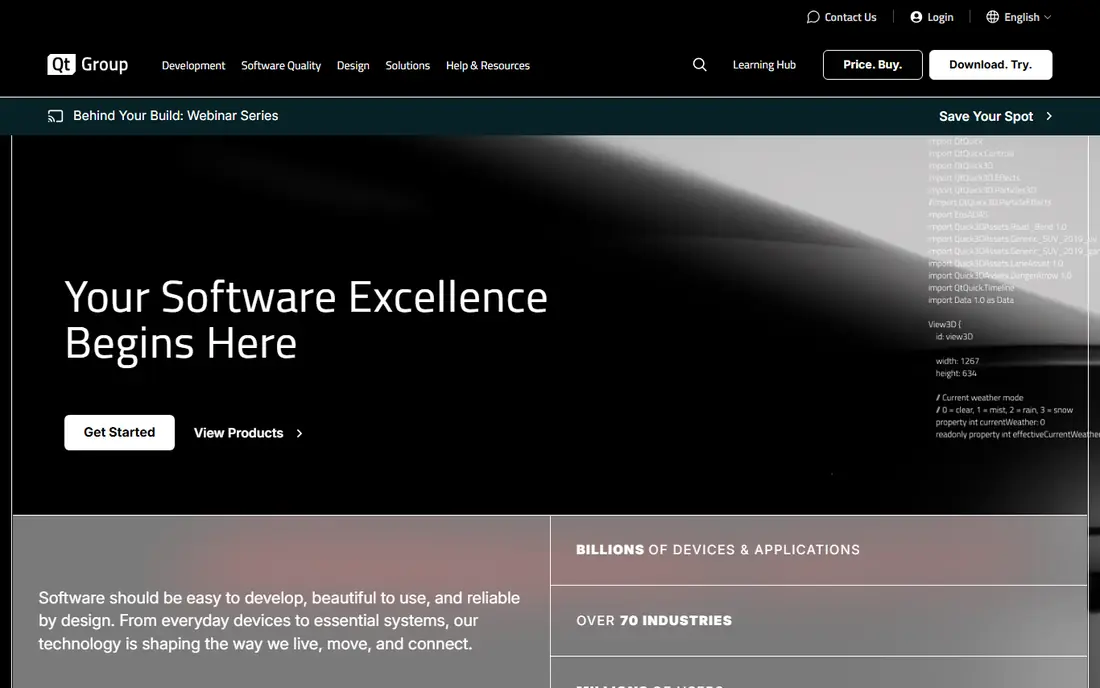
Qt is a mature cross-platform framework for building native applications with C++, with Python bindings through PySide and a declarative QML language for interfaces. It powers desktop software, embedded systems, automotive interfaces, and industrial tools, and its widget set handles complex data displays, charts, and custom controls well. For enterprise teams that need native performance, long-term support, and a large library ecosystem, Qt remains one of the most proven choices.
The learning curve is steeper than web frameworks, especially for teams without C++ experience, and licensing needs care: open-source licenses suit many projects, but some closed-source commercial uses require a commercial license. That licensing question should be settled early with Qt's terms. For performance-critical, native-feeling desktop software, Qt is hard to match.
- Mature native widget set
- C++ and Python bindings
- Strong for embedded and enterprise apps
- Steeper learning curve
- Commercial licensing needed for some closed-source uses
NW.js, formerly node-webkit, lets developers build desktop apps with HTML, CSS, and JavaScript by combining Chromium with Node.js, much like Electron, but with a different model: Node.js can be called directly from web pages without the separate main and renderer process split that Electron uses. That model can simplify some apps, especially those ported from a web codebase, and it keeps the full Chromium engine for consistent rendering across platforms. NW.js has been maintained for many years and supports packaging for Windows, Mac, and Linux.
The trade is ecosystem size. NW.js has a smaller community, fewer tutorials, and fewer ready-made production tools than Electron, so teams may solve packaging and update problems themselves. For developers who want to stay close to Electron's Chromium workflow but prefer NW.js's simpler process model, it is the most direct alternative. For most new projects, Tauri's smaller footprint is usually more appealing.
- Closest workflow to Electron
- Node.js directly in the DOM
- Simpler for some existing web apps
- Smaller community than Electron
- Fewer built-in production tools
Neutralinojs is a lightweight desktop framework that uses the operating system's webview with a thin native backend, producing some of the smallest desktop apps available. A simple app can be only a few megabytes, compared with well over a hundred megabytes for a typical Electron app, and its JavaScript API covers windows, file system access, system tray, and operating system integration without requiring Rust, Go, or C++. That simplicity makes it ideal for internal tools, utilities, and prototypes where size and speed of development matter most.
The limits are features and ecosystem. Neutralinojs covers fewer built-in capabilities than Tauri, and its community and plugin library are smaller, so unusual integrations may need custom extension code. It is also less suited to large, complex commercial apps than Qt or Flutter. For small utilities and internal tools, Neutralinojs offers the lightest path from a web codebase to a desktop app.
- Extremely small apps
- Simple JavaScript API
- No Rust or Go learning required
- Smaller feature set than Tauri
- Smaller community and plugin ecosystem
Capacitor, from Ionic, lets developers run an existing web app as a native app, originally for iOS and Android, with desktop support through community and Electron-style shells. Teams with a working web app can wrap it with Capacitor, add plugins for native features such as file access and notifications, and ship to app stores and desktop without rewriting the interface. That reuse is valuable for small teams that cannot afford separate native codebases.
The drawback is that desktop is not Capacitor's primary focus. Desktop builds often rely on additional tooling, and the webview approach means the app will feel like a web app rather than a fully native one. For teams whose main product is a web app with a desktop version as a convenience, Capacitor is a pragmatic choice. For teams building a desktop-first product, Tauri or a native framework will usually serve better.
- Reuses existing web apps
- Plugin ecosystem
- Mobile and desktop from one codebase
- Desktop support is less central than mobile
- Webview limits native feel
.NET MAUI, Microsoft's cross-platform UI framework, lets C# developers build apps for Windows, macOS, iOS, and Android from one codebase using XAML for interfaces. It is the successor to Xamarin.Forms, with improved performance and a single project structure, and it integrates with Visual Studio tooling that .NET teams already use. For enterprises with C# code, Windows desktop needs, and mobile apps, MAUI keeps skills and code shared across platforms.
The limits are Linux and ecosystem fit. Linux desktop support is limited compared with Qt or Flutter, and teams outside the Microsoft stack will find less reason to adopt C#. For .NET shops, though, MAUI is the natural Electron alternative, especially for line-of-business apps that need Windows desktop plus mobile versions.
- Native C# and XAML workflow
- Windows, Mac, iOS, and Android targets
- Microsoft tooling
- Linux support is limited
- Best fit inside Microsoft ecosystems
Wails lets developers build desktop apps with a Go backend and a web frontend, using the operating system's webview to keep apps small. It follows a similar philosophy to Tauri, but for Go developers rather than Rust developers, with bindings that let JavaScript call Go functions directly. That model suits teams that already write backend services in Go and want a desktop tool or client without learning Rust or C++.
The trade is community size. Wails has a smaller ecosystem than Tauri, with fewer plugins and examples, so teams may build more integrations themselves. It also requires Go for backend features, which is a benefit for Go teams and a barrier for others. For Go-centered teams that want a small, web-frontend desktop app, Wails is a clean and practical Electron alternative.
- Go backend with web frontend
- Small apps via system webview
- Simple for Go teams
- Smaller community than Tauri
- Go skills required for backend work
Avalonia is an open-source, cross-platform UI framework for .NET that uses XAML, inspired by WPF, to build desktop apps for Windows, macOS, and Linux. Teams moving from WPF, or C# teams that want Linux support that .NET MAUI does not emphasize, often choose Avalonia because their XAML skills transfer directly. It supports data binding, styling, and custom controls, and it has grown steadily for business and developer-tool applications.
The community is smaller than Qt or .NET MAUI, and some controls are less mature than their WPF equivalents, so teams should test complex screens early. For C# teams that need a true cross-platform desktop framework with XAML, Avalonia is a strong option, and its open-source model avoids the licensing questions that come with some commercial frameworks.
- XAML-based UI across Windows, Mac, and Linux
- Good for WPF teams
- Open source
- Smaller community than Qt or MAUI
- Some controls are less mature
How we picked these
We compared official documentation, platform support, language requirements, and maintenance activity for desktop frameworks that are actively developed in 2026. We included webview frameworks, native frameworks, and cross-platform UI toolkits, because Electron users come from web, native, and enterprise backgrounds with different needs. We did not claim hands-on benchmarking of every framework; our comparisons rest on published architecture, documented features, and public project activity. All core frameworks here are free and open source, with commercial support or licensing options noted where relevant.
What to check before you choose
Start with your team's language. A framework in a language your team already knows will ship faster than a theoretically better framework in an unfamiliar language. Tauri needs Rust for backend work, Flutter needs Dart, Qt needs C++ or Python, Wails needs Go, and MAUI and Avalonia need C#. That single decision often narrows the list to two or three candidates.
Next, prototype a real screen on every target platform. Check rendering, font handling, file dialogs, system tray behavior, and installer size, because those details differ by webview and operating system. Finally, check packaging and updates: installers, code signing, and auto-update support vary widely, and a framework that builds easily but updates poorly will cost time after launch. A small prototype that covers those points will tell you more than any feature table.
Frequently asked questions
What are the best alternatives to electron?
The best alternatives to electron depend on your team. Tauri suits web developers who want smaller apps, Flutter suits teams sharing code with mobile, Qt suits native enterprise apps, and NW.js suits teams that want to stay closest to Electron's Chromium workflow. Neutralinojs suits tiny utilities, while Wails, .NET MAUI, and Avalonia suit Go and C# teams respectively.
Is Tauri better than Electron?
Tauri produces much smaller apps and uses less memory than Electron, because it relies on the operating system's webview instead of bundling Chromium. Electron offers more consistent rendering across platforms and a larger ecosystem, because every app ships the same Chromium version. Choose Tauri when size and security defaults matter most, and Electron when rendering consistency and ecosystem size matter most.
Can Flutter build desktop apps?
Yes, Flutter supports Windows, macOS, and Linux desktop apps from the same Dart codebase used for mobile. Desktop support is stable, though it is younger than Flutter's mobile support, so some platform integrations need extra work. Teams that already use Flutter for mobile get the most value from its desktop targets.
Is NW.js still maintained?
Yes, NW.js remains an actively maintained open-source project for building desktop apps with Chromium and Node.js. Its community is smaller than Electron's, and it has fewer ready-made production tools, but it is a viable choice for teams that prefer its direct Node.js integration model. Check its release notes for current platform support before starting a new project.
Which Electron alternative is smallest?
Neutralinojs typically produces the smallest apps, often only a few megabytes for a simple utility, followed closely by Tauri. Both use the operating system's webview rather than bundling a browser engine. Exact sizes depend on included assets and plugins, so measure a prototype of your own app rather than relying on hello-world figures alone.
Should I choose a webview framework or a native framework?
Choose a webview framework such as Tauri, Wails, or Neutralinojs if your team knows web technologies and your app is mainly forms, dashboards, or tools. Choose a native framework such as Qt, Flutter, or Avalonia if you need maximum performance, complex custom graphics, or a fully native feel. Many products fall in between, in which case a prototype in each style will settle the choice quickly.
Sources
See where you really rank - block by block
ProMapRanker scans Google Maps across a grid of your service area. Simple monthly plans from $19, white-label on every plan.
Start freeKeep reading
 zscaler alternatives
Best Zscaler Alternatives in 2026
Looking for zscaler alternatives? We compare 9 SASE and zero trust platforms on architecture, data protection, pricing, and fit for your network and team.
Read → zapier alternatives free
Best Zapier Alternatives Free in 2026
Nine automation tools for zapier alternatives free in 2026, all with genuinely free tiers, plus free plan limits, starting prices and upgrade paths explained.
Read → which platform is best for online reputation
Which Platform Is Best for Online Reputation in 2026
Wondering which platform is best for online reputation? We compare 8 review, listing, and response tools for small and multi-location businesses and agencies.
Read →