 ProMapRanker
7 Best AI Data Analysis Tools for 2026
Direct answer
Akkio is the first pick on this list for no code predictions. Listed starting prices: Claude from $20 per month, Zoho Analytics from $24 a month and Microsoft Power BI from $14 a month. Look at Tableau for visual reporting at scale, and at Claude for careful reasoning on documents and data. All 7 tools are compared below on price, free plan and limits.
Choosing AI data analysis tools usually comes down to price, fit and limits. This ProMapRanker guide sets 7 tools side by side on those three points, with the facts kept short and checkable.
Key takeaways
- This list starts with Akkio, which is built for no code predictions.
- Check the limits for Akkio before you commit: predictions need enough clean history to be handy.
- The cheapest monthly starting price in the list is $14 per month, offered by Microsoft Power BI.
- ChatGPT suits quick analysis of uploaded files.
- A free plan is available from 4 of the 7 tools: Claude, Julius AI, Microsoft Power BI, ChatGPT.
Quick comparison
| Pick | Great for | Pricing starts at | Free tier | |
|---|---|---|---|---|
 Akkio | No code predictions | See website | Free trial | Visit |
 Tableau | Visual reporting at scale | See website | Free trial | Visit |
 Claude | Careful reasoning on documents and data | $20 per month | Yes | Visit |
 Julius AI | Chat based analysis without code | See website | Yes | Visit |
 Zoho Analytics | Small team dashboards | $24 a month | Free trial | Visit |
 Microsoft Power BI | Microsoft based dashboards | $14 a month | Yes | Visit |
 ChatGPT | Fast analysis of uploaded files | $20 a month | Yes | Visit |
The best AI data analysis tools
Think of Akkio for no code predictions. Upload historical data, pick an outcome for example churn or lead conversion, and it builds a model you can query in plain language.
Points against: Predictions need enough clean history to be handy.
Worth adding: small, biased or messy datasets produce models that look confident but fail in practice. Test Akkio on past data you already know, check its accuracy on a holdout set, and use its scores as a guide for human review instead of as an automatic decision. Check the vendor site for Akkio pricing; none is listed in this comparison. Free access: Free trial.
- Chat interface for data questions
- Builds predictive models without code
- Pricing varies by usage
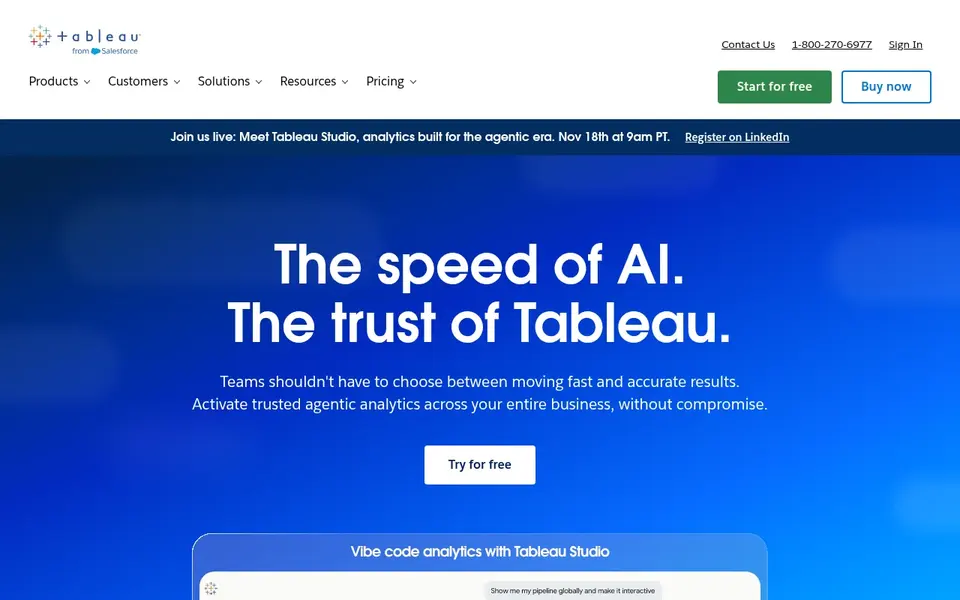
Tableau makes the most sense for visual reporting at scale. Large firms use it for executive reporting, sales dashboards and operations views that plenty of people depend on each day.
Trade-offs to know: Higher cost for full creator access.
Beyond that, the trade-off is cost and complexity. No starting price is listed for Tableau here; confirm pricing on the vendor site. Trial and free access: Free trial.
- Solid handling of large datasets
- Adaptable visual design
- Steeper ramp-up time than spreadsheet tools

Choose Claude for careful reasoning on documents and data. It explains its steps in plain language, which helps a non technical reader follow how a total was reached.
Where it falls short: Less built in dashboarding than BI systems.
Use it for investigation, document review and code help, then move a proven analysis into a dashboard tool for regular sharing. Claude cost at the entry level: $20 per month. Claude has a free plan.
- Capable reasoning on long documents and tables
- Handy for SQL and Python help
- Premium plan needed for heavy use
Julius AI is aimed squarely at chat based analysis without code. Treat its first output as a draft, trace it back to the source, and clean the data before you present the result to a team.
As for the details, Julius AI fits business users who want answers without writing code. As for the details, a messy spreadsheet with mixed dates or duplicate rows will produce a tidy looking answer that still misleads. This comparison lists no price for Julius AI; ask the vendor. A free plan is available with Julius AI.
Where it falls short: Large or messy data needs cleaning first.
- Ask questions in plain language
- Builds charts and summaries from answers
- Answers need checking against source tables
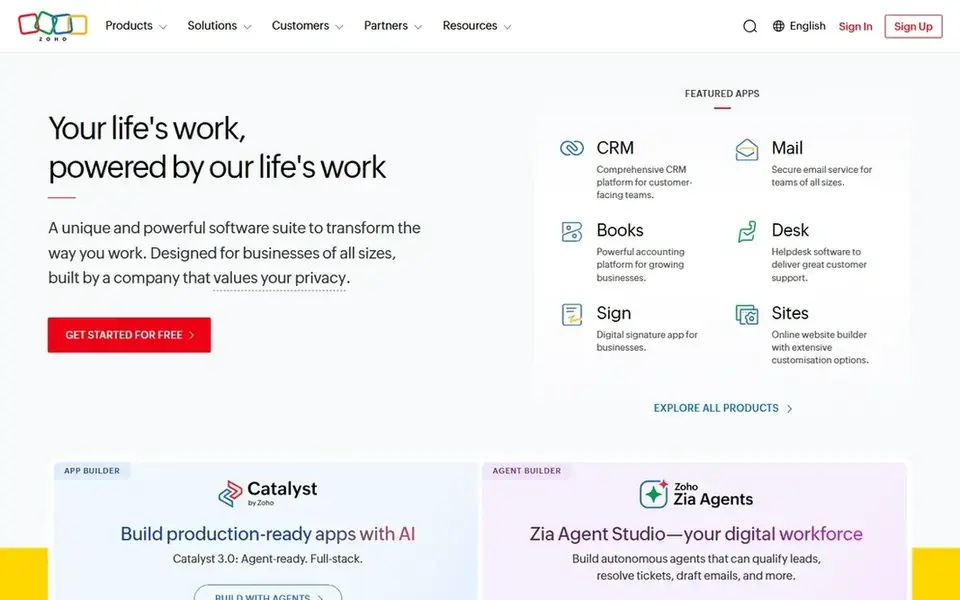
Where Zoho Analytics fits: small team dashboards. Its AI assistant turns plain questions into charts, its connectors handle spreadsheets, CRM data and typical business apps. Its team pricing is simpler to predict than per creator pricing on bigger products.
In practice, for a team that already uses Zoho CRM or Zoho Books, the link is a clear plus. As for the details, the limit is depth. Zoho Analytics manages most small team reporting well, but very complicated data models and enterprise governance favor Tableau or Power BI. Price to start with Zoho Analytics: $24 per month. On free options: Free trial.
Drawbacks to consider: Some advanced features need higher levels.
- Numerous built in connectors
- Ask questions in plain language with its AI assistant
- Best inside the Zoho system
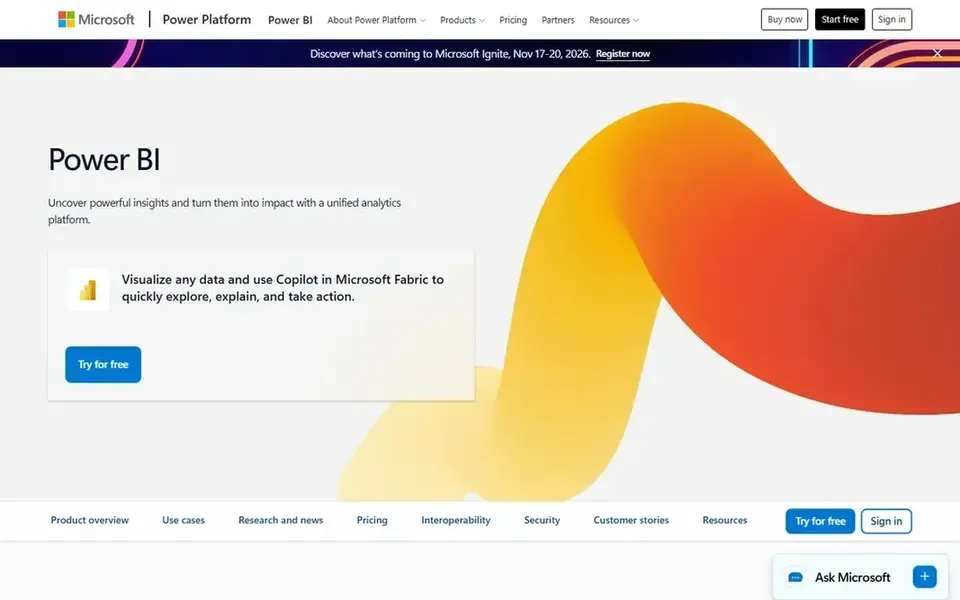
Think of Microsoft Power BI for Microsoft based dashboards. If your team already uses Microsoft 365, Power BI is typically the lowest friction dashboard choice. For everyday use, reports built in the free desktop app can be shared through premium licenses.
Its AI features can suggest visuals, summarize data and help write measures. For finance, sales and operations teams that live in Microsoft tools, that integration saves live. Building is free, but sharing and collaboration need premium per user licenses, and some AI features need capacity plans. More specifically, data modeling also takes learning, particularly for clean relationships between tables. Power BI is the natural pick for teams already using Excel, Teams and SharePoint. Starting cost for Microsoft Power BI: $14 per month. Microsoft Power BI offers a free plan.
Drawbacks to consider: Ramp-up time for data modeling.
- Capable visuals and sharing
- Deep Microsoft 365 and Excel integration
- Full sharing needs premium licenses
Pick ChatGPT if this describes you: fast analysis of uploaded files. ChatGPT performs well for ad hoc analysis. Upload a CSV, ask for trends, outliers or a summary.
It can run code to calculate the result instead of guessing from the text. It also helps clean data, suggest formulas and draft explanations for a report. Save the code and the cleaned file when a result matters, and check totals against the source. On cost, ChatGPT starts like this: $20 per month. ChatGPT includes a free tier.
Where it is weaker: Needs careful prompts for repeatable work.
- Writes and runs code on uploaded files
- Handy for cleaning and reshaping data
- File and context limits apply
More on AI data analysis tools
Start with the question, not the tool. On top of that, if the question is a one off check on a spreadsheet, a chat tool for example Julius or ChatGPT is enough. Worth adding: naming the question first stops buying a dashboard for a chat job, or a chat tool for a dashboard job.
Beyond that, reconcile totals to a source you trust, for example a bank statement, a CRM total or an accounting report. Check sharing licenses, data refresh limits and message caps on the level you will actually use. Also, trial the tool with your own data and your real team size, not only with demo data.
In daily use, decide who can edit a dashboard, who can see sensitive data, and how commonly data refreshes. From a buyer's view, a shared dashboard with stale or wrong data is worse than no dashboard, since it spreads a mistake with authority.
How the list was put together
ProMapRanker used vendor pricing pages and product documentation as the base, then compared plans, free access and documented limits for 7 tools. Where a vendor does not publish a price, the entry says quote. Where a price depends on seats or billing term, the entry says so. The ranking is editorial: typical fit first, then clear pricing, then free access. If your needs are unusual, read the profiles rather than relying on position.
What to confirm before you sign up
- Ask Akkio, Tableau and Julius AI for a written quote, since no starting price is shown.
- Check what the free option really includes: Claude, Julius AI, Microsoft Power BI and ChatGPT offer a free plan, and usage caps differ.
- Use real work to test the free trial from Akkio, Tableau and Zoho Analytics, rather than a demo project.
- Read the limits listed for Akkio first: predictions need enough clean history to be handy.
- Check how data leaves Akkio: formats, limits and whether exports are available on every plan.
- Check the integration list for Tableau against the tools you run today, and note which ones need a higher plan.
Frequently asked questions
Can I try these options before paying?
Often, yes. Claude, Julius AI, Microsoft Power BI and ChatGPT have a free plan and Akkio, Tableau and Zoho Analytics offer a free trial. Use your own data and a real task during the test, and check what the free tier or trial limits before you rely on it.
Do these tools publish their prices?
Not all of them. Akkio, Tableau and Julius AI publish no starting price, so expect a quote request for those. The rest, Claude included, show a starting price, though seats and billing terms still change the final cost.
Which options for AI data analysis tools have a free plan?
Claude, Julius AI, Microsoft Power BI and ChatGPT offer a free plan in this list. Free plans usually cap users, projects or features, so check the limits on the vendor page. Several others offer a trial instead.
How do I choose between Power BI and Tableau?
Choose Tableau if you need deeper visual control and manage large, varied datasets at scale. Both need clean data models, so trial each with the same dataset and compare how long a real report takes to build and share.
How are the tools for AI data analysis tools ordered?
Akkio sits first and ChatGPT last because the order follows typical fit for AI data analysis tools, then price clarity and free access. It is a judgement call, so read each profile for fit and limits.
Sources
See where you really rank - block by block
ProMapRanker scans Google Maps across a grid of your service area. Simple monthly plans from $19, white-label on every plan.
Start freeBrowse all guides
← Top 6 AI Tool for Marketers, Compared on Price (2026)New AI Tools Updates in 2026: Top 6 Compared →
 best ai analytics tools for real time data
7 Best AI Analytics Tools for Real Time Data in 2026
Compare 7 picks for the best AI analytics tools for real time data, with prices, free plans and who each fits. The catches are listed up front. No filler.
Read → top ai search reporting software
Best AI Search Reporting Software (2026)
Shortlisting the top AI search reporting software? 5 products compared on cost, free access and ideal buyer. Every entry states what it lacks. Facts only.
Read → top ai reporting automation software
AI Reporting Automation Software in 2026: Top 6 Compared
Need the top AI reporting automation software? We compare 6 tools on cost, free access and who each suits. Prices and drawbacks included. Narrow your shortlist.
Read → best radar app
Best Radar App in 2026: 9 Apps Compared
Find the best radar app for 2026 with our comparison of nine free weather radar apps, from fast daily maps to pro-level storm data for every kind of user.
Read → best data integration tools
Best Data Integration Tools in 2026
Compare the best data integration tools for ELT and ETL, with pricing models, connector counts, deployment options, and fit by team size here in 2026.
Read → netlify alternatives
Best Netlify Alternatives in 2026
We compared 9 netlify alternatives for static sites, frontend apps, and full-stack projects, covering free tiers, paid plans, and limits that affect real teams.
Read →More in Data & Analytics · All guides A to Z by date · Latest guides