 ProMapRanker
Best New AI Tools Updates in 2026

Key takeaways
- The biggest 2026 updates sit with the major assistants, ChatGPT, Claude, and Gemini, which all shipped newer models during the year.
- Perplexity and NotebookLM lead for research, while Cursor leads for AI coding and ElevenLabs leads for voice work.
- Midjourney, Runway, and Gamma cover images, video, and decks, so pick by output type rather than by general hype.
- Free tiers cover casual use for most tools here, but usage limits and credit systems decide when a paid plan becomes necessary.
Quick comparison
| Pick | Great for | Pricing starts at | Free tier | |
|---|---|---|---|---|
 ChatGPT | Everyday AI assistant | $20 per month | Yes | Visit |
 Claude | Writing and coding updates | $20 per month | Yes | Visit |
 Gemini | Google ecosystem AI | $19.99 per month | Yes | Visit |
 Perplexity | Cited research updates | $20 per month | Yes | Visit |
 NotebookLM | Research on your own files | See website | Yes | Visit |
 Cursor | AI coding editor | $20 per month | Yes | Visit |
 Midjourney | AI image generation | $10 per month | No | Visit |
 Runway | AI video generation | $12 per month | Yes | Visit |
 ElevenLabs | AI voice and narration | $22 per month | Yes | Visit |
 Gamma | AI decks and docs | $9 per month | Yes | Visit |
The best new ai tools updates
AI tools changed fast in 2026, with new models, agent features, and pricing shifts across the major platforms. This list focuses on tools with meaningful updates in 2026 that a normal user can try today, rather than invite-only demos or retired products. Prices are entry paid plans where vendors publish them, and free tiers are noted where they exist.
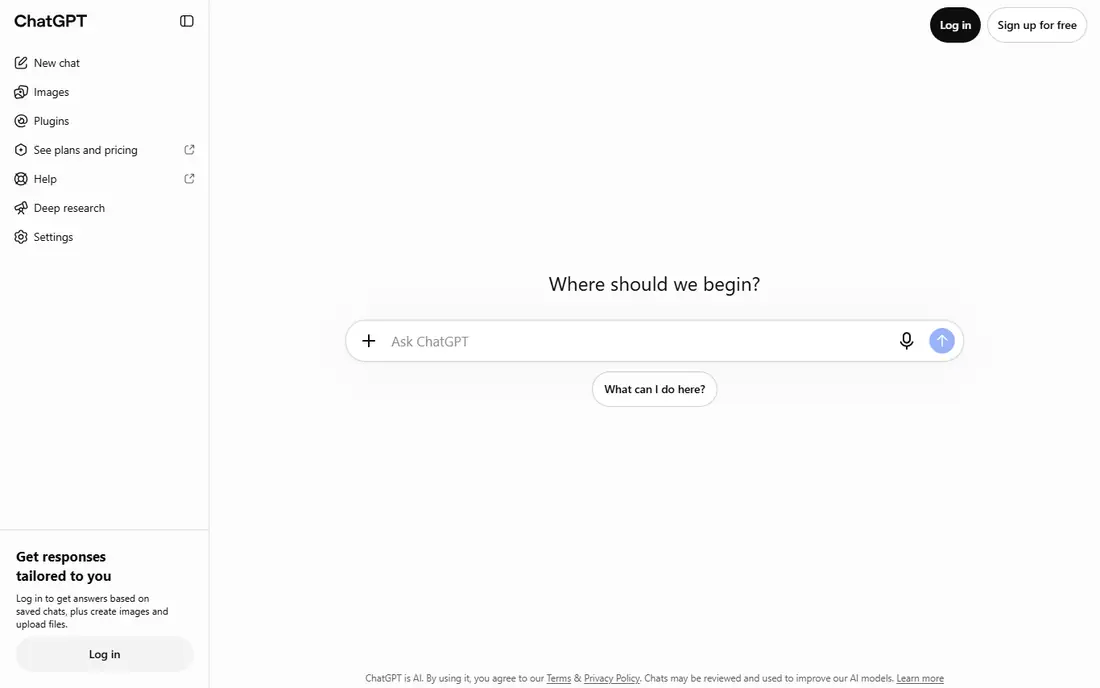
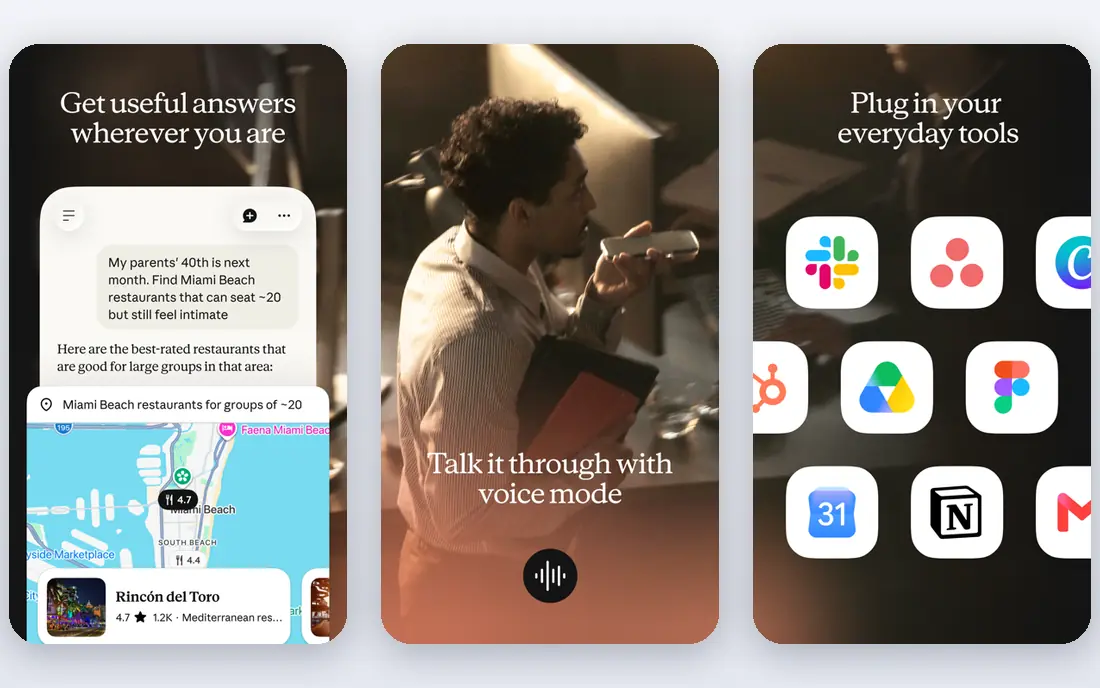
ChatGPT remains the default everyday assistant, and 2026 updates brought newer models, agent-style workflows, and deeper app connections. It handles writing, brainstorming, coding help, image edits, and research in one place, which is why many users keep it as their single paid AI subscription. The free tier covers casual use, while Plus adds higher limits and newer models.
The pace of change is also a drawback. Model names, limits, and tiers have shifted during 2026, so check the current plan before budgeting. For general use, ChatGPT is still the safest first subscription, especially if you want one tool for many jobs.
- Broadest everyday use
- Voice, images, and research in one app
- Large app ecosystem
- Model names and limits change often
- Output still needs fact-checking
Claude shipped several model updates in 2026, with newer flagship and mid-tier models aimed at coding and long-form work. Writers value its natural prose and editing, while developers use Claude Code for agent-style coding in a terminal or editor. The free tier covers light use, and Pro adds higher limits for daily work.
Heavy users may hit usage caps, especially on long coding sessions, so check limits if you plan to use it all day. For writing quality and coding help, Claude is the strongest rival to ChatGPT, and many users keep both for different jobs.
- Strong writing and coding quality
- Handles long documents
- Agent coding options
- Usage limits can bind on heavy days
- Fewer consumer extras than ChatGPT
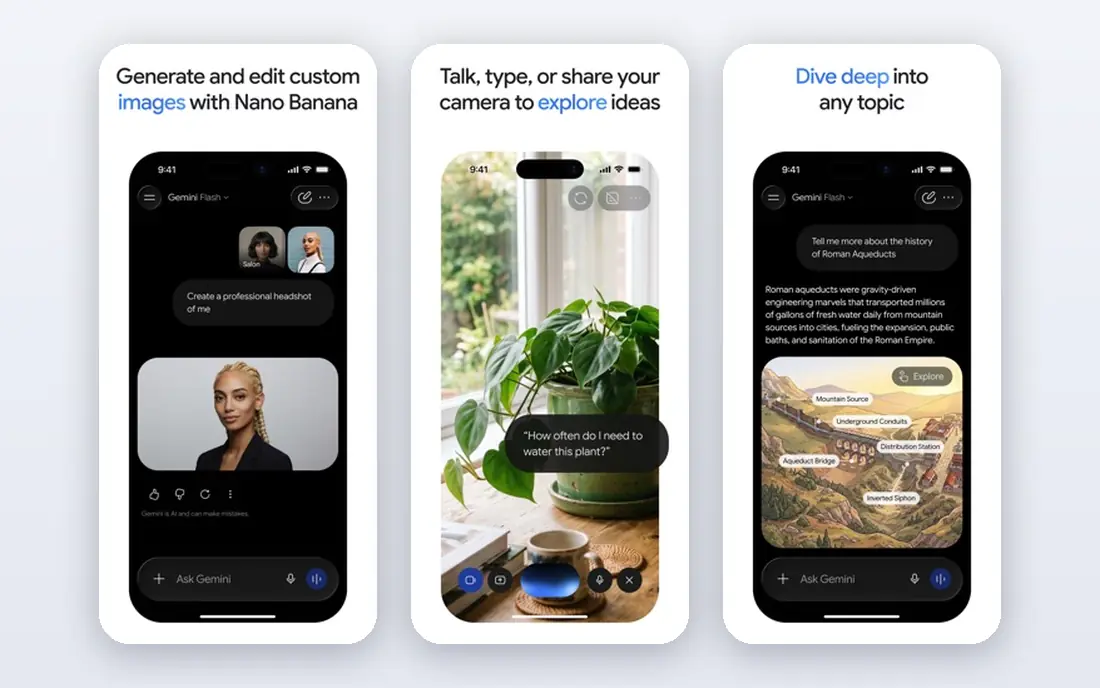
Gemini is the natural pick for Google users. It works inside Gmail, Docs, Drive, and Android, and it handles long documents and multimodal input well. Google AI Pro bundles Gemini with storage and video tools, which makes the paid plan better value than the chatbot alone for users already in Google's ecosystem.
Plan names have changed during 2026, with AI Plus, AI Pro, and higher tiers appearing in different listings, so confirm the current plan at checkout. If your work already lives in Google apps, Gemini is the assistant that fits with the least friction.
- Deep Gmail, Docs, and Drive links
- Long context for large files
- Image and video options
- Plan names can confuse
- Best value sits inside Google's paid bundle
Perplexity suits research-first users. It searches the web, summarises findings, and links sources, so you can verify claims rather than trust a bare answer. Pro adds more advanced searches and model choices, which helps for deeper research tasks and comparisons.
It is less suited to open-ended creative writing or long drafting, where ChatGPT and Claude do better. Use Perplexity when the question is what is true and where it is documented, and use a general assistant when the job is to write or brainstorm.
- Answers with sources you can check
- Fast research summaries
- Multi-model options on Pro
- Weaker for creative writing
- Pro search limits apply
NotebookLM, also called Gemini Notebook in some listings, turns your own documents into a research assistant. Upload reports, notes, or papers, ask questions, and get answers grounded in those sources, with citations back to the text. Audio overviews turn a set of sources into a listenable summary, which helps for revision and briefings.
It is only as good as the sources you upload, so it will not replace web research. For students, analysts, and teams working from a fixed set of documents, NotebookLM is one of the most useful free AI tools available in 2026.
- Grounded answers from your own documents
- Audio summaries
- Free tier is generous
- Needs your source files to shine
- Higher limits sit inside Google paid plans
Cursor is an AI-first code editor that helps developers write, edit, and review code across a whole project. Agent mode can plan and apply multi-file changes, while chat and autocomplete help with smaller tasks. The free tier covers light use, and Pro adds higher usage for daily development.
Pricing and usage rules shifted during 2026, with credits and weekly limits affecting heavy users, so check the current plan before relying on it for a large project. Cursor suits developers who want AI help inside their editor, with full control over the code that results.
- AI coding inside a full editor
- Multi-file edits
- Agent mode for larger tasks
- Credit and usage rules changed in 2026
- Needs coding skill to judge output
Midjourney remains a favourite for AI art, with a painterly and cinematic style that many creators prefer over generic image models. It suits concept art, book covers, social visuals, and mood boards, where look matters more than photorealism. Paid plans start low, with higher tiers for faster generation and more GPU time.
There is no free tier, so new users must pay to test it properly. Midjourney also fits an art workflow better than a product workflow, since precise edits and brand consistency need extra work. For striking images, it is still a top pick.
- Distinctive, high-quality image style
- Strong for art and concept work
- Active community
- No free tier
- Works mainly through its own app and Discord-style flow
Runway covers AI video for creators who need short clips, social video, and experimental footage without a full studio. Generation and editing tools sit together, so a clip can be created, trimmed, and exported in one place. The free tier lets new users test the workflow, while paid plans add credits for regular use.
Video credits run out faster than text credits, so budget by clip count rather than by month alone. Runway suits short-form creators and marketers testing AI video, while longer productions still need traditional editing beside it.
- Video generation and editing in one app
- Useful for short clips
- Regular model updates
- Credits limit video output
- Longer or complex videos need higher tiers
ElevenLabs leads for AI voice, with narration, dubbing, and conversational voices that sound natural for audiobooks, videos, and podcasts. The free tier covers short tests, and Creator plans add credits for regular narration work. Voice design tools let creators shape tone and style for a project.
Long narration uses credits quickly, so cost per minute matters more than the monthly price alone. Only clone a voice with clear permission from the voice owner, and label AI narration where listeners should know. For voice work, ElevenLabs is the practical starting point.
- Natural-sounding voices
- Voice cloning options with consent
- Dubbing and narration tools
- Credits disappear fast on long narration
- Voice cloning needs careful consent checks
Gamma turns a prompt or an outline into a deck, document, or web page in minutes, with clean layouts that suit pitches, lessons, and internal updates. The free tier covers testing, and paid plans add credits and branding options for regular use. It is faster than building slides by hand, especially for a first draft.
Design control is thinner than in PowerPoint or Keynote, so polished brand decks still need manual work. Gamma suits fast internal decks and first drafts, where speed matters more than pixel-level design.
- Fast decks from a prompt
- Clean templates
- Docs and web pages beside slides
- Design control is limited beside PowerPoint
- AI credits cap output
How we picked these
We compared vendor pricing pages and current 2026 tool rankings, and required each tool to be live in October 2026 with a free tier or published paid plan. We covered chat, research, coding, images, video, voice, and decks, rather than listing ten chatbots. Where pricing changed during 2026, we show the entry plan most often listed and advise checking the vendor page before paying.
What to check before you subscribe
Check usage limits, not just the monthly price. Chat limits, credit pools, and GPU or video credits decide how much work a plan actually covers. A 20 dollar plan that caps daily use may cost more in practice than a higher plan for a heavy user, so trial the tool on a real task first.
Also check privacy and output rules for your work. Do not paste sensitive client, health, or unpublished material into a tool without checking its data terms, and fact-check AI output before publishing. For voice and image tools, get consent before cloning a voice or using a person's likeness.
Keeping up without chasing every launch
New AI tools appear weekly, but most repeat what the major assistants already do. Track updates from the tools you already pay for first, and add a new tool only when it solves a repeated job, such as cited research, coding, voice, or video, better than your current stack.
Frequently asked questions
What are the best new AI tools in 2026?
ChatGPT, Claude, and Gemini lead for general use, with Perplexity for research, Cursor for coding, Midjourney for images, Runway for video, and ElevenLabs for voice. The best pick depends on whether you need chat, research, code, or media output.
How do I stay updated on new AI tools?
Follow vendor changelogs for the tools you use, plus a trusted AI news source, and test one new tool at a time on a real task. Chasing every launch wastes time, while a monthly check of your core tools catches updates that matter.
Are new AI tools free?
Many offer free tiers, including ChatGPT, Claude, Gemini, Perplexity, NotebookLM, Cursor, Runway, ElevenLabs, and Gamma. Midjourney has no free tier, and most free tiers limit daily use, models, or credits.
What is the best AI tool for research updates?
Perplexity suits web research with sources, while NotebookLM suits research on your own documents. Use Perplexity to find and verify public information, and NotebookLM to question a fixed set of files.
What is the best new AI tool for coding?
Cursor is the best pick for AI coding in an editor, with agent mode for multi-file work. Claude Code is a strong rival for terminal-based agent coding, especially for developers already using Claude.
Do AI tool prices change often?
Yes, prices, credit rules, and model tiers changed several times during 2026. Always confirm the current plan on the vendor's own pricing page before subscribing, and avoid annual billing until you have tested the tool.
Sources
See where you really rank - block by block
ProMapRanker scans Google Maps across a grid of your service area. Simple monthly plans from $19, white-label on every plan.
Start freeKeep reading
 wpforms alternatives
Best WPForms Alternatives in 2026
We compare 9 wpforms alternatives for WordPress forms, with free and paid options, current pricing notes, and honest limits for small business sites in 2026.
Read → windows task scheduler alternatives
Best Windows Task Scheduler Alternatives in 2026
Looking for Windows Task Scheduler alternatives? We compare 9 schedulers for Windows and cross-platform work, from free tools to enterprise automation.
Read → which ai video service is best
Which AI Video Service Is Best in 2026
which ai video service is best? We compare 10 legitimate AI video services on price, avatars, editing and output quality to help you pick the right tool.
Read →