 ProMapRanker
AI Reporting Automation Software in 2026: Top 6 Compared

Microsoft 365 teams that share reports · Pricing starts at: $14 per user/month (billed annually)
Direct answer
For Microsoft 365 teams that share reports, Microsoft Power BI is where this list starts. Listed starting prices: Microsoft Power BI from $14 per user/month, Supermetrics from $39 a month and Tableau from $15 per user/month. Look at Supermetrics for moving marketing data into reports, and at Tableau for large teams that require governed analytics. The other 3 tools in the list cover narrower or pricier cases.
ProMapRanker compared 6 tools for AI reporting automation software. The goal is a practical shortlist: published prices, free plan facts, best-fit use cases and honest limits for every entry.
Key takeaways
- Microsoft Power BI is the opening pick, best for Microsoft 365 teams that share reports.
- Looker Studio fits Google data reports at no licence cost.
- A fair warning about Tableau: creator licences cost much more than Viewer licences, and every deployment needs a minimum of one Creator.
- Only 4 of the 6 tools have a free plan (Microsoft Power BI, Zoho Analytics, Databox, Looker Studio), so check the caps.
- For the cheapest start, look at Microsoft Power BI: $14 per user/month.
Quick comparison
| Pick | Great for | Pricing starts at | Free tier | |
|---|---|---|---|---|
| Microsoft Power BI | Microsoft 365 teams that share reports | $14 per user/month (billed annually) | Yes | Visit |
 Supermetrics | Moving marketing data into reports | $39 a month (billed yearly) | Free trial (14 days) | Visit |
 Tableau | Large teams that require governed analytics | $15 per user/month (billed annually) | Free trial (14 days) | Visit |
 Zoho Analytics | Small teams inside the Zoho suite | $24 per month (billed yearly) | Yes | Visit |
 Databox | AI summaries across marketing and sales data | $71 a month (billed annually) | Yes | Visit |
 Looker Studio | Google data reports at no licence cost | $0 | Yes | Visit |
AI Reporting Automation Software profiles
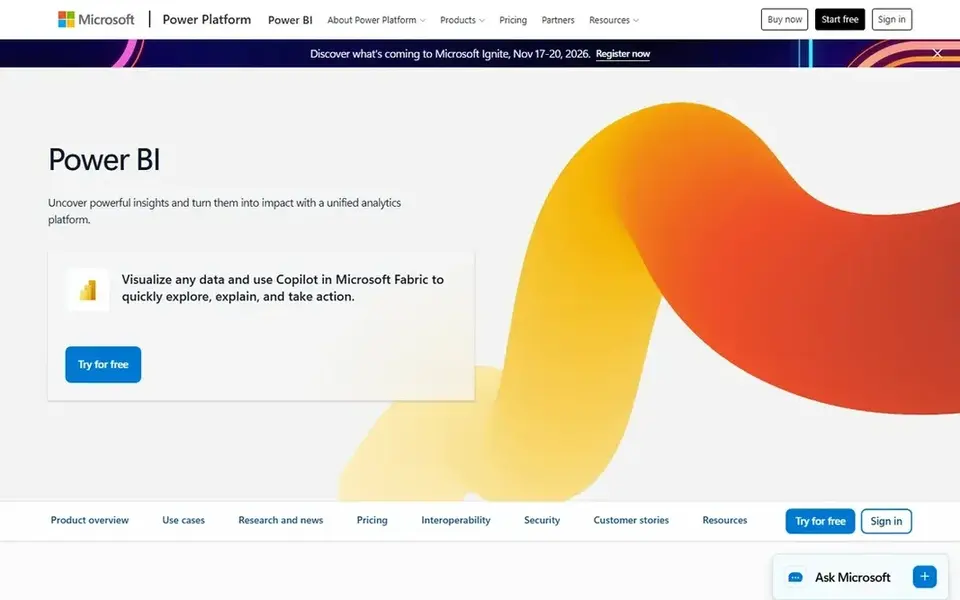
Choose Microsoft Power BI for Microsoft 365 teams that share reports. Pro costs $14 per user a month, billed annually, and Premium Per User costs $24 per user a month, billed annually. In daily use, Power BI is the natural choice for teams that already live in Microsoft 365.
In daily use, Power BI supports scheduled refresh, with Pro allowing 8 refreshes per day and Premium Per User allowing 48. A 1 GB model limit on Pro against 100 The service links to Excel, SharePoint, SQL Server, Azure services, Google Analytics, Salesforce, and numerous other sources. On cost, Microsoft Power BI starts like this: $14 per user/month. A free plan is available with Microsoft Power BI.
What to check first: Every viewer needs a Pro licence in most shared setups.
What works well: Microsoft Fabric.
- Copilot features can summarise and explain report content
- Low per user price for Pro
- Except when the team uses a Fabric capacity at F64 or bigger

In short, Supermetrics is for moving marketing data into reports. It moves data from advertising, social, analytics, and commerce sources into Looker Studio, Google Sheets, Excel, Power BI, or an AI chat tool, where the report itself is built.
Growth costs $159 a month billed yearly, or $199 a month billed monthly, with 2 users, 7 data sources, and 7 accounts per source. Each plan bundles a pool of monthly AI credits for querying data through ChatGPT, Claude, or Copilot, with 4,000 credits on Starter and 12,000 on Gro Supermetrics fits a team that already likes Looker Studio or Sheets and only needs dependable, scheduled data feeds. Price to start with Supermetrics: $39 per month. As for free access: Free trial (14 days).
Limits to weigh: each plan bundles only 1 core destination, so a second destination brings cost.
- 14 day trial with no credit card
- Analytics sources to Looker Studio, Sheets, Excel
- No free plan
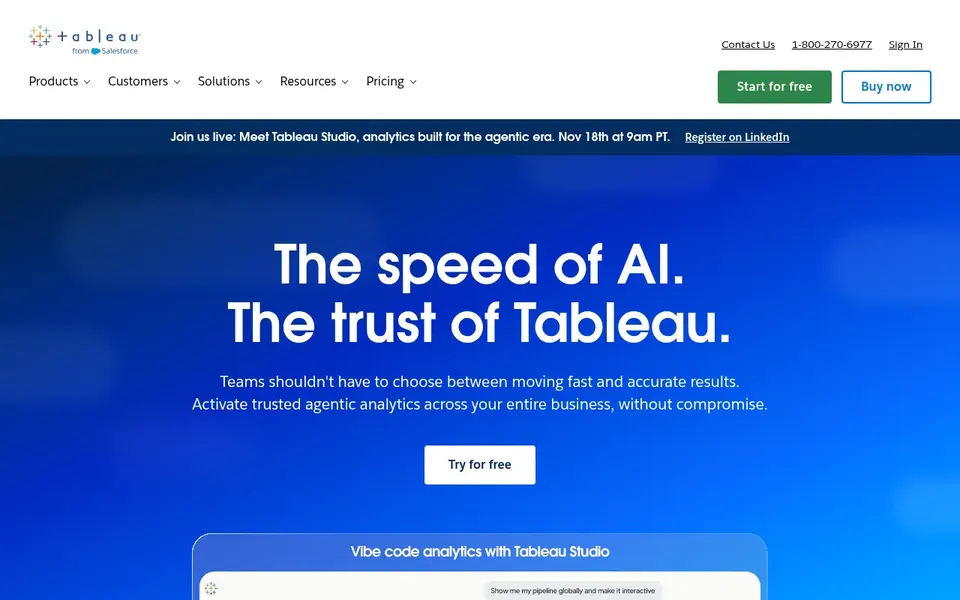
Pick Tableau if this describes you: large teams that require governed analytics. Also, the headline price only spans viewing, so a team with multiple builders must budget for Creator licences.
In daily use, setup takes longer than a straightforward marketing dashboard tool, so allow time for data modelling, permissions, and training. On top of that, enterprise opens at $35 for a Viewer, $70 for an Explorer, and $115 for a Creator. Starting cost for Tableau: $15 per user/month. Free access: Free trial (14 days).
Trade-offs to know: Creator licences cost much more than Viewer licences.
- Capable visual analytics and data preparation
- Tableau Pulse and Tableau Agent add AI summaries and explanations
- Every deployment needs a minimum of one Creator
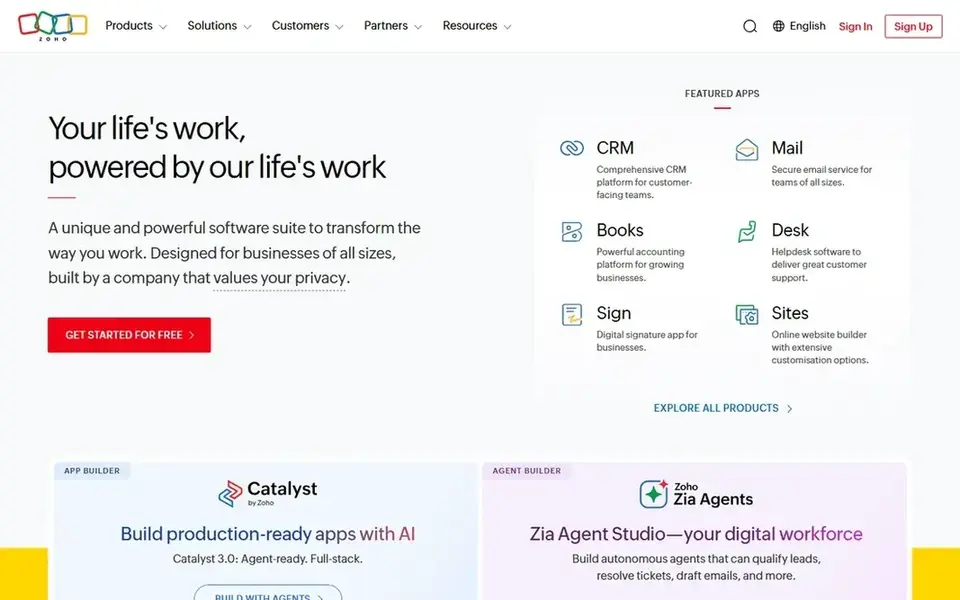
In short, Zoho Analytics is for small teams inside the Zoho suite. Basic costs $24 a month billed yearly for 2 users and 500,000 rows, Standard costs $48 a month billed yearly for 5 users and 1 million rows, and Premium costs about $115 a month billed yearly for 15 users and 5 million rows.
In practice, monthly billing costs about 20 percent more than annual billing. As for the details, ask Zia, the AI assistant, can answer questions in plain language, build charts from a question, and explain trends, with more AI features on higher p What you pay to start with Zoho Analytics: $24 per month. Zoho Analytics offers a free plan.
- Low entry price for a small team
- Free plan for 2 users and 10,000 rows
- User caps are firm, so adding a sixth user on Standard means buying an add-on user or moving to Premium
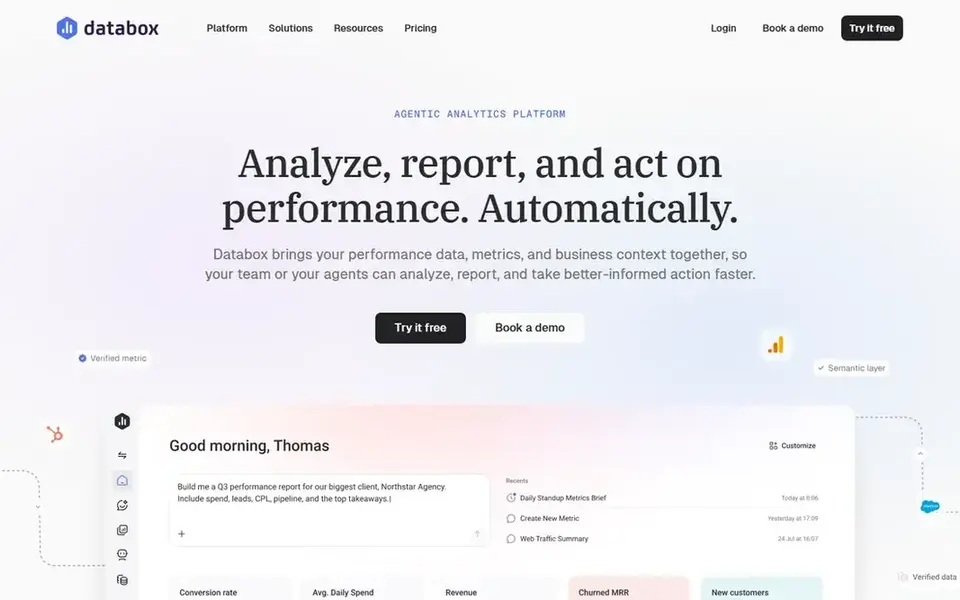
Pick Databox if this describes you: AI summaries across marketing and sales data. Databox is built around live dashboards and AI analysis instead of static monthly PDFs alone. More specifically, Genie, the built in AI analyst, can write performance summaries, answer questions, and surface anomalies across connected accounts.
In daily use, analyst costs $71 a month billed yearly, with 1 user, 5 data sources, and 150 AI credits a month. The free plan costs $0 and contains 1 user, 3 data sources, 1 dashboard, and 50 AI credits a month. The starting price for Databox: $71 per month. Databox offers a free plan.
- Free plan with 3 data sources and 50 AI credits a month
- Unlimited users on the Agency plan
- The entry Analyst plan includes only 1 user and 5 data sources, so a team with numerous sources must move to a higher plan or buy client packs
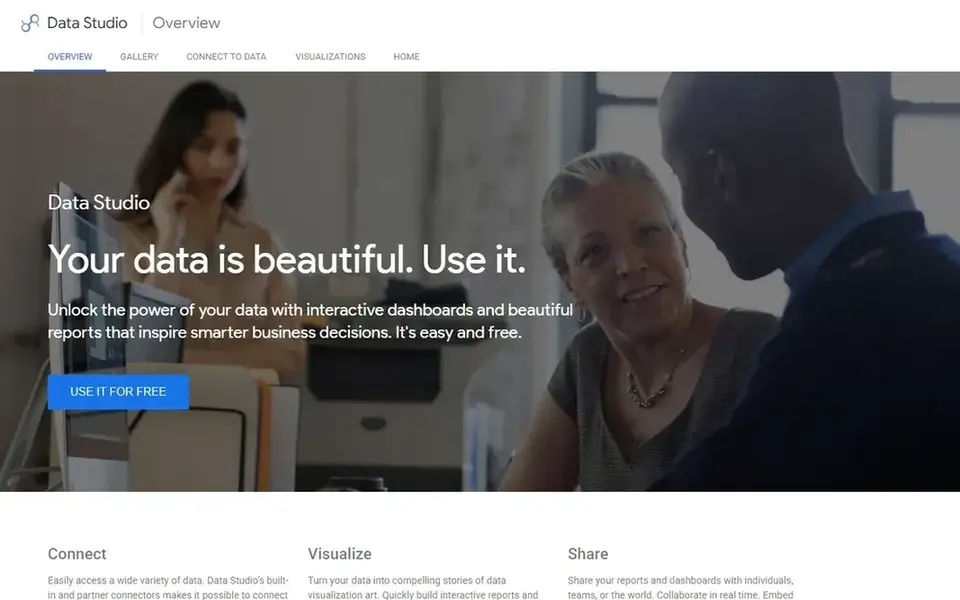
Looker Studio is designed for Google data reports at no licence cost. Google lists the standard version at no charge for report creators and viewers.
What you pay to start with Looker Studio: $0. You can start on Looker Studio without paying.
Honest limits: plenty of non-Google connectors are separate products with their own charges.
- Straightforward sharing and scheduled email delivery
- Direct links to Google Analytics
- Only one email schedule per report on the free version
How the list was put together
For each of the 6 tools we noted price, free plan or trial, fit for AI reporting automation software and the main limit, using vendor pages and documentation. Figures are shown as the vendors publish them. Billing terms, seat minimums and add-ons can change the real cost. Order on the page follows fit for the typical buyer first, then price transparency and free access. Your own requirements should decide the final pick.
What to check before you buy
- Check the vendor page for the current price: Microsoft Power BI starts at $14 per user/month here, and seats or billing terms can move it.
- Look at free plan limits closely: Microsoft Power BI, Zoho Analytics, Databox and Looker Studio have one, and the caps decide whether it is usable for real work.
- Take the trial from Supermetrics and Tableau and push a live task through it before you pay.
- Before choosing Microsoft Power BI, weigh its main limit: every viewer needs a Pro licence in most shared setups, except when the team uses a Fabric capacity at F64 or bigger.
- Verify that exporting from Zoho Analytics is possible on your plan and covers all your records.
- Find out whether the entry plan of Looker Studio covers your must-haves or only a trimmed-down version.
Frequently asked questions
Is Microsoft Power BI the right pick for everyone comparing AI reporting automation software?
No single tool suits every team. Microsoft Power BI comes first because it fits Microsoft 365 teams that share reports, while Supermetrics suits moving marketing data into reports and Tableau suits large teams that need governed analytics. Match the tool to your own size, budget and workflow before deciding.
How are the tools for AI reporting automation software ordered?
The order follows typical fit for AI reporting automation software, with Microsoft Power BI first and Looker Studio last, then price clarity and free access. It is editorial judgement, not a score, so another team could rank the tools differently.
Do I still need a person to check the reports?
Yes. AI summaries can miss context, misread a seasonal change, or repeat a data error from a source. Automation saves time on collection and formatting, but it does not replace judgment.
What is the cheapest option for AI reporting automation software in this list?
On published monthly entry prices, Microsoft Power BI is the lowest here at $14 per user/month. Entry price is only part of the cost, because seats, add-ons and billing terms can change the total. For the full picture, the cards above cover all 6 entries of this AI reporting automation software list, including price, free plan and limits.
Do these tools publish their prices?
Yes. Every tool from Microsoft Power BI to Looker Studio shows a starting price, though seats, add-ons and billing terms still change the final cost.
Sources
See where you really rank - block by block
ProMapRanker scans Google Maps across a grid of your service area. Simple monthly plans from $19, white-label on every plan.
Start freeBrowse all guides
← ChatGPT Alternatives: 5 Tools Compared in 2026Best AI Search Reporting Software (2026) →
 best content analytics software for startups
5 Strong Content Analytics Software for Startups in 2026
Shortlisting the best content analytics software for startups? 5 products compared on cost, free access and ideal buyer. Real limits included. Start here.
Read → best content analytics software for enterprise
6 Best Content Analytics Software for Enterprise Options for 2026
6 tools for the best content analytics software for enterprise, compared on pricing, free plans and best-fit use. Verdicts stay brief and factual. Facts only.
Read → best ai tool for research papers
Best AI Tool for Research Papers: 2026 Prices and Picks
Weighing the best AI tool for research Papers? We lined up 6 products by cost, free access and fit. Caveats come with every verdict. Read before you buy.
Read → best ai data visualization tools
The 5 Best AI Data Visualization Tools to Shortlist in 2026
Comparing the best AI data visualization tools? 5 contenders, each with entry cost, free tier and best-fit buyer. Real limits included. Numbers first.
Read → best diabetes app
Best Diabetes App in 2026: 8 Apps Compared
Compare the best diabetes app options in 2026, with glucose logging, CGM support, carb tracking, reports and caregiver sharing compared clearly for families.
Read → best bi software for analytics
Best BI Software for Analytics in 2026
Compare the best BI software for analytics, from Tableau and Power BI to Looker, ThoughtSpot and Metabase, with pricing, governance and honest trade-offs.
Read →More in Data & Analytics · All guides A to Z by date · Latest guides