 ProMapRanker
Better Alternatives to ChatGPT in 2026

Key takeaways
- Claude is the strongest pick for long writing, careful reasoning, and large documents, at the same headline price as many paid assistants.
- Gemini suits Google Workspace users, Perplexity suits research with sources, and Copilot suits Microsoft Office users.
- DeepSeek and Meta AI are strong free options, while Grok suits real-time social and news topics.
- Mistral Le Chat, Poe, and You.com add model choice, speed, or privacy controls that a single-model app cannot match.
- Try the free tier for your real tasks first, since writing quality, source quality, and daily limits matter more than the feature list.
Quick comparison
| Pick | Great for | Pricing starts at | Free tier | |
|---|---|---|---|---|
 Claude | Writing and long documents | $20 per month | Yes | Visit |
 Gemini | Google Workspace users | $19.99 per month | Yes | Visit |
 Perplexity | Research with sources | $20 per month | Yes | Visit |
 Microsoft Copilot | Microsoft Office work | See website | Yes | Visit |
 Grok | Real-time social topics | See website | Yes | Visit |
 DeepSeek | Free reasoning and coding | Free | Yes | Visit |
 Meta AI | Free everyday assistant | Free | Yes | Visit |
 Mistral Le Chat | Fast European assistant | $14.99 per month | Yes | Visit |
 Poe | Many models in one app | See website | Yes | Visit |
 You.com | Model choice and privacy | See website | Yes | Visit |
The best better alternatives to chatgpt
We compared assistants on writing quality, research sources, coding help, app integrations, free limits, and paid pricing. We list only live alternatives, and we do not list ChatGPT itself in its own alternatives article. The best pick depends on where you work: Google apps, Microsoft apps, social apps, or plain chat.
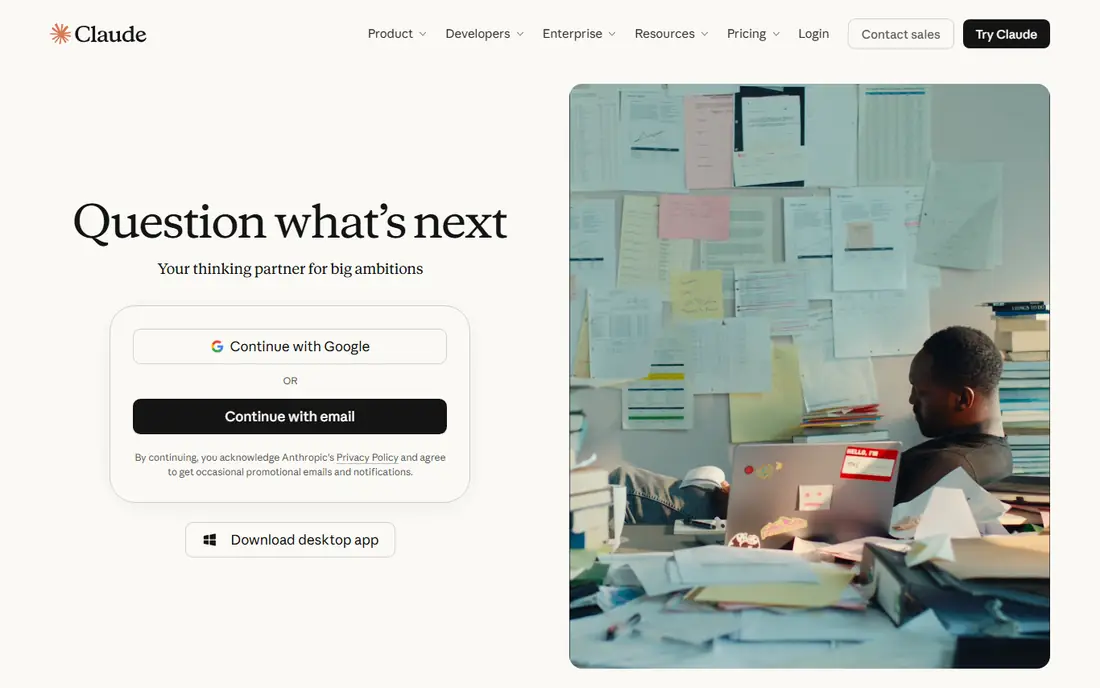
Claude, from Anthropic, is the first alternative most people try, and for good reason. It writes clean, structured prose, follows long instructions, and handles large documents such as reports, contracts, and codebases with fewer lost details. For editing, summarizing, and drafting, its answers often need less cleanup than a generic chatbot draft.
The limits are scope and media. Claude does not match a full multimedia app for image or video generation, and you cannot switch to another company's model inside Claude. It fits best for writers, researchers, and developers who work with long text and code, and who value careful answers over media tools.
- Strong long-form writing and reasoning
- Handles large documents well
- Careful, structured answers
- No built-in image or video generation on the main chat plan
- Limited to Claude models
- Paid limits can bind heavy users
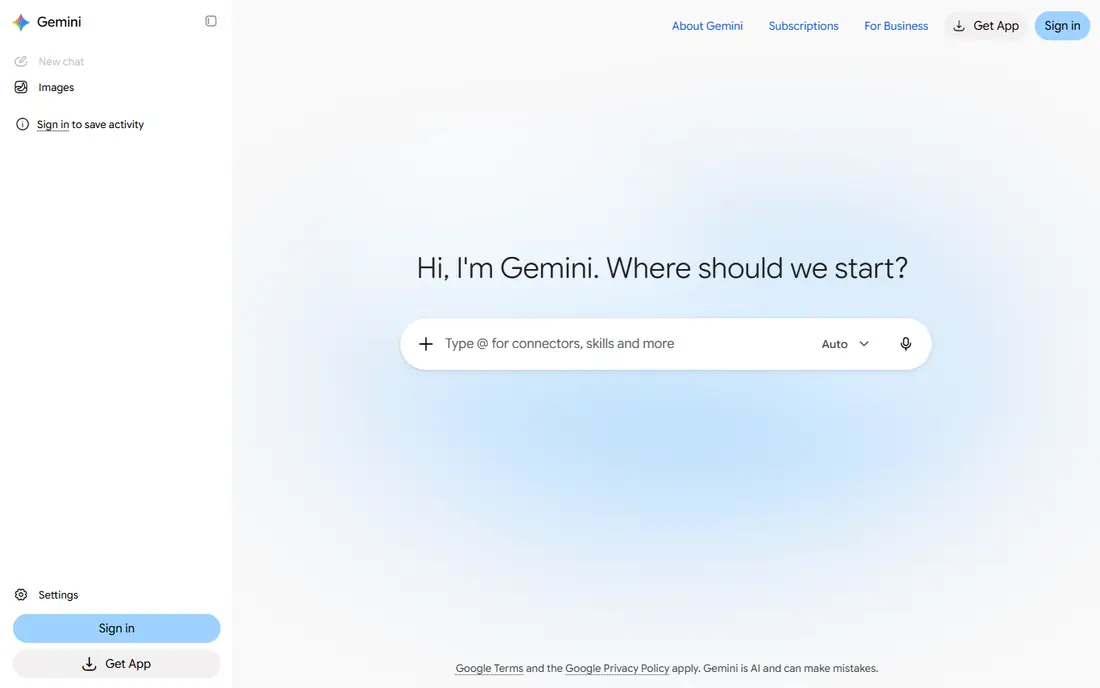
Gemini is the natural pick if your work lives in Google apps. The free tier is generous for everyday questions, image work, and research, and the paid Google AI Pro plan adds Gemini inside Gmail, Docs, and Chrome, plus extra storage and higher limits. That fit saves time when you draft email, summarize a long Doc, or search across your own files.
If you do not use Google Workspace, much of that value fades, and another assistant may suit you better. Gemini fits best for Google users who want one assistant across search, email, documents, and chat, with a free tier that is genuinely useful before paying.
- Strong free tier
- Works inside Gmail, Docs, and Chrome on paid plans
- Good multimodal and long document handling
- Paid plan value depends on Google app use
- Answers can vary in depth
- Storage and plan tiers can confuse buyers
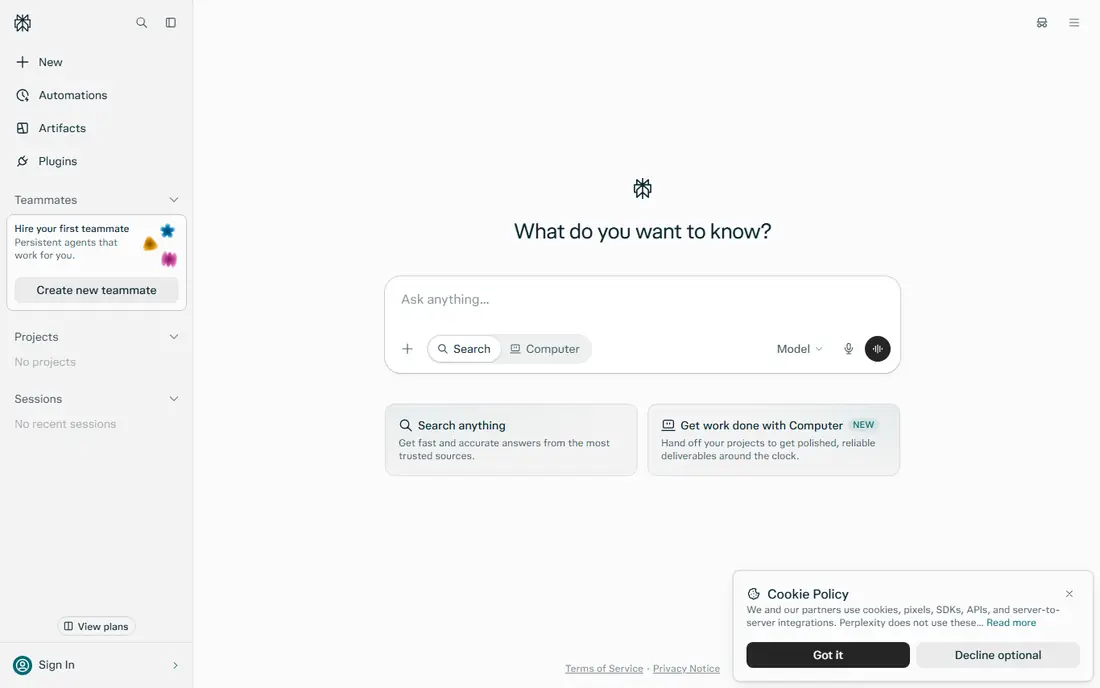
Perplexity is built for research first. Ask a factual question and you get an answer with cited sources, so you can check the claim before you use it. That habit matters for work, study, and journalism, where a confident but wrong answer costs time. The free tier covers basic search well, and the paid plan adds deeper research modes and higher limits.
It is less strong as a general writing partner, where Claude or Gemini may produce smoother drafts. Perplexity fits best as a research tool, and many people pair it with a writing assistant rather than using it for every task.
- Answers include sources you can check
- Strong for news and factual research
- Fast for unfamiliar topics
- Less suited to long creative writing
- Paid plan needed for higher research limits
- Source quality varies by topic
Microsoft Copilot suits Office users who want help inside the apps they already use. It can draft a Word document, summarize an email thread, build a PowerPoint outline, and analyze an Excel table, with context from your files where your plan allows it. The free chat version in Windows and Edge covers everyday questions without a subscription.
The catch is bundling. The most useful Copilot features come with Microsoft 365 plans, so the total cost depends on your Office subscription. Copilot fits best for teams and individuals already committed to Microsoft 365, who want AI help inside Word, Excel, and Outlook.
- Works inside Word, Excel, PowerPoint, and Outlook on paid Microsoft plans
- Free chat in Windows and Edge
- Good for Office drafts
- Best value needs a Microsoft 365 plan
- Standalone pricing has changed
- Less strong outside Office work
Grok, from xAI, stands out for real-time topics. Because it draws on X posts and current news, it can answer questions about breaking events and social discussion faster than assistants that rely mainly on web search. That makes it useful for tracking a live story, a product launch, or public reaction to an event.
For careful research, check its claims against a sourced tool such as Perplexity, since Grok's citations are less strict outside social content. Grok fits best as a second assistant for current events and social context, rather than as your only research tool.
- Strong real-time coverage of X posts and news
- Conversational style
- Free tier for basic use
- Citations are looser outside social topics
- Paid access varies by X plan
- Tone can be less careful than rivals
DeepSeek is the best free option for people who want strong reasoning and coding without a subscription. Its chat app handles math, logic, and code tasks well, and developers can use its API on a pay-as-you-go basis. For students, hobby coders, and budget-conscious users, it removes the monthly fee barrier entirely.
The app itself is simpler than Claude or Gemini, with fewer integrations and media tools. DeepSeek fits best for users who mainly need chat-based reasoning and code help, and who do not need deep links into Google or Microsoft apps.
- Free chat with strong reasoning and coding
- No paid chat plan needed for core use
- API available for developers
- Interface and app ecosystem are simpler
- Support and enterprise features are thinner
- Heavy use may hit limits
Meta AI is the most accessible assistant on this list, because it is already inside apps many people use daily. You can ask a question in WhatsApp, Instagram, or Messenger without installing a new app or paying a fee. For quick answers, translations, ideas, and everyday planning, that ease of access is a real benefit.
It does not match paid assistants for long documents, deep research, or professional coding work. Meta AI fits best for casual daily use, and as a free backup when you do not need a paid plan. Review its privacy settings before you share sensitive work in it.
- Free with no paid plan
- Already inside WhatsApp, Instagram, and Messenger
- Easy for everyday questions
- Fewer pro features than paid rivals
- Data and privacy settings need review
- Less suited to long professional work
Mistral Le Chat, from the French company Mistral AI, is a fast, clean chat assistant with a lower paid price than most frontier rivals. It handles everyday writing, questions, and code well, and its open-weight model approach appeals to users who value transparency and European data handling. The free tier covers casual use, and the paid plan adds higher limits.
The ecosystem is smaller than Google or Microsoft, so you will not get the same deep app links. Le Chat fits best for users who want a fast, affordable general assistant, and for European users who prefer a European provider.
- Fast responses
- European company with open-weight models
- Lower paid price than many rivals
- Smaller app ecosystem
- Fewer integrations than Google or Microsoft
- Media tools are more limited
Poe solves a different problem: you do not have to pick one model. Inside one app and subscription, you can try Claude, Gemini, GPT models, and niche bots, and compare answers side by side. That is useful for power users who write with one model, research with another, and test a third for code.
The trade-off is complexity. Each model has its own limits, and heavy use of top models can push you to a higher tier. Poe fits best for curious users and professionals who want to compare models without managing several subscriptions.
- Access to many models in one subscription
- Easy to compare answers
- Bots for specific tasks
- Limits vary by model
- Total cost depends on usage tier
- Quality depends on the model you pick
You.com combines search and chat with a choice of models for each query. You can pick a fast model for a simple question, a stronger model for hard reasoning, and a research mode for sourced answers. Privacy controls let you limit personalization and data use, which appeals to users who want more control than a default assistant offers.
The range of choices can feel busy at first, and top models need a paid plan. You.com fits best for users who like to control the model and privacy settings per task, rather than accepting one default assistant for everything.
- Lets you pick a model per query
- Privacy controls
- Combines chat, search, and research tools
- Interface can feel busy
- Paid plan needed for top models
- Smaller community than the largest assistants
How we picked these
We compared official pricing and product pages in October 2026, and we favored assistants that are live, offer a free tier or free chat, and cover a distinct job such as writing, research, Office work, or model choice. We left out retired apps and apps that only wrap one model with no clear benefit. Where a vendor does not publish a clear entry price, we wrote See website rather than guessing.
How to pick an assistant for your work
Start with where you already work. Google users gain most from Gemini, Office users gain most from Copilot, and writers gain most from Claude. Then test the same five real tasks in two assistants: a draft, a summary, a research question, a code fix, and a rewrite. Keep the assistant whose answers need the least editing.
Watch limits and privacy, not just price
Most paid plans cost about $20 per month, so the real difference is daily limits, file size limits, and data settings. Check whether your chats are used for training, whether you can turn that off, and whether your plan covers the file sizes you actually use. A cheaper plan with a low limit can cost more in lost time than a standard plan.
Frequently asked questions
What are the better alternatives to chatgpt?
Claude, Gemini, Perplexity, Microsoft Copilot, Grok, DeepSeek, Meta AI, Mistral Le Chat, Poe, and You.com are the strongest live options. Claude suits writing, Gemini suits Google users, Perplexity suits research, and Copilot suits Office users. DeepSeek and Meta AI are strong free picks.
Which ChatGPT alternative is best for writing?
Claude is the most consistent pick for long-form writing, editing, and document work, thanks to its careful structure and large document handling. Gemini and Mistral Le Chat are also strong for everyday drafts, while Perplexity is better for sourced research than for creative writing.
Is there a free alternative to ChatGPT?
Yes. DeepSeek and Meta AI offer free chat with no paid plan required for core use. Claude, Gemini, Perplexity, Grok, Mistral Le Chat, Poe, and You.com also offer free tiers with daily limits. Free tiers suit casual use, while heavy daily work usually needs a paid plan.
Which alternative is best for research with sources?
Perplexity is built for research with citations you can check, which makes it the best first pick for factual work. Claude and Gemini can also cite sources in research modes, but Perplexity keeps sources central to every answer, which helps you verify claims faster.
Can one app replace ChatGPT for everything?
For most people, one paid assistant plus one free research tool covers daily work well. Claude or Gemini can handle writing and general chat, while Perplexity covers sourced research. Poe and You.com suit users who want several models in one place instead of a single default.
Sources
See where you really rank - block by block
ProMapRanker scans Google Maps across a grid of your service area. Simple monthly plans from $19, white-label on every plan.
Start freeKeep reading
 wpforms alternatives
Best WPForms Alternatives in 2026
We compare 9 wpforms alternatives for WordPress forms, with free and paid options, current pricing notes, and honest limits for small business sites in 2026.
Read → windows task scheduler alternatives
Best Windows Task Scheduler Alternatives in 2026
Looking for Windows Task Scheduler alternatives? We compare 9 schedulers for Windows and cross-platform work, from free tools to enterprise automation.
Read → which ai video service is best
Which AI Video Service Is Best in 2026
which ai video service is best? We compare 10 legitimate AI video services on price, avatars, editing and output quality to help you pick the right tool.
Read →