 ProMapRanker
The 5 Best AI Data Visualization Tools to Shortlist in 2026


Low-cost AI BI with a broad connector range · Pricing starts at: See website
Key takeaways
- The list opens with Zoho Analytics, aimed at low-cost AI BI with a broad connector range.
- Before buying Zoho Analytics, weigh this: pricing varies by plan and user count, so the pricing page must be checked.
- Zoho Analytics, Akkio and the 3 others all sell by quote; expect sales conversations before you see a price.
- Free plans exist at 2 of 5 tools (Julius AI, Rows).
Direct answer
Zoho Analytics comes first here, mainly for low-cost AI BI with a broad connector range. Julius AI is the stronger choice for fast analysis and charts from spreadsheets and files, while Rows suits AI-powered spreadsheets and live reports. Prices, free plans and limits for all 5 tools follow.
Quick comparison
| Pick | Great for | Pricing starts at | Free tier | |
|---|---|---|---|---|
| Zoho Analytics | Low-cost AI BI with a broad connector range | See website | Free trial | Visit |
 Julius AI | Fast analysis and charts from spreadsheets and files | See website | Yes | Visit |
 Rows | AI-powered spreadsheets and live reports | See website | Yes | Visit |
 Tableau | Governed enterprise dashboards with AI help | See website | Free trial | Visit |
 Akkio | AI workflows that combine chat, prediction and reporting | See website | Free trial | Visit |
5 AI data visualization tools in detail
If you are comparing AI data visualization tools, this page covers 5 tools in one place: what each is best for, what it costs to start, whether it has a free plan, and the main limit to know about.
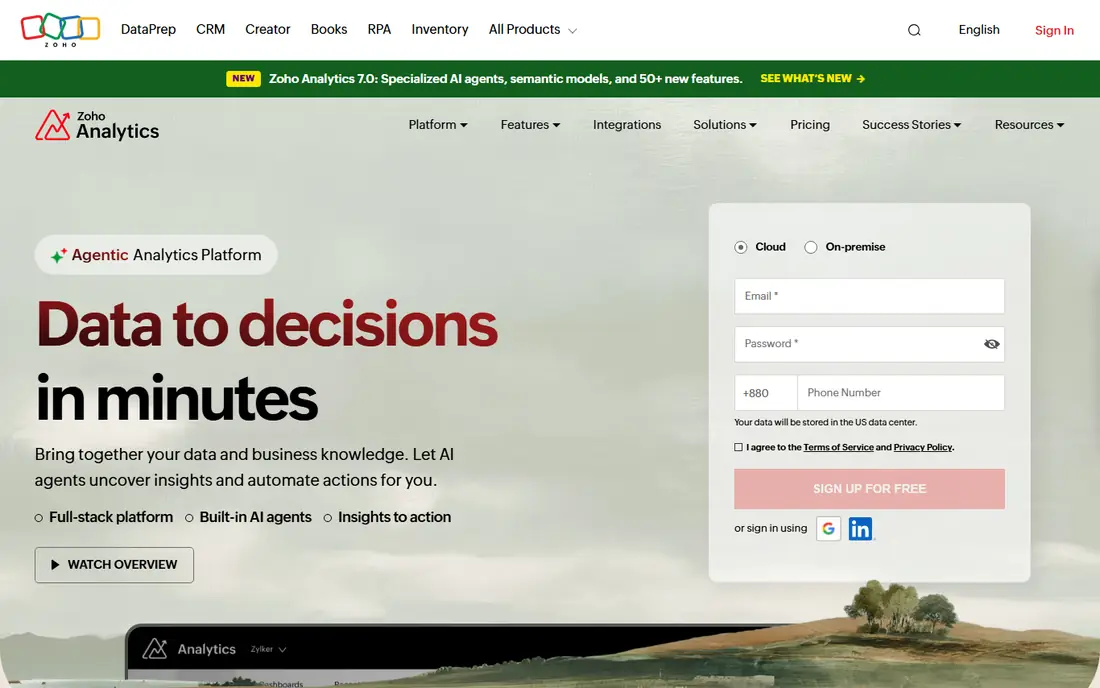
In short, Zoho Analytics is for low-cost AI BI with a broad connector range. A 15-day free trial with no card required makes it simple to test Zoho Analytics against a real dataset before committing. Zoho Analytics gives small and mid-size companies numerous of the AI features found in enterprise BI at a lower price point.
Zia, its AI assistant, can produce charts and dashboards from a question, recommend visualizations, explain what drove a change, and surface anomalies and forecasts. Also, data pipelines can be built with drag-and-drop or with an AI agent, and more than 500 connectors handle files, apps, databases and warehouses. Worth adding: the product is wide instead of beautiful. Teams used to Tableau's visual polish may find Zoho's dashboards more functional than striking. That is a fair trade for the price and connector range, notably for firms already using Zoho apps. Pricing for Zoho Analytics is not stated here, so ask the vendor for current figures. As for free access: Free trial.
Drawbacks to consider: Advanced features need a premium plan.
- Visualization and analysis
- More than 500 connectors
- Pricing varies by plan and user count, so the pricing page must be checked
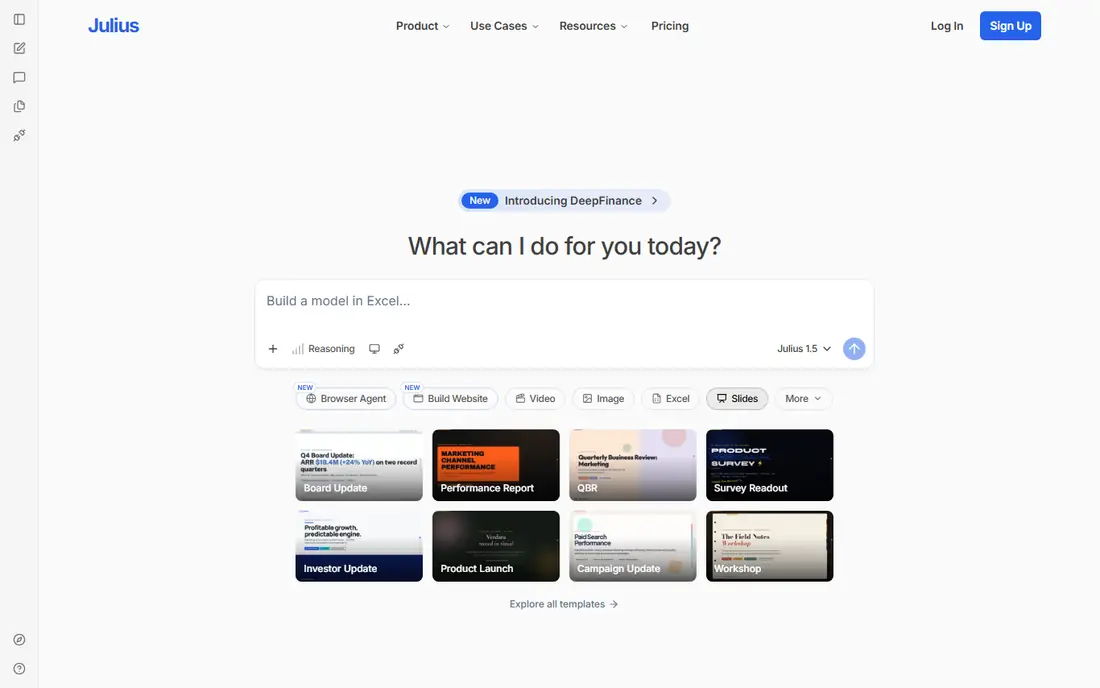
Julius AI targets fast analysis and charts from spreadsheets and files. Julius AI is the tool for the question that arrives by email at 4 pm: what drove sales last quarter, and can you chart it for tomorrow's meeting. For everyday use, upload a file, ask in plain language, and Julius returns analysis, charts and a presentation-ready summary in one workspace.
What to check first: Results must be checked, notably for calculations.
That speed is valuable for analysts, founders and consultants who work from files instead of from a warehouse. The limit is governance. Julius works brilliantly on a file you control, but it does not replace a shared semantic layer for a whole company. Its calculations should be spot-checked before they reach a board or a client. Pricing for Julius AI is not stated here, so ask the vendor for current figures. Julius AI offers a free plan.
- Works from Excel
- CSV and other files without a BI setup
- Credit-based pricing, so heavy use needs a pricing page check
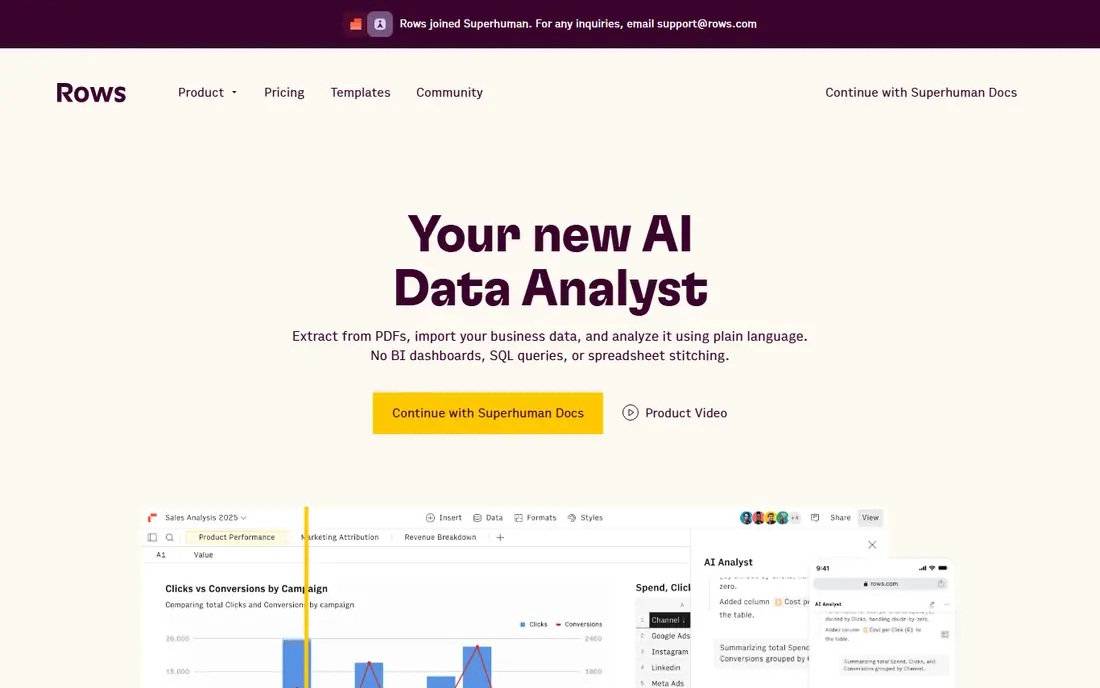
Pick Rows if this describes you: AI-powered spreadsheets and live reports. Rather than wrestling with formulas, a user can ask AI to import data, merge datasets, build a model and chart the result, with live connections that refresh from advertising, social, warehouse and back-office sources. Also, for a team that lives in spreadsheets and wants AI to remove the manual steps between data and a readable chart, Rows is the most direct upgrade.
Downsides: Pricing for team and AI usage needs a pricing page check.
As for the details, spreadsheets still need care. AI-generated formulas and merged data should be checked, notably when a report will guide spending or hiring decisions, and very large or heavily governed datasets belong in a BI system. Pricing for Rows is not stated here, so ask the vendor for current figures. A free plan is available with Rows. Best features of Rows: Live connections to numerous business sources.
- Shareable dashboards and embeds
- Ask AI to build models
- Very large datasets suit a warehouse BI tool better
Tableau targets governed enterprise dashboards with AI help. The trade-off is enterprise weight. Also, users can ask questions in natural language, receive proactive insights, and bring dashboards into Slack, Teams and other tools where decisions happen.
In daily use, Tableau's AI strength is context. For everyday use, a company that needs governed metrics, row-level security and dashboards that hundreds of people trust should start with Tableau and add a chat-first tool only for ad hoc analysis. Check the vendor site for Tableau pricing; none is listed in this comparison. As for free access: Free trial.
Drawbacks to consider: Smaller teams may find it more than they need.
- Broad connector range and community resources
- AI answers in natural language with a semantic layer behind them
- Pricing varies by product and deployment, so the pricing page must be checked
Akkio is aimed squarely at AI workflows that combine chat, prediction and reporting. Governance features, including role-based access and visibility into AI actions, help teams that require to explain how an answer was produced.
If the trial displays that chat, modeling and reporting work together smoothly for your data, Akkio can replace multiple separate steps. If you only need charts from a spreadsheet, a more straightforward tool will be quicker and less expensive. Pricing for Akkio is not stated here, so ask the vendor for current figures. Free plan details: Free trial.
Points against: Enterprise focus may suit bigger teams best.
- Chat with data plus no-code modeling and reporting
- Governance controls for teams
- Positioning has shifted toward workflow automation, so buyers should trial the current analytics features
How we chose
For each of the 5 tools we noted price, free plan or trial, fit for AI data visualization tools and the main limit, using vendor pages and documentation. Seat minimums, billing terms and add-ons can move the real cost, so the starting prices here are a guide and not a quote. Tools are placed by general fit for AI data visualization tools, with price clarity and free access as tie-breakers. A different team can reasonably rank them differently.
Questions to settle before buying
- Ask each vendor, from Zoho Analytics to Akkio, for a written quote; none of them publishes a starting price.
- Read the fine print on the free plans from Julius AI and Rows; seat, project and feature caps differ.
- Run a trial of Zoho Analytics, Tableau and Akkio with real work before paying for a year; your own workflow is the best test.
- Before choosing Zoho Analytics, weigh its main limit: pricing varies by plan and user count, so the pricing page must be checked.
- Confirm the exact Rows plan that includes your must-have features.
- Work out what Zoho Analytics costs with your real seat count, add-ons and usage, not just the entry price.
Frequently asked questions
What is the best AI data visualization tool?
The first pick on this list is Zoho Analytics, because it suits low-cost AI BI with a broad connector range. Julius AI is better for fast analysis and charts from spreadsheets and files, and Rows for AI-powered spreadsheets and live reports. Check price and limits against your own needs before choosing.
Do these tools publish their prices?
No. None of the tools, from Zoho Analytics to Akkio, shows a fixed starting price here, so budget time for quotes.
Can AI build a chart from a plain-language question?
The chart should still be checked against the source data, particularly the filters and aggregation used, before it is shared or used for a decision.
How are the tools for AI data visualization tools ordered?
Zoho Analytics sits first and Akkio last because the order follows typical fit for AI data visualization tools, then price clarity and free access. It is a judgement call, so read each profile for fit and limits.
What is the difference between AI BI and a chat analyst like Julius?
AI BI products combine governed data models, dashboards, permissions and scheduled refresh for an entire team, whereas a chat analyst concentrates on quick, ad hoc answers from files for one person. Numerous teams use both: a BI system for shared dashboards and a chat tool for exploration.
Which options for AI data visualization tools have a free plan?
On this list, Julius AI and Rows include a free plan. Caps on seats, usage or features are common, so test the free plan against your real workload. Several others offer a trial instead.
Sources
See where you really rank - block by block
ProMapRanker scans Google Maps across a grid of your service area. Simple monthly plans from $19, white-label on every plan.
Start freeKeep reading
 zoho inventory alternatives
6 Alternatives to Zoho Inventory, Compared on Price and Fit
Zoho Inventory alternatives: 6 tools compared on price, free plans and fit. Katana leads the list for manufacturers. Fit and flaws are laid out for each entry.
Read → zoho crm alternatives
Best Zoho CRM Alternatives (2026)
Need Zoho CRM alternatives? We compare 7 tools on cost, free access and who each suits. Every pick gets a straight assessment. Built for quick decisions.
Read → zelle alternatives
Best Zelle Alternatives in 2026
Compare the best Zelle alternatives for sending money to friends, paying sellers and moving funds abroad, with honest notes on fees, speed and safety in 2026.
Read →