 ProMapRanker
Best Diabetes App in 2026: 8 Apps Compared


Clean logbook with clinician reports · Pricing starts at: $27.99 per year
Key takeaways
- mySugr and Glucose Buddy suit people who log by hand, with clear reports that a clinician can read at an appointment.
- Dexcom G7 and FreeStyle LibreLink are the right starting points for people who already use those sensors, since they show live glucose data.
- Tidepool and Glooko-style aggregation help when data comes from several devices, pumps and meters, and one view is needed.
- No phone can measure blood glucose on its own, so every app here works with a meter, a sensor or manual entry, not with the phone sensor alone.
Quick comparison
| Pick | Great for | Pricing starts at | Free tier | |
|---|---|---|---|---|
| mySugr | Clean logbook with clinician reports | $27.99 per year | Yes | Visit |
 Glucose Buddy | Manual all-in-one logging | See website | Yes | Visit |
 One Drop | Coaching plus logging for daily habits | See website | Yes | Visit |
 Diabetes:M | Detailed logbook with flexible reports | See website | Yes | Visit |
 Tidepool | Multi-device data in one nonprofit platform | Free | Yes | Visit |
 Sugarmate | Dexcom companion with sharing and alerts | Free | Yes | Visit |
 Dexcom G7 | Live glucose data for Dexcom sensor users | Free | Yes | Visit |
 FreeStyle LibreLink | Live glucose data for FreeStyle Libre users | Free | Yes | Visit |
The best diabetes app
This article is general information only, not medical advice. Talk to your clinician before changing insulin, medication, food or activity based on any app, and follow your clinician's guidance for glucose targets and alerts. The apps below help you record, view and share glucose data, but they do not replace medical care.
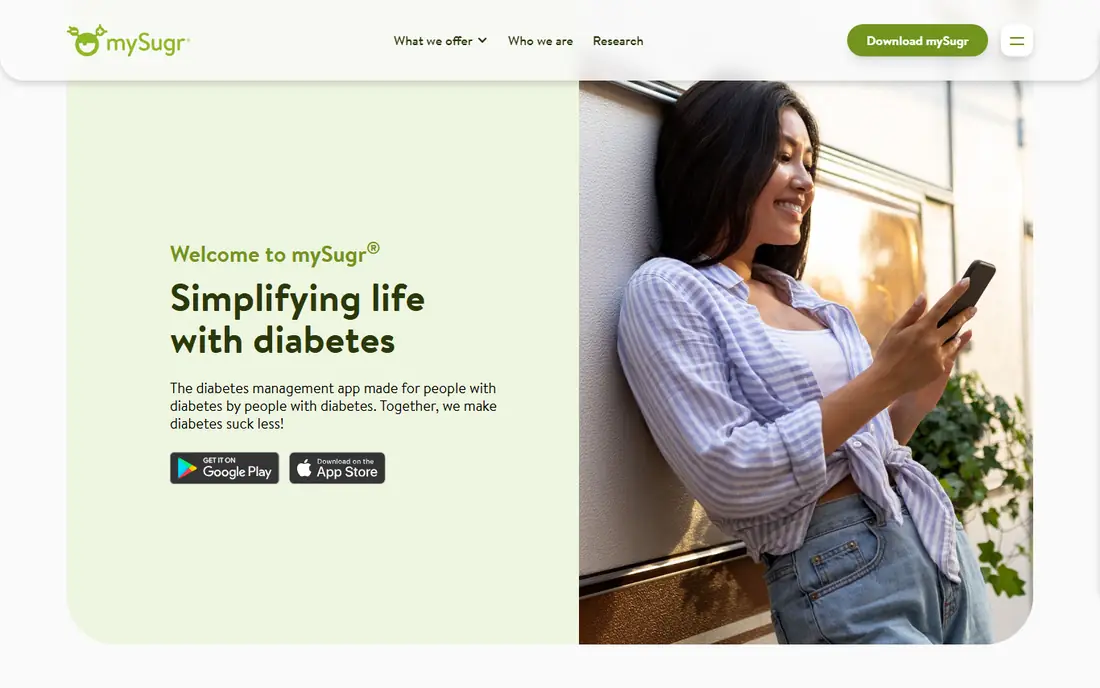
mySugr, part of Roche Diabetes Care, is one of the most widely used diabetes logbooks. You can record glucose readings, meals, carbs, insulin and activity, and view charts and an estimated average glucose based on your logged values. It can connect to compatible Accu-Chek meters for automatic transfer, and manual entry covers other meters.
The free version covers essential logging and basic reports, while Pro adds smart search, detailed PDF reports, data export and personalised reminders. The playful, challenge-based style helps some people log more consistently and may put others off. For a tidy record to show at an appointment, mySugr is a strong first choice.
- Clear glucose, carb and insulin logging
- Estimated average glucose views
- Clinician-friendly PDF reports on Pro
- Pro features need a subscription
- No live sensor data without a compatible device
- Gamified style will not suit everyone
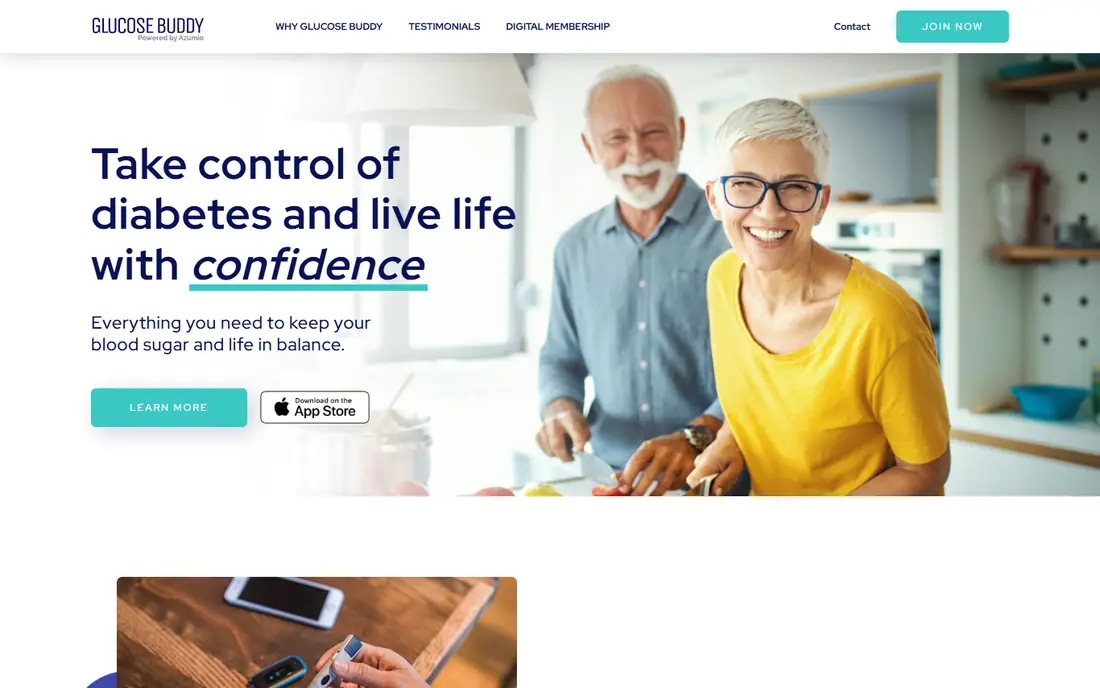
Glucose Buddy is a long-standing manual logbook for people who do not use a continuous sensor, or who want a single place for glucose, food, medication and activity. Entry is quick once you learn the layout, and reports turn the log into charts and summaries that help at a clinical review. It suits people who prefer a simple, dependable record over a feature-heavy platform.
The trade-off is effort. Manual logging needs discipline, and a missed week leaves gaps in the charts. Premium features, such as deeper reports and sync options, need a paid plan. For a straightforward, all-in-one manual logbook, Glucose Buddy remains a solid option.
- Long-standing manual logbook
- Glucose, food, medication and activity in one place
- Flexible reports
- Manual entry takes daily effort
- Premium features need a subscription
- Interface is simpler than newer apps
One Drop combines a diabetes logbook with coaching, habit tracking and educational content, which suits people who want support for daily routines as well as numbers. You can log glucose, food, medication and activity, set goals and review patterns over time. Compatible meters and devices can reduce manual entry for some users.
Premium coaching and advanced features need a subscription, and the published pricing is not always clear, so we list the starting price as See website. Device compatibility also varies by region and model. For a person who wants logging plus coaching in one app, One Drop is worth a trial.
- Logging plus coaching content
- Compatible meter and device options
- Habit and goal tracking
- Coaching and premium features need a subscription
- Device compatibility varies
- Pricing is not always published clearly
Diabetes:M is a detailed logbook for people who want control over their data. It covers glucose, insulin, carbs, medication and activity, with reports, charts and export options that suit a thorough clinical review. Broad device support helps users who already own a meter or sensor that the app can read.
The interface can feel dense at first, and the full value shows only after you set up your insulin, carb and activity profiles. Premium features need a subscription. For a user who wants a detailed, flexible logbook rather than a simple tracker, Diabetes:M is a strong choice.
- Detailed logging for glucose, insulin, carbs and activity
- Flexible reports and charts
- Broad device support
- Interface can feel dense
- Premium features need a subscription
- Setup takes care for full use
Tidepool is a nonprofit platform that brings diabetes data from many devices into one view. It aggregates glucose, pump, meter and activity data where supported, and offers sharing and export options that help clinicians review patterns without juggling several apps. That aggregation is valuable when a household uses more than one brand of device.
Tidepool is not a replacement for your sensor maker's live app, since live alerts and sensor control still sit with the device app. Setup depends on which devices you use, and some features are web-first. For a unified, shareable record across devices, Tidepool is a distinctive and trusted option.
- Nonprofit platform
- Aggregates data from many devices
- Clinician sharing and export options
- Not a live sensor app on its own
- Setup depends on device compatibility
- Web-first experience for some features
Sugarmate, by Tandem, is a companion app for Dexcom continuous glucose monitor users. It shows glucose data in a clear view, supports sharing with family members and caregivers, and offers alerts and watch views that help a household keep an eye on trends. For a family supporting a Dexcom user, sharing is the main reason to add it alongside the official app.
It is only useful with a Dexcom sensor, so meter-only users should choose a logbook instead. It also does not replace the official Dexcom app for sensor management. For Dexcom households that want simple sharing and at-a-glance views, Sugarmate is a useful free addition.
- Companion for Dexcom users
- Sharing with family and caregivers
- Alerts and Apple Watch views
- Only useful with a Dexcom sensor
- Owned by Tandem, so check current support
- Not a manual logbook replacement
The Dexcom G7 app is the official companion for the Dexcom G7 continuous glucose monitor. It shows live glucose readings, trend arrows and graphs, with customisable high and low alerts and sharing with followers such as family members or caregivers. For a Dexcom user, it is the essential app, since it is the one that talks directly to the sensor.
The app itself is free, but the sensor, transmitter where needed and supplies cost extra and need a prescription in many regions. Phone compatibility also matters, so check the supported device list before you start. Set alerts with your clinician, since alert settings affect sleep, safety and daily peace of mind.
- Live glucose readings and trend arrows
- Customisable alerts
- Sharing with followers
- App is free but the sensor and supplies cost extra
- Sensor only works with compatible phones
- Alerts need careful setup
FreeStyle LibreLink is the official app for Abbott FreeStyle Libre sensors. Depending on the sensor generation, it scans the sensor or streams glucose data to the phone, shows readings, trends and time in range, and shares data with caregivers through LibreLinkUp and with clinicians through LibreView where available. For a Libre user, it is the core app for daily glucose views.
As with Dexcom, the app is free but sensors cost extra and need a prescription in many regions. Features vary by sensor generation and country, so confirm what your sensor supports. Check phone compatibility too, since not every phone model is supported for every sensor.
- Live glucose data for Libre sensor users
- Scan or stream depending on sensor
- Sharing with caregivers and clinicians
- App is free but sensors cost extra
- Features vary by sensor generation and region
- Phone compatibility must be checked
How we picked these
We compared official product pages, app store listings and public documentation for diabetes apps live in October 2026. We favoured apps with real glucose logging, sensor support, reports and sharing, and we mixed manual logbooks, sensor apps and aggregation platforms so different kinds of users can find a fit. We did not claim hands-on testing, and we wrote See website where pricing was not published clearly.
Choosing the right diabetes app
Start with your device. If you use a Dexcom or FreeStyle Libre sensor, start with its official app, since that app controls the sensor and shows live data. If you use a meter, start with a logbook such as mySugr, Glucose Buddy or Diabetes:M, and check whether your meter can transfer readings automatically.
Next, decide who needs to see the data. A parent, partner or caregiver benefits from sharing features in Sugarmate, Dexcom Follow, LibreLinkUp or Tidepool, while a clinician benefits from clear PDF reports and export options. Test sharing during the first week, not at the next appointment, so a setup problem does not hide important data.
Keep logging simple enough to sustain
The best app is the one you will still open in three months. A detailed logbook is useful only when entries stay consistent, so pick the simplest app that covers your main need: glucose, carbs, insulin or sensor data. Use reminders sparingly, since too many alerts lead to ignoring them. Review your own data weekly, and bring questions, not just charts, to your clinician.
Privacy and safety notes
Diabetes data is sensitive health data, so check each app's privacy policy, sharing settings and account security before you add family members. Use a strong password and device lock, and review who can see your data in the sharing settings. Never trust an app or device that claims to measure glucose without a meter or sensor, since phones cannot measure blood glucose on their own.
Frequently asked questions
What is the best diabetes app?
For most people, mySugr is a strong all-round logbook, while Dexcom G7 and FreeStyle LibreLink are the best apps for users of those sensors. Glucose Buddy and Diabetes:M suit manual logging, and Tidepool suits multi-device households. The best app depends on your device, your logging style and who needs to see your data.
What is the best app for diabetics who use a CGM?
Dexcom G7 users should start with the Dexcom G7 app, and FreeStyle Libre users should start with FreeStyle LibreLink, since those apps talk directly to the sensor. Sugarmate adds sharing and watch views for Dexcom households, while Tidepool helps aggregate data from several devices for a unified view.
What is the best blood glucose app for manual logging?
mySugr, Glucose Buddy and Diabetes:M are all strong manual logbooks, with glucose, carb, insulin and activity logging plus reports. mySugr offers the cleanest clinician reports on Pro, Glucose Buddy offers a simple all-in-one log, and Diabetes:M offers the most detailed reports. Try the free tier of each for a week before you pay.
Can a phone measure blood glucose without a sensor?
No. A phone, smartwatch or ring cannot measure blood glucose on its own. Reliable apps work with a finger-prick meter or a continuous glucose monitor sensor worn on the skin. Do not trust any app or device that claims to measure glucose without piercing the skin or using a sensor.
Are diabetes apps free?
Many diabetes apps are free to download, including Dexcom G7, FreeStyle LibreLink, Tidepool and Sugarmate, though sensors and supplies cost extra. Logbooks such as mySugr and Glucose Buddy offer free tiers with paid Pro features for reports, export and reminders. Check the app store listing for the current free and paid split before you commit.
How do I share diabetes data with my doctor?
Most apps offer PDF reports, data export or clinician sharing through a linked portal, such as LibreView for Libre users or Tidepool sharing for multi-device users. Export a report before your appointment and check that it covers the date range your clinician wants. Ask your clinic which format they prefer, since some clinics use a specific portal.
Sources
See where you really rank - block by block
ProMapRanker scans Google Maps across a grid of your service area. Simple monthly plans from $19, white-label on every plan.
Start freeKeep reading
 free alternatives to grok imagine
Free Alternatives to Grok Imagine in 2026
We compared the best free alternatives to grok imagine for image generation, from fast daily credits to design tools, so you can create without paying.
Read → best tools for instagram content creation
Best Tools for Instagram Content Creation in 2026
Compare the best tools for Instagram content creation, from Canva and CapCut to Later and Buffer, on design, video, planning, scheduling, and price in 2026.
Read → best tool to split pdf files
Best Tool to Split PDF Files in 2026
We compared the best tool to split pdf files on split modes, file limits, privacy and price, so you can split a PDF cleanly and keep every page in one go.
Read →