 ProMapRanker
Free Alternatives to Grok Imagine in 2026


Most free image volume · Pricing starts at: Free
Key takeaways
- Microsoft Designer Image Creator offers the most free volume for casual prompts, with fast creations plus slower standard creations.
- Leonardo AI and Ideogram suit users who want daily credits and better control over style and text.
- Adobe Firefly and Canva suit design work, where generated images need to fit into layouts and brand assets.
- Google Gemini and Craiyon suit quick, chat-led or no-fuss generation without a complex editor.
- Every free tier has limits on credits, speed, privacy or commercial use, so check the terms before you rely on one tool.
Quick comparison
| Pick | Great for | Pricing starts at | Free tier | |
|---|---|---|---|---|
| Microsoft Designer Image Creator | Most free image volume | Free | Yes | Visit |
 Leonardo AI | Daily tokens and model choice | Free | Yes | Visit |
 Ideogram | Readable text in images | Free | Yes | Visit |
 Adobe Firefly | Commercial-safe design work | Free | Yes | Visit |
 Craiyon | Unlimited casual generation | Free | Yes | Visit |
 NightCafe | Art styles and community | Free | Yes | Visit |
 Canva | Images inside designs | Free | Yes | Visit |
 Google Gemini | Chat-led image creation and edits | Free | Yes | Visit |
The best free alternatives to grok imagine
We compared official pricing pages, help pages and public free-tier comparisons for image generators active in October 2026. This list includes free or free-tier tools only, and it does not list Grok Imagine itself as a product. Free limits change often, so treat credit counts as a snapshot and confirm the current terms on the official site before you plan a project around one tool.
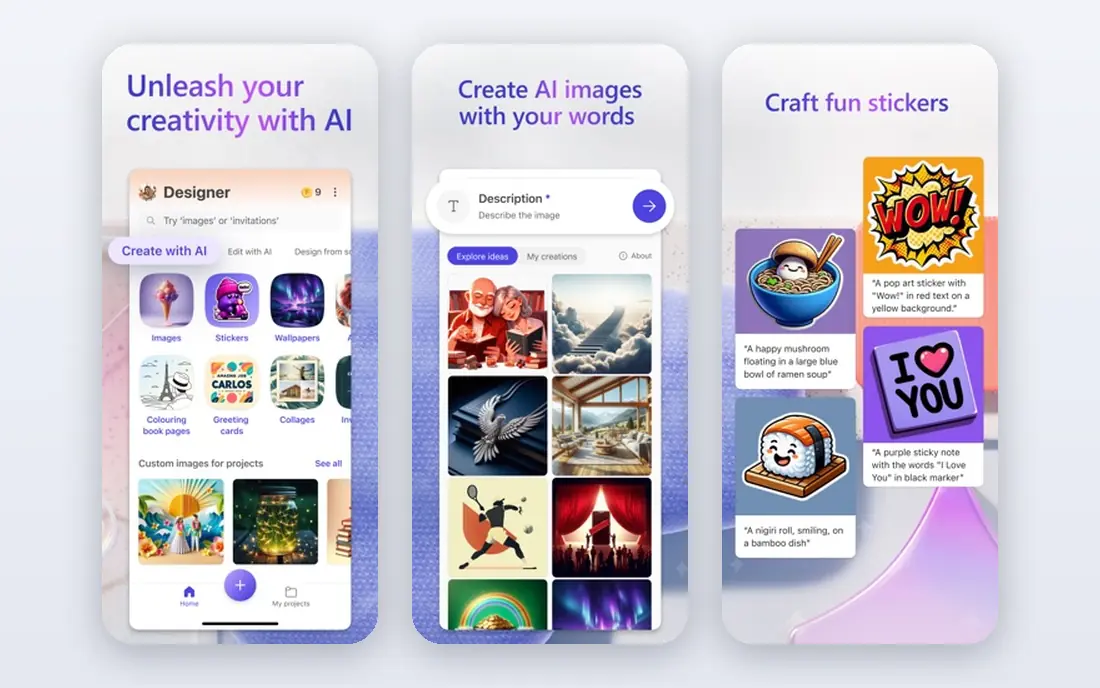
Microsoft Designer Image Creator, also known as Bing Image Creator, is the best free starting point for volume. You get a daily set of fast creations, and standard-speed creations continue after those run out, which means casual users rarely hit a hard stop. The prompt box is simple, results arrive quickly, and no design skill is needed to get usable images.
The limits are licensing and branding. Free images may carry a small mark and are generally for non-commercial use, so client work needs a check of the current terms. Image style is also fairly mainstream, which suits social posts and blog art more than highly stylized art. For everyday free generation, though, no other tool here matches this volume.
- Generous free output with fast boosts plus standard speed
- Simple prompt box
- Microsoft account sign-in
- Free images carry a small watermark mark
- Commercial use is limited on the free tier
Leonardo AI suits users who want more control than a simple prompt box. The free plan gives a daily token allowance, and you can choose models, styles and settings to shape the result. That flexibility helps game art, character concepts and stylized illustrations, where one generic model rarely gives the right look.
Token math is the catch. Different image sizes and models cost different token amounts, so your daily image count varies. Free creations are also public, which matters if you want privacy. Leonardo AI fits experimenters and artists who enjoy tuning settings, rather than users who want one click and one result.
- Daily free tokens
- Multiple models and styles
- Community feed for prompt ideas
- Tokens do not map to a fixed image count
- Free creations are public by default
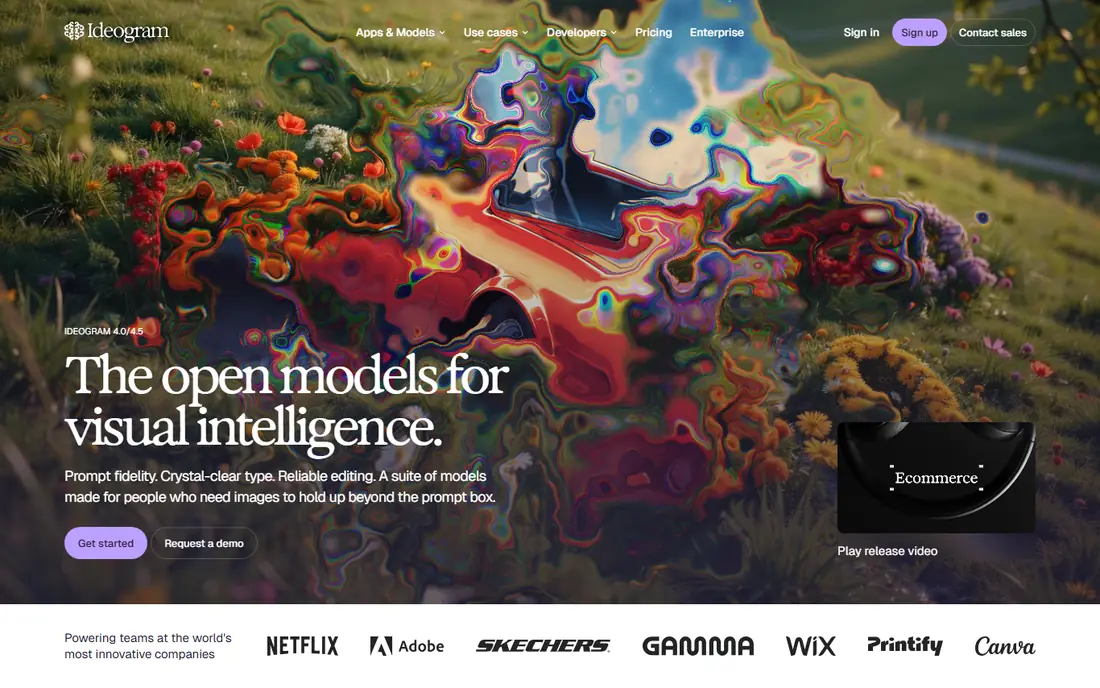
Ideogram earns its place for one skill that many generators still struggle with, which is readable text inside an image. Posters, book covers, logos and social graphics with headlines come out far cleaner here than on generic generators. The interface is simple, and the free plan lets you test that text strength without paying.
Free credits are limited and slow, so Ideogram is not a volume tool. Heavy users will need a paid plan, and free images are not private. Use Ideogram when text matters, and pair it with a volume tool such as Microsoft Designer for everyday images. That split gives you the best of both free tiers.
- Strong text rendering for posters and logos
- Clean interface
- Weekly free credits
- Free plan is slow and limited
- Free generations are not private
Adobe Firefly suits users who care about commercial safety and design workflow. It is built around Adobe's content approach, which aims to reduce intellectual property risk for commercial work, and it connects naturally with Photoshop, Illustrator and Express. Styles tend to be clean and professional, which fits marketing and brand work.
The free plan is a sampler, not a workhorse. Monthly credits are limited, so you cannot rely on Firefly alone for high-volume free generation. Firefly fits designers and small businesses who want a safe, professional option to test, and who may already use Adobe tools for layout and editing.
- Trained for commercial-safe use
- Integrates with Adobe design tools
- Clean, professional styles
- Free monthly credits are small
- Best value comes with a paid Adobe plan
Craiyon is the simplest free generator here. You type a prompt and get images without credits, subscriptions or complex settings, which makes it ideal for brainstorming, jokes, story ideas and quick visual tests. There is no learning curve, and you can try many prompt variations in one session.
Quality is the trade-off. Craiyon images look rougher than Leonardo, Ideogram or Firefly output, and free users may face ads and queues. Craiyon fits casual use and idea testing, not final client art. Use it to explore concepts, then refine the best idea in a higher-quality tool.
- Unlimited free generations
- No complex setup
- Fast brainstorming for ideas
- Image quality is lower than newer models
- Ads and queues on the free tier
NightCafe is built around art styles and community, which makes it fun for creative users. You can pick styles, join challenges, share creations and earn credits through community activity. Daily free credits let you test many styles without paying, and the community feed is a good source of prompt ideas.
The free allowance is modest, so NightCafe is not a volume tool. The interface also packs in challenges, feeds and settings that can distract from simple generation. NightCafe fits artists and hobbyists who enjoy style exploration and community feedback, rather than users who need a clean, minimal generator.
- Wide range of art styles
- Daily free credits
- Community challenges and sharing
- Free credits run out fast for heavy use
- Interface can feel busy
Canva suits users who need a finished design, not just an image file. Its AI image tools sit inside the same editor as templates, text, layouts and brand kits, so you can generate an image and place it into a social post, poster or presentation without switching apps. That workflow saves time for small businesses and creators.
Free AI credits are limited, so Canva is not the best pure volume generator. Generation quality also depends on the prompt, and complex scenes can disappoint. Canva fits users who value the full design workflow, and who generate images as one step in a larger project rather than as the project itself.
- Generated images drop straight into designs
- Templates for social, posters and presentations
- Easy editing
- Free AI credits are limited
- Generation quality varies by prompt and model
Google Gemini suits users who already chat with an AI assistant and want images in the same conversation. You can ask for a new image, then ask for edits in plain language, such as changing a background or a style, without opening a design tool. That chat-led flow is fast for social posts, blog art and personal projects.
Free limits are the weak point. Google warns that free image quotas can change, and the exact daily allowance is not a fixed promise. Gemini also works best for straightforward prompts, while specialized tools such as Ideogram win for text-heavy designs. For quick, chat-based generation, Gemini is a strong free alternative to keep in your toolkit.
- Image creation inside a chat
- Photo edits from text prompts
- No separate design app needed
- Free image limits can change
- Results vary by prompt and model version
How we picked these
We compared official pricing and help pages, plus public free-tier comparisons checked in October 2026, focusing on free access, credit limits, commercial terms and image quality. We included only tools with a real free plan or free tier, and we left out paid-only generators and tools with no clear free option. We did not claim hands-on testing, and we treated credit counts as snapshots, because vendors change free tiers often.
How to get the most from free tiers
Use more than one tool, because each free tier covers a different strength. Use Microsoft Designer or Craiyon for volume and brainstorming, Ideogram for text-heavy graphics, Leonardo for style control, and Canva or Firefly when the image needs to fit a design. Save your best prompts and settings, because free credits go further when you do not waste them on vague prompts.
Check commercial use and privacy
Free does not always mean free for commercial use. Some free plans limit commercial rights, make images public, or add watermarks, so read the terms before using a free image for a client, a product or an ad. If privacy matters, check whether free generations are public by default, and avoid uploading personal photos to a free tool without reading its policy.
Frequently asked questions
What is the best free alternative to Grok Imagine?
Microsoft Designer Image Creator is the best free alternative for most people, thanks to its high free volume. Ideogram is better for text-heavy graphics, while Leonardo AI suits users who want model choice and style control.
Are there free Grok Imagine alternatives with unlimited generation?
Craiyon offers unlimited free generations for casual use, and Microsoft Designer offers standard-speed creations after fast boosts run out. Unlimited free tools usually trade quality, speed or commercial rights for that volume.
Which free image generator is best for text in images?
Ideogram is the strongest free pick for readable text in posters, logos and social graphics. Adobe Firefly and Canva also handle text reasonably well, but Ideogram is more consistent for headline-style designs.
Can I use free AI images for commercial work?
It depends on the tool and plan. Some free plans allow commercial use with limits, while others restrict it or make images public. Check the current terms on the official site for the tool you use, and keep a record of the license for client work.
Do free image generators need a credit card?
Most tools here offer a free tier without a credit card, using an account sign-in instead. If a tool asks for payment details for a free plan, read the trial terms carefully before you enter them.
Sources
See where you really rank - block by block
ProMapRanker scans Google Maps across a grid of your service area. Simple monthly plans from $19, white-label on every plan.
Start freeKeep reading
 best tools for instagram content creation
Best Tools for Instagram Content Creation in 2026
Compare the best tools for Instagram content creation, from Canva and CapCut to Later and Buffer, on design, video, planning, scheduling, and price in 2026.
Read → best tool to split pdf files
Best Tool to Split PDF Files in 2026
We compared the best tool to split pdf files on split modes, file limits, privacy and price, so you can split a PDF cleanly and keep every page in one go.
Read → best software engineering schools
Best Software Engineering Schools in 2026
We compare the best software engineering schools in the US, from large public programs to small private ones, to help you shortlist a strong fit for 2026.
Read →