 ProMapRanker
Best AI Tool for Research Papers in 2026

Key takeaways
- The best research tools help with search, reading, and citation checks on your own work, not with writing work you did not do.
- Semantic Scholar and ResearchRabbit are strong free starting points for discovery and mapping a field.
- Elicit suits structured extraction for reviews, while Scite suits checking how a paper has been cited.
- Every AI summary needs checking against the full paper before you cite it.
Quick comparison
| Pick | Great for | Pricing starts at | Free tier | |
|---|---|---|---|---|
 Elicit | Structured literature extraction | Free | Yes | Visit |
 Consensus | Evidence-based answers | Free | Yes | Visit |
 Scite | Checking citation context | $20 per month | No | Visit |
 Semantic Scholar | Free paper search | Free | Yes | Visit |
 ResearchRabbit | Paper discovery maps | Free | Yes | Visit |
 SciSpace | Reading and chatting with PDFs | Free | Yes | Visit |
 Connected Papers | Visual paper graphs | Free | Yes | Visit |
 Litmaps | Citation maps and monitoring | Free | Yes | Visit |
The best ai tool for research papers
We focused on tools for legitimate research help: finding papers, understanding them, organising them, and checking citations for work you are writing yourself. Our pick for most readers is Semantic Scholar for free search, paired with ResearchRabbit when you want to see how papers connect. If you are building a formal review, Elicit adds the structured tables that free search tools do not provide. Use these tools to support your own thinking, and follow your institution rules on academic integrity. Do not use AI tools to produce work you submit as your own unaided writing, and do not use services that sell essays or ghostwritten papers.
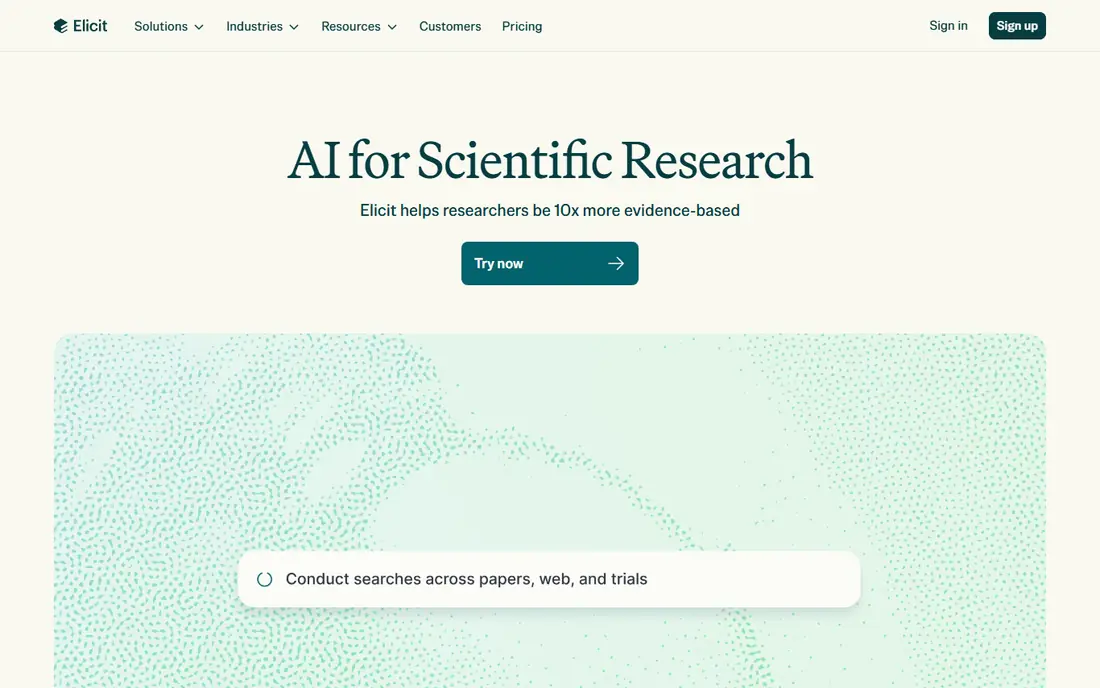
Elicit starts with a research question and returns papers with structured columns for methods, outcomes, and other details you choose. That table view is its main strength, because it turns a long reading list into something you can compare side by side. For a systematic review or a long literature section, that structure saves real time in the early sorting stage.
The free Basic plan limits how much extraction you can do each month, so heavy review work soon needs a paid plan. Treat every extracted cell as a draft: open the source paper and confirm methods, sample sizes, and results before you quote them. Elicit speeds up sorting, but it does not remove the need to read.
- Unlimited search on the free Basic plan in reports we reviewed
- Structured tables for extraction
- Systematic review workflows on paid plans
- Free extraction limits are tight
- Paid Pro pricing is a jump from free
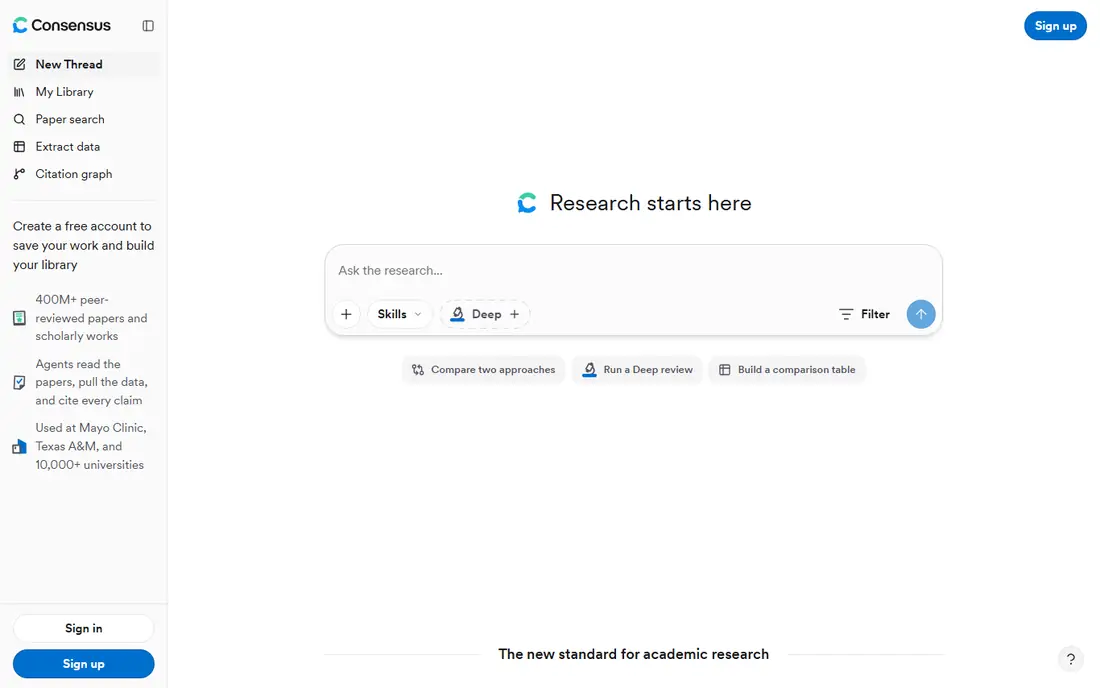
Consensus answers a research question with evidence drawn from papers, and shows whether the papers it found tend to agree, disagree, or give mixed results. That makes it useful at the start of a topic, when you want to know if a claim has broad support or is still contested. The links back to papers matter, because they let you move from a short answer to the full study.
The risk is taking the meter as a verdict. A small set of papers, or papers that measure different things, can still produce a tidy-looking answer. Read the underlying studies, note their methods and limits, and write your own summary rather than copying the tool output into your work.
- Consensus Meter summarises agreement in the literature
- Free tier for basic searching
- Clear links back to source papers
- Short answers can hide nuance
- Deeper reviews sit on paid plans
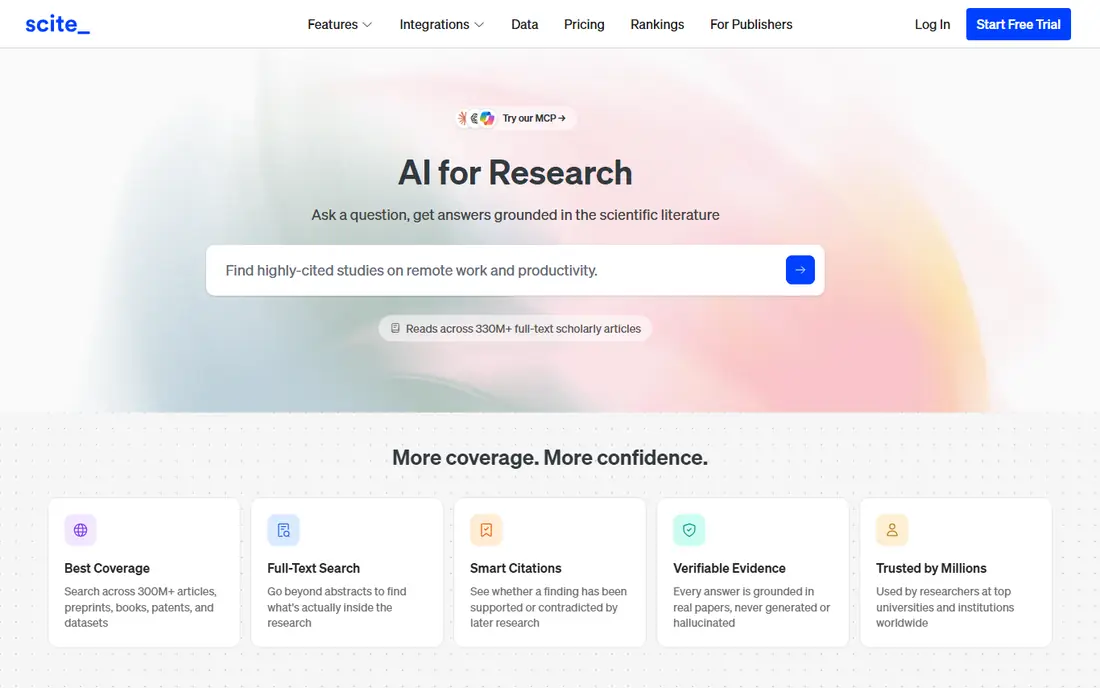
Scite answers a different question from most tools on this list: not whether a paper exists, but how other papers have used it. Its Smart Citations label citations as supporting, mentioning, or contrasting, which helps you spot a paper that has been challenged or whose results did not hold up. That check is worth doing before you lean on a single study for a key claim.
The $20 per month starting price we found makes it a tool to buy for a specific project rather than for casual browsing. Also remember that a supporting citation is not proof, and a contrasting citation needs reading in context. Scite points you to the debate, and you still need to read the papers that form it.
- Smart Citations show supporting and contrasting citations
- Useful for checking a claim before citing it
- Citation reports for a paper
- Paid entry point
- Coverage varies by field
Semantic Scholar, from the Allen Institute for AI, is a free academic search engine with a very large paper index. Its short summaries give a quick sense of a paper, and its citation pages help you move forward to newer work and back to earlier work. For most students and independent researchers, it is the best free place to start.
It does not try to do everything. You will not get Elicit-style extraction tables or a paid review workspace, and its summaries can oversimplify methods. Use it for discovery and first-pass reading, then keep your own notes and reference manager as the record of what you actually read.
- Completely free search
- Short TLDR summaries
- Citation graphs and alerts
- No deep extraction tables
- AI summaries still need verification
ResearchRabbit starts with papers you already know and finds related work through citation networks, then shows the result as a visual map. That view helps when keyword search keeps returning the same papers, because it surfaces older foundational work and newer papers that cite your starting set. Collections and alerts make it easy to return to a topic over weeks.
The maps are only as good as your starting papers, so a narrow seed set gives a narrow map. Add several strong papers, prune irrelevant branches, and check each suggested paper on its own merits. ResearchRabbit finds candidates, and your reading decides what belongs in your review.
- Free to use in reports we reviewed
- Visual network maps
- Zotero integration and alerts
- No AI paper explanations
- Broad maps can become crowded
SciSpace is strongest after you have a paper in hand. You can upload a PDF or open a paper from its search, ask questions about methods or results, and get sections explained in plainer language. For dense papers outside your main field, that help can turn a slow first read into a workable outline of what to check in detail.
Do not treat its answers as a substitute for reading. Ask it to point to the passage it used, then read that passage yourself, especially for numbers, definitions, and claims you plan to cite. The Premium plan, listed at $12 per month billed annually in reports we reviewed, adds more AI actions for heavy reading weeks.
- Chat with PDFs and plain-language explanations
- Large paper search
- Browser extension for papers you find online
- Free plan limits daily AI actions
- Explanations can oversimplify
Connected Papers builds a graph around one paper, clustering similar work by shared citations and references. The Prior Works view shows influential earlier papers, and the Derivative Works view shows later papers that built on the seed. For a quick sense of where a paper sits in its field, it is faster than building a map by hand.
Free accounts get a small number of graphs each month, with unlimited graphs on paid plans starting at $6 per month for academics in reports we reviewed. Use your free graphs on your most important seed papers, and export the lists to your reference manager before the graph view closes.
- Simple graph from a single seed paper
- Prior Works and Derivative Works views
- Free graphs each month
- One seed paper per graph
- Free graph limit is small
Litmaps combines citation mapping with monitoring, so a map you build for a thesis topic can alert you when new papers connect to it. That ongoing view suits long projects, where the literature keeps moving while you write. It also supports multiple seed papers, which gives a broader starting point than a single-paper graph.
The free tier limits maps and inputs, and the Pro plan was listed at $10 per month for academic users in reports we reviewed. Keep maps focused on one question at a time, and split a sprawling topic into smaller maps rather than trying to show a whole field in one crowded view.
- Interactive citation maps
- Monitoring alerts for new connected papers
- Reference manager sync on paid plans
- Free map limits
- Large maps can become hard to read
How we picked these
We compared official product pages and recent pricing guides for October 2026, and we kept only tools that are live, aimed at academic papers, and useful for search, reading, or citation work on the reader's own projects. We excluded ghostwriting and contract-cheating services entirely, because they do not belong in a legitimate research workflow. Where prices differed across sources, we used the most recent vendor-linked figure we could confirm, or See website if the conflict was sharp.
How to use AI research tools without harming your work
Start with your own question and sources
Write your research question first, then use tools to find and organise papers that speak to it. Keep a record of which papers you actually read in full, and which ones you only skimmed. That record protects you later, when you need to defend a claim or fix a citation.
Check every summary against the paper
AI summaries can drop conditions, mix up groups, or smooth over a weak result. For any claim you plan to cite, open the paper, find the relevant table or passage, and confirm the wording yourself. If a tool cannot show its source passage, treat its answer as a lead, not evidence.
Cite papers, not tool output
Your bibliography should list the papers you read, not the AI tool that helped you find them. Quote and paraphrase the paper itself, and follow your institution style guide for citations. When you use AI help for drafting or editing, disclose it if your institution or publisher asks you to.
Respect academic integrity rules
Rules vary by institution, course, and publisher, so check the rules that apply to your work before you start. As a plain guide, use AI tools for search, summaries, and citation help on your own work, and do not submit AI-generated text as your own unaided writing. When in doubt, ask your tutor, supervisor, or editor.
Frequently asked questions
What is the best ai tool for research papers for students?
Semantic Scholar and ResearchRabbit are strong free starting points, because they cover search and discovery without a subscription. Add SciSpace when you need help reading dense PDFs, and Elicit when you need structured extraction for a review. Start free, and only pay once a specific project needs the extra limits.
What are the best ai tools for research papers for literature reviews?
Elicit suits structured extraction, Litmaps and Connected Papers suit mapping a field, and Scite suits checking how key papers have been cited. No single tool covers a full review on its own, so most reviewers combine a search tool, a mapping tool, and a reference manager. Keep human screening at the centre of the review.
What is the best ai platform for research papers for citation help?
Scite is the most focused citation-checking tool here, because it shows supporting and contrasting citations for a paper. Semantic Scholar and Connected Papers also help you trace citations forward and back. For formatting citations, use your reference manager and style guide rather than copying AI output.
Can AI tools write my research paper?
They can help you search, summarise, and organise, but they should not write work you submit as your own unaided writing. AI text can invent citations, misstate results, and hide weak reasoning. Use these tools for research help, write the argument yourself, and follow your institution rules on disclosure.
Are free AI research tools good enough?
For many students, yes. Free search, discovery maps, and basic PDF help cover most early-stage work. Paid plans mainly add volume, extraction depth, and monitoring. Pay when you hit a limit that blocks a real project, not because a paid tier sounds more serious.
How do I check an AI summary before citing it?
Open the source paper, find the passage or table behind the claim, and confirm the numbers and conditions yourself. Check the sample, the method, and the limits section, and read any paper that the summary says contradicts the result. If you cannot verify a claim from the paper, do not cite it.
Sources
See where you really rank - block by block
ProMapRanker scans Google Maps across a grid of your service area. Simple monthly plans from $19, white-label on every plan.
Start freeKeep reading
 wpforms alternatives
Best WPForms Alternatives in 2026
We compare 9 wpforms alternatives for WordPress forms, with free and paid options, current pricing notes, and honest limits for small business sites in 2026.
Read → windows task scheduler alternatives
Best Windows Task Scheduler Alternatives in 2026
Looking for Windows Task Scheduler alternatives? We compare 9 schedulers for Windows and cross-platform work, from free tools to enterprise automation.
Read → which ai video service is best
Which AI Video Service Is Best in 2026
which ai video service is best? We compare 10 legitimate AI video services on price, avatars, editing and output quality to help you pick the right tool.
Read →