 ProMapRanker
Best AI Tool for Marketers in 2026

Key takeaways
- Jasper and Copy.ai are the clearest choices for teams that need marketing copy at volume, while Canva covers design and short social assets in the same workflow.
- HubSpot and Semrush suit marketers who want AI inside a wider system for contacts, campaigns and search, rather than a single writing app.
- Free plans are useful for a real trial, but the paid tiers decide the value, because brand controls, seats and limits sit behind them.
- Check the pricing page before you buy, since several vendors changed plan names and prices during 2026.
Quick comparison
| Pick | Great for | Pricing starts at | Free tier | |
|---|---|---|---|---|
 Jasper | On-brand marketing copy for teams | $69 per month | Free trial (7 days) | Visit |
 Copy.ai | Short marketing copy and sales outreach | $29 per month | No | Visit |
 Canva | Social design with built-in AI tools | Free | Yes | Visit |
 HubSpot | Marketing, sales and service in one system | Free | Yes | Visit |
 Semrush | Search, content and competitor research | $139.95 per month | Yes | Visit |
 Mailchimp | Email and audience marketing | See website | Yes | Visit |
 Hootsuite | Social scheduling and listening | See website | Free trial | Visit |
 Writesonic | Search-focused content at scale | $99 per month | Free trial | Visit |
The best ai tools for marketers
We compared official feature pages, pricing pages and plan limits, and we kept only tools that are live and clearly built for marketing work. The list below mixes writing, design, email, social and search, because most marketers need more than one job done.
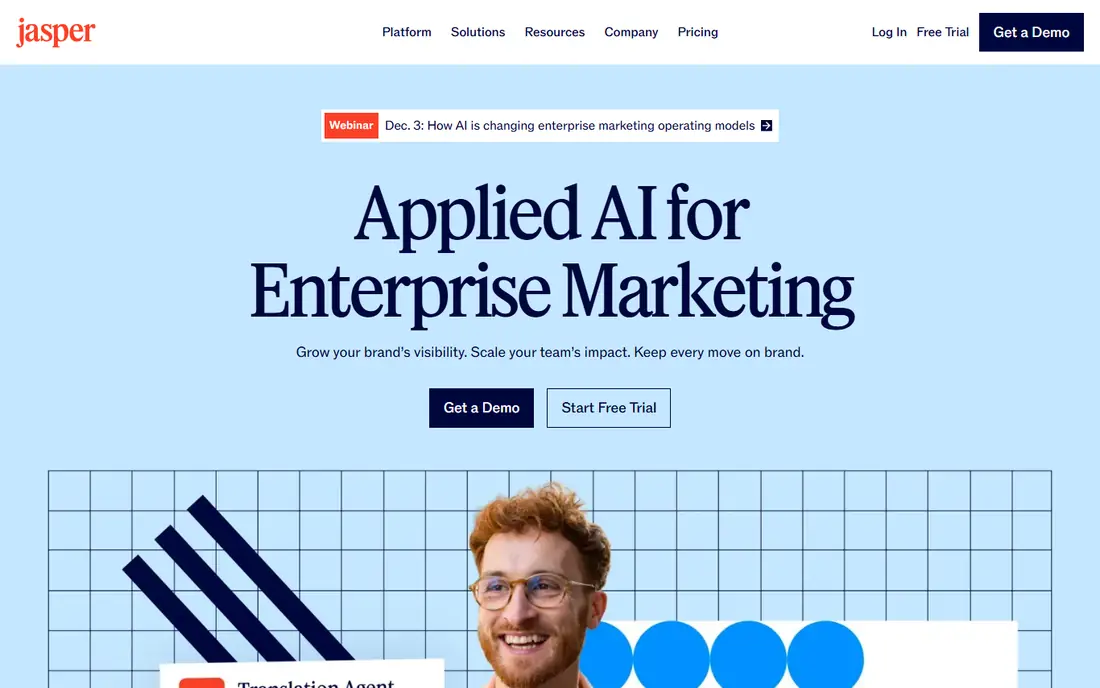
Jasper fits marketing teams that publish often and need copy to sound consistent across ads, emails and landing pages. Brand voice settings and knowledge assets help it stay close to approved product facts and tone, which matters when several writers share one account. The Canvas workspace and campaign tools also suit teams that plan a launch in one place rather than passing drafts around by email.
The catch is cost and scope. At $69 per month for Pro, with Business priced on request, Jasper is a poor fit for a marketer who only needs a few posts a month. It is also a writing and workflow tool first, not a design tool or a full analytics platform, so most teams will still pair it with other software in this list.
- Brand voice controls
- Marketing templates and campaign workflows
- Collaboration features for teams
- No free plan
- Per-seat pricing adds up for larger teams
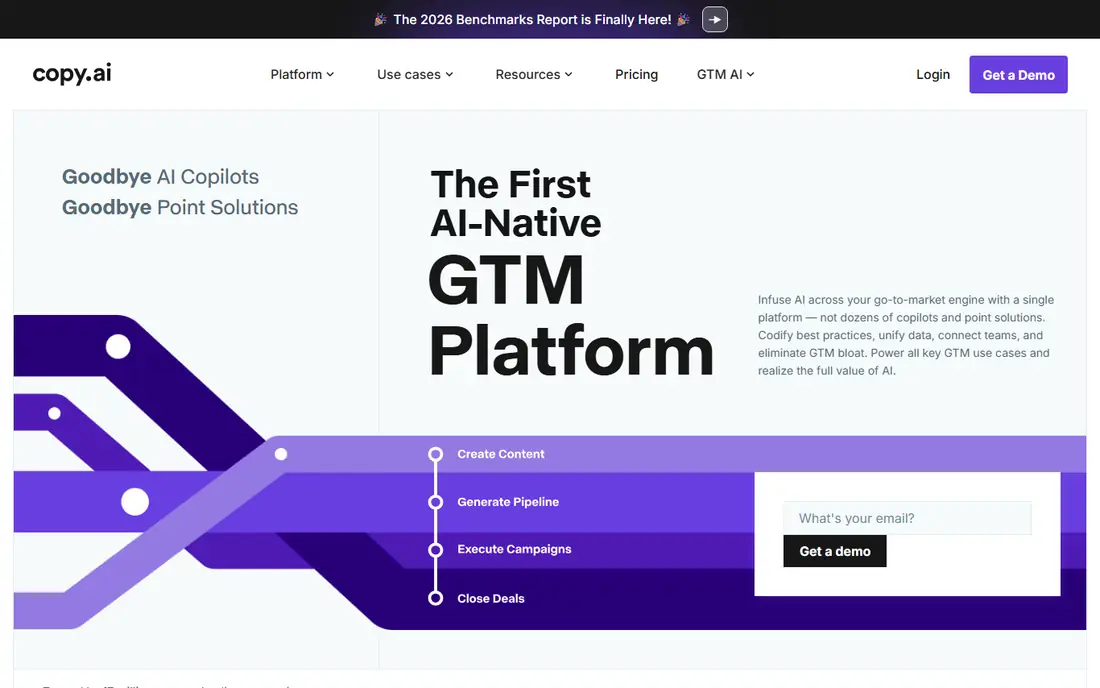
Copy.ai is a practical pick for small teams that need ads, emails, social captions and outreach copy without a large monthly bill. The Chat plan covers five seats, which makes it cheaper per person than several rivals for a small team. Its templates reduce the blank-page problem for common marketing tasks, and its workflow features help teams repeat a proven sequence for prospect research and personalised drafts.
The main warning is the gap between Chat and the higher workflow tiers, which are priced far above the entry plan. If your team grows into heavy automation, budget for that step early. Copy.ai also works best for short and repeatable copy, so long guides still need a human editor to check structure, facts and tone.
- Low entry price for five seats on Chat
- Strong short-form templates
- Workflow tools for repeatable outreach
- Workflow tiers jump sharply in price
- Long-form writing needs careful editing
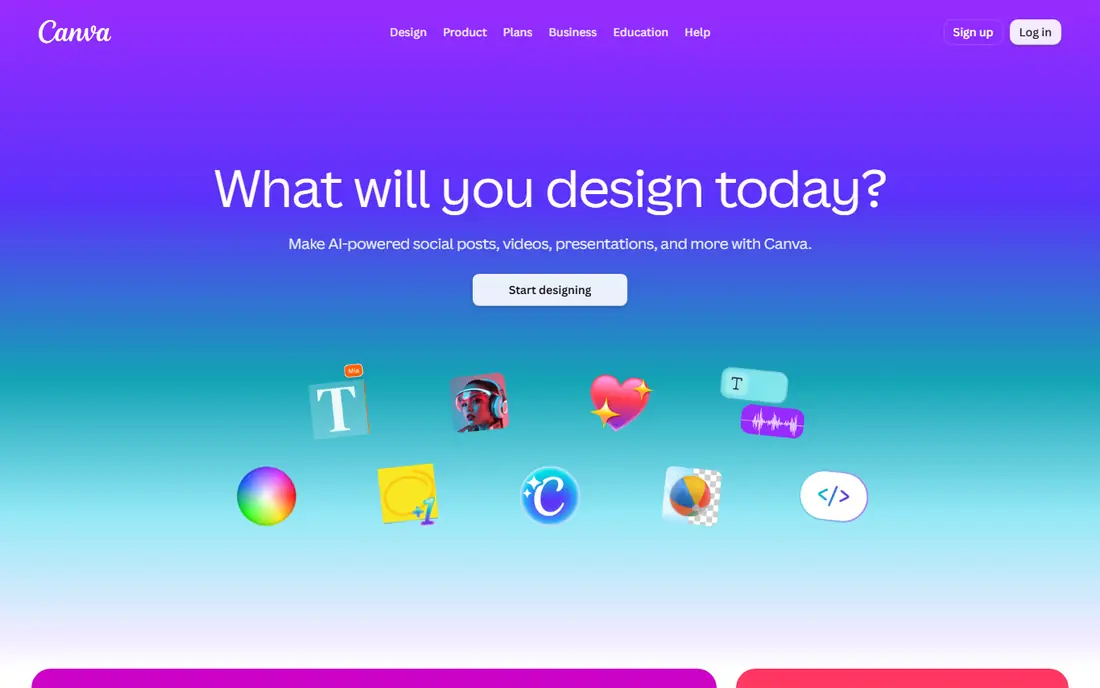
Canva is the easiest tool here for a marketer who needs a finished social post, presentation or ad creative today. The free plan covers basic design, while Pro adds premium assets, background removal, Magic Resize and more brand kits. For a small business, that mix of design and light AI writing in one editor saves time, because the same person can draft, design and schedule without switching apps.
The limit to watch is the AI allowance, which varies by plan and by task. Heavy image or video generation can use it faster than simple text help. Canva also does not replace a dedicated copy tool for long-form work or a search tool for keyword research, so treat it as the design layer in a wider stack.
- Huge template and asset library
- Easy editor for non-designers
- Brand kits and social scheduling on paid plans
- AI allowances are metered by plan
- Not a substitute for a specialist writing or analytics tool
HubSpot suits marketers who want AI and automation tied to real contacts, deals and campaigns, not kept in a separate writing app. The free CRM gives a small team a place to store contacts, track deals and send basic marketing, which is a solid starting point. Paid Marketing Hub and Sales Hub tiers add automation, sequences, reporting and AI assistance, and they share the same contact record across teams.
The trade-off is complexity and cost. HubSpot pricing depends on hub, seats, contacts and add-ons, so the headline Starter price is only part of the bill. Small teams should start free, prove the workflow, and upgrade only when automation or reporting becomes a clear bottleneck.
- Free CRM with contacts, deals and basic tools
- Hubs connect marketing, sales and service
- Strong automation on paid tiers
- Paid hubs and seats add up quickly
- Professional tiers carry a large jump from Starter
Semrush is the pick for marketers whose main job is search visibility. It covers keyword research, site audits, rank tracking, competitor research and content planning, which makes it useful for both planning and checking results. The content toolkit on Guru helps writers shape a brief and check a draft against top-ranking pages, a step that pure writing tools often skip.
Price is the honest barrier. Pro starts at $139.95 per month, and Guru and Business cost more, with extra seats charged separately. A solo marketer with a small site may get more value from a cheaper specialist tool, while an agency or a content-led business can justify Semrush by using several of its toolsets every week.
- Broad SEO, PPC and content tools in one account
- Keyword and competitor data for planning
- Content toolkit on Guru
- High entry price
- Extra seats and add-ons raise the total
- Interface takes time to learn
Mailchimp remains a sensible choice for marketers who build an audience by email. Its editor, templates, segmentation and automation cover the common campaign pattern, from a welcome series to a product launch. Integrations with shops and other tools help a small business connect email to sales without custom work.
The catch is that Mailchimp pricing is tied to audience size and plan, so a growing list changes the bill even if sending volume stays flat. Marketers should compare the free plan limits and the paid tier that holds the automation they actually use, rather than paying for features they may never open.
- Established email builder and audience tools
- Automation and segmentation for campaigns
- Wide integration range
- Pricing rises with contacts and features
- Advanced automation sits on higher tiers
Hootsuite fits marketers who manage several social accounts and need a clear publishing calendar. Scheduling, inbox tools, listening and reports in one place help a team avoid missed posts and duplicate work. Approval workflows also help larger teams keep brand and legal checks in order before a post goes live.
It is not the cheapest option for a solo marketer with one or two accounts, and a free trial is not the same as a free plan. Check the current plan page for the seat and network limits that match your team, and compare it with a simpler scheduler if your main need is basic posting.
- Scheduling across several social networks
- Social listening and reporting in one dashboard
- Team approval workflows
- No permanent free plan
- Pricing is best checked per team size and network count
Writesonic suits content teams that need to publish search-friendly articles and watch how they appear in AI search results. Its Starter plan is built around a set number of articles per month plus visibility tracking, which helps a team connect writing effort to search outcomes. For a business that treats content as a growth channel, that pairing of creation and tracking is useful.
For a solo marketer, the $99 per month entry price is hard to justify unless publishing volume is steady. The tool has also shifted toward AI-search visibility, so buyers who only want a simple writing app may pay for tracking they do not use. Try the trial with a real brief before committing.
- SEO and AI-search visibility features
- Article workflows for content teams
- Templates for common marketing formats
- Entry price is high for solo writers
- Tracking features may be more than a small team needs
How we picked these
We compared official feature pages, pricing pages and plan limits for tools that are live in October 2026 and clearly built for marketing work. We favoured tools with a clear audience, published pricing or a clear free plan or trial, and features that match a real marketing job, from writing and design to email, social and search. We left out tools that had closed, merged into a different product without a clear live plan, or that only offered a general chatbot with no marketing workflow.
What to check before you pay
Start with the job, not the tool. A writing tool will not fix weak audience data, and a design tool will not fix a poor offer or a broken landing page. List the three marketing tasks you do every week, then match a tool to each task and check whether one platform already covers two of them.
Next, check seats, limits and renewal price. Many tools look cheap for one person and costly for a team, and trial prices or first-month offers often differ from the renewal rate. Confirm the free plan or trial terms, the cost of extra seats, and whether AI credits, articles or contacts reset monthly or carry over.
Finally, test with real work. Use your own brief, brand notes and a past campaign, and judge the output by accuracy, tone and editing time, not by how polished the demo looks. Keep the tool that cuts editing time and keeps facts straight, and drop the one that needs heavy rewriting on every draft.
Frequently asked questions
What is the best ai tool for marketers for a small team?
For most small teams, our pick is Canva for design plus Jasper or Copy.ai for copy, because that pairing covers social assets and written marketing without a large stack. If search is the main channel, add Semrush or Writesonic once publishing is regular. Start free or on a trial, then pay for the tool that saves the most editing time.
What are the best ai tools for marketers on a low budget?
Copy.ai at $29 per month for five Chat seats and Canva Free are the lowest-cost starting points in this list, with HubSpot Free covering contacts and basic marketing. A low budget works best when one person owns the workflow and checks every AI draft for facts, tone and claims before it is published.
Should marketers use one AI tool or several?
Most marketers need more than one, because writing, design, email, social and search are different jobs. A practical stack is one writing tool, one design tool and one measurement or search tool, with a CRM or email tool where audience data lives. Avoid buying four tools that all claim to do everything, and keep one system of record for contacts and results.
How do I check AI marketing copy before publishing?
Read it for factual claims, prices, dates and product details, and compare each claim with the source page or product page. Check tone against past approved copy, remove any invented benefit or award, and keep a human sign-off for regulated claims about health, finance or safety. AI copy is a draft, not a finished approval.
Is a free AI marketing tool enough?
A free plan is enough for testing and for occasional posts, but paid plans usually add brand controls, higher limits, collaboration and better exports. If you publish weekly, the paid tier often pays for itself in saved editing time, while occasional users can stay free and upgrade only for a campaign.
How much should a small business budget for AI marketing tools?
Budget by seats and output, not by headline price alone. A solo marketer may spend nothing to about $70 per month, while a small team with writing, design and search tools may spend $150 to $300 per month before add-ons. Set a renewal reminder and review use every quarter, because unused seats and add-ons are the most common waste.
Sources
See where you really rank - block by block
ProMapRanker scans Google Maps across a grid of your service area. Simple monthly plans from $19, white-label on every plan.
Start freeKeep reading
 wpforms alternatives
Best WPForms Alternatives in 2026
We compare 9 wpforms alternatives for WordPress forms, with free and paid options, current pricing notes, and honest limits for small business sites in 2026.
Read → windows task scheduler alternatives
Best Windows Task Scheduler Alternatives in 2026
Looking for Windows Task Scheduler alternatives? We compare 9 schedulers for Windows and cross-platform work, from free tools to enterprise automation.
Read → which ai video service is best
Which AI Video Service Is Best in 2026
which ai video service is best? We compare 10 legitimate AI video services on price, avatars, editing and output quality to help you pick the right tool.
Read →