 ProMapRanker
Best Resource Booking Software for Consulting Firms (2026)

Visual planning for people, rooms and equipment · Pricing starts at: Quote only
Direct answer
If you need visual planning for people, rooms and equipment, Ganttic is the first tool to look at here. Listed starting prices: Harvest from $9 per user/month, Teamwork from $9.99 per user/month and Forecast from $29 per user/month. If your case is different, Harvest suits time tracking joined to invoicing for billable work and Teamwork suits project work, time and staffing in one workspace. Prices, free plans and limits for all 6 tools follow.
ProMapRanker compared 6 resource booking software for consulting firms. The goal is a practical shortlist: published prices, free plan facts, best-fit use cases and honest limits for every entry.
Key takeaways
- Ganttic is the opening pick, best for visual planning for people, rooms and equipment.
- The main caution on Harvest: free plan spans only 1 seat and 2 projects.
- Starting prices begin at $4.16 per user/month with Resource Guru.
- Resource Guru fits straightforward scheduling and leave in one calm calendar.
Quick comparison
| Pick | Great for | Pricing starts at | Free tier | |
|---|---|---|---|---|
| Ganttic | Visual planning for people, rooms and equipment | Quote only | Yes | Visit |
 Harvest | Time tracking joined to invoicing for billable work | $9 per user/month (billed yearly) | Yes | Visit |
 Teamwork | Project work, time and staffing in one workspace | $9.99 per user/month (billed annually) | Yes | Visit |
 Forecast | AI-assisted resource planning and capacity forecasting | $29 per user/month (billed annually) | Free trial (14 days) | Visit |
 Float | Visual team scheduling with capacity and time off | $7 per user/month (billed yearly) | Free trial (30 days) | Visit |
 Resource Guru | Straightforward scheduling and leave in one calm calendar | $4.16 per user/month (billed yearly) | Free trial (30 days) | Visit |
Resource Booking Software for Consulting Firms compared in detail
Ganttic targets visual planning for people, rooms and equipment. For a team that needs to see people and equipment on one timeline, Ganttic is a practical choice. For everyday use, reports present utilization and upcoming gaps, which helps a firm plan hiring and bookings ahead.
From a buyer's view, Ganttic is a visual planning tool for people, rooms and equipment, built on Gantt style timelines. On top of that, the tool fits businesses that schedule both staff and physical resources, for example labs, studios and field teams. Pricing for Ganttic is quote based, so budget talks start with the vendor. Free access exists with Ganttic.
- Drag-and-drop bookings are simple to read
- One timeline for people and physical resources
- Less depth in time tracking and invoicing than full professional services suites
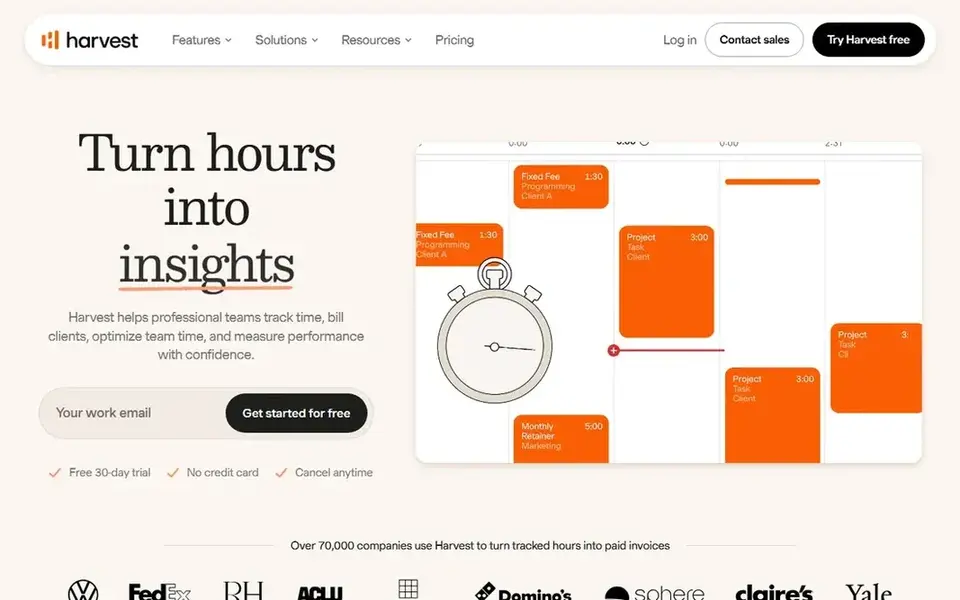
Harvest serves time tracking joined to invoicing for billable work. That short path from hours to invoice is the reason small businesses that bill by the hour keep using it. The Teams plan costs $9 per seat a month billed yearly and layers on team reporting, invoicing and accounting integrations.
Watch-outs: Free plan includes only 1 seat and 2 projects.
Enterprise at $14 layers on profitability reporting, timesheet approvals and single sign on. Beyond that, Harvest also charges usage fees for active projects, clients, tasks and invoicing beyond base allowances, so check the pricing page for the full cost before budgeting. Also, the free plan includes 1 seat and 2 projects, which fits a solo consultant testing the flow. On cost, Harvest starts like this: $9 per user/month. Harvest offers a free plan.
- Clean reports by client and project
- Invoicing built in from tracked time
- Usage fees apply beyond base allowances on priced levels
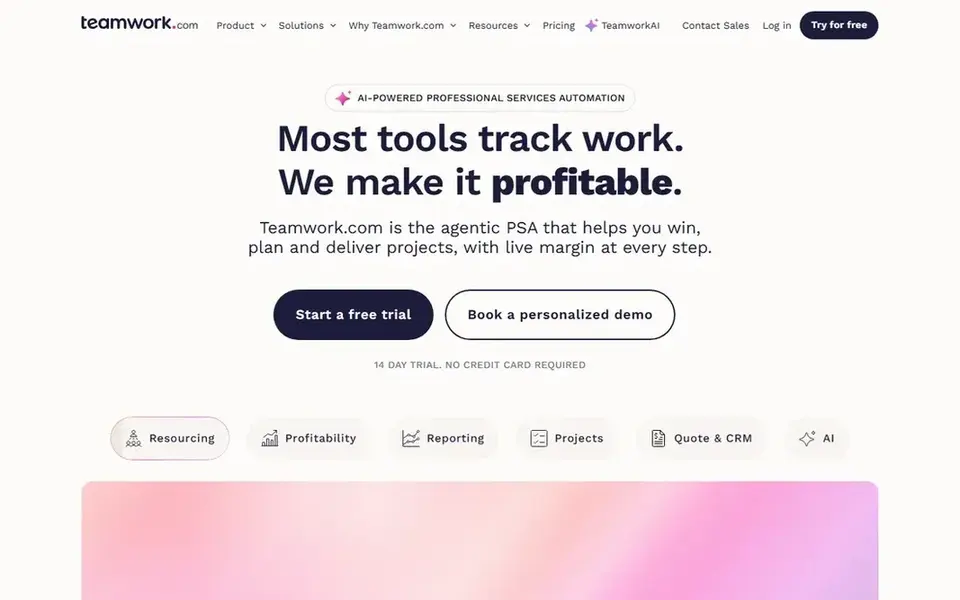
Teamwork is a good fit for project work, time and staffing in one workspace. The free plan includes up to 5 users, so a small team can start without spending.
For everyday use, Teamwork is broader than a pure scheduling tool, so businesses that only need a calendar may find it heavier than Float or Resource Guru. On top of that, the Basics plan costs $9.99 per user a month billed yearly, and Accelerate at $24.99 brings advanced reporting, workload management and integrations. On cost, Teamwork starts like this: $9.99 per user/month. Teamwork includes a free tier.
Trade-offs to know: workload management needs the Accelerate level.
- Free plan spans up to 5 users
- Workload views display who is over capacity
- Heavier than a pure scheduling tool
Choose Forecast for AI-assisted resource planning and capacity forecasting. Forecast merges project management with AI-assisted resource planning and capacity forecasting.
Drawbacks to consider: Enterprise pricing is by quote only.
From a buyer's view, the scheduling engine recommends assignments based on availability and skills, which helps a firm fill roles quicker when multiple projects compete for the same people. On top of that, managers can build project plans, assign people, and see utilization across the entire portfolio in one view. On cost, Forecast starts like this: $29 per user/month. Free access: Free trial (14 days).
- Project
- AI-assisted scheduling suggestions based on availability and skills
- Priced above more straightforward scheduling tools
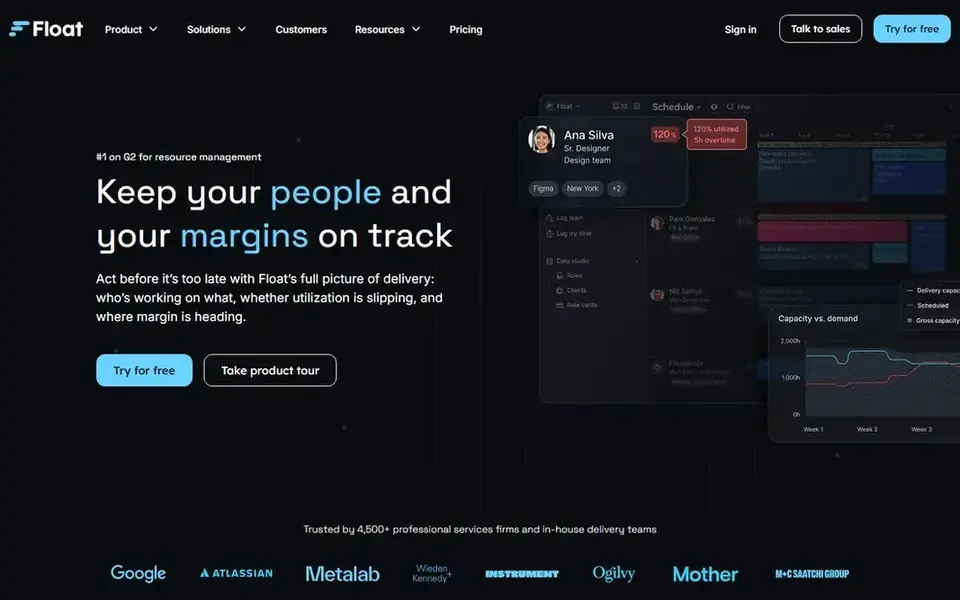
Float makes the most sense for visual team scheduling with capacity and time off. Float presents each person, their assignments and their available hours on a single visual timeline. Worth adding: reporting includes utilization, capacity and project time, with filters by person, project and team.
As for the details, the Starter plan costs $7 per user a month billed yearly, and Pro at $12 layers on time tracking, client rate cards and deeper reporting. Worth adding: capacity views present future demand by person and project, which helps a firm see hiring needs early and plan around leave. In practice, Float does not bundle invoicing, so businesses that require billing will pair it with accounting software. Time off and public holidays appear in the same view, so plans reflect real availability instead of a nominal working week. Float starts at: $7 per user/month. Free access: Free trial (30 days).
Downsides: No native invoicing.
- Visual drag-and-drop schedule that is simple to scan
- Clear capacity and time-off views
- Project accounting features are restricted
Resource Guru
Great for: Straightforward scheduling and leave in one calm calendar
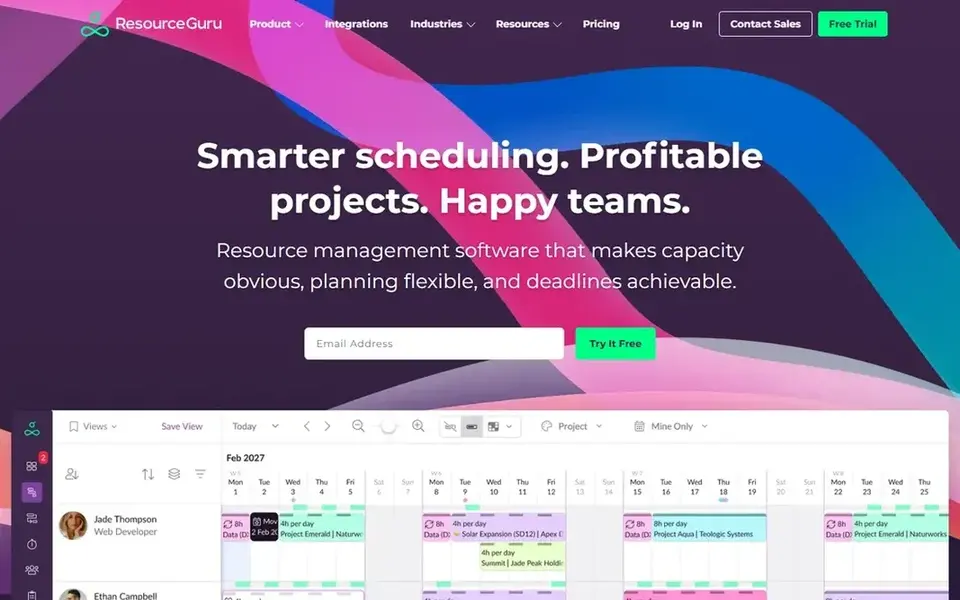
Resource Guru is built with straightforward scheduling and leave in one calm calendar in mind. Managers can see who is free, book them in minutes, and record time off in the same place.
As for the details, a 30-day free trial is included on every plan. On top of that, the Grasshopper plan costs $4.16 per user a month billed annually and includes scheduling and leave, whereas higher levels add reporting and integrations. Entry price for Resource Guru: $4.16 per user/month. Free options: Free trial (30 days).
Honest limits: reporting is lighter than full professional services suites.
- Leave approvals and clash detection included
- Projects and leave that is simple to read
- No invoicing or deep project accounting
Selection criteria
We compared the tools on published pricing, free plan or trial availability, feature coverage for resource booking software for consulting firms, and the limits each vendor documents. Where a vendor does not publish a price, the entry says quote. Where a price depends on seats or billing term, the entry says so. The order reflects how well each tool fits the most common buying scenario for resource booking software for consulting firms, then price clarity, then free plan access. It is a starting point, not a verdict.
What to confirm before you sign up
- Get a written quote from Ganttic; the list shows no starting price for them.
- Read the fine print on the free plans from Ganttic, Harvest and Teamwork; seat, project and feature caps differ.
- Use real work to test the free trial from Forecast, Float and Resource Guru, rather than a demo project.
- Before choosing Ganttic, weigh its main limit: less depth in time tracking and invoicing than full professional services suites.
- Compare total cost, not headline price: for Ganttic, add extra seats, add-ons and any usage-based charges.
- List the apps you already depend on and check that Harvest supports each one on the plan you would buy.
Frequently asked questions
Do these tools publish their prices?
Not all of them. Ganttic publishes no starting price, so expect a quote request for it. The rest, Harvest included, show a starting price, though seats and billing terms still change the final cost.
Which options for resource booking software for consulting firms have a free plan?
Ganttic, Harvest and Teamwork offer a free plan in this list. Free plans usually cap users, projects or features, so check the limits on the vendor page. Several others offer a trial instead.
How are the tools for resource booking software for consulting firms ordered?
Ganttic sits first and Resource Guru last because the order follows typical fit for resource booking software for consulting firms, then price clarity and free access. It is a judgement call, so read each profile for fit and limits.
What is the cheapest option for resource booking software for consulting firms in this list?
On published monthly entry prices, Resource Guru is the lowest here at $4.16 per user/month. Entry price is only part of the cost, because seats, add-ons and billing terms can change the total.
Sources
See where you really rank - block by block
ProMapRanker scans Google Maps across a grid of your service area. Simple monthly plans from $19, white-label on every plan.
Start freeBrowse all guides
← 6 Best Project Scheduling Software for Construction Teams for 2026Best Skills Intelligence Platforms (2026) →
 best platforms for collaborative programming
7 Best Platforms for Collaborative Programming in 2026
Best platforms for collaborative programming, compared. 7 tools with published prices, free plans and limits. Honest caveats for every entry. Pick by budget.
Read → best nurse scheduling software
Nurse Scheduling Software: 7 Options Compared in 2026
Searching for the best nurse scheduling software? Here are 7 options with prices and free plans. Fit, price and catches for every tool. Numbers first.
Read → best legal scheduling software
Best Legal Scheduling Software (2026)
Shortlisting the best legal scheduling software? 5 products compared on cost, free access and ideal buyer. Pros and cons for every tool. Numbers first.
Read → we transfer alternatives
Best We Transfer Alternatives in 2026
Compare we transfer alternatives: 9 services for sending large files with free tiers, password links and longer storage for work use in 2026 for small teams.
Read → best collaboration software
Best Collaboration Software in 2026
Searching for the best collaboration software? We compare 8 leading tools for chat, projects, docs, and whiteboards, with free plans and pricing for teams.
Read → when i work alternatives
Best When I Work Alternatives in 2026
Looking for when i work alternatives? We compare 8 scheduling apps for hourly teams, covering pricing, free plans, time clocks and the best fit for business.
Read →More in Project Management & Productivity · All guides A to Z by date · Latest guides